


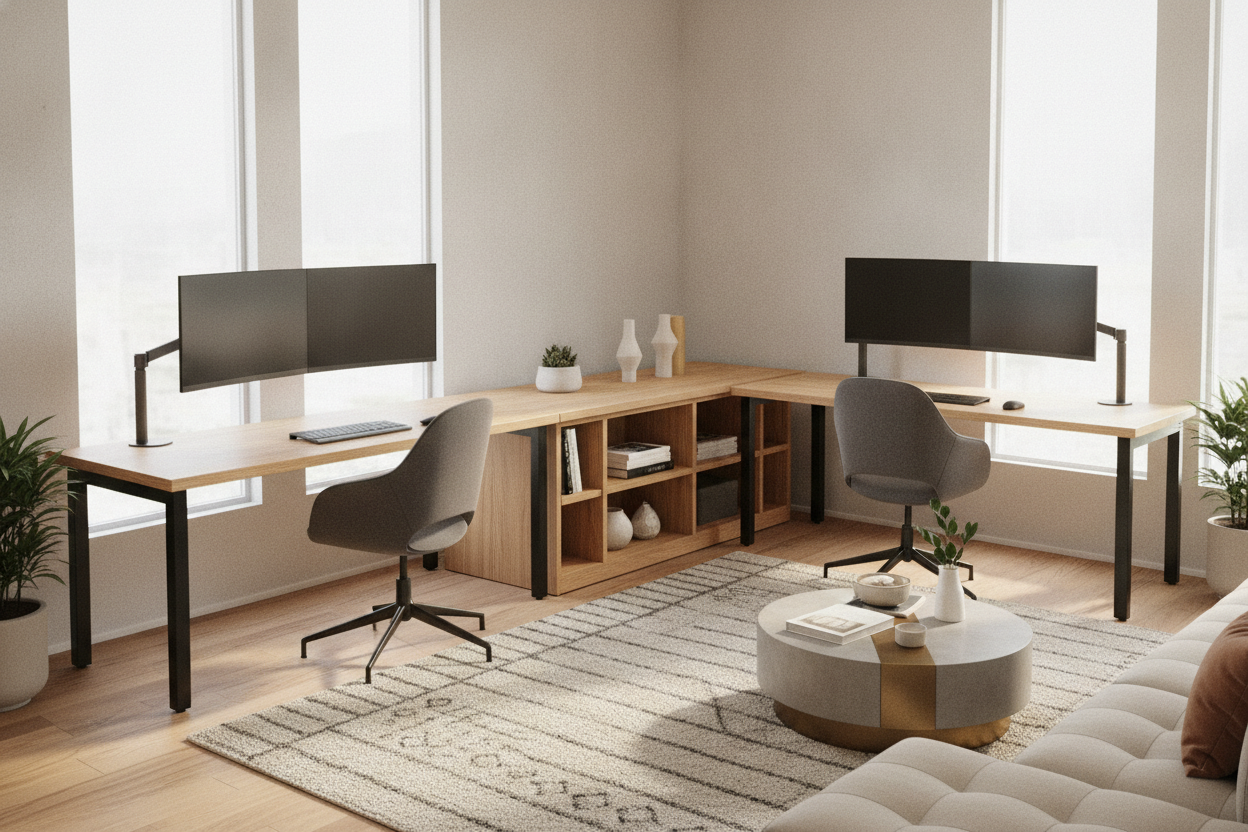
Designing an efficient home workspace requires balancing usable desktop area with comfortable physical reach. A corner ergonomic desk offers an expansive footprint by taking advantage of underutilized room angles, giving you substantial surface area without pushing the primary work surface far into the middle of the room. When combined with sit-stand capabilities, an L-shaped layout creates a dynamic workstation that supports varied working postures throughout the day.
Ergonomic Anatomy of a Corner Adjustable Computer Desk
An L-shaped workstation fundamentally changes how you interact with your tools compared to a traditional rectangular table. In a standard setup, expanding workspace means extending horizontally to the left and right, which often places secondary equipment outside your comfortable reach envelope. A corner layout bends that surface area inward around you, placing two work zones within an easy pivot of your task chair.
When selecting a layout from a broader computer desk collection, understanding reach zones is essential. Ergonomic planning generally divides your desk into primary, secondary, and tertiary zones:
- Primary Zone: The area reachable with your elbows resting naturally at your sides, ideal for your keyboard, mouse, and immediate writing surface.
- Secondary Zone: The area reached by extending your arms without bending at the waist, suitable for reference documents, secondary screens, and input peripherals.
- Tertiary Zone: The outer perimeter, reserved for display items, task lamps, and infrequently accessed hardware.
A corner adjustable computer desk allows you to establish distinct functional zones on the main desk run and the return wing, letting you switch between typing, reviewing physical documents, and taking calls without cluttering a single workspace.
Apex Placement vs. Wing-Centric Screen Layouts
One of the primary decisions in configuring a corner workstation is choosing where to orient your display screens. Home offices typically follow one of two arrangements:
- Apex Placement: Centering your primary monitor directly in the 90-degree inner corner allows you to look symmetrically into the room's corner. This arrangement provides deep physical surface depth behind the monitor, which is beneficial for large displays or deep monitor mounting stands. However, it can create a narrower seated opening if the desk lacks a diagonal bridge.
- Wing-Centric Placement: Positioning your primary monitor along the longer straight edge while keeping the secondary wing open for ancillary gear, writing, or secondary displays preserves standard arm support along straight edges. This approach often feels more natural for everyday typing tasks and simplifies keyboard tray mounting.
Electric Height Adjustable Corner Desk Frames and Lift Systems
Converting an L-shaped desktop into an active sit-stand station requires specialized frame engineering. Unlike standard rectangular standing desks that rely on a two-leg framework, an electric height adjustable corner desk generally utilizes a three-leg or multi-column synchronized frame to support the expanded surface area.
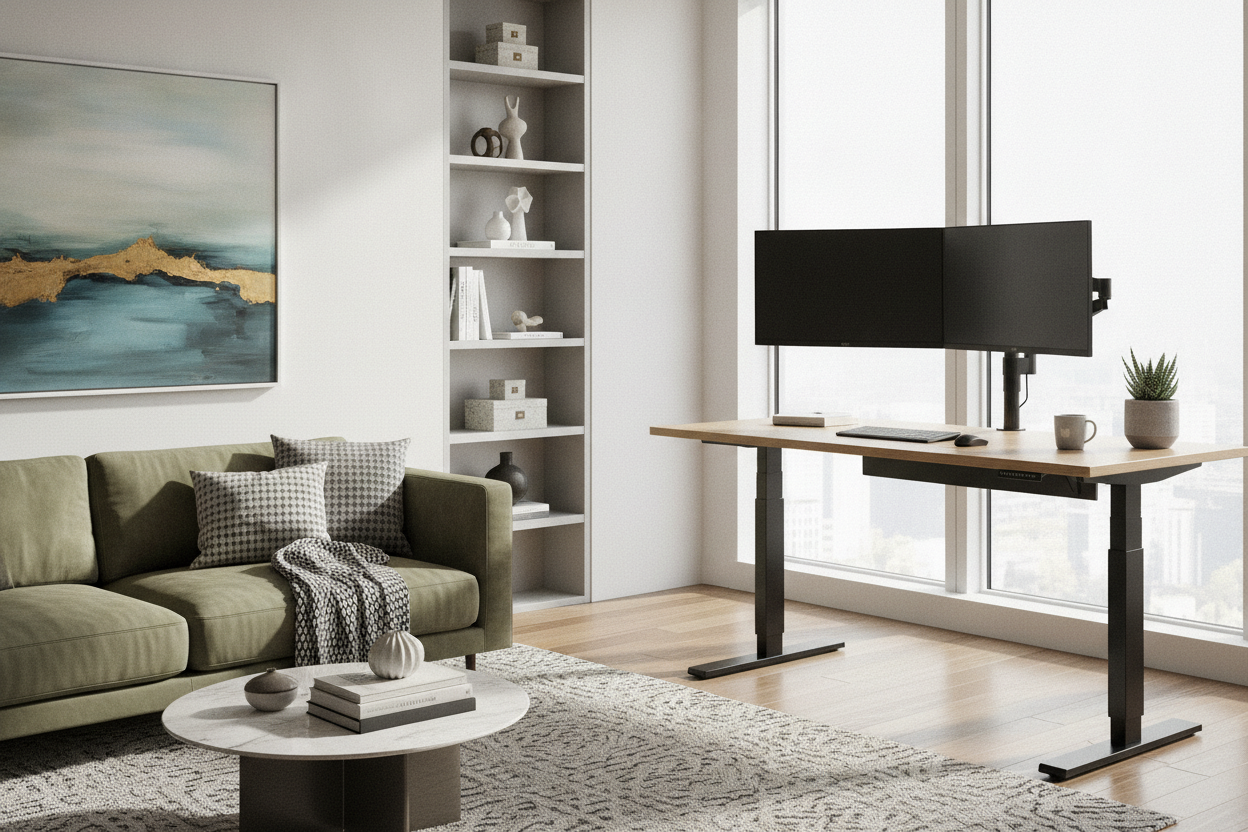
In a corner desk lift system, each motorized column must elevate at identical speeds to prevent twisting or binding across the desktop seams. A dedicated control box synchronizes the lifting columns, ensuring smooth vertical transitions regardless of whether the desk surface is a single continuous top or a two-piece modular configuration. Choosing a reliable adjustable height standing product with programmable memory presets makes it straightforward to alternate between standing and seated elevations throughout the workday.
Weight Balance and Structural Load Across the Return
Because an electric adjustable corner desk features an asymmetrical footprint, load management across the entire frame is critical. Placing heavy hardware—such as full-tower computers, heavy printer units, or multi-monitor arrays—at the extreme end of the return wing can introduce uneven mechanical resistance to the lift columns.
To ensure long-term stability and minimize wobble during height adjustment, distribute heavier equipment closer to the primary lift columns or the center apex. Maintaining an even weight distribution preserves smooth motor movement and keeps the desktop perfectly level when transitioning between elevations.
Orientation Decisions: Left-Hand, Right-Hand, and Extendable Designs
Corner desks are available in fixed left-hand returns, fixed right-hand returns, or reversible modular configurations. Selecting the appropriate orientation depends on your room's architectural layout, door swings, and window positions.
- Corner Desk Left Sit/Stand: Features the extended return wing on the user's left side. This setup works well when the left wall offers greater clearance or when your dominant right hand benefits from an unobstructed open side.
- Right-Hand Return: Extends the return surface to your right, providing immediate access for right-handed handwriting, sketchpads, or secondary input devices.
- Extendable Corner Desk Systems: Some modular desks allow the return section to be detached, swapped, or telescoped to match shifting room requirements. Pairing an adaptable frame with a large height adjustable standing product provides flexibility if you anticipate reconfiguring your office layout in the future.
Room Fit, Wall Clearances, and Vertical Travel Planning
Positioning a standing desk corner unit requires careful consideration of surrounding architectural elements. Because the entire desktop moves vertically, you must maintain appropriate clearances along both adjoining walls.
Baseboard molding, electrical wall plates, low window sills, and wall-mounted shelving can all create potential interference points during vertical travel. When positioning the desk frame, maintain a small gap between the desktop edges and the walls. This clearance prevents the moving desktop from rubbing against wall paint or catching on baseboards as it rises and lowers.
Additionally, review your seated and standing sightlines in relation to windows. Positioning the desk so that natural light enters from the side helps reduce screen glare, whether you are seated down low or standing at full elevation.
Cable Management and Articulation for Sit and Stand Corner Desks
Managing cords across an L-shaped sit and stand corner desk requires a structured routing strategy. Because equipment is spread across two intersecting axes, cables must travel farther to reach power outlets, and all lines must accommodate continuous vertical movement.
To build an organized cable system:
- Centralize Under-Desk Power: Mount heavy-duty surge protectors underneath the desktop near the center apex so that peripheral cords only travel a short distance along the underside of the desk.
- Plan Vertical Slack Loops: Use an articulated cable spine or flexible braided sleeving for the main power drops running from the underside of the desk down to the wall outlet, ensuring enough slack for the highest standing position.
- Segment by Wing: Route monitor and peripheral cables along dedicated under-desk cable raceways on their respective wings before converging at the central power drop.
Integrating Storage and Organization Without Impeding Lift Movement
Because an electric sit stand corner desk travels up and down, fixed under-desk drawer units can collide with the frame or tabletop if not planned carefully. To preserve clear vertical travel while maintaining ample office storage, consider these organizational approaches:
Low-profile mobile file pedestals on casters can slide beneath the return wing when the desk is elevated, provided their maximum height remains below your lowest seated desk height. Alternatively, positioning separate lateral filing cabinets, open bookcases, or credenzas adjacent to the desk footprint gives you substantial storage without impeding the motorized lift columns. By planning your furniture placement around the travel path of your corner desk, you create a spacious, highly functional, and ergonomically sound home work environment.

Laisser un commentaire
Ce site est protégé par hCaptcha, et la Politique de confidentialité et les Conditions de service de hCaptcha s’appliquent.