


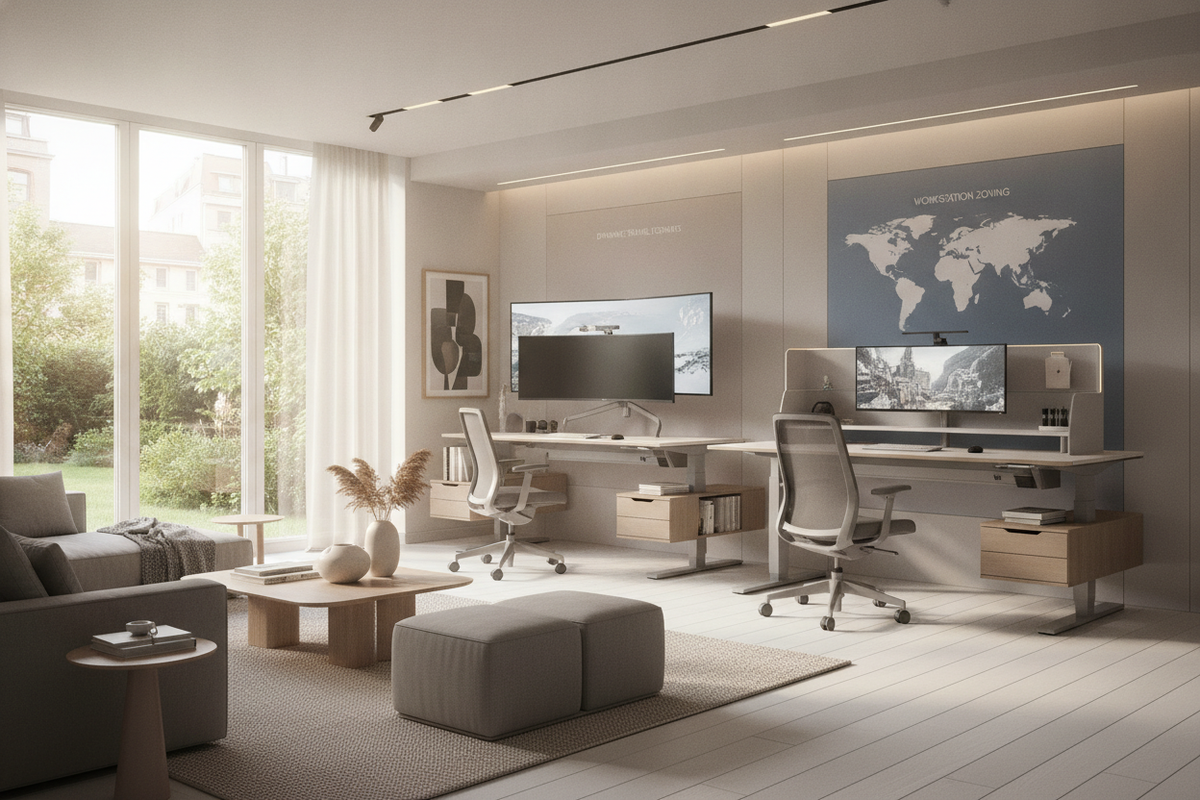
Architectural Mechanisms of Computer Desks Adjustable
Modern workspace design continues to evolve around movement, making computer desks adjustable in height a central fixture in contemporary home offices. The architectural foundation of an adjustable workstation relies on a balance between vertical drive mechanisms and structural frame rigidity. Understanding how these components interact allows you to select a frame configuration that supports your daily workflow without introducing unwanted wobble or mechanical strain.
Lifting mechanisms generally fall into three structural formats:
- Dual-Motor Electric Systems: Dual-motor designs incorporate a dedicated motor inside each telescoping leg column. This configuration provides synchronized lifting action, balanced load handling across wider tops, and quiet, fluid height transitions.
- Single-Motor Drive Rod Assemblies: A single motorized unit drives a central hexagonal rod connecting both leg columns. This design offers a streamlined footprint for modest workspaces while delivering reliable motorized adjustment.
- Manual Pneumatic and Counterbalance Frames: Pneumatic gas-strut or manual crank designs operate independently of wall outlets, offering flexible room placement and immediate vertical travel without electrical routing concerns.
Beyond the drive mechanism, frame stability relies on the crossbar design and leg column orientation. Three-stage telescoping columns offer wider vertical travel ranges compared to two-stage columns, accommodating both seated and standing tasks across varied user heights. Welded steel foot plates paired with heavy-gauge crossbeams distribute peripheral weight evenly, minimizing side-to-side deflection when the work surface reaches elevated settings.
Selecting Computer Desks Adjustable Height by Spatial Zones and Sizing Categories
Selecting the right desk surface requires balancing hardware real estate against available room dimensions. When evaluating computer desks adjustable height models, dividing your room into intentional spatial zones helps prevent a dynamic desk from crowding primary pathways or interfering with architectural elements such as windows and door swings.
For compact study nooks and multi-use guest bedrooms, smaller surface footprints offer enough width for a primary laptop, compact keyboard, and essential desk lamp without overwhelming the room layout. In contrast, standard home offices typically benefit from mid-sized surfaces, such as an adjustable height standing product, which comfortably hosts dual monitor setups, desktop audio, and organized task zones.
When planning room layout and clearance, consider the following spatial factors:
- Perimeter Wall Clearance: Maintain adequate clearance between the rear edge of the desktop and adjacent walls to accommodate monitor arm clamp overhangs and vertical movement without scuffing wall finishes. Reviewing a detailed computer desk guide can help you avoid common sizing and clearance oversights during layout planning.
- Vertical Travel Envelope: Ensure the travel envelope above the desk remains unobstructed by floating wall shelves, angled attic ceilings, window sills, or hanging light fixtures.
- Knee Well and Footprint Clearance: Verify that the span between lower support feet accommodates your preferred ergonomic seating and dynamic accessories, such as anti-fatigue balance boards, without lateral obstruction.
Surface Zoning and Cable Management for an Adjustable Computer Desk for Standing
Operating an adjustable computer desk for standing introduces dynamic cable movement that stationary furniture does not require. When a desktop transitions between seated and standing elevations, connected cables experience tension, bending, and shift. Establishing structured surface zones and dynamic cable pathways prevents snagging, connector damage, and visual clutter.
For expansive executive workstations, such as a wide height adjustable standing product, dividing the surface into three primary operational zones optimizes daily productivity:
- Central Primary Focus Zone: The direct center of the desktop hosts your keyboard, pointing device, and primary visual focal point. Weight should remain centered over the main crossbar to maintain optimal frame balance during elevation changes.
- Secondary Peripheral Zone: Flanking areas support peripheral hardware, secondary displays, document stands, and task lighting. Mounting dual displays on centered clamp arms reduces offset leverage on the lifting columns.
- Tertiary Utility Zone: The rear boundary and outer corners hold charging docks, desktop organizers, and acoustic desk dividers, keeping primary work zones clear of loose items.
To support smooth vertical travel, dynamic cable routing should be anchored under the desktop using rigid under-desk cable raceways or flexible spine channels. Powering all desktop hardware through a single mounted power distribution unit ensures that only a single flexible umbilical cord needs to travel between the moving desk frame and the stationary wall outlet. If your work area shares space with casual reading or drafting activities, coordinating your main workstation with selections from a computer desk collection creates visual cohesion throughout the room.
Coordinating Modular Storage and Room Flow Around Dynamic Desks
Because height-adjustable frames lack traditional built-in pedestal drawers, integrating freestanding and modular storage is essential for maintaining an uncluttered workspace. The key to successful dynamic desk storage is separating dynamic surfaces from stationary storage units to prevent mechanical collisions during downward travel.
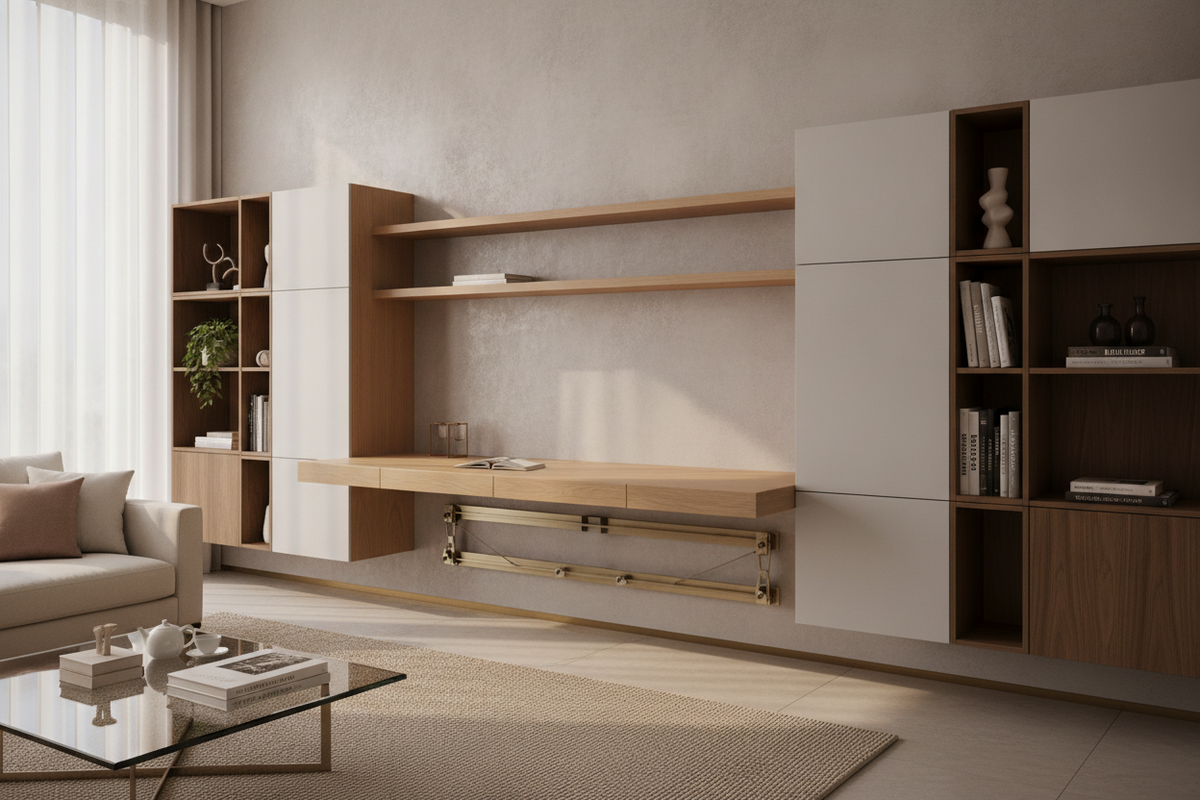
Mobile filing pedestals equipped with locking casters slide smoothly beneath the desk during seated sessions and roll outward when extended legroom or standing postures are preferred. For rooms with tighter square footage, exploring a dedicated computer desk guide offers practical inspiration for integrating enclosed cabinetry and concealed workstation concepts that keep peripheral equipment out of sight.
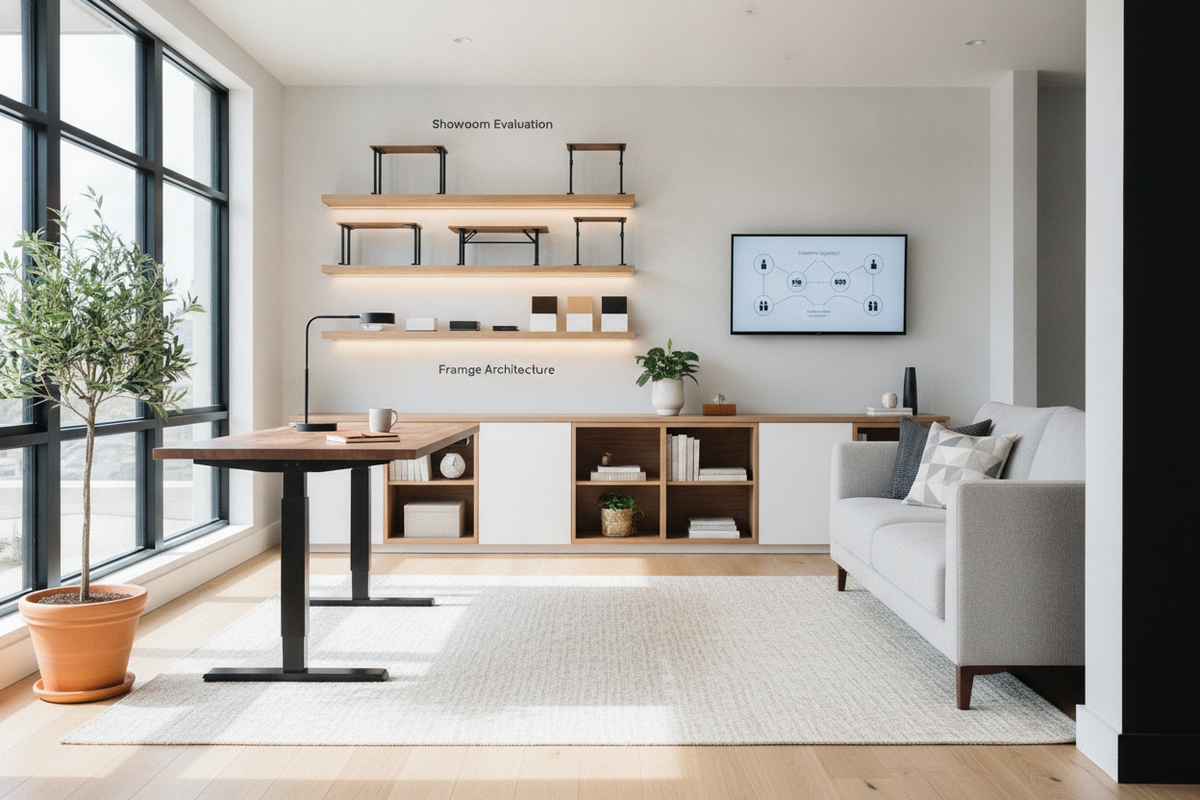
Credenzas and perimeter shelving placed parallel or perpendicular to the desk frame establish a functional L-shaped or U-shaped office flow. Positioning dynamic desks adjacent to low-profile sideboards allows you to transfer heavy reference books, secondary printers, and archival storage off the moving desktop, preserving lifting mechanism longevity and maintaining clean sightlines across your interior space.
Workstation Evaluation: Frame Stability, Surface Materials, and Everyday Maintenance
Long-term satisfaction with computer desks adjustable height workstations depends on material durability, hardware construction, and routine structural care. Evaluating the craftsmanship of both the frame and desktop surface ensures your investment withstands daily transitions while complementing your home decor.
Consider these core evaluation checkpoints when outfitting your space:
- Desktop Substrate and Surface Finish: High-pressure laminates, engineered wood cores, and solid wood surfaces provide resilience against daily wear, moisture, and pen pressure. Rounded or beveled front edges enhance forearm comfort during extended typing sessions.
- Adjustable Leveling Glides: High-quality threaded leveling glides compensate for minor floor unevenness. Proper leveling prevents frame racking and eliminates micro-wobbles during standing height use.
- Hardware and Fastener Inspection: Periodically inspecting crossbar bolts, desktop mounting screws, and monitor clamp fasteners ensures the structural rigidity of dynamic frames remains intact over years of continuous use.
- Clean Surface Maintenance: Wipe surface tops with mild microfiber cloths and non-abrasive cleaners to preserve laminate topcoats and prevent static accumulation near sensitive computer peripherals.
By thoughtfully balancing lifting architecture, surface zoning, dynamic cable routing, and coordinating modular storage, you can create a flexible, aesthetically refined home office that supports focus, posture variation, and lasting organizational harmony.

Laisser un commentaire
Ce site est protégé par hCaptcha, et la Politique de confidentialité et les Conditions de service de hCaptcha s’appliquent.