


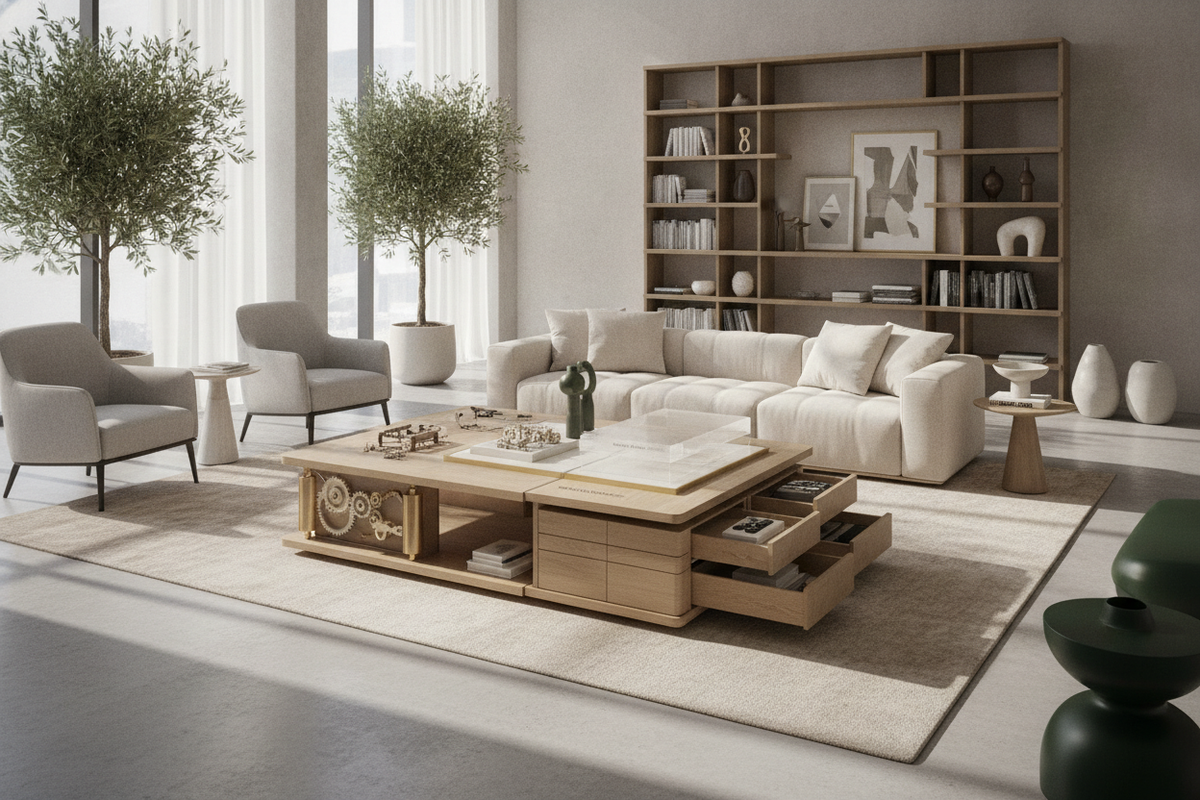
Introduction: Rethinking the Modern Workspace with an Adjusted Table
Modern residential workspaces demand versatility. As professional tasks shift between concentrated typing, sketching, reading, and video calls, the static desktop can feel restrictive. Integrating an adjusted table into a study or multi-purpose living area introduces dynamic posture changes into daily routines. Rather than locking the user into a single seated posture for hours, a desk you can stand at allows smooth transitions between seated focus and standing activity.
Understanding how an adjustable workstation fits within a broader interior scheme is critical. While traditional surfaces found across a broader computer desk collection offer fixed architectural stability, dynamic desks require intentional spatial coordination to accommodate vertical travel, wiring paths, and adjacent cabinetry.
Core Elevation Formats: Comparing Adjusted Table Lift Systems
The mechanism driving desktop elevation dictates how smoothly, quietly, and frequently you will transition throughout the day. Lift systems generally fall into three distinct engineering categories, each suited to specific room layouts and user habits.
Motorized Electric Lifting Columns for Daily Transitions
An elevating computer desk powered by synchronized electric columns provides effortless, push-button adjustment. Modern systems typically utilize dual-motor or single-motor telescoping leg columns concealed within powder-coated steel frames. Dual-motor configurations place an independent drive unit inside each leg, delivering balanced vertical travel and stable lifting action even under asymmetrical surface loads such as off-center monitor mounts or heavy documentation.
Electric models frequently feature programmable digital keypads. These keypads allow users to save preferred seated and standing elevation presets, ensuring consistent postural alignment with a single touch. For multi-user households or shared home studios, memory presets allow different family members to switch instantly to their tailored surface heights.
Pneumatic and Manual Desk Adjustment Systems
For spaces where electrical outlets are distant or cord clutter must be minimized, counterbalance pneumatic lift mechanisms provide a viable alternative. Pneumatic systems rely on pressurized gas cylinders that offset the weight of the desktop and equipment, allowing rapid manual elevation with the pull of a release lever. These mechanisms excel in lightweight mobile setups and shared breakout zones.
Manual crank tables represent a mechanical, non-electric alternative. While manual cranks require intentional physical rotation to raise or lower the tabletop, they eliminate electronic failure points and can be positioned anywhere in a room without proximity to wall power.
Surface Dimension Tiers and Spatial Planning
Selecting the right desktop footprint involves balancing equipment needs with overall room circulation. Proper spatial planning ensures that a height adjustable standing computer desk does not overpower surrounding walkways or restrict access to nearby doors and windows. Reviewing a comprehensive desk remote work guide can help clarify room flow and ergonomic positioning for dedicated workspaces.
Compact Footprints for Alcoves and Dual-Purpose Rooms
In smaller apartments, bedroom alcoves, or multi-use guest rooms, compact adjusted tables provide focused utility without consuming excess floor area. Narrow depths and modest widths allow the desk to nestle into architectural recesses. For further ideas on blending office utility into multipurpose living zones, consult this practical computer desk guide on concealed workstation styling.
Standard and Executive Sizing Tiers for Multi-Display Setups
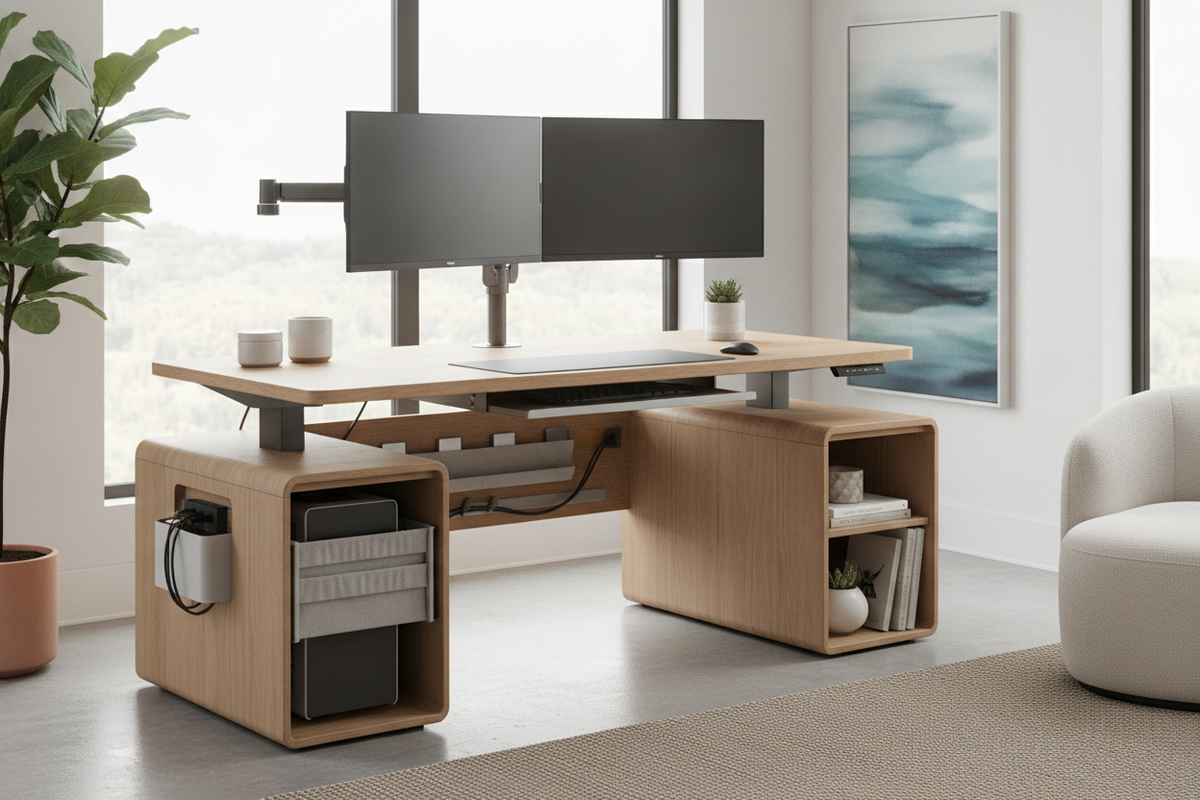
For dedicated home offices hosting dual monitors, audio interfaces, and extensive paperwork, wide format surfaces offer the necessary expanse. A spacious option like this height adjustable standing product provides room for multiple screens alongside peripheral accessories while maintaining open writing space. Wide table spans distribute weight across heavy-gauge steel crossbeams, minimizing frame flex at higher elevation tiers.
Dynamic Clearances, Cable Slack, and Room Ergonomics
Installing an elevating desk introduces dynamic clearances that static desks do not require. When planning the installation area, account for the full travel envelope of the moving work desk.
- Vertical Travel Buffer: Verify that overhead shelving, wall art, window sills, and hanging lighting fixtures remain clear of monitors when the desk reaches its maximum elevation.
- Perimeter Wall Gap: Maintain a small setback between the rear desktop edge and the wall to prevent scuffing during height transitions and to accommodate monitor arm clamps.
- Articulating Cable Management: Power cords and display cables must include sufficient slack or run through an articulated cable spine. Rigid, taut cables risk pulling equipment or straining connection ports during upward travel.
- Postural Alignment: When standing, adjust the surface so forearms rest parallel to the floor with relaxed shoulders, positioning display screens directly at eye level to support comfortable neck posture.
Storage Architecture: Pairing Moving Work Desks with Modular Furniture
A frequent challenge when adopting a remote standing desk is the absence of traditional under-desk pedestals and pencil drawers. Because the desktop travels vertically, conventional integrated drawers cannot extend directly to the floor. Creating an organized workspace requires strategic modular storage planning.
Integrated Bookcases and Hutch Combinations
Certain modern workstations combine elevating surfaces with static perimeter storage. A hybrid design such as this elevating computer desk product pairs an adjustable center desk with flanking open shelving, ensuring everyday books, binders, and decor remain within arm's reach without interfering with the moving desktop mechanism.
Freestanding Sideboards and Mobile File Cabinets
For open-frame adjusted tables, low-profile mobile pedestals on casters offer flexible storage. Positioned beneath the desk at its seated height or rolled alongside as an auxiliary surface, mobile file cabinets keep office supplies concealed. Lateral credenzas placed perpendicular to the desk create an efficient L-shaped workflow zone, providing a fixed resting spot for printers and secondary peripherals.
Material Selection and Interior Cohesion
Height-adjustable desks no longer need to resemble sterile commercial hardware. Warm woodgrain finishes, textured laminates, and neutral matte surfaces help dynamic desks harmonize with residential living environments. When selecting a tabletop finish, consider complementary tones that reflect your existing bookcases, credenzas, and flooring.
Durable engineered wood surfaces finished with scratch-resistant melamine or laminate resist wear from daily mouse movement and beverage cups. Powder-coated steel bases in soft white, industrial black, or metallic gray can echo lighting fixtures and cabinet hardware throughout the room.
Step-by-Step Decision Checklist: Selecting Your Ideal Adjusted Table
- Evaluate Your Room Footprint: Measure the floor zone, checking door swings, window openings, and overhead clearances before choosing a width tier.
- Select Your Lift Mechanism: Choose motorized electric lifting columns for frequent preset adjustments, or pneumatic/manual systems for simple cord-free placement.
- Calculate Dynamic Cable Slack: Plan cable spine routing and power strip mounting underneath the moving desktop before arranging hardware.
- Incorporate Companion Storage: Pair your adjusted table with mobile file pedestals, flanking open bookcases, or lateral credenzas to maintain a clutter-free working environment.
- Harmonize Materials: Select desktop finishes and base frame colors that complement adjacent cabinetry and residential architectural details.


Laisser un commentaire
Ce site est protégé par hCaptcha, et la Politique de confidentialité et les Conditions de service de hCaptcha s’appliquent.