


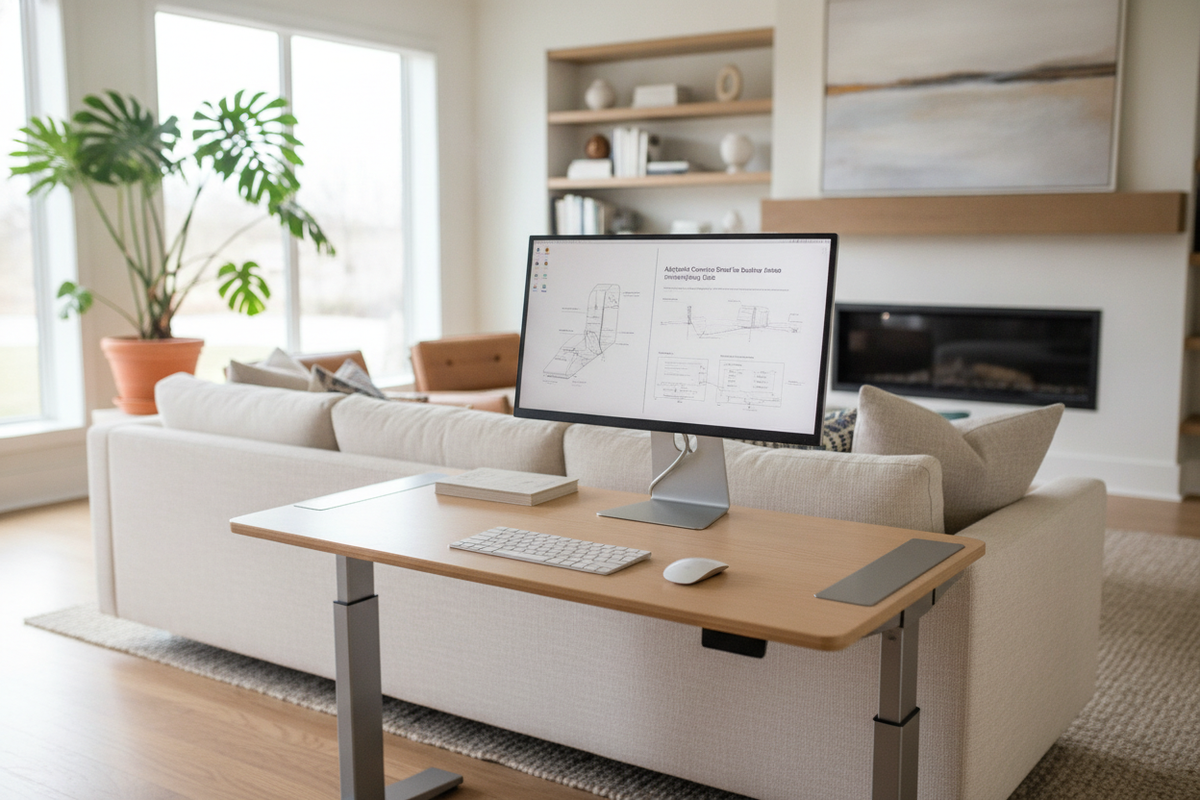
A well-planned workstation balances ergonomic alignment with organized surface utility. Integrating an adjustable computer stand for desktop setups transforms flat desk space into a functional, multi-tier environment. Elevating a display or laptop above the main work area establishes comfortable sightlines while converting the footprint beneath the screen into valuable storage real estate. Whether configuring a compact writing nook or an expansive multi-display workstation, understanding elevation mechanics and dimensional proportions helps create an uncluttered, productive layout.
Mechanical Archetypes of the Desktop Adjustable Stand
Desktop risers employ diverse mechanical formats to deliver height customization. Selecting the right mechanism depends on how frequently the screen height needs adjustment throughout the workweek:
- Stepped Pin and Slot Platforms: These risers utilize manual locking pins or notched side legs. They offer rigid stability and straightforward height increments, making them well-suited for permanent setups where fine-tuning occurs primarily during initial assembly.
- Continuous Scissor and Gas-Spring Lifts: Designed for active repositioning, a gas-spring desktop adjustable stand allows smooth vertical movement with minimal effort. This format benefits shared workstations or users who alternate between sitting postures and varied peripheral layouts.
- Modular Stacking Block Risers: Segmented column legs let users insert or remove modular spacers to achieve the desired clearance. This simple, durable structure minimizes moving components while providing reliable weight support.
Each archetype serves distinct spatial demands. A continuous lift provides rapid adaptability, whereas a stepped or modular desktop adjustable computer stand offers a minimalist, streamlined profile.
Dimensional Sizing Tiers and Desktop Footprint Clearance
Choosing an appropriate stand requires matching the riser platform to both your hardware dimensions and your overall desk depth. Balancing these proportions prevents the workstation from feeling overcrowded:
- Compact Single-Device Risers: Sized specifically for an individual laptop or modest desktop screen, these compact platforms leave the majority of the main desk clear for writing and peripheral movement.
- Standard Mid-Size Platforms: Sized to hold a single large monitor alongside auxiliary gear like external audio interfaces or compact reference speakers.
- Dual-Display Extended Decks: Wide platform surfaces can support side-by-side screens or a combined monitor-plus-laptop arrangement. This expanded computer platform for desk surfaces creates an uninterrupted lower shelf for long keyboards, drawing tablets, or audio mixing decks.
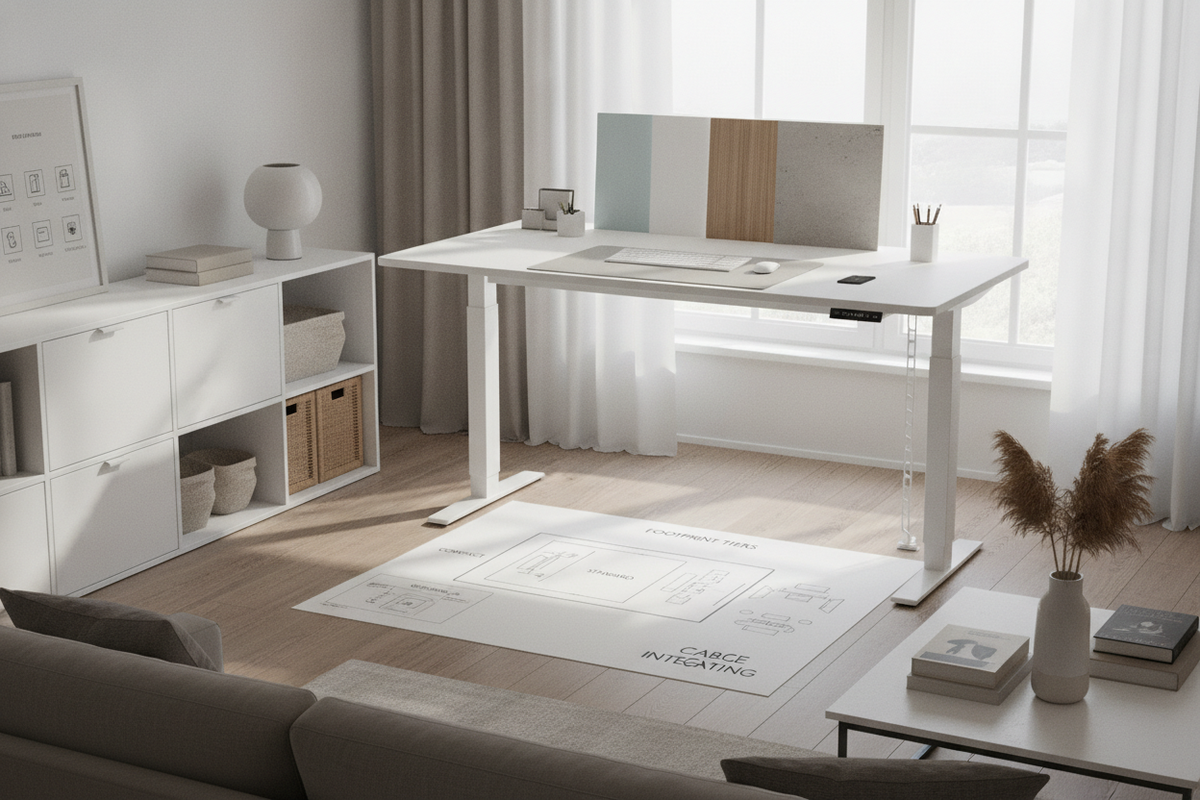
When selecting a wide riser deck, consider how width flexibility operates in broader home furniture setups. For instance, a modular stand adjustable product illustrates how extensible furniture sections adapt seamlessly across variable wall spans and multipurpose living areas.
Sightline Ergonomics and Multi-Tier Surface Zoning
Positioning a screen at a natural eye level reduces the inclination to slouch or lean forward over the desk surface. An elevated computer stand raises the top edge of the display to align comfortably with your direct line of vision when seated upright.
Creating a dual-tier workspace also introduces structured surface zoning:
- Primary Interaction Tier: The lower main desk surface remains dedicated to active contact tools—such as the mouse, mechanical keyboard, and writing pads.
- Elevated Equipment Tier: The upper riser platform holds stationary hardware, webcams, and reference screens safely above accidental spills or clutter.
- Sub-Platform Clearance Zone: The open recess beneath the riser provides a dedicated home for docking hubs, external drives, or parked keyboards when the desk is transitioned to analog tasks.
For high-performance creative setups featuring extensive display equipment, our comprehensive desktop computer guide provides additional insights on organizing dense digital hardware.
Material Formats, Load Distribution, and Anti-Vibration Design
The structural composition of a riser determines its longevity and weight-bearing capability. Quality desktop risers combine durable surface boards with rigid frame materials:
- Engineered Wood and Laminates: High-density fiberboard and durable laminate tops offer warmth, easy cleaning, and finish coordination with surrounding office cabinetry.
- Powder-Coated Steel and Aluminum: Metal framing delivers structural stiffness without excessive bulk, preventing shelf sag under heavy widescreen displays.
- Non-Slip Dampening Pads: Rubberized foot pads prevent scuffing on delicate desk finishes while isolating mechanical vibrations from typing and nearby equipment.
Even load distribution across the riser feet protects the underlying desktop from concentrated pressure points, ensuring long-term surface preservation.
Cable Routing Channels and Desktop Storage Integration
Elevating computer hardware exposes rear ports and wiring bundles. Incorporating thoughtful cable management keeps the workspace clean and uncluttered:
- Rear Cable Notches and Grommets: Recessed cutouts along the back edge of the platform allow display and power cords to drop neatly behind the desk rather than spreading across the primary surface.
- Integrated Accessory Trays: Built-in shallow drawers or storage grooves keep pens, thumb drives, and charging cables within arm's reach while maintaining an organized profile.
- Docking Station Cavities: Locating multi-port hubs in the sub-stand compartment keeps desktop wiring centralized and out of immediate sight.
For compact spaces where visual neatness is paramount, drawing inspiration from concealed storage principles in a practical computer desk guide can help maintain a serene, distraction-free environment.
Workstation Harmony: Pairing Stands with Contemporary Desks
A desktop stand should complement the style and scale of the foundational table. Matching the wood tones, metal accents, or color palette of your platform creates visual cohesion across the room.
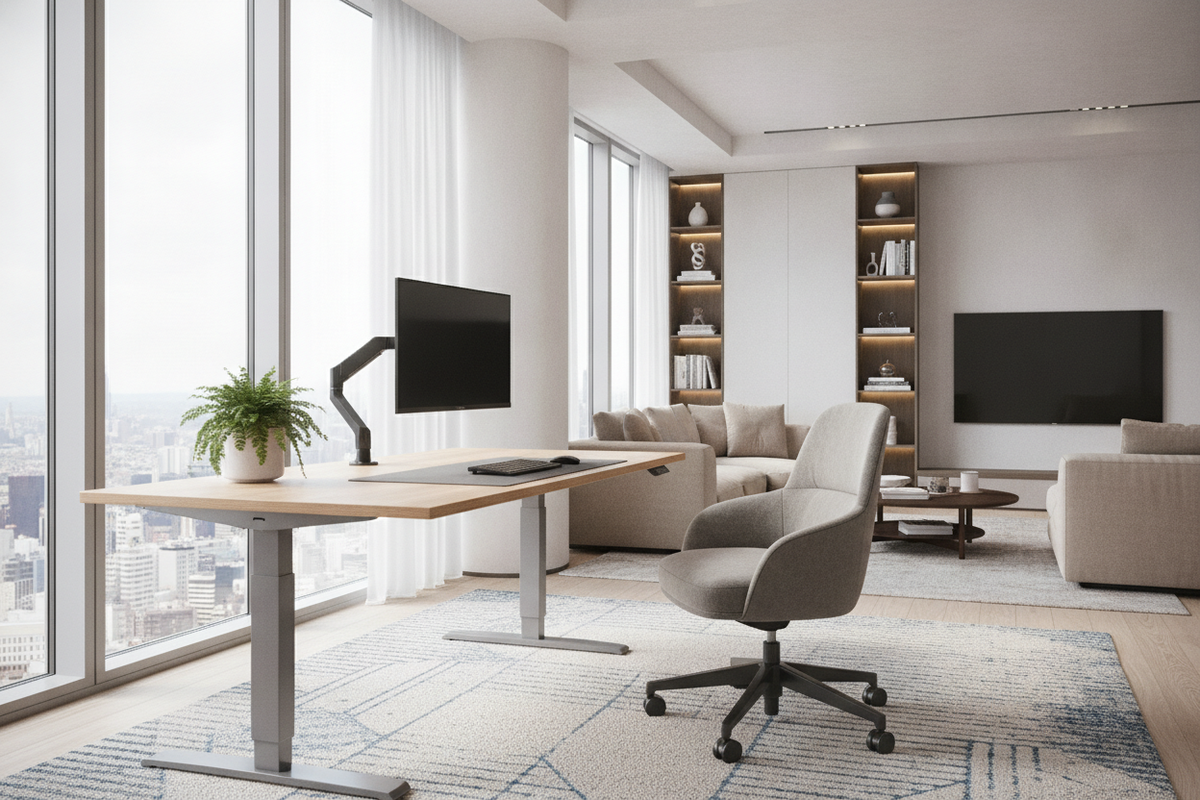
When planning a workspace upgrade, explore versatile foundational tables in our computer desk collection to ensure adequate depth for both your riser and essential desk accessories. Alternatively, desks featuring built-in multi-tier architecture—such as an integrated computer desk stand product—deliver elevation, integrated charging, and organized peripheral placement straight out of the box.
Assembly Evaluation, Stability Checks, and Everyday Care
Proper assembly ensures long-lasting stability and smooth performance. Follow these practical maintenance recommendations:
- Hardware Fastener Tensioning: During initial setup, tighten all structural screws evenly. Periodically inspect fasteners on articulating and adjustable parts to verify that joints remain snug.
- Weight Balance Verification: Center monitor pedestals over the structural supports of the riser to avoid uneven front-to-back tipping forces.
- Surface Care: Clean laminate and powder-coated surfaces with a soft, slightly damp microfiber cloth. Avoid harsh abrasive cleaners that could damage protective finish coatings.
- Foot Pad Inspection: Periodically check that anti-slip base pads remain securely adhered to prevent shifting during daily use.
Implementing an adjustable riser brings structured balance to your daily workflow, blending comfortable sightlines with smart desktop organization.

Laisser un commentaire
Ce site est protégé par hCaptcha, et la Politique de confidentialité et les Conditions de service de hCaptcha s’appliquent.