


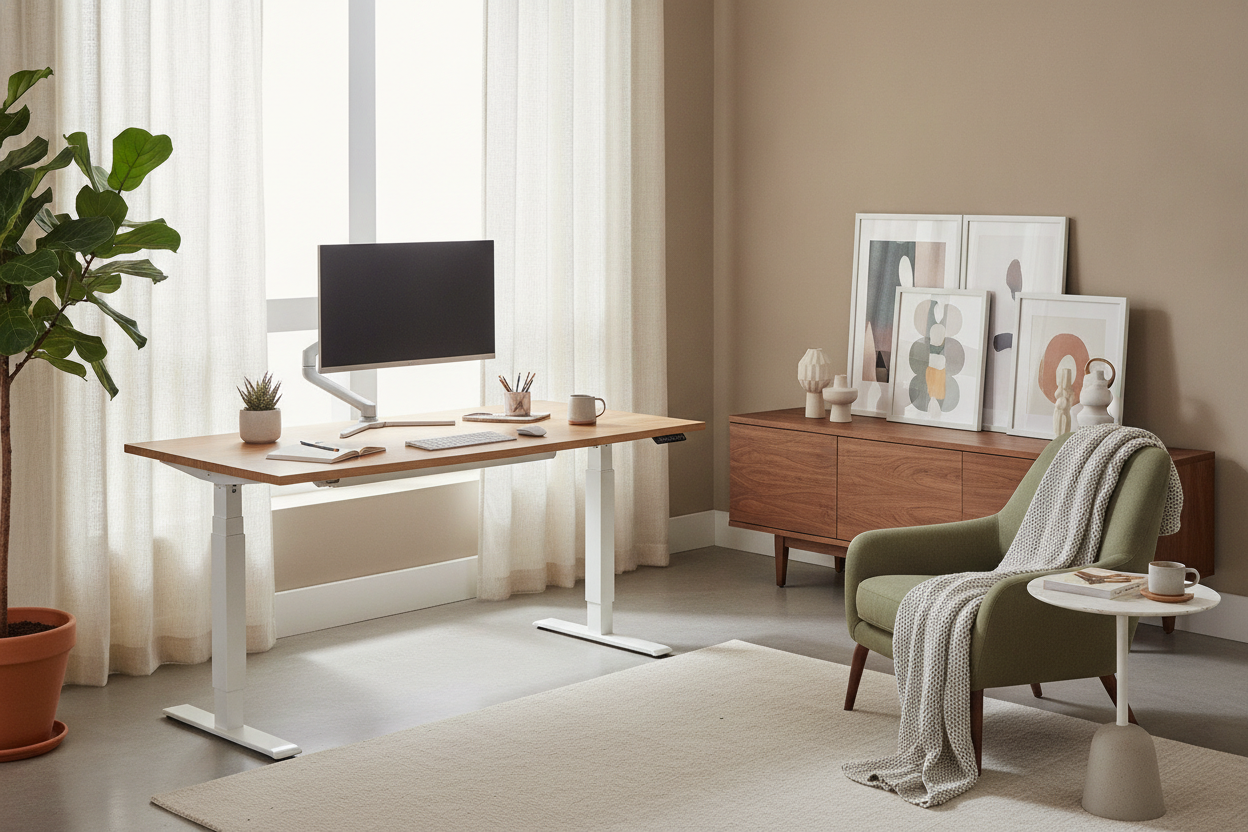
Understanding the 55 to 63 Inch Desk Span
Choosing the ideal dimensions for a motorized workstation requires balancing expansive surface room with the realistic floor footprint of your workspace. A 55 to 63 electric height adjustable standing desk represents an adaptable dimensional bracket for modern home offices. Unlike compact writing desks that quickly become crowded under multiple pieces of hardware, or oversized executive models that overwhelm standard residential rooms, this span offers generous utility while preserving open walkway clearance.
Workstations within this mid-to-large category allow individuals to transition fluidly between seated focus and standing activity without sacrificing auxiliary surface space for analog tasks, secondary devices, or ambient desk lighting.
Evaluating Width Tiers: 55-Inch, 60-Inch, and 63-Inch Workstations
While desktops ranging across this bracket share broad versatility, subtle variations in width influence layout potential and room aesthetics:
- The 55-Inch Tier: Serves as a streamlined transition from compact platforms, comfortably accommodating dual monitors or a single display paired with a laptop while leaving breathing room on surrounding perimeter walls. Comparing this size with an adjustable height standing product highlights how just a few extra inches grant useful leeway for microphone arms or desktop task lamps.
- The 60-Inch Benchmark: Often considered the balanced standard for dedicated home offices, a five-foot desktop comfortably houses wide multi-screen configurations alongside dedicated writing pads, speaker mounts, and reference documents.
- The 63-Inch Span: Approaching the upper boundary of residential motorized desks, this wider surface provides generous elbow room for complex hybrid setups without requiring the immense footprint of an executive height adjustable standing product.
Surface Zoning for Multi-Screen and Hybrid Workflows
An expansive desk top is most effective when organized into distinct operational zones. Dividing a 55" to 63" electric height adjustable standing desk into primary, secondary, and tertiary quadrants keeps essential tools within natural arm reach while reducing visual clutter.
Place primary viewing monitors centrally to maintain neutral neck orientation. Flank the central display with secondary devices, such as mounted tablets, laptop docks, or reference stands. The outermost edges of a wider surface serve as resting areas for personal items, charging stations, and desk plants. For further spatial styling ideas, consult our standing desk guide on cultivating a balanced aesthetic.
Dynamic Lift Dynamics and Vertical Clearance Planning
Because an electric sit-stand desk moves through a continuous vertical path, spatial planning must extend beyond horizontal floor measurements. As the tabletop travels upward, clearance around adjacent architecture becomes critical.
Maintain an intentional gap between the rear edge of the desktop and adjacent walls to prevent baseboard friction or wall scuffs during travel. Ensure window sills, electrical switch plates, and hanging wall art remain clear of the desk's highest elevation points. Managing power cords with flexible cable raceways or articulated spines prevents tension on power supplies as the frame ascends.
Under-Desk Architecture: Legroom vs. Companion Storage
One of the primary benefits of an electric sit-stand frame is unobstructed knee and leg clearance. When transitioning between sitting and standing, users benefit from shifting foot positions, using ergonomic footrests, or adjusting task chairs.
Placing bulky storage pedestals directly under the central work zone can impede natural posture changes and risk colliding with the desktop frame during lower height adjustments. Maintaining an open under-desk profile preserves ergonomic flexibility throughout long working sessions.
Pairing Your Motorized Desk with Coordinated Office Storage
To keep the primary motorized surface clean and unencumbered, pair your workstation with dedicated perimeter storage pieces. Credenzas, low lateral file units, and modular cabinets placed along flanking walls provide ample room for paperwork, archives, and peripheral devices.
Integrating freestanding units from an adjustable collection alongside your desk ensures reference books, craft tools, and office supplies remain close at hand without crowding your active standing zone.
Material Selection, Frame Stability, and Assembly Best Practices
A wider desktop requires thoughtful consideration of material density and frame support. Dual-motor frames with broad telescoping crossbars offer rigid stabilization across the entire width, mitigating subtle desktop wobble at standing heights.
When assembling your workstation, assemble the frame and motor components on a soft, protective surface to avoid scratching the finish. Ensure all framing fasteners are uniformly tightened before mounting the primary top, and calibrate the lift mechanism per manufacturer guidance to ensure smooth height transitions.
Layout Blueprints for Dedicated Offices and Multipurpose Spaces
Arranging a mid-to-large standing desk within a residential layout depends largely on window placement and architectural traffic flow. Explore tailored placement ideas in our comprehensive standing desk guide to find the right configuration for your room:
- Perimeter Wall Placement: Positions the desk flush along an anchor wall, maximizing central floor space in multifunctional guest bedrooms or open-concept living areas.
- Perpendicular Peninsula: Extends the desk outward from a side wall, creating a natural room divider that separates work zones from relaxation areas.
- Command Floating Layout: Centers the workstation facing outward toward the doorway or an open room, offering an executive presence in dedicated home libraries and private studies.
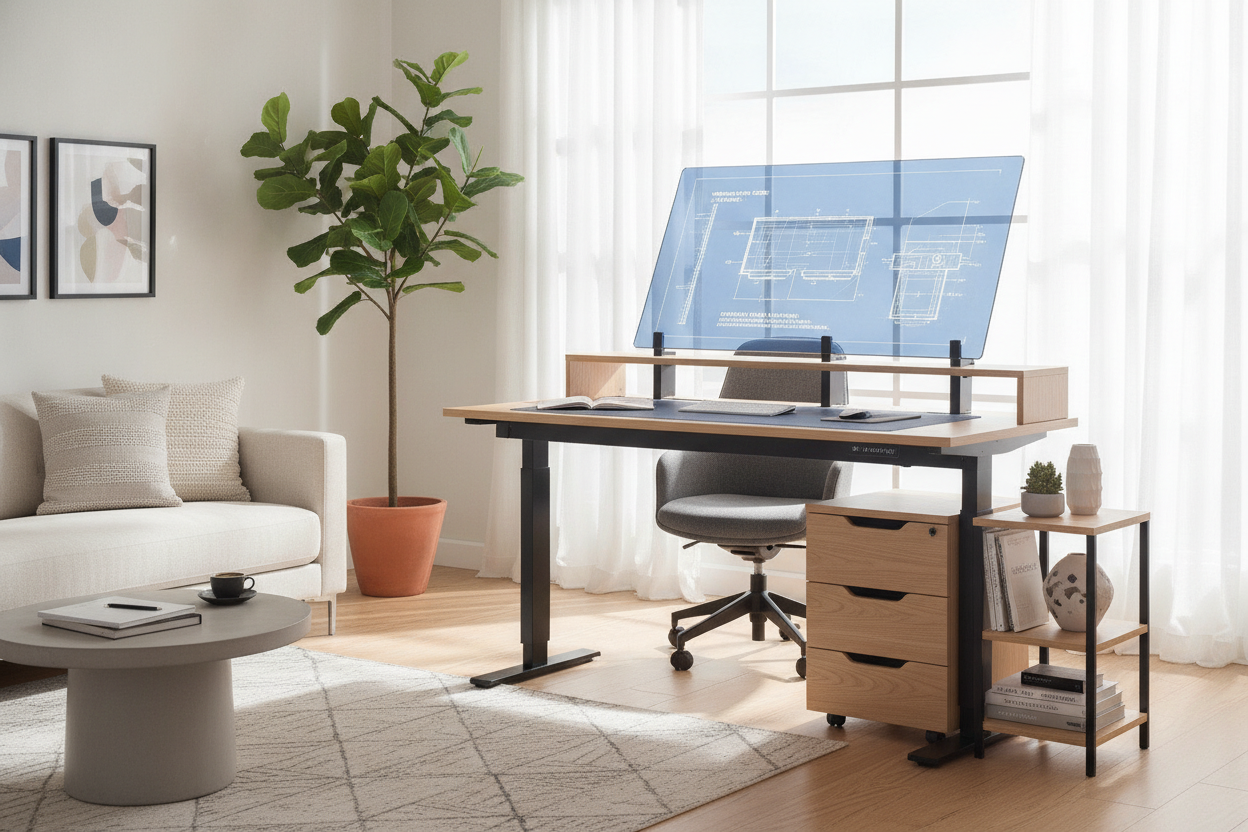
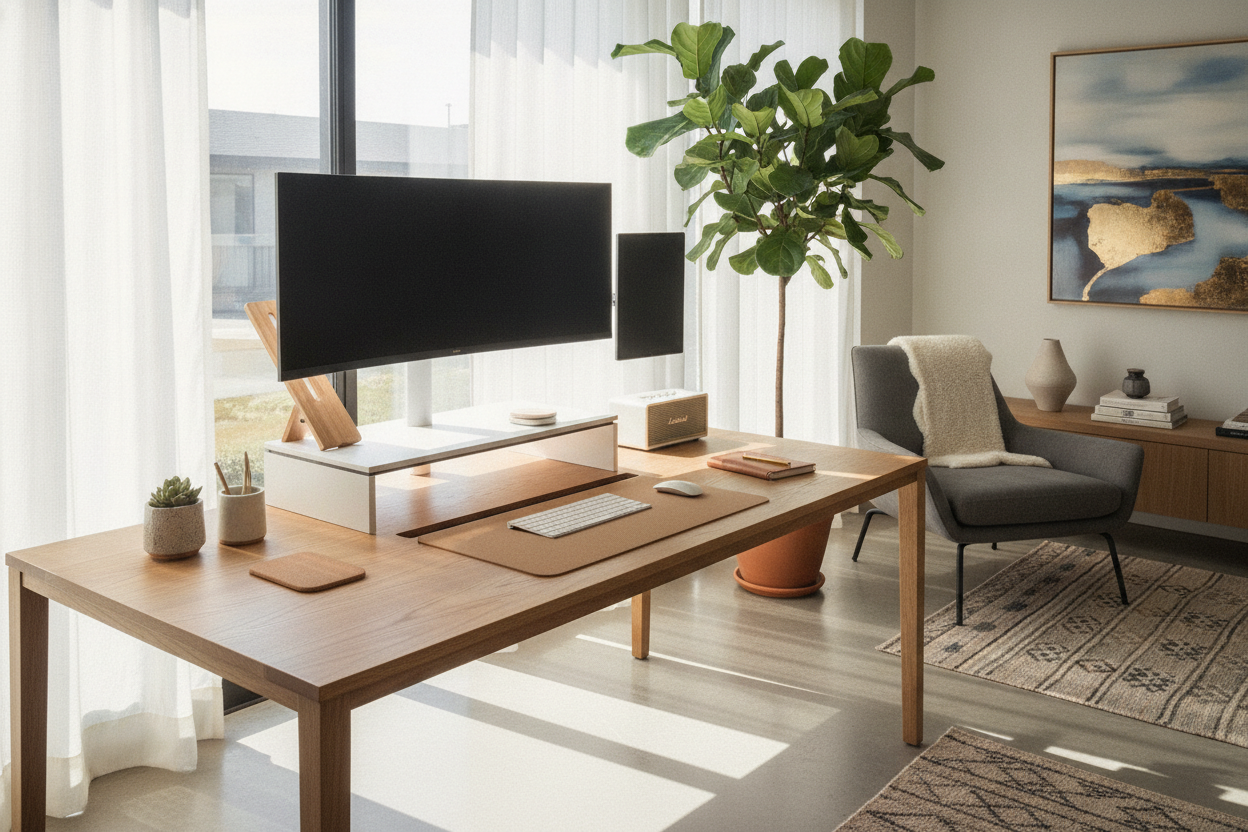

Laisser un commentaire
Ce site est protégé par hCaptcha, et la Politique de confidentialité et les Conditions de service de hCaptcha s’appliquent.