


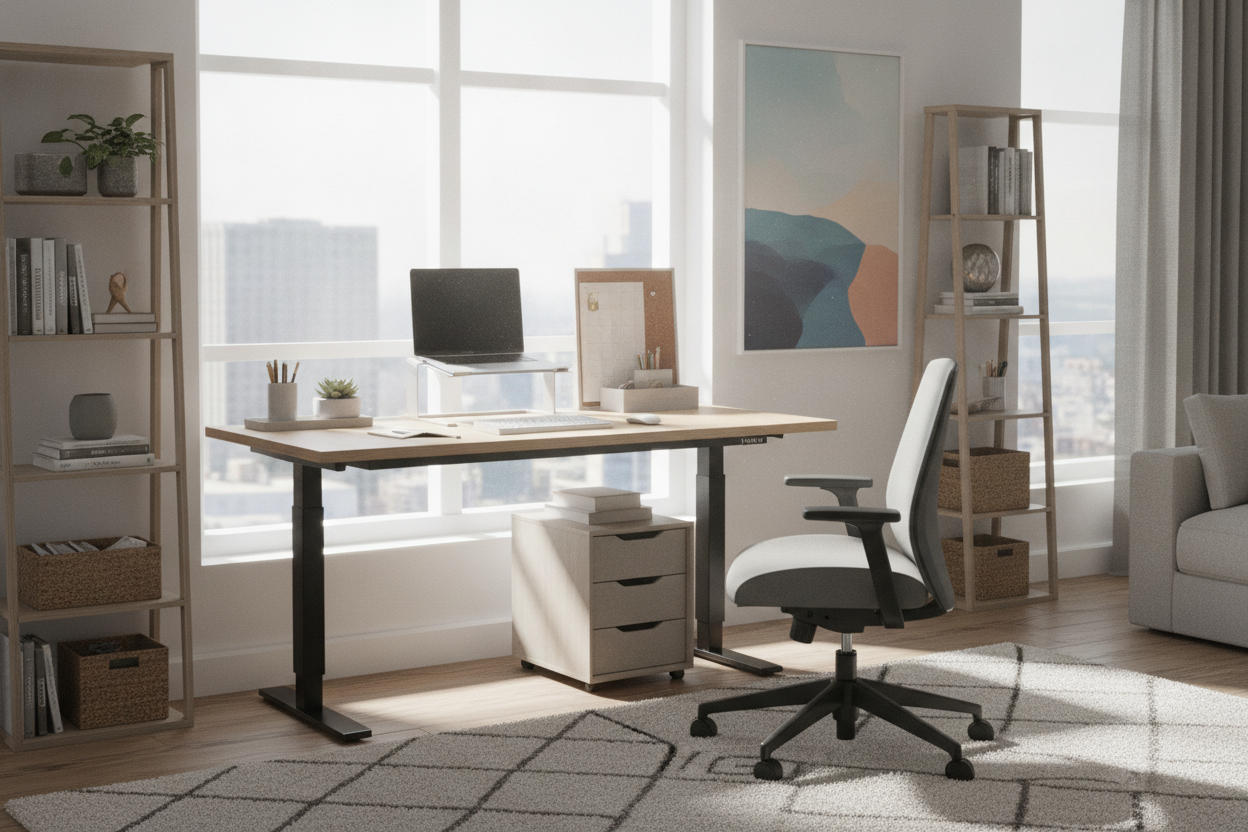
Why Choose a 40 Inch Sit Stand Desk for Compact Workspaces?
Finding the right balance between work surface area and room circulation is a primary challenge in modern home offices, multipurpose living rooms, and studio apartments. A 40 inch sit stand desk provides a functional compromise, bridging the gap between cramped laptop perches and sprawling executive workstations. When planning a versatile remote work area, understanding how a 40" wide standing desk interacts with your overall floor plan allows you to maintain open pathways without sacrificing ergonomic posture shifts.
Defining the 40-Inch Functional Sweet Spot
At approximately forty inches across, a work surface provides ample width for a primary monitor, peripheral input devices, and essential desktop lighting. Unlike narrower micro-desks that force users to stack items vertically or work purely from a single compact notebook, a 40 inch adjustable height desk supplies enough horizontal expanse to separate dedicated task zones. Users can establish a centered display area alongside dedicated space for note-taking, a desktop audio hub, or a docking station. For smaller residential footprints where every inch matters, comparing this width to options discussed in our wide desk guide helps determine whether a compact adjustable frame fits your everyday routine better than a static micro-workstation.
Spatial Footprint and Circulation Clearance in Small Rooms
A compact desk footprint simplifies traffic flow around entryways, closets, and existing storage furniture. When selecting a site for a 40" wide standing desk, leave adequate clearance behind the seating position for chair movement and standing transitions. In smaller rooms, deeper furniture pieces can encroach on walkways, whereas a forty-inch width fits naturally into shallow wall recesses, architectural nooks, and bedroom corners without obstructing adjoining doors or wardrobes.
Desktop Surface Zoning: Maximizing a 40-Inch Span
Efficiently using a compact sit-stand desk depends heavily on intentional surface zoning. Because surface area is intentionally tailored, organizing the tabletop into structured functional regions keeps everyday workflows uncluttered throughout regular height adjustments.
Primary Reach Zones and Single vs. Dual Screen Setups
Ergonomic surface zoning begins with the central reach envelope. Positioning your primary screen, keyboard, and mouse within natural arm reach reduces repetitive twisting and leaning. On a 40 inch adjustable height desk, an ultrawide monitor on a single desk clamp or a centered single monitor flanked by a compact laptop stand offers a balanced configuration. Using a clamp-mounted monitor arm frees up valuable base space on the desktop, keeping the primary work surface open for physical documents, reference materials, or input accessories.
Managing Peripherals, Power Hubs, and Cable Movement
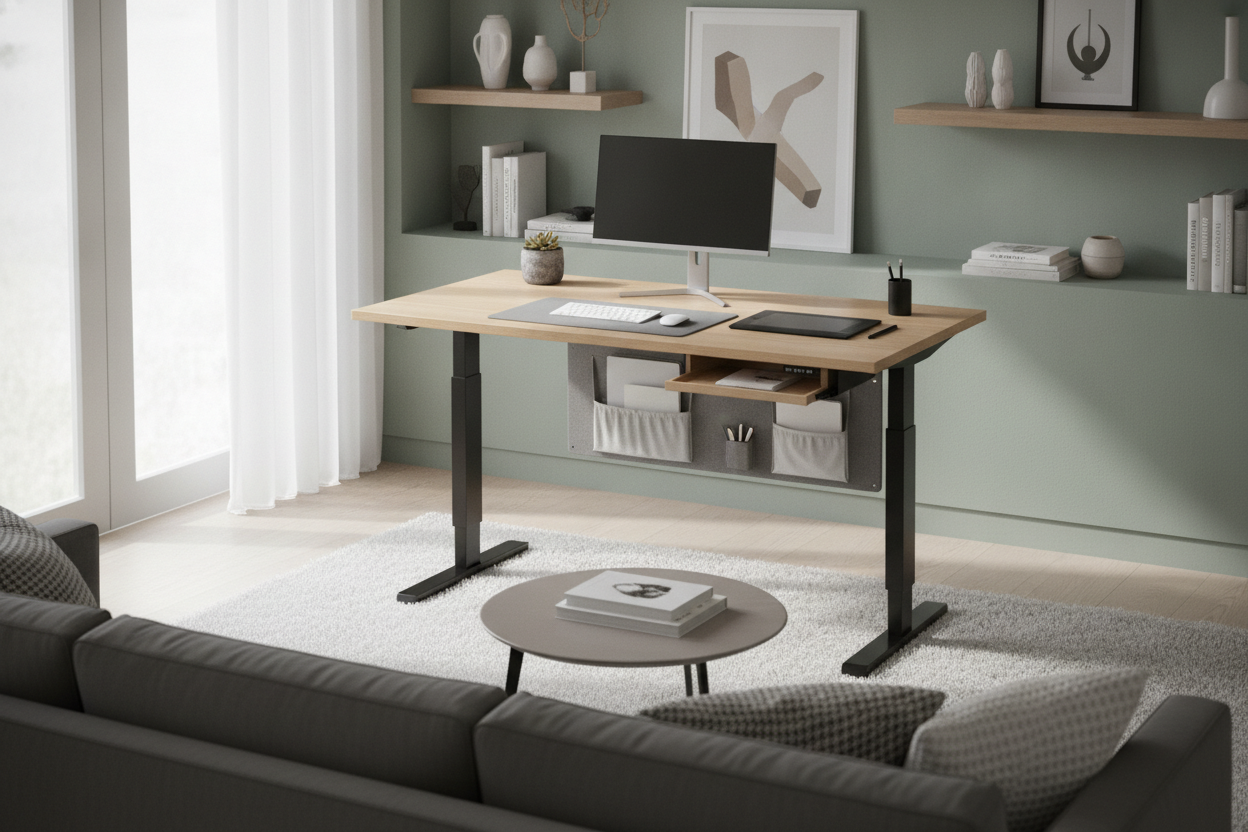
Height-adjustable furniture requires careful cable management to prevent tension or snagging during motor elevation. Installing an under-desk cable basket or flexible cord spine beneath the 40-inch surface keeps power bricks and connecting cables securely suspended. Routing monitor cords, peripheral connections, and main power leads into a centralized under-desk strip ensures that dynamic height transitions happen smoothly without pulling on attached hardware.
Structural Geometry and Height-Adjustable Stability
The structural design of a compact adjustable desk differs fundamentally from static four-legged tables. Understanding frame geometry ensures reliable performance across both sitting and standing elevations.
Narrow Base Width vs. Full Elevation Dynamics
Because the distance between the two lifting columns is narrower on a 40 inch sit stand desk than on full-size alternatives, leg placement and crossbar bracing play a key role in dampening lateral sway. Leveling feet must be precisely calibrated during initial setup to maintain balanced ground contact across hardwood, tile, or carpeted floors, especially when the frame reaches upper standing heights.
Comparing Compact 40-Inch Desks with Wider Sit-Stand Platforms
While a 40" wide standing desk is ideal for streamlined single-user setups, environments requiring complex multi-monitor arrays or extensive physical paper processing may demand broader frames. Comparing this footprint against a medium-sized adjustable height standing product or an expansive height adjustable standing product highlights the trade-offs between available desktop area and floor plan efficiency.
- Compact 40-Inch Frame: Optimized for alcoves, shared bedrooms, and single-display arrangements.
- Mid-Size Platform: Balanced for dual full-size monitors, audio reference speakers, and side-mounted accessory trays.
- Extended Executive Desk: Best suited for dedicated home office rooms with large multi-screen arrays and sprawling project materials.
Companion Storage Architecture for 40-Inch Workstations
Because a height-adjustable desk surface moves continuously, integrating fixed cabinetry directly onto the moving tabletop is impractical. Pairing your 40 inch adjustable height desk with modular companion storage keeps daily office essentials close at hand while maintaining a minimalist tabletop.
Under-Desk Knee Clearance and Mobile Pedestals
To preserve ergonomic seating posture, avoid overcrowding the area directly below the center of the desk. When introducing a mobile drawer pedestal or file cart, ensure it can be rolled alongside or docked beneath one corner without restricting legroom during sitting sessions. Low-profile rolling storage carts allow quick relocation whenever you wish to stretch or change leg positions.
Vertical Wall Units and Adjustable Shelving Integration
Pairing your desk with vertical perimeter storage maximizes small room organization without consuming floor area. Selecting companion tall shelving from an adjustable collection provides dedicated zones for printers, archival boxes, and reference binders. Placing these storage units adjacent to the sit-stand frame allows easy access to reference materials whether you are working in a seated or standing position.
Room Layout Blueprints and Placement Strategies
Strategic placement within your living space ensures that a compact adjustable workstation complements daily household routines rather than disrupting them.
Alcove, Window Nook, and Multi-Functional Living Zones
Architectural recesses and window bays offer natural positions for a 40 inch sit stand desk. When positioning near windows, consider natural lighting angles to avoid direct screen glare during peak daylight hours. In open-concept living rooms, positioning the desk perpendicular to main accent walls creates a distinct professional zone while preserving overall visual harmony.
Assembly, Leveling, and Long-Term Maintenance Practices
Proper assembly and routine upkeep protect the mechanical components and structural balance of your height-adjustable frame over time. In my experience, taking time to check bolt tightness after the first few weeks of daily elevation changes keeps the frame firm and quiet.
- Assembly Calibration: Fasten all frame bolts securely on a soft surface before flipping the desk upright onto its feet.
- Base Leveling: Adjust the threaded glides beneath each foot until the desktop shows no rocking or uneven weight distribution.
- Cable Slack Verification: Elevate the frame to its maximum height before finalizing cord ties to confirm all cables retain adequate extension length.
- Periodic Inspection: Routinely check lifting columns and cross-frame fasteners to ensure smooth, level movement across daily height adjustments.

Laisser un commentaire
Ce site est protégé par hCaptcha, et la Politique de confidentialité et les Conditions de service de hCaptcha s’appliquent.