


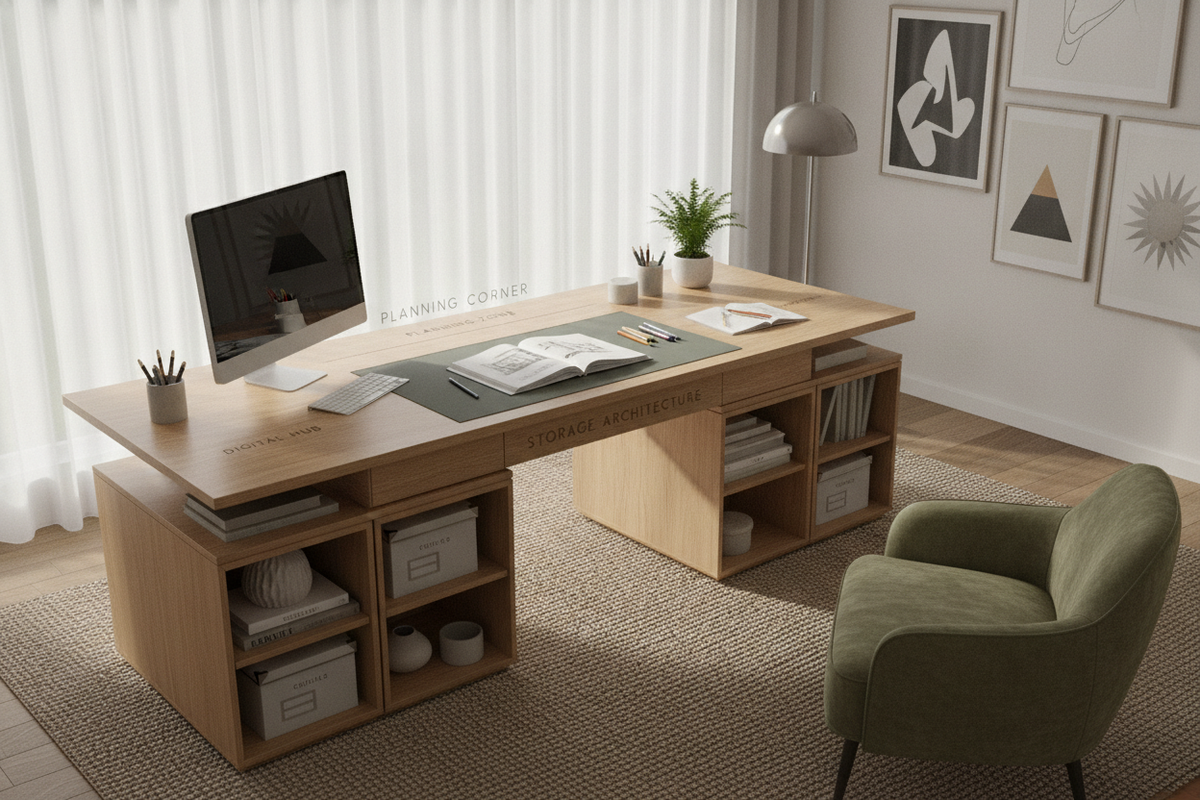
Selecting a study desk large enough to support both digital hardware and traditional study materials can transform a home office, library, or dedicated study area. An expansive work surface eliminates the friction of constantly shuffling notebooks, laptops, monitors, and reference materials. However, introducing a wide workstation into an interior space requires careful attention to ergonomic zones, room clearance, and long-span frame construction to maintain both everyday comfort and lasting structural integrity.
Defining the Large Study Desk: Surface Dimensions and Spatial Zoning
A broad tabletop provides generous surface area, but maximizing its potential depends on how the working space is organized. Without a structured layout, an oversized desk risks becoming an unorganized surface for random clutter rather than a focused productivity station. Exploring a comprehensive study desk guide can provide helpful inspiration for styling and layout harmony.
Primary Reach vs. Secondary Reference Zones
Ergonomic workstation planning divides desktop real estate into distinct activity zones based on arm reach:
- Primary Reach Zone: The central semi-circle directly in front of the seating position. This area is reserved for active input tasks, such as keyboard typing, mouse navigation, or handwriting in a primary notebook.
- Secondary Reference Zone: The mid-reach area to the immediate left and right. This space is ideal for open reference textbooks, secondary tablets, task lighting, and immediate project folders.
- Tertiary Peripheral Zone: The outer edges and back perimeter of the spacious desk, suited for desktop monitor risers, document trays, pencil holders, and decorative accents.
Accommodating Multi-Screen Tech and Analog Study Tools
Modern study workflows rarely rely solely on books or screens; most academic and professional tasks require a hybrid setup. A wide tabletop allows you to place dual monitors or a widescreen display on elevated mounts while keeping ample clear space below for physical notebooks, legal pads, and binders. This dual-purpose arrangement prevents hardware from encroaching on reading and handwriting areas.
Room Layout Planning and Spatial Clearance
Before introducing a big study desk into your floor plan, assessing circulation paths and visual scale ensures the room feels open and functional rather than cramped.
Wall-Facing vs. Floating Island Layouts
Where you place the desk significantly shapes the visual weight and workflow of the room:
- Perimeter Wall Placement: Positioning a wide desk against a solid wall maximizes open floor space in the center of the room. It also simplifies cable concealment and allows for the addition of wall-mounted hutches or bulletin boards.
- Floating Island Arrangement: Placing an expansive desk in the center of the room facing the entry door creates an executive focal point. This configuration requires finished back panels and under-desk cable management channels to maintain a polished look from all angles.
Chair Travel, Doorway Clearances, and Pathway Flow
A generous tabletop requires adequate perimeter space for comfortable use. Plan for sufficient clearance behind the desk edge to allow an office chair to roll back smoothly and swivel without hitting walls, radiators, or bookshelves. Ensure secondary walkways adjacent to the desk remain clear so room entry points and closet doors open without obstruction.
Structural Architecture and Long-Span Stability
As desktop surface dimensions increase, the structural demands on the frame, legs, and center span grow significantly. Maintaining a steady, level surface requires sturdy engineering and resilient core materials, such as those found in a robust large desk product.
Under-Table Support Rails and Center Reinforcement
Long spans are naturally susceptible to downward flex or center deflection over time if supported only at the outer corners. High-performing broad desks incorporate under-mount steel support aprons, longitudinal stiffeners, or heavy horizontal crossbars. These structural elements evenly distribute the weight of multi-monitor arms, heavy desktop towers, and stacks of textbooks across the entire base frame.
Desktop Core Materials and Surface Durability
Tabletop construction influences both longevity and tactile comfort during extended work sessions:
- High-Density Engineered Wood: Provides consistent structural density throughout the slab, minimizing the risk of warping under shifting indoor humidity levels.
- Reinforced Laminate Finishes: Offer reliable resistance against daily pen impressions, moisture rings from beverage cups, and micro-abrasions from desktop hardware.
- Metal Sub-Frames: Heavy-gauge steel or reinforced aluminum legs provide rigidity, reducing lateral sway when typing or writing intensively.
Storage Architectures: Integrated Cabinets vs. Simple Open Frames
When selecting an expansive workspace, choosing between built-in storage units and a streamlined silhouette depends on your organizational habits and legroom preferences. For a minimalist aesthetic, reviewing an informative desk guide can help you evaluate open-frame benefits.
Pedestals, Drawers, and Lateral Shelving Units
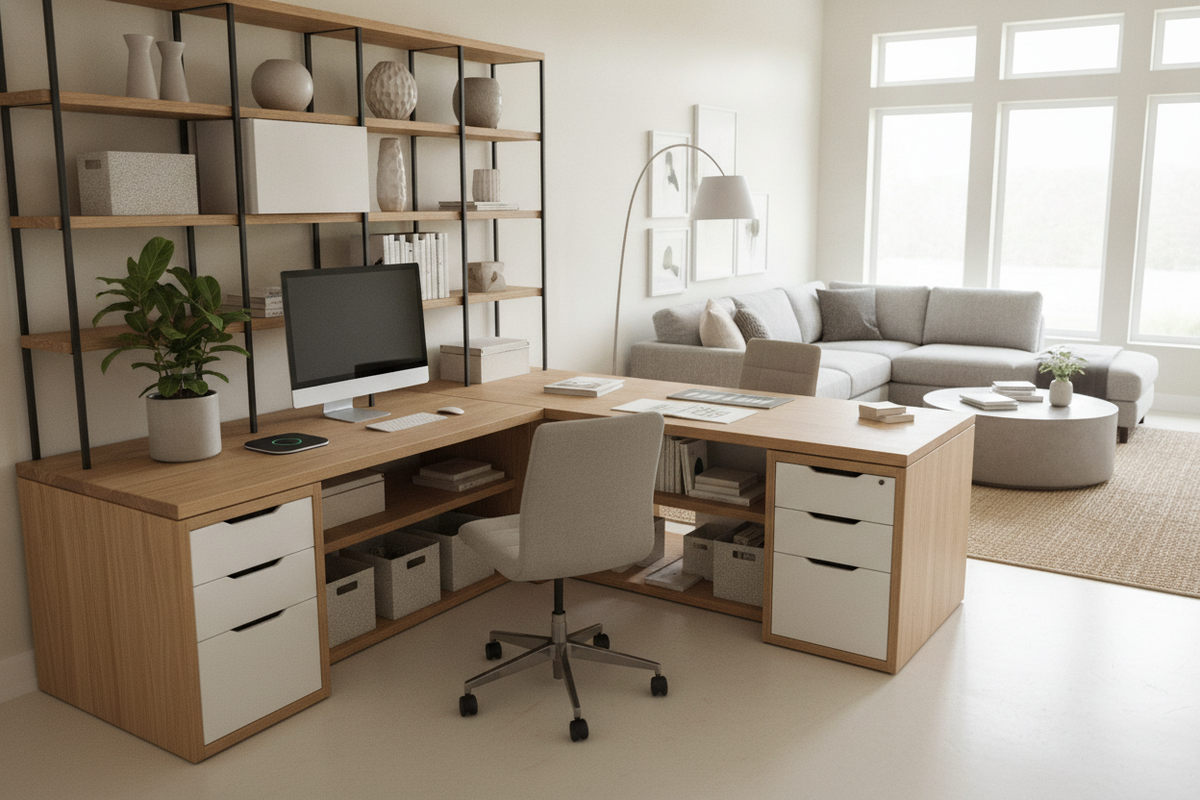
Integrated storage desks feature built-in drawer pedestals, file cabinets, or open display cubbies. Choosing a specialized desk large product keeps essential supplies, active project files, and secondary electronics concealed beneath the desktop, preserving an uncluttered work surface.
Minimalist Open-Leg Frames for Modular Flexibility
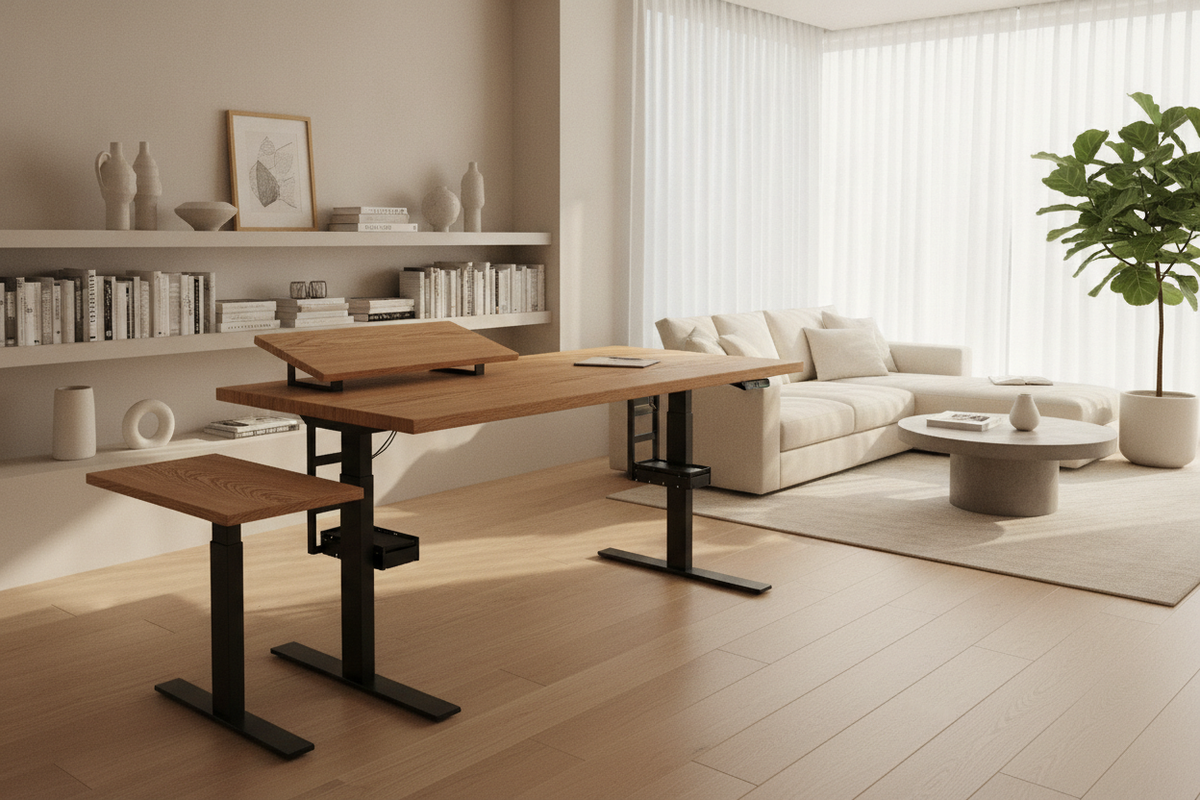
A simple large desk built with an open-leg architecture provides maximum legroom and adaptable space beneath the table. This setup allows you to position independent rolling file carts, footrests, or CPU stands exactly where they suit your posture, and makes vacuuming underneath effortless.
Tailoring the Setup: Workflow Scenarios and Equipment Management
An oversized desk adapts well to different professional and academic routines when outfitted with deliberate equipment layouts.
The Academic and Research Station Setup
For research-intensive study, designate one side of the expansive surface for high-focus reading and note synthesis, equipped with an adjustable task lamp and a multi-tier book stand. Dedicate the opposite side to computational tasks, reference browsing, and digital data entry, creating distinct activity zones that enhance deep focus.
Cable Routing and Hardware Concealment Across Wide Desks
Expansive surfaces collect more cables across their span. Maintain clean visual lines by routing power strips into under-desk cable baskets, using surface grommet pass-throughs for peripheral cords, and attaching adhesive cable spines along rear support legs to direct power cords cleanly down to floor outlets.
Assembly Logistics, Floor Leveling, and Care
Expansive furniture pieces require careful assembly and positioning to perform at their best over the long term:
- Two-Person Panel Handling: Wide desktop slabs are substantial; having two people lift, position, and align the main top during assembly prevents joint strain and accidental edge damage.
- Adjustable Leveling Glides: Uneven flooring can cause wide desks to rock. Adjust the threaded leveling feet on each leg until the tabletop is completely steady across its entire length.
- Regular Fastener Inspection: Periodically check and tighten leg bolts and crossbar brackets to maintain a wobble-free foundation through years of daily study.

Laisser un commentaire
Ce site est protégé par hCaptcha, et la Politique de confidentialité et les Conditions de service de hCaptcha s’appliquent.