


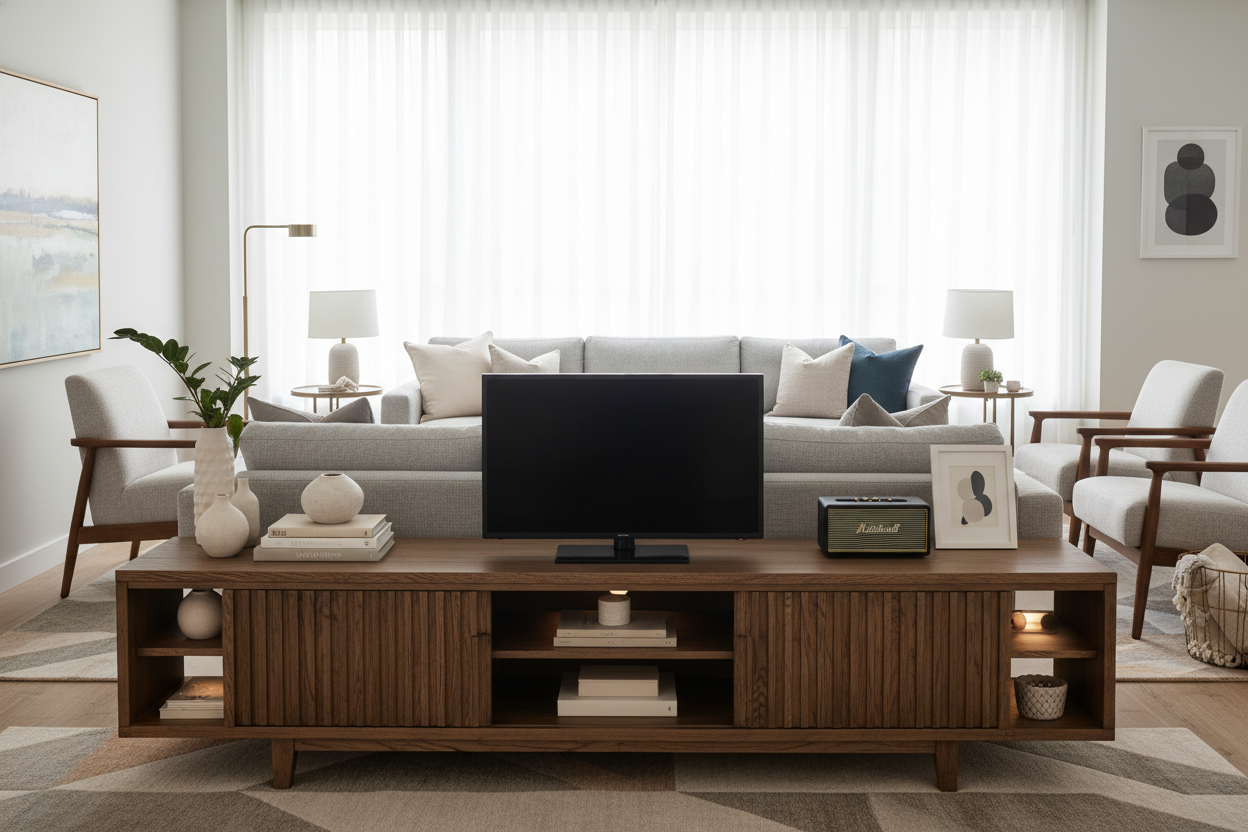
I once spent three hours measuring my living room only to buy a console that made my 55-inch OLED look like it was balancing on a tightrope. It was a visual disaster. My ceiling felt lower, the room felt cramped, and I couldn't stop staring at the weird overhang of the screen edges.
That’s when I realized the secret isn’t matching your TV’s width to the stand—it’s about creating breathing room. If you’re currently hunting for a 56 inch tv stand, you’ve actually stumbled onto the goldilocks zone of living room proportions. It’s wide enough to feel grounded but compact enough to not dominate a standard apartment wall.
Quick Takeaways
- A 56-inch console provides a 4-inch margin on each side for a standard 55-inch TV.
- Matching TV and stand widths creates a 'top-heavy' look that makes rooms feel smaller.
- 56-inch units offer better cable management options than smaller, cramped stands.
- This size avoids the 'bowling alley' effect of massive 70-inch+ consoles.
The 'Top-Heavy' Mistake Ruining Your Living Room
We’ve all done it. You have a 55-inch TV, so you start browsing standard tv stands looking for something exactly 55 inches wide. Stop. When the screen and the base are the same width, you create a vertical block that draws the eye upward and makes your furniture look unstable. It’s like wearing a giant hat with a tiny suit.
I’ve tested dozens of layouts, and the most common mistake is a lack of 'visual weight' at the base. A 56 tv stand adds just enough extra width to anchor the screen. It creates a pyramid-like stability that lets your eyes rest. Without those few extra inches, your expensive TV looks like it’s teetering on a pedestal, which is the last thing you want when you’re trying to relax and watch a movie.
The Screen Math: Why a 56 Inch Wide TV Stand Actually Works
Here’s the part that trips everyone up: TV sizes are diagonal, but stands are measured horizontally. A '55-inch TV' is usually only about 48 inches wide. If you put that on a 48-inch stand, it’s a flush fit—and a total design fail. By choosing a 56 inch wide tv stand, you’re giving yourself exactly 4 inches of clearance on either side of the screen.
Those 4 inches are the 'margin of sanity.' It’s enough space to ensure the TV doesn't look like it’s spilling over the edges, but not so much that the console looks empty. In my own setup, I found that this specific 56 media console width allows the TV to feel integrated into the room rather than just 'placed' on a box. It’s the difference between a custom-built look and something you threw together because it was on sale.
Why Not Go Bigger? Avoiding the Bowling Alley Effect
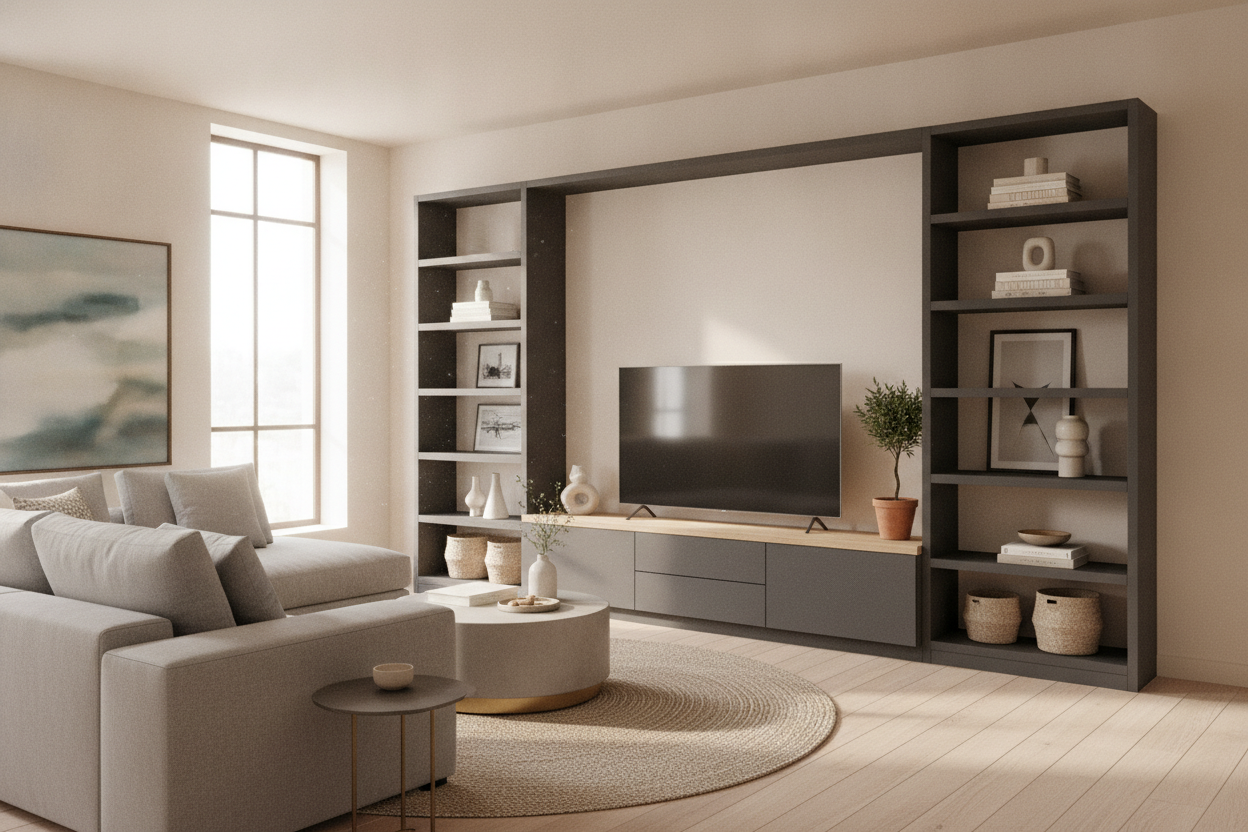
You might be tempted to just buy the biggest console that fits the wall. I’ve tried the 75-inch 'media wall' approach, and unless you live in a literal loft, it usually backfires. Massive units eat up floor space and make your room feel like a narrow bowling alley. I remember the relief of swapping out a bulky console for something more streamlined; the room suddenly felt like it could breathe again.
The 56 inch tv stand is the sweet spot. It’s large enough to hold a beefy center-channel speaker or a high-end soundbar, but it doesn't require you to rearrange your entire sofa layout just to accommodate it. It’s the pragmatic choice for anyone living in a real-world space where every square foot of floor counts.
How to Style the 'Margins' of a 56 Media Console
Once you have those 4-inch margins on the sides of your 56" tv stand, don't just leave them bare. But don't clutter them either. I’m a fan of the 'one side organic, one side tech' rule. Put your soundbar in the center, a small trailing pothos plant on the left, and maybe a stack of coffee table books or a sleek remote tray on the right.
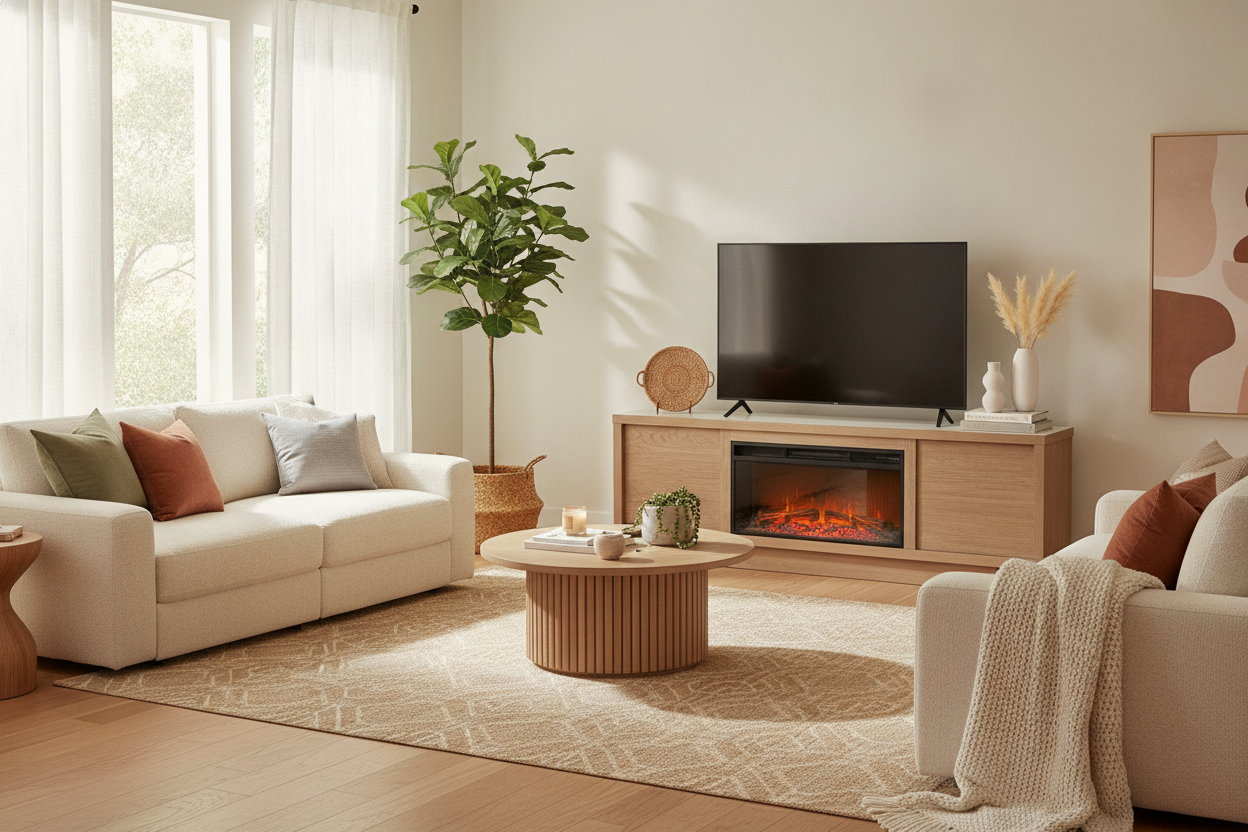
If your room feels a bit cold, look for a white tv stand with adjustable light. Built-in ambient lighting or even a small accent lamp on the edge of the console can soften the harsh black rectangle of the TV screen. It turns the media center into a piece of decor rather than just a place to stash your Xbox and tangled HDMI cables.
What If You Actually Have a 56-Inch Screen?
If you are specifically looking for a tv stand for 56 inch tv—meaning the screen itself is 56 inches wide (rare, but they exist)—you need to size up. The margin rule still applies. Putting a 56-inch wide screen on a 56-inch stand is a recipe for visual anxiety. You’d be better off with a 65-inch base to keep that proportional balance.
For those who hate the look of a black mirror hanging on the wall regardless of the size, I’ve seen great results with a cabinet with hidden tv mechanism. It solves the proportion problem by making the TV disappear entirely when you aren't using it. But for most of us, a well-proportioned 56-inch console is the most reliable way to fix a top-heavy living room without a total renovation.
FAQ
Can I put a 65-inch TV on a 56-inch stand?
Technically, yes, if the legs fit. Visually? No. A 65-inch TV is about 57 inches wide, meaning it will overhang a 56-inch stand by half an inch on each side. It looks cramped and cheap. Go wider.
Is a 56-inch stand too big for a small apartment?
Not at all. Because it's usually under 5 feet long, it fits most standard apartment walls comfortably without blocking walkways. It’s actually better than a tiny stand because it provides more storage to hide clutter.
Should I get a wall-mounted or floor-standing 56-inch console?
Floor-standing is easier for renters and handles heavy equipment better. Wall-mounted (floating) looks modern and makes cleaning easier, but you need to be 100% sure about your stud placement and weight limits.

Laisser un commentaire
Ce site est protégé par hCaptcha, et la Politique de confidentialité et les Conditions de service de hCaptcha s’appliquent.