


I once spent four hours with a stud finder that lied to me. By the time I finally hit something solid, my living room wall looked like it had been through a target practice session with a half-inch drill bit. If you have ever tried to patch textured drywall while sweating about a security deposit, you know the specific brand of anxiety I am talking about.
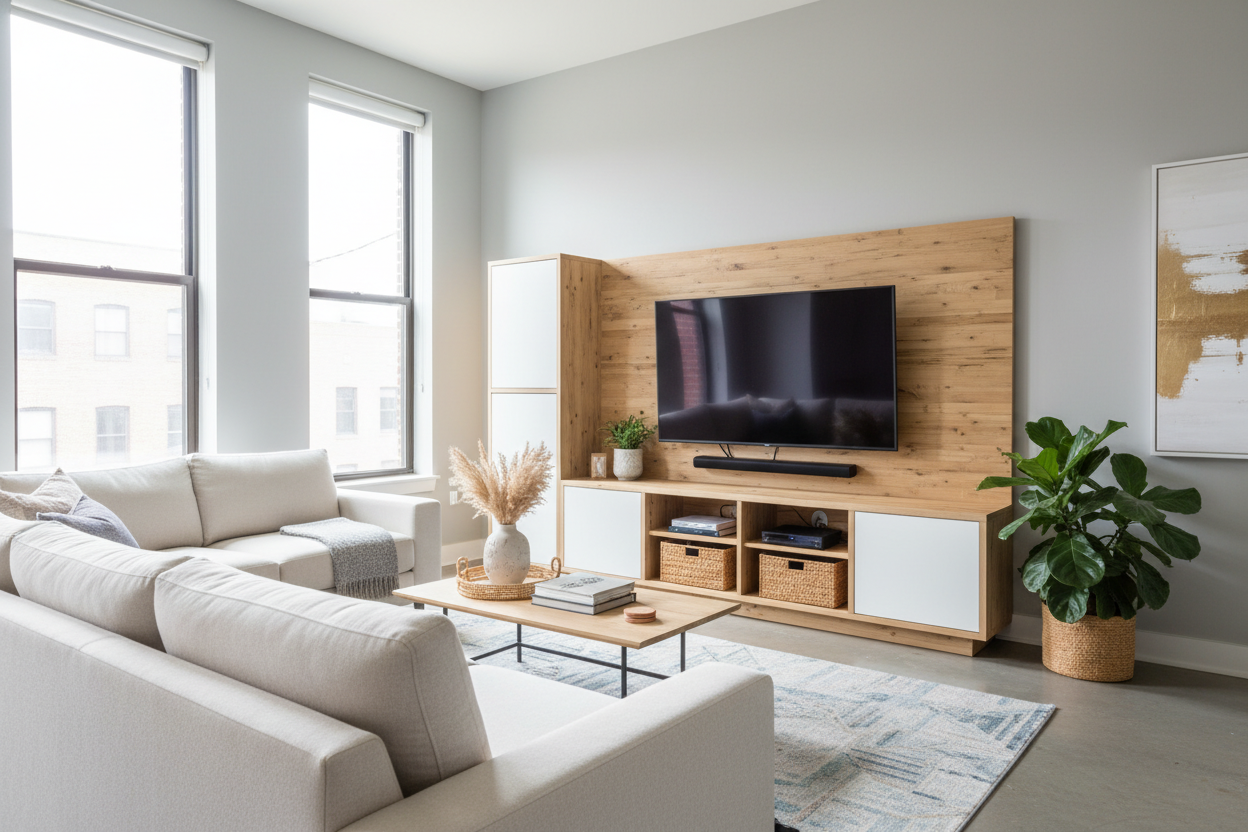
For years, I thought the only way to get that clean, floating screen look was to commit to a permanent wall installation. I was wrong. An entertainment unit with tv mount gives you the height and the sleekness of a wall-mounted setup without the structural commitment or the inevitable drywall dust in your carpet.
- Zero Wall Damage: No holes, no anchors, no 'oops' spots to patch later.
- Integrated Cable Management: Most units hide wires inside the central support spine.
- Adjustable Height: You can usually swivel or raise the screen to eye level without re-drilling.
- Portability: If you decide to rearrange the room, the TV moves with the furniture.
The Drywall Destruction Dilemma
Standard wall mounting is a nightmare for anyone who does not own a toolkit worth more than their car. You have to find the studs, ensure they are spaced correctly for your bracket, and then pray you do not hit a rogue electrical wire or a plumbing pipe. In older apartments with plaster walls, it is basically a gamble every time you pull the trigger on the drill.
Even if you get the bracket up perfectly, you are left with the cable problem. To get that 'Pinterest-perfect' look, you have to fish HDMI cables behind the drywall, which is a level of DIY I simply refuse to do on a Saturday morning. When you eventually move out, you are stuck filling holes and trying to match 'eggshell white' paint that never actually matches. It is a lot of labor for a temporary living situation.
Enter the 'Fake' Float: How These Units Actually Work
A tv mount entertainment center is essentially a hybrid. It features a heavy, stable base—usually a cabinet or a set of shelves—with a steel mounting column bolted directly to the frame. The TV attaches to a VESA bracket on that column, hovering several inches above the surface of the stand. It creates the illusion that the screen is floating against the wall.
I realized I needed this when wall mount tv entertainment unit setups started appearing in my feed. These units take the weight off your wall and put it on the floor where it belongs. The base is weighted to prevent tipping, and because the screen is elevated, you regain all that surface area on top of the cabinet for decor or speakers. It is a massive upgrade over just plopping a 55-inch screen on its plastic legs.
Why My Landlord (And My Anxiety) Prefers This Setup
Landlords hate holes. I have lost enough of my security deposit to 'wall repairs' to know that 'small holes' are a subjective term. Using a mounted unit means I can have a professional-looking media center and still get my full deposit back. It also makes moving infinitely easier. Instead of unscrewing a heavy bracket and patching walls, I just unplug the unit and slide it into the moving truck.
Built-in Cable Management is a Lifesaver
The best part of these units is the hollow spine. Most modern designs in any collection of Tv Stands now include clips or a central channel specifically for wires. You run your power and HDMI cables through the back of the mount, and they pop out right behind your consoles or cable box. No more 'black spaghetti' hanging down the wall. It is the cleanest my setup has ever looked, and it took me twenty minutes to cable-manage, not two hours.
Styling It So It Doesn't Look Like a Trade Show Display
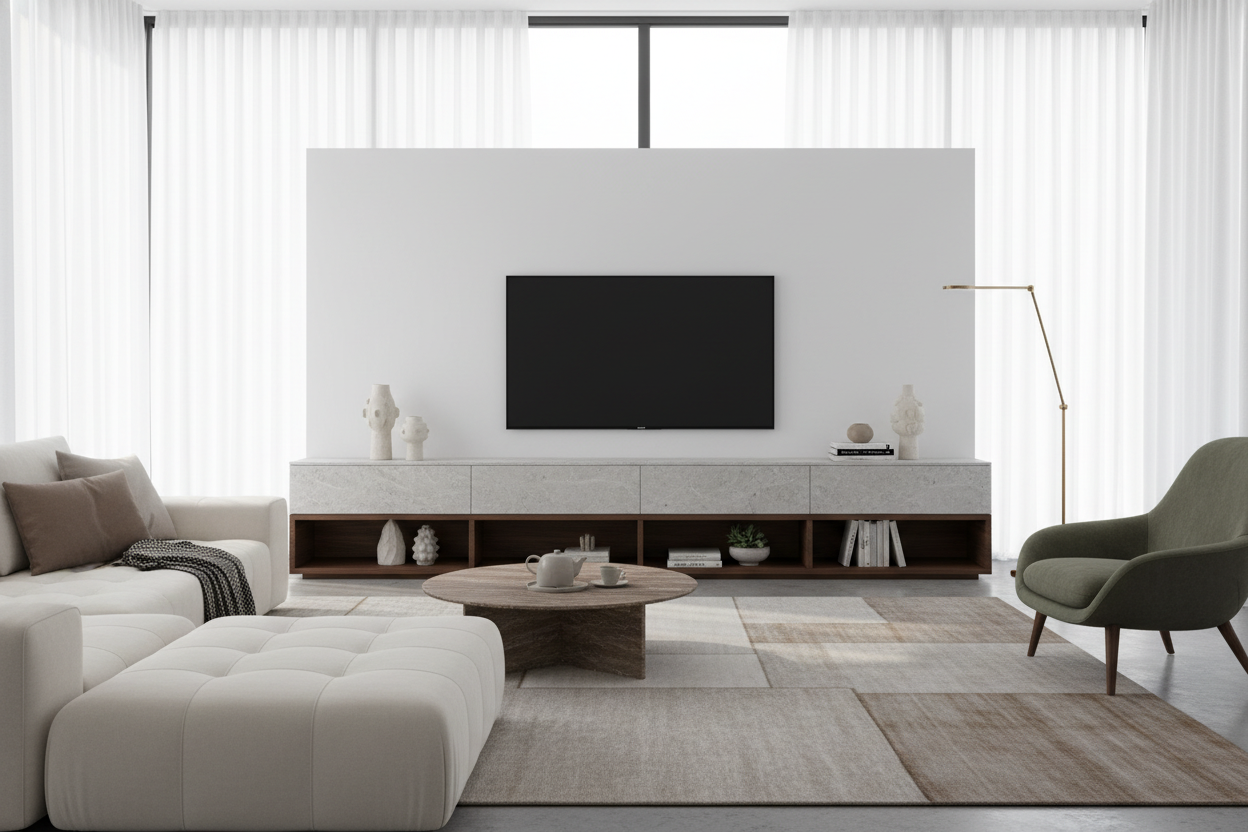
The main complaint about these units is that they can look a bit 'office-y' if the metal spine is too prominent. To fix this, I lean into the base cabinet. I recommend choosing a stylish black tv stand entertainment center that has enough visual weight to balance the screen. A dark finish helps the mounting column blend into the shadows.
Add some life to the base. I put a tall snake plant on one side of the cabinet to partially obscure the mounting pole. A few coffee table books stacked on the other side breaks up the horizontal lines. If your unit has open shelving, use baskets to hide the clutter. The goal is to make the mounting column look like an intentional architectural element rather than a piece of hardware.
Personal Experience: The Move-In Test
I recently moved into a place with 100-year-old brick walls. Drilling was not just a hassle; it was basically impossible without a hammer drill and a lot of luck. I bought a mounted unit with a walnut base, and it saved the room. I had the TV 'mounted' and my Xbox hooked up in under an hour. The only downside? These units are heavy. Do not try to assemble the base by yourself if you value your lower back—get a friend to help you steady the mounting pole while you tighten the bolts.
FAQ
Will it hold my 75-inch TV?
Most units are rated for specific weight limits and VESA patterns. Always check the specs, but many heavy-duty models easily support up to 80-inch screens as long as the base is wide enough for stability.
Is it hard to assemble?
If you can build basic flat-pack furniture, you can build this. The mounting bracket is usually the easiest part; the base cabinet takes the most time.
Can I swivel the TV?
Yes, most of these mounts offer a 15 to 30-degree swivel, which is actually more flexibility than many fixed wall mounts provide. It is great for cutting down on afternoon glare from windows.

Laisser un commentaire
Ce site est protégé par hCaptcha, et la Politique de confidentialité et les Conditions de service de hCaptcha s’appliquent.