


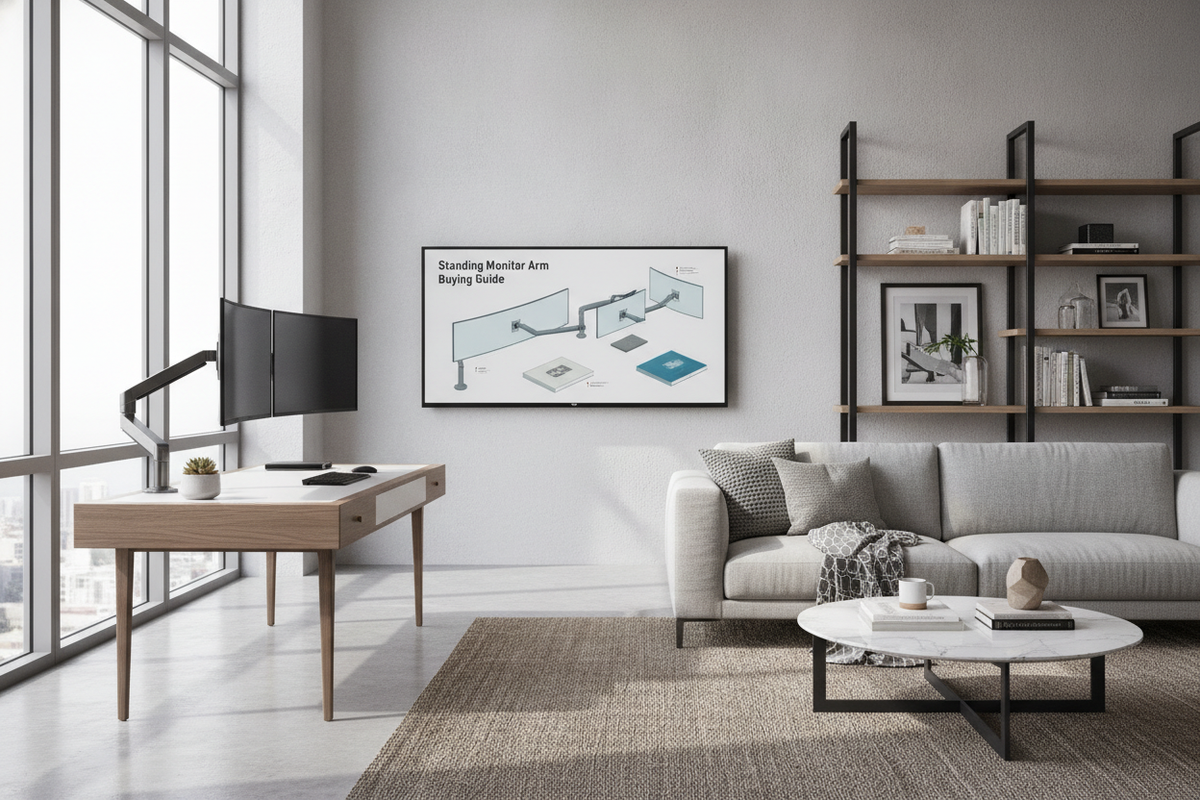
Modern dynamic offices increasingly combine sit-stand surfaces with modular hardware to support versatile work styles. A dedicated standing monitor arm plays an essential role in bridging the gap between desktop height adjustments and personal visual alignment. When an entire desk moves upward, the relationship between your arms, keyboard, and display shifts, necessitating a support mechanism capable of independent vertical positioning.
Understanding the Role of a Standing Monitor Arm in Dynamic Workstations
While many standard monitor pedestals rest flat on the tabletop, they offer limited elevation ranges and consume valuable surface area. In contrast, an elevated standing monitor arm suspends displays off the desktop entirely, offering extended height clearance that proves particularly beneficial when alternating between sitting and standing postures. Coordinating your display with a dedicated standing desk resource ensures that your screens elevate to a comfortable line of sight without forcing an awkward neck angle or hunched shoulders.
Dynamic movement introduces mechanical vibration. As a motorized or manual desk transitions between sitting and upright states, the cantilevered weight of your screens can produce unwanted wobble if the mounting assembly lacks sufficient rigidity. A properly specified mount maintains balance, absorbing motion while keeping your visual focal plane steady.
Mounting Architectures: Evaluating Desktop Clamps and Grommet Fixations
The foundation of any screen suspension system is its base anchor. Choosing an appropriate pc monitor table mount requires examining the underside of your desk frame, the edge profile of the desktop, and whether your surface features built-in wire pass-throughs. Selecting an adaptable mounting style from a well-engineered computer desk collection guarantees that your hardware secures cleanly without damaging the desktop finish.
Most articulated supports rely on one of two primary mechanical fastenings: edge-mounted C-clamps or through-surface grommets. Each method addresses specific desk layouts and structural requirements.
C-Clamp Mounts Versus Through-Desk Grommet Anchors
The standard C-clamp wraps around the back or side perimeter of a desktop. It tightens via threaded bolts against the underside of the panel, making it a favorite for renters or modular office setups where drilling holes is impractical. However, C-clamps demand adequate edge clearance. Desks fitted with integrated modesty panels, perimeter reinforcement beams, or back aprons can obstruct clamp jaws, leaving insufficient depth for a secure grip.
In contrast, a through-desk grommet anchor secures through a pre-drilled cable portal or a custom aperture in the desktop substrate. By clamping across the upper and lower faces away from the edge, a grommet-style pc monitor table mount distributes mechanical leverage more centrally. This method provides dependable stability for ultrawide displays or multi-screen arrays where extended cantilever forces exert significant rotational torque.
Desktop Material Compatibility and Load Distribution
The internal composition of your tabletop dictates how well it handles concentrated clamping pressure. Solid hardwoods, dense plywoods, and high-density fiberboards generally tolerate direct clamp tension without significant deformation. When setting up a sturdy surface like a desk computer product, solid timber grain provides reliable resistance to rotational bending moments.
On the other hand, lightweight desktops manufactured with hollow honeycombed paper cores or low-density particleboards risk localized compression or surface cracking under heavy clamping loads. For these lighter surfaces, consider using wide metal reinforcement plates between the clamp pads and the wood surface. These plates spread mechanical pressure across a larger contact area, safeguarding the core integrity of the desk while dampening arm bounce.
Vertical Pole Clearances and Articulation Mechanics
Selecting an effective standing monitor arm involves more than choosing a clamp; vertical pole travel is critical for tall users and dynamic desks. Standard monitor arms often top out at modest heights that accommodate seated viewing comfortably but fall short when standing, where an individual's eye line naturally rests higher relative to their elbow position.
Tall pole-mounted arms combine a rigid central column with articulated extension links. By setting the base collar higher on the column, you establish a elevated baseline height. From there, internal pneumatic gas springs or mechanical counterbalance coils provide smooth, tool-free repositioning. When configuring a computer monitor holder for desk installations, ensure the counterbalance tension matches your display weight. If tension is too loose, the monitor will drift downward; if tension is too tight, the screen will spring upward uncontrollably.
- Tilt Range: Allows forward and backward screen angle adjustments to reduce glare from overhead lighting during standing sessions.
- Swivel Articulation: Enables horizontal rotation, accommodating collaborative viewing or corner-oriented screen positioning.
- Portrait-to-Landscape Rotation: Facilitates reading long documents, programming code, or reviewing tall spreadsheets with minimal mechanical friction.
Workstation Integration: Desktop Real Estate and Cable Pathing
Suspending monitors above the surface unlocks previously occupied desktop area. A thoughtfully positioned computer monitor holder for desk environments clears physical room for compact audio gear, desk pads, document holders, and secondary organizers. In setups featuring integrated storage platforms, such as a specialized computer desk monitor product, mounting hardware works in harmony with existing risers and utility trays to create layered, uncluttered zones for daily work accessories.
Cable management requires special attention in dynamic environments. Because monitor arms articulate across three-dimensional space, rigid or overly taut cables can bind, pull on delicate display ports, or tip desktop accessories during elevation. Always incorporate adequate slack into video, power, and peripheral cables at each arm hinge. High-quality arms feature integrated internal raceways, snap-on plastic channels, and routing clips that retain cables along the arm contours while maintaining sufficient loop radius for full motion.
Step-by-Step Selection Framework for Monitor Mounting
To choose the ideal support for your setup, follow a structured evaluation process that accounts for both your workspace physical dimensions and your hardware requirements:
- Inspect the Desktop Boundary: Measure surface thickness and inspect the underside for structural rails, crossbars, or modesty panels that could interfere with clamp pads.
- Review Display Mounting Standards: Confirm that your screens feature standard mounting hole configurations on the rear chassis, or plan for a compatible mounting bracket adapter.
- Calculate Total Suspended Weight: Account for the weight of your screen, any attached light bars, webcams, or trailing cables to verify they match the specified operating tension of the mechanical arm.
- Assess Daily Articulation Needs: Determine whether you require frequent manual repositioning throughout the day or if a semi-static column with occasional tilt adjustment meets your daily routine.
By coordinating structural desk compatibility, adequate vertical pole height, and proper counterbalance mechanics, your standing monitor arm provides a stable, versatile visual anchor that supports seamless workflow transitions throughout your workday.


Laisser un commentaire
Ce site est protégé par hCaptcha, et la Politique de confidentialité et les Conditions de service de hCaptcha s’appliquent.