


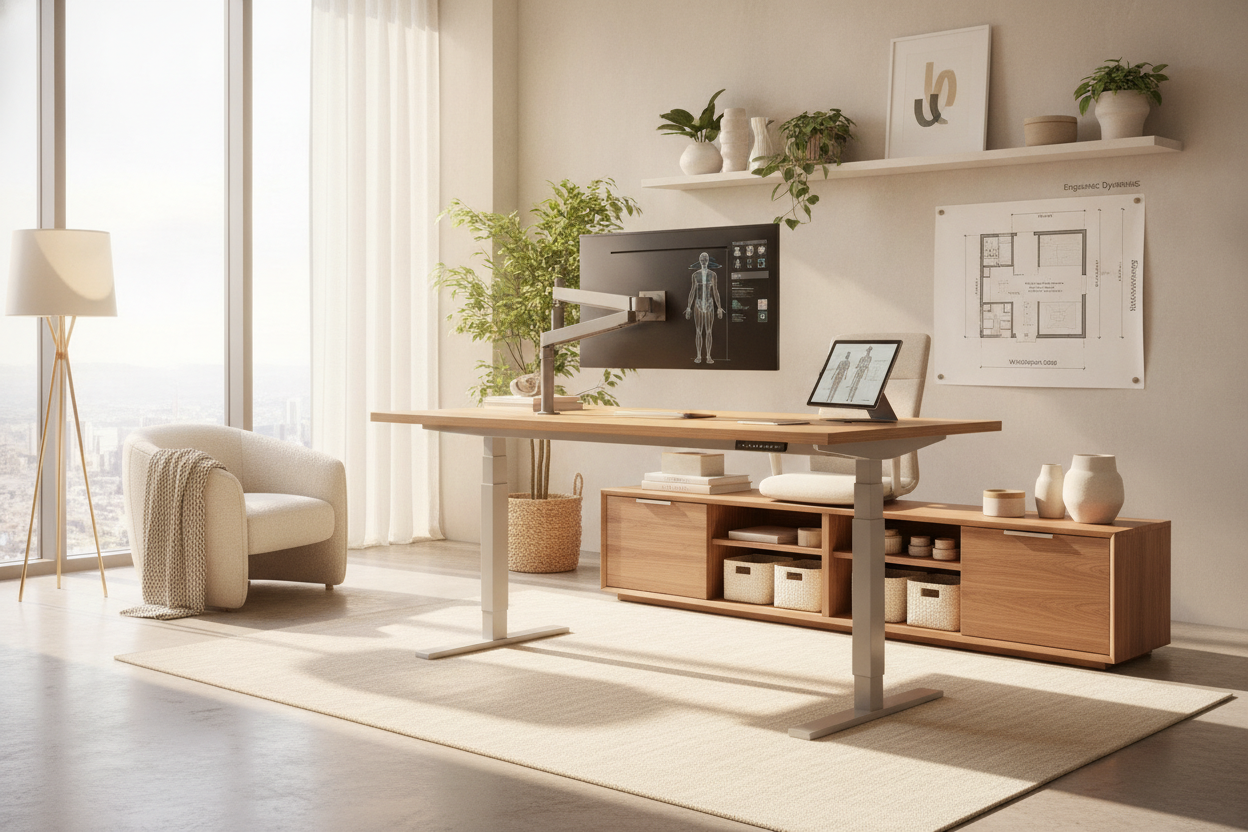
Understanding Standing Desk Research and Ergonomic Principles
Modern workspace design places significant emphasis on human movement and posture variation. When reviewing contemporary standing desk study findings and ergonomic concepts, the central takeaway is clear: physical well-being and sustained productivity do not depend on finding one perfect static posture. Instead, healthy work habits rely on dynamic transitions between sitting and standing throughout the day. Remaining seated for prolonged hours can lead to physical fatigue and posture slump, while standing continuously without breaks can create unnecessary pressure on the feet, knees, and lower back.
A well-planned sit-to-stand setup addresses these challenges by accommodating natural posture shifts. Foundational standing desk research highlights the importance of the neutral reach envelope—the physical zone on your desktop that you can reach comfortably without leaning forward or overextending your arms. Designing your workstation around neutral reach zones helps keep primary input tools, such as keyboards, mice, and note pads, positioned where your elbows remain at natural resting angles and your shoulders remain relaxed.
Furthermore, broader studies on standing desks show that the key to sustained focus during intense research or administrative tasks is fluid adaptability. By establishing an environment where you can easily alter desk elevation, you allow your body to reset physical alignment without interrupting intellectual flow.
Workstation Dimensions and Surface Zoning for Deep Focus
Choosing the right desk dimensions is critical when transitioning to an active working environment. Insights from ongoing stand up desk research emphasize that surface real estate directly influences daily organization and cognitive clarity. A desktop that is too shallow forces computer monitors too close to the user's eyes, while an overly narrow surface creates spatial conflicts between computer peripherals and physical writing materials.
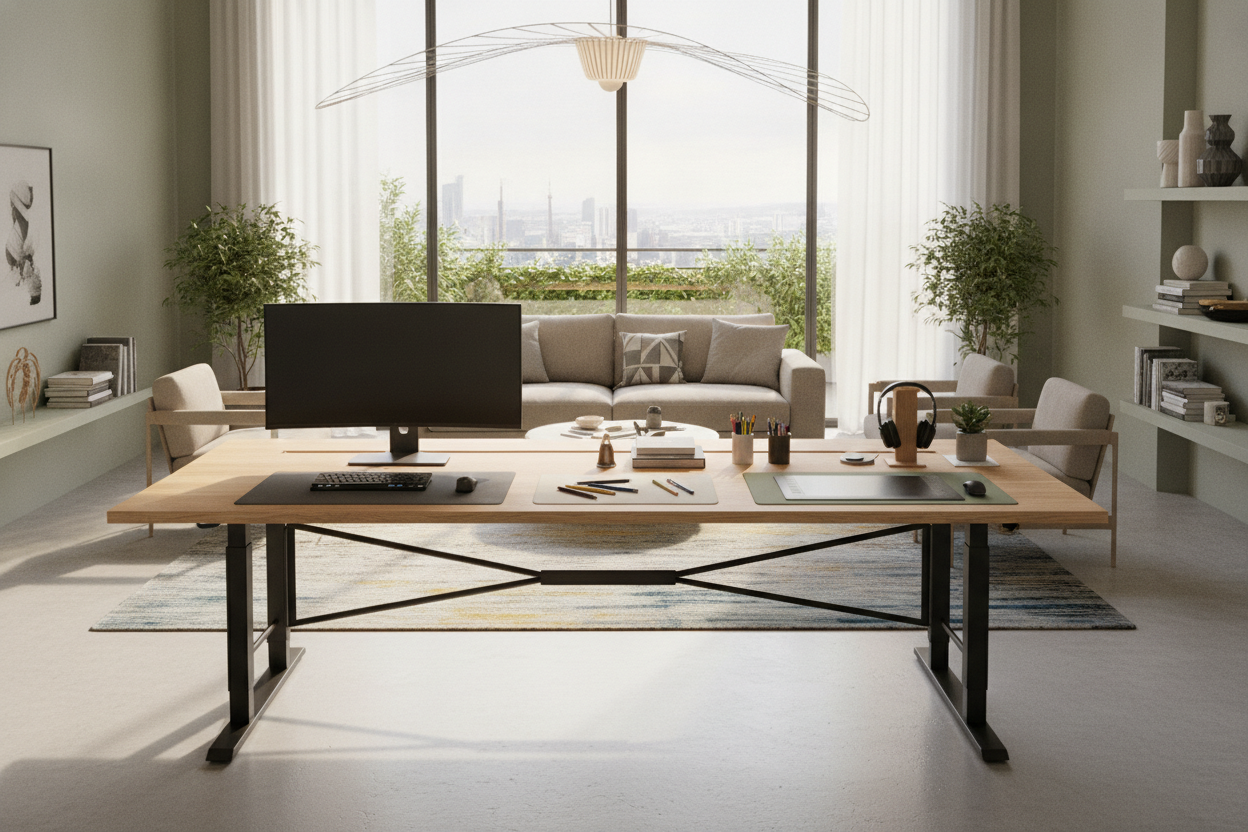
For multi-monitor configurations, technical drafting, or dual-task study sessions, an expansive surface such as a 71-inch height-adjustable standing desk offers the structural width needed to organize distinct functional zones:
- Primary Active Zone: The central horizontal sweep reserved for your keyboard, mouse, and active writing materials, kept within your immediate forearm reach.
- Focal Visual Zone: The rear portion of the desktop dedicated to displays or laptop risers, ensuring screens sit at an appropriate focal distance to encourage upright neck alignment.
- Reference and Hardware Perimeters: The outer left and right boundaries used for document trays, reference books, desk lamps, and desktop organizers, keeping the central area free of unnecessary clutter.
By establishing distinct surface zones, you prevent desk clutter from migrating into your movement pathways when shifting from seated to standing modes.
Transition Dynamics: Structuring Daily Sit-Stand Cadence
Adopting an active desk setup requires an intentional routine. Simply raising a desk to full height and attempting to stand for an entire afternoon can cause early fatigue. Practical stand up desk study protocols suggest adopting a gradual, balanced cadence that alternates between seated concentration and standing engagement.
To build a sustainable daily rhythm, consider the following structural practices:
- Start with Moderate Intervals: Begin by standing for brief periods during routine tasks such as checking correspondence, attending virtual meetings, or reviewing notes, then return to seated work for deep analytical tasks.
- Establish Precise Height Alignment: In standing mode, position the surface so your forearms rest parallel to the floor with your elbows bent at a natural angle. Your wrists should rest neutrally on the desktop without upward or downward angling.
- Leverage Memory Presets: Using an adjustable height standing desk with electric lift system allows you to save exact height settings for both sitting and standing. This eliminates guesswork and ensures consistent posture alignment every time you transition.
Integrating Storage and Cable Routing in Dynamic Layouts
Unlike conventional stationary tables, height-adjustable workstations move continuously through vertical space. This mechanical movement introduces unique considerations for wire management and companion storage organization.
When planning under-desk space, prioritize unobstructed legroom beneath the lifting columns. Heavy, fixed pedestal drawers attached beneath the tabletop can add unnecessary weight to lifting mechanisms and restrict knee clearance during seated mode. Instead, consider pairing your active desk with mobile filing cabinets, low-profile side credenzas, or perimeter shelving. You can explore creative layout strategies in our guide on designing an organized study desk for a luxury aesthetic.
For electrical management, ensure that all monitor cords, power strips, and peripheral cables feature sufficient slack to accommodate maximum standing height. Utilize flexible under-desk cable trays, articulated vertebrae raceways, and adhesive wire channels along the rear frame to keep cords tidy, protected, and tangle-free as the desk moves.
Balancing Ergonomics and Room Aesthetics
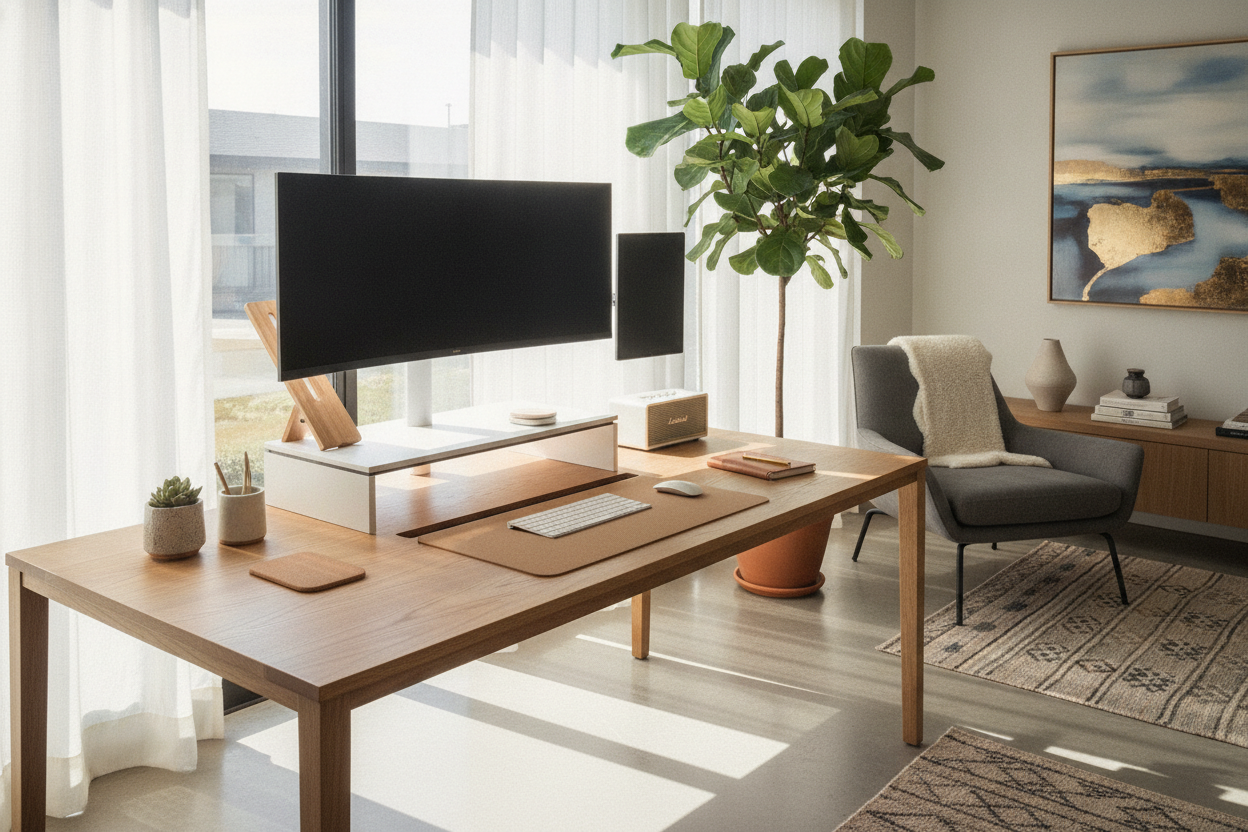
A dynamic study area should harmonize with the surrounding interior decor. Modern sit-to-stand furniture is available in diverse aesthetic styles, combining robust steel lifting columns with warm woodgrain surfaces, crisp neutral tops, and coordinated hardware accents.
When coordinating your space, aim for visual continuity between the desk frame and nearby bookcases, storage credenzas, or display cabinets. Keeping desktop accessories minimal and organized further complements the streamlined appearance of modern motorized frames. For detailed interior styling approaches that blend technical functionality with residential warmth, see our article on designing a standing desk setup that actually looks good.
Personal Setup Blueprint: Evaluating Your Study Needs
Before selecting a new desk configuration, conduct a thorough assessment of your workspace requirements and daily habits:
- Measure User Height Profiles: Determine your specific seated and standing elbow heights to confirm that the desk frame's travel range accommodates your physical dimensions.
- Evaluate Spatial Footprint: Measure the width, depth, and vertical clearance of your room, checking for wall outlets, baseboards, and window trim that might impact desk placement.
- Assess Equipment and Storage Needs: If your workflow relies heavily on integrated shelving, dedicated monitor platforms, and built-in drawer units, compare dynamic sit-stand tables with specialized fixed options like a computer desk with monitor stand to determine the ideal balance of vertical mobility and built-in containment.
By applying structured ergonomic principles, accurate dimensional planning, and cohesive storage solutions, you can create a versatile, comfortable study environment tailored to long-term focus and productivity.

Laisser un commentaire
Ce site est protégé par hCaptcha, et la Politique de confidentialité et les Conditions de service de hCaptcha s’appliquent.