


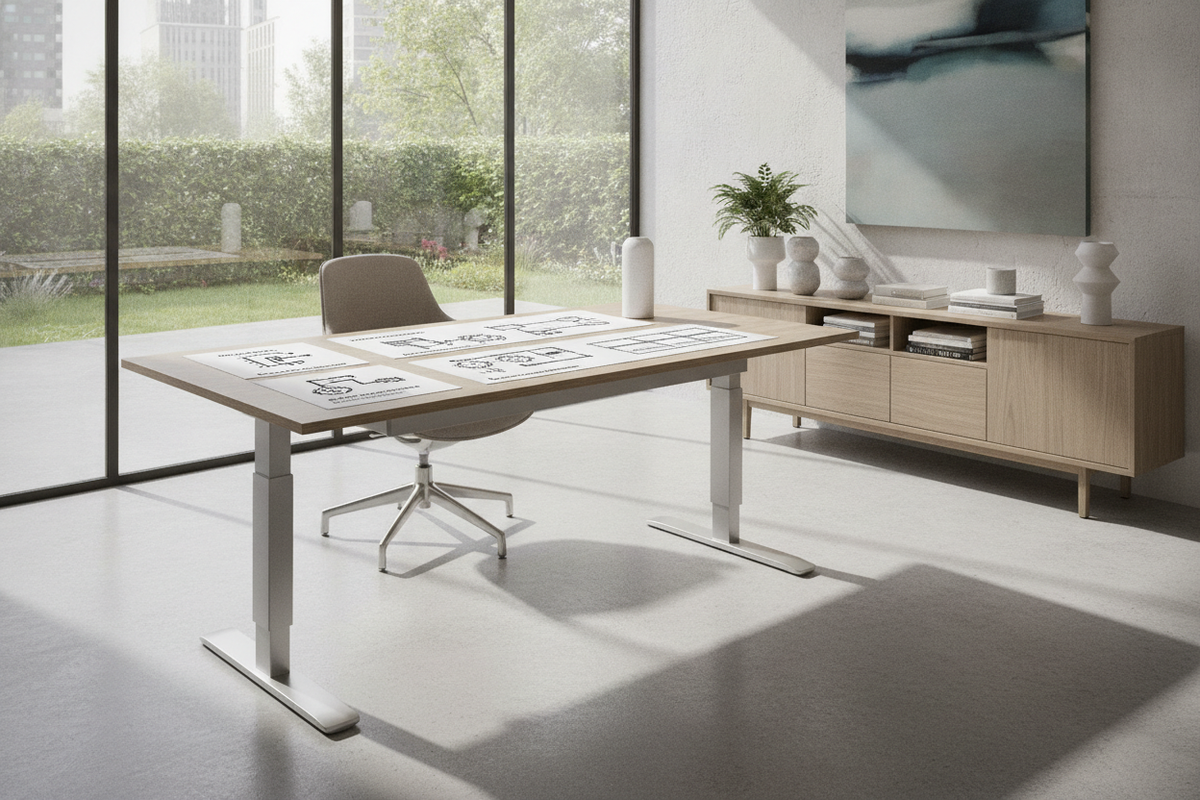
Knowing how to transition a sit-stand workstation smoothly between heights is essential for an efficient and comfortable home office. Whether adjusting a motorized frame, operating a rotary manual crank, or releasing a pneumatic cylinder, understanding the mechanics of your furniture helps prevent component wear and protects equipment. This guide details the exact steps for lowering various standing desk configurations, executing system calibration resets, troubleshooting downward travel stalls, and managing spatial clearances around adjacent storage units.
Kinetic Drive Taxonomy: Understanding Sit-Stand Adjustment Mechanisms
Before initiating downward movement, it is useful to identify the kinetic drive system powering the workstation. Height-adjustable frames rely on distinct mechanical principles to support desktop loads and control descent rates.
Motorized Electric Systems vs. Mechanical Drive Rods
Electric sit-stand workstations utilize either single or dual internal motors linked to synchronized lifting columns. In dual-motor setups, an electronic control box synchronizes the rotation of both telescopic leg stages, ensuring an even horizontal plane during travel. Single-motor designs typically employ a central hexagonal drive rod that transfers torque across a transmission shaft to both legs simultaneously. In contrast, non-motorized manual frames rely on bevel gears and internal worm drives that rotate when turned with a removable hand crank. For broader setups, selecting a spacious 71-inch height-adjustable frame offers ample desktop area while distributing dual-column stability across the entire footprint.
Pneumatic Cylinders and Desktop Riser Converters
Pneumatic standing desks and scissor-style desktop converters use pressurized gas-spring cylinders or hydraulic counterbalance cartridges. These systems rely on user-assisted mechanical leverage rather than motorized gears. When the engagement paddle or side lever is depressed, the valve opens, allowing the internal piston to move freely. Raising requires light upward guidance, while lowering depends on evenly distributed downward upper-body pressure to compress the gas spring back into its resting lock position.
How to Lower Electric Standing Desks: Controls, Memory Presets, and Reset Sequences
Motorized workstations offer intuitive controls, but improper operation or power fluctuations can occasionally interrupt normal downward travel. Understanding standard navigation commands and recalibration routines keeps your desk responsive.
Standard Downward Navigation and Keypad Presets
On standard electronic control pads, depressing and holding the down arrow engages continuous downward movement until the button is released or the lowest mechanical travel limit is reached. Desks equipped with digital memory keypads allow users to assign tailored heights to specific numerical buttons. To lower the desk using a preset:
- Ensure the under-desk area is completely clear of obstacles, task chairs, and stray cords.
- Press the assigned sitting memory button once (or hold it down, depending on whether your controller operates in one-touch or constant-touch mode).
- Observe the frame until it comes to a complete, balanced stop at your programmed seated height.
Integrating an electric lift system with memory presets simplifies daily transitions between seated focus and standing tasks with predictable repeatability.
The Forced Lowering and Motor Synchronization Reset Protocol
When an electric desk displays an error code (such as E01, E07, or RST), experiences a sudden power disconnect, or moves unevenly, the control box may require a complete synchronization reset. Follow this universal reset procedure to restore normal downward operation:
- Press and Hold the Down Button: Continuously hold the down arrow until the frame reaches its lowest physical limit.
- Release and Re-engage: Release the button briefly, then immediately press and hold the down button again for roughly five to ten seconds.
- Observe the Calibration Rebound: The desk will typically drop a fraction of an inch, dip slightly lower, and give a brief upward rebound (often accompanied by an audible beep or flash on the digital display).
- Verify Level Travel: Release the button. The electronic control board is now recalibrated, and standard height adjustments should function normally.
How to Lower Manual, Crank, and Pneumatic Standing Desks
Non-electric workstations provide reliable height adjustability without relying on power outlets, but they require careful manual handling to protect gear teeth and counterweights.
Rotational Torque and Hand Crank Engagement
Manual crank desks use a foldable handle that inserts into a drive socket located beneath the desktop edge. To lower the surface:
- Insert the crank fully into the transmission receiver, ensuring the hexagonal or square shaft engages firmly without wobble.
- Rotate the crank smoothly in the indicated descent direction (typically counterclockwise, though visual directional arrows on the casing should always be confirmed).
- Maintain a steady, rhythmic cadence without forcing the handle past its lowest travel stop, which could strip internal nylon or metal gears.
- Fold or slide the handle back into its recessed mounting bracket beneath the tabletop to prevent accidental knee strikes.
Controlled Gas-Spring Compression and Converter Release
Pneumatic desks and tabletop converters require intentional counterpressure during descent. When releasing the locking levers without adequate downward hand force, the counterbalance mechanism may remain rigid or adjust abruptly. Place both palms flat across the center-left and center-right portions of the desktop, squeeze the release levers fully, and apply steady downward body weight to guide the platform smoothly into its lowest locked profile.
Troubleshooting Stuck Desks: Overcoming Downward Travel Blockers
If your sit-stand workstation refuses to move downward despite correct controller inputs, several diagnostic checks can isolate the cause quickly.
Anti-Collision Sensitivity and Load Imbalance
Modern electronic desks incorporate gyroscopic sensors or current-monitoring software to detect physical obstructions during downward movement. If the desktop load is heavily lopsided—such as mounting dual heavy monitors and clamp arms exclusively on one rear corner—the control box may interpret the mechanical torque resistance as an obstruction and automatically reverse upward. Redistributing hardware across the center span of a large surface electric standing desk ensures balanced motor loading and eliminates false anti-collision triggers.
Cable Tension Lockouts and Hardware Obstructions
A common physical cause of interrupted descent is cord tension. If peripheral cables, power strips, or monitor leads become taut or wedged between the frame crossbar and desktop underside, the resistance can halt motorized travel. Inspect the rear cable run to ensure no lines are pinched against walls or caught within the telescoping leg joints.
Downside Spatial Clearances: Protecting Under-Desk Storage and Cable Runs
A sit-stand desk does not exist in isolation; it operates within a dynamic vertical corridor. Planning proper perimeter and under-desk clearances prevents structural collisions with surrounding home office cabinetry.
Decoupled Storage Placement and Height Buffer Zones
Mobile pedestal drawers, lateral file units, and credenzas placed under or immediately adjacent to a height-adjustable desk must sit lower than the frame's minimum bottom elevation. Maintaining an unobstructed buffer zone ensures the descending desktop edge never crushes top-drawer handles, acoustic privacy panels, or waste bins. Reviewing designer ideas for standing desk layouts offers valuable insight on arranging modular filing units alongside dynamic work surfaces for seamless clearance.
Dynamic Cable Slack and Articulated Spine Routing
Cables must comfortably span the entire travel range of the desk. When lowering the desk, excess slack should fold neatly rather than bunching into the path of structural rails or under-desk storage tops. Utilizing articulated cable vertebrae, mesh under-desk raceways, and coiled wire wraps prevents cords from tangling around mobile storage casters during downward travel.
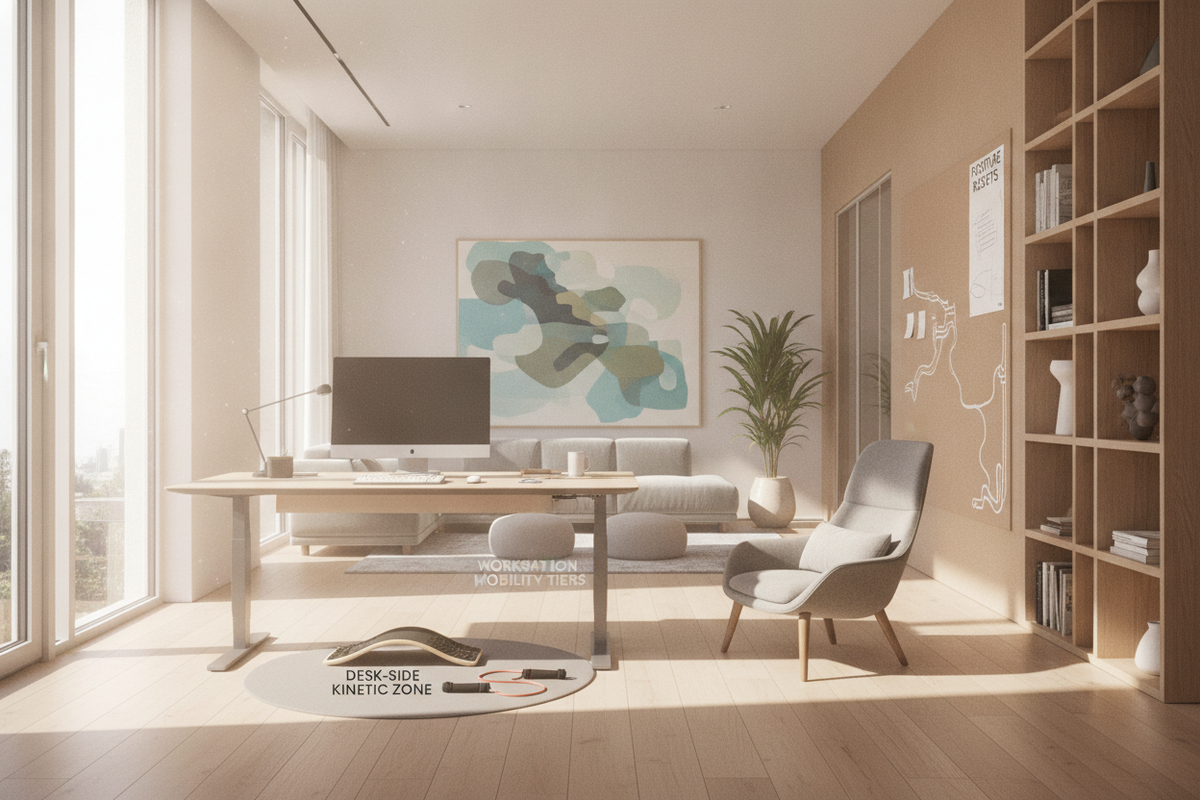
Workstation Harmony: Coordinating Sit-Stand Mobility with Ergonomic Office Layouts
Aligning physical transitions with functional ergonomics ensures that moving to a seated posture delivers immediate comfort and postural support.
Seated Posture Geometry and Armrest Alignment
When lowering your desk for seated work, adjust the height so your forearms rest parallel to the desktop surface with elbows bent at approximately a ninety-degree angle. The desktop underside should provide comfortable clearance above your thighs without colliding with the armrests of your ergonomic task chair. Coordinating these elevations maintains natural wrist alignment and neutral shoulder positioning throughout the working day.
Integrated Storage Architecture and Visual Balance
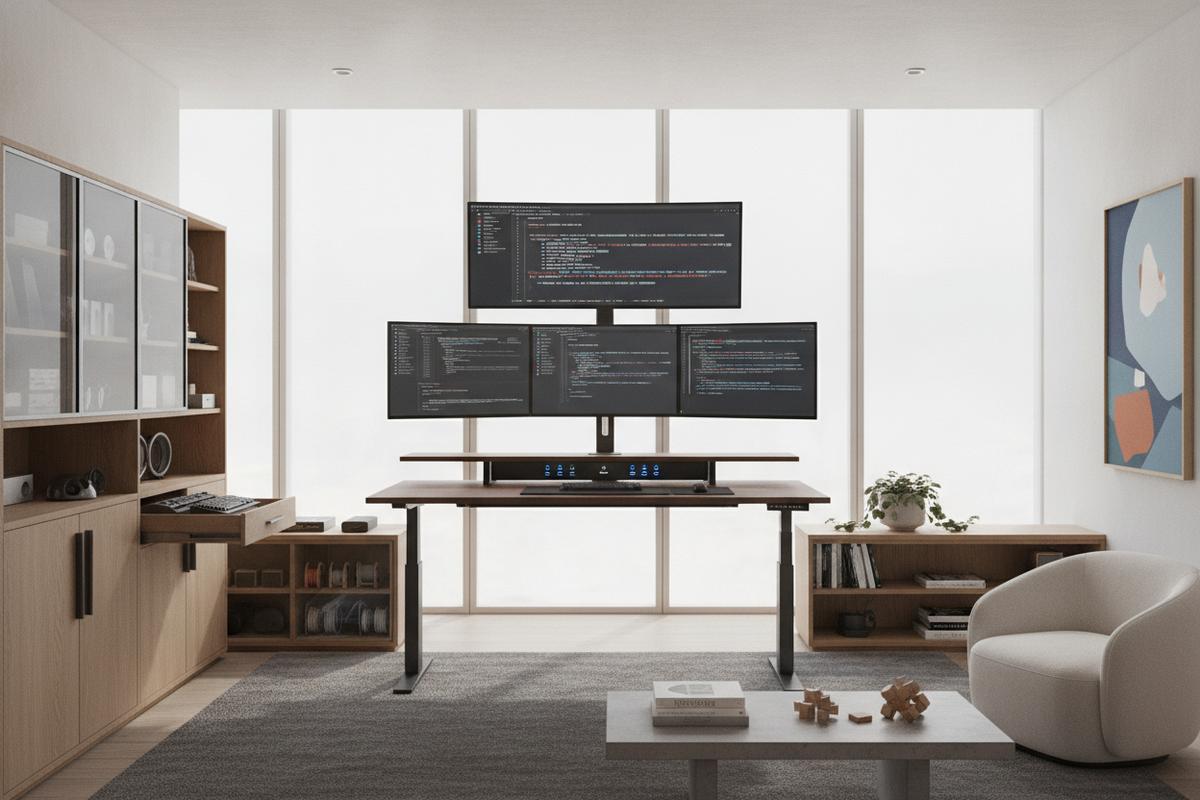
A functional home office pairs mechanical mobility with thoughtful aesthetics. Motorized desks can sometimes appear utilitarian, but pairing them with matching storage credenzas, modular bookcases, and cohesive finishes creates a balanced interior. Exploring a comprehensive standing desk setup styling guide can help you integrate modern adjustable furniture into an organized, sophisticated room design.

Laisser un commentaire
Ce site est protégé par hCaptcha, et la Politique de confidentialité et les Conditions de service de hCaptcha s’appliquent.