


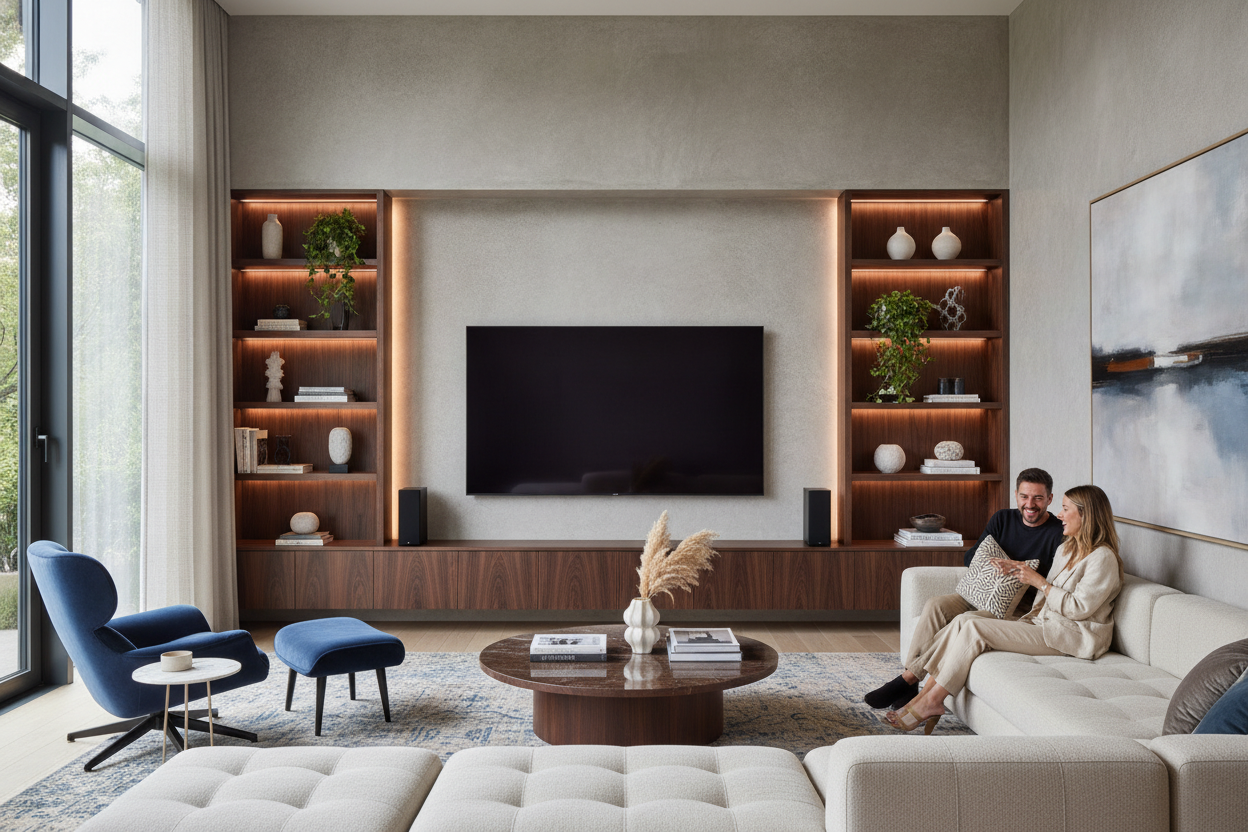
I remember when the delivery guys dropped the box in my hallway. It wasn't a box; it was a monolith. My partner and I stood there, looking at our carefully curated mid-century vibes, and realized the 80 inch tv living room dream was about to become a design nightmare if we didn't get smart. We wanted the IMAX experience for Sunday Night Football, but I didn't want my house to feel like a suburban sports bar.
It turns out, you can have a massive screen without sacrificing your soul. It just takes a few hard rules about scale and placement that most people ignore in their rush to plug in the HDMI cables. If you do it right, the screen becomes a feature; do it wrong, and it’s just a giant black hole in your wall.
- Go wider with your furniture than you think is necessary to anchor the weight.
- Prioritize depth over width to save your floor plan from feeling like a cockpit.
- Break the symmetry to distract the eye from the black rectangle when it's off.
- Use layered lighting to kill the 'dorm room' glare and soften the tech.
The Day the Giant Black Box Arrived
Unboxing an 80-inch TV is a humbling experience. You realize very quickly that your 'large' 55-inch screen was actually a toy. When we finally got this thing out of the foam, it took up nearly the entire wall. The room felt smaller instantly, like the TV was sucking the air out of the space and demanding I buy a foam finger and a pitcher of cheap lager.
I spent the first three hours just staring at it, wondering if I'd made a huge mistake. The screen was so dominant that my vintage rugs and handmade ceramics looked like dollhouse accessories. I knew I had to fix the visual weight of the room or I'd spend every evening feeling like I was sitting in the front row of a cinema instead of my own home.
Rule #1: Your Console Must Be Wider Than the Screen
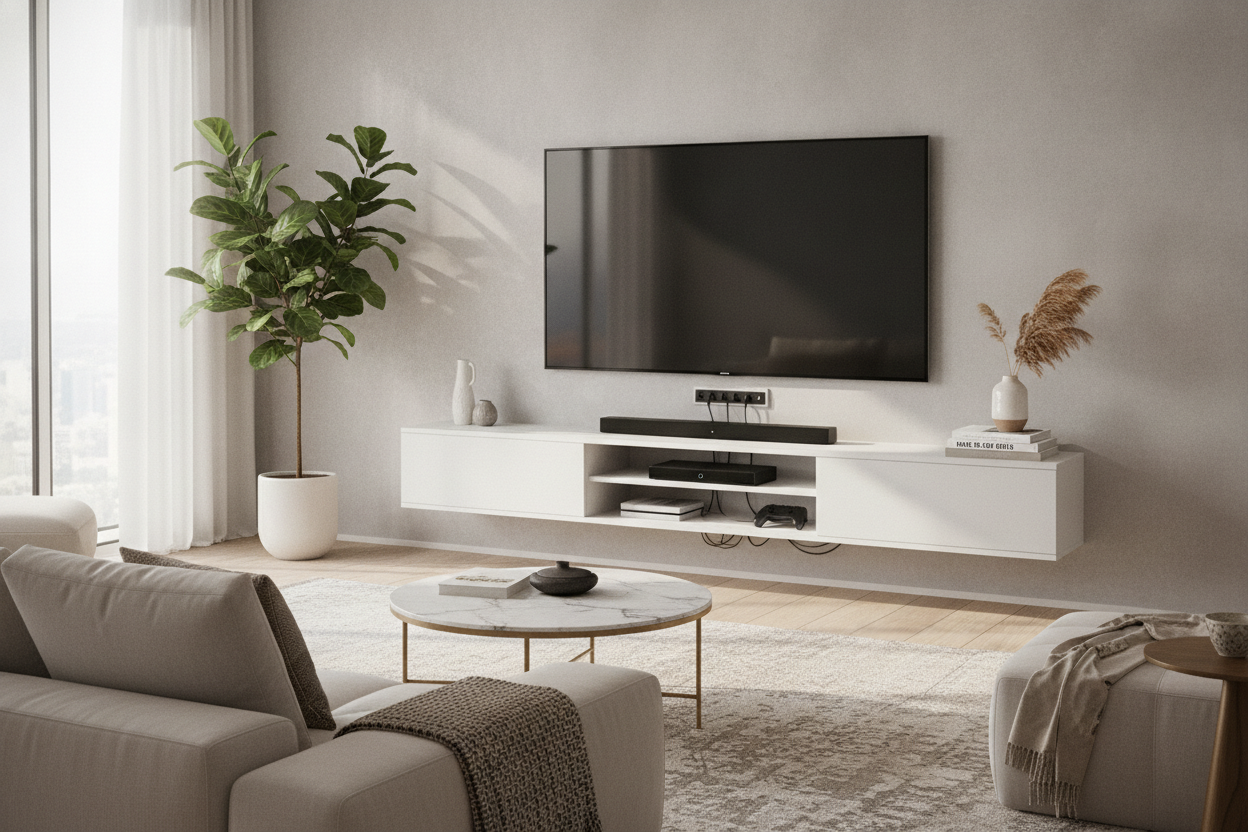
This is the hill I will die on. The most common mistake people make is trying to reuse their old media console. If your TV is wider than the stand it sits on—or even if they are the exact same width—the whole setup looks top-heavy and cheap. It creates this 'mushroom' effect that makes the room feel unstable and cluttered.
An 80-inch TV (which is usually about 70 inches wide) needs a base that physically and visually anchors it. I ended up hunting for an extra wide TV stand that offered at least 10 inches of breathing room on either side. This extra horizontal space allows you to place a small lamp or a couple of heavy vases at the ends, which visually 'grounds' the screen so it doesn't look like it's floating away into the ceiling.
Rule #2: Steal Back Your Floor Space
When you have a screen this big, you naturally want to pull your sofa back. But in most standard living rooms, you'll hit a wall pretty fast. To keep the room from feeling like a cramped cockpit, you have to be ruthless with your furniture profiles. I swapped out our chunky, overstuffed armchair for something with slim metal legs and a lower back to keep the sightlines open.
The real secret, though, was the depth of the media unit. Most people buy deep cabinets that eat up two feet of floor space. Switching to a shallow 15-inch deep TV stand was the best move I made. It kept the TV tight against the wall while leaving enough room for a coffee table that doesn't bruise your shins every time you walk by. You also need to rethink your living room seating arrangement—angle your side chairs slightly away from the TV so the room still feels like a place for conversation, not just a viewing gallery.
Rule #3: Distract the Eye With Asymmetry
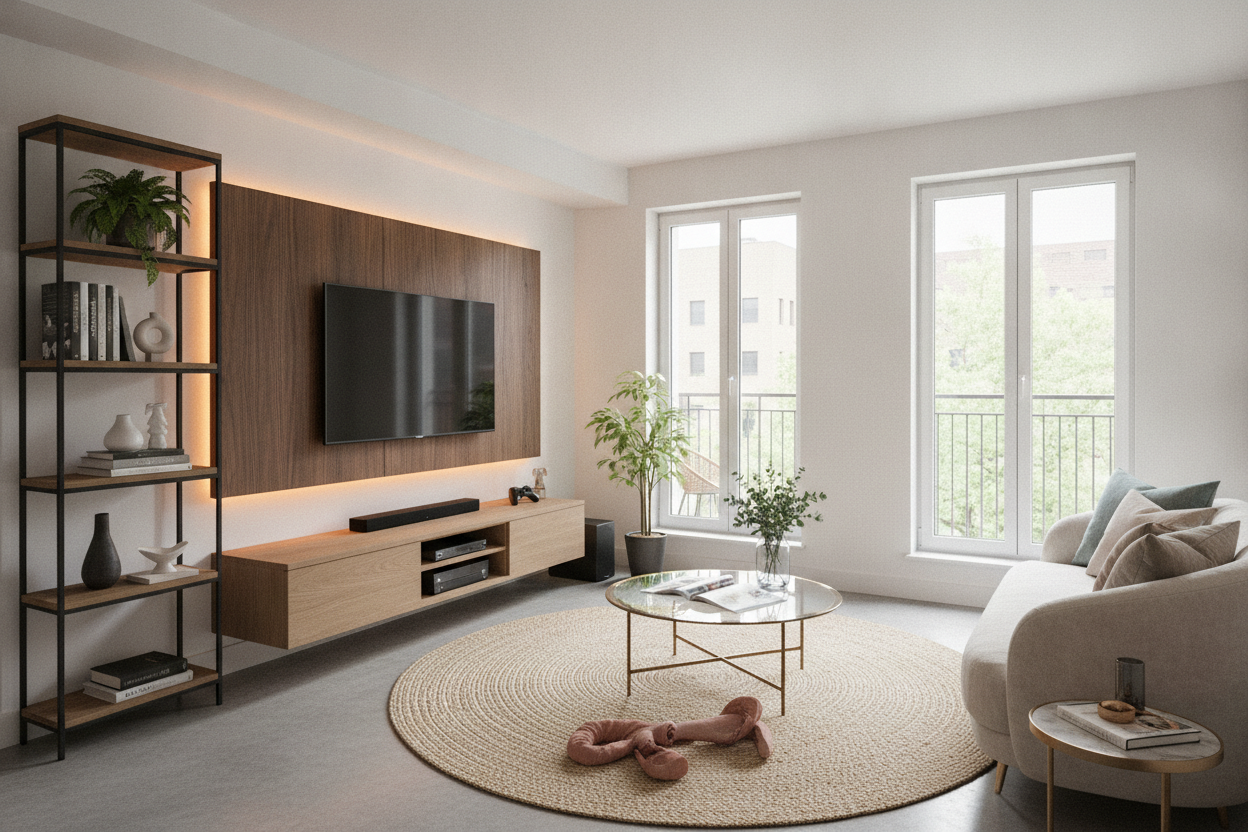
A giant TV is a black hole when it's off. If you center everything perfectly around it, you're just highlighting a void. I moved a tall, leafy Fiddle Leaf Fig to the left side of the screen and hung a gallery wall of smaller, mismatched frames on the right. This breaks that rigid, 'tech-first' symmetry and makes the TV feel like just another piece of the room's puzzle.
Layered lighting is your best friend here. Don't rely on the big overhead light. I put a dimmable LED strip behind the TV for bias lighting and a small brass pharmacy lamp on the console. It softens the edges of the screen and makes the whole setup feel like part of the decor rather than an appliance we're just tolerating for the sake of Netflix.
Living With the Monster (A Surprising Confession)
I'll be honest: for the first week, I hated how much space it took up. I missed my minimalist wall and my quiet corners. But then we watched a 4K nature documentary, and then a movie we'd seen a dozen times before, and I finally got it. The immersion is real, and the 'wow' factor hasn't worn off yet.
The trick was admitting that the TV is a permanent resident. Once I stopped trying to hide it and started designing around its massive scale, the room felt balanced again. My living room doesn't look like a sports bar; it looks like a grown-up space that happens to have a killer movie setup. No regrets, even if the box did take up my entire garage for a month.
How far should I sit from an 80-inch TV?
For a screen this size, 9 to 12 feet is the sweet spot. Any closer and you'll be turning your head to see the edges; any further and you're losing the benefit of that 4K resolution.
Can I put an 80-inch TV in a small room?
You can, but you have to be smart. Wall-mount it and use a very low-profile, shallow console. The goal is to keep the floor as clear as possible so the room doesn't feel swallowed by the tech.
Should I wall mount or use a stand?
Wall mounting is cleaner, but an extra-wide stand gives you a place to balance the visual weight with decor. If you wall mount, I still recommend putting a long console underneath it to anchor the look.

Laisser un commentaire
Ce site est protégé par hCaptcha, et la Politique de confidentialité et les Conditions de service de hCaptcha s’appliquent.