


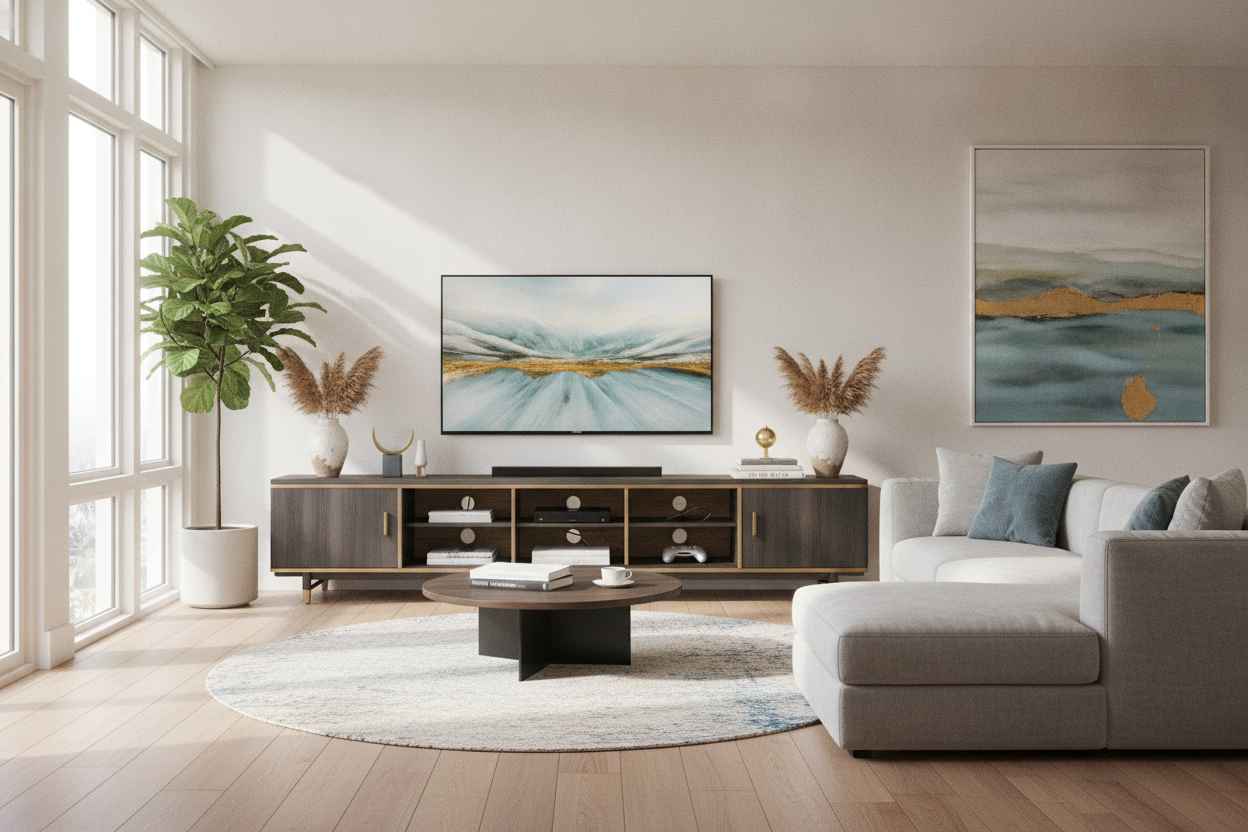
I spent three hours on my hands and knees last Sunday, untangling a bird's nest of HDMI cables, dust bunnies, and power strips that looked like a fire hazard waiting to happen. I had one of those 'minimalist' ladder shelves holding my screen, and while it looked great in the staged studio photo, it looked like a tech explosion in my actual living room. I finally realized that my tv and media stand needs to do more than just exist—it needs to hide my digital sins.
Quick Takeaways
- Open shelving is for books and candles, not routers and gaming consoles.
- Always measure your TV's actual width, not just the screen size, before buying.
- Cord management cutouts are the most underrated feature in furniture design.
- Solid doors are better than glass if you hate seeing blinking green lights at night.
The Minimalist Trap (And Why Open Shelves Failed Me)
We've all been seduced by those airy, open-frame entertainment centers. They look light, they make the room feel bigger, and they are usually cheap. But the second you add a soundbar, a PlayStation, and a cable box, the illusion shatters. You're left with a visual mess of black rubber cords dangling against your nice white walls. It’s stressful to look at.
I tried using those little plastic zip ties and adhesive clips, but they eventually peel off or just create a slightly more organized mess. Electronics aren't pretty. Unless you’re living in a magazine where nothing is actually plugged in, open shelving is a recipe for visual clutter. You need a dedicated media tv cabinet that actually prioritizes concealment over 'airflow' aesthetics.
The Magic of a Proper Media TV Cabinet
The moment I swapped my flimsy metal rack for a substantial modern TV console cabinet, the room felt ten times more expensive. There is something about the weight of a real piece of furniture that anchors a space. It’s not just about the look; it’s the functionality of having deep drawers to toss controllers and those random 'I might need this' adapters into.
A high-quality tv and media cabinet should feel like a vault for your tech. I look for pieces with pre-drilled holes in the back panel that are actually large enough to fit a three-prong plug through. If you have to break out a hole saw just to plug in your TV, you bought the wrong piece of furniture. Solid doors mean I can shove my messy router in there and never think about it again.
Wait, What if I Want to Hide the TV Too?
Let’s be honest: TVs are ugly. When they aren't on, they are just giant, soul-sucking black rectangles on the wall. If you’re the type of person who spends hours picking out the perfect shade of 'greige' paint, a giant screen can really kill the vibe. This is where you go full pro and look into a lifting TV stand with electric vertical lift.
It sounds like something out of a billionaire's penthouse, but it’s actually a genius solution for multi-purpose rooms. You press a button, the TV disappears into the cabinet, and suddenly you have a clean surface for a vase or some art. It’s the ultimate way to reclaim your living room from the 'home theater' aesthetic without actually giving up your 60-inch screen.
Getting the Proportions Right So It Doesn't Look Awkward
The biggest mistake I see is the 'overhang.' If your TV is wider than the furniture it’s sitting on, it looks top-heavy and precarious. It makes the whole room feel unbalanced. If your screen is spilling over the edges, you need a wider media cabinet for TV. A good rule of thumb is to have at least four to six inches of clearance on either side of the screen.
In smaller apartments, you have to be careful about depth. A bulky cabinet that sticks out 20 inches from the wall can turn a walkway into a gauntlet. If you're tight on square footage, you might want to try a media cabinet in wall or a floating unit. It keeps the floor clear and makes the room feel less cramped while still giving you that critical storage space.
Compromising With Glass Doors
If you have a collection of vinyl or some vintage tech you actually want to show off, solid doors might feel too restrictive. A black cabinet with glass doors is the perfect middle ground. The dark frame keeps it looking sophisticated and moody, while the glass lets you display the stuff that actually looks good.
Just a tip: if you go the glass route, you have to be militant about your cord management inside the cabinet. Use black tape or cord sleeves to hide the wires behind the cabinet's internal frame. If you can see the 'bird's nest' through the glass, you've defeated the purpose of the upgrade.
Personal Experience: The Particle Board Disaster
I once bought a $150 'wood' stand from a big-box store that literally started to sag in the middle within three months. My TV wasn't even that heavy, but the cheap MDF couldn't handle the constant weight. It looked like a sad smile. Now, I only buy pieces with a solid center support leg or a kiln-dried hardwood frame. Spending $500 once is a lot cheaper than spending $150 three times because your furniture is literally melting under the weight of a Netflix binge.
FAQ
How much wider should the stand be than the TV?
Aim for at least 3-5 inches on each side. If the TV is 50 inches wide, your stand should be at least 60 inches. It provides visual balance and prevents accidental bumps.
Will my consoles overheat inside a closed cabinet?
They can. Look for cabinets with ventilated back panels or leave the doors cracked during long gaming sessions. Some high-end media stands have built-in fans, but usually, a bit of 'breathing room' in the back is enough.
Is a floating media stand safe for heavy TVs?
Only if you hit the studs. If you're mounting a heavy media cabinet to just drywall, you're asking for a disaster. Always use a stud finder and heavy-duty lag bolts.

Laisser un commentaire
Ce site est protégé par hCaptcha, et la Politique de confidentialité et les Conditions de service de hCaptcha s’appliquent.