


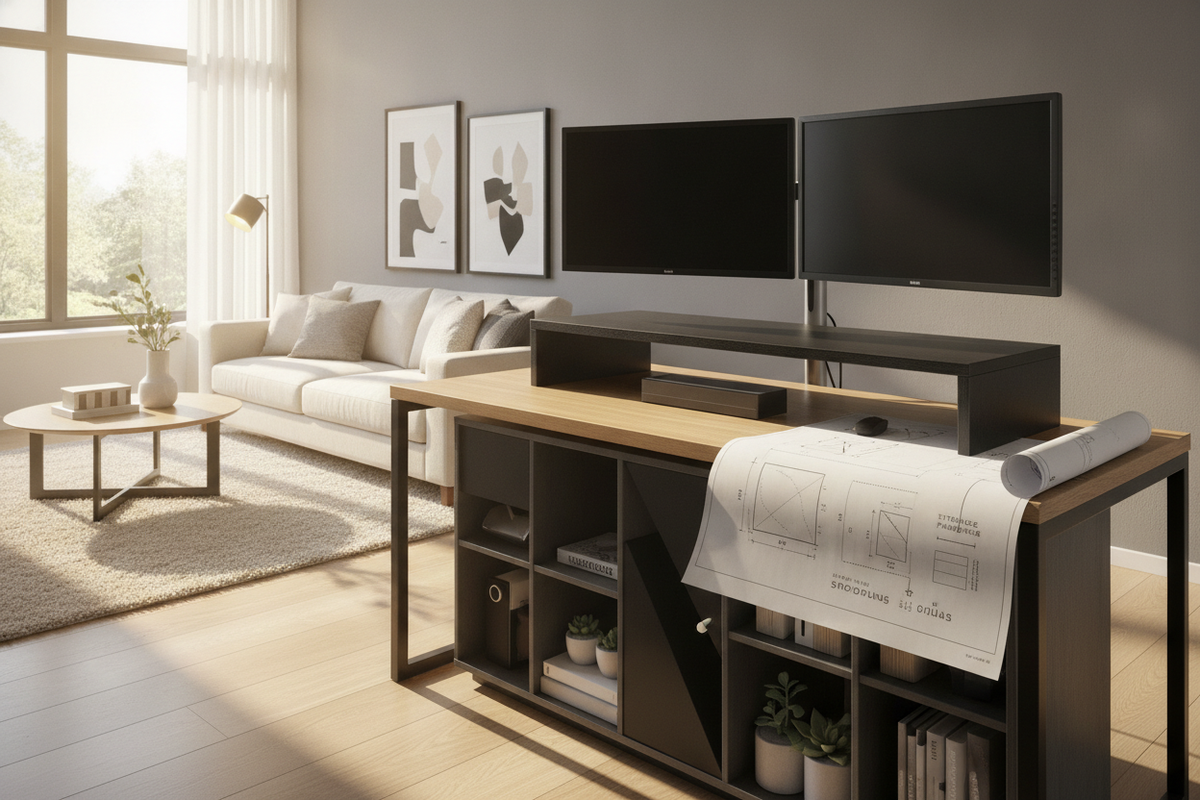
Introduction: Navigating the Search for a Monitor Riser Nearby
When daily desk clutter builds up or a computer display sits uncomfortably low, it is natural to search for a monitor riser nearby to resolve the setup quickly. Local retail searches often stem from immediate practical needs: you want to inspect materials in person, avoid waiting for parcel delivery, or resolve an uncoordinated work surface before another busy week begins. However, rushing to pick up the first available shelf can introduce new friction if the riser does not match your existing furniture.
A successful desk enhancement requires more than finding a nearby store with inventory. An impulsive purchase often results in a platform that encroaches on writing space, leaves thick keyboard cords pinched against walls, or flexes under wide display stands. Much like reviewing a stand nearby guide when furnishing an entertainment area, stepping back to measure desktop clearances beforehand prevents inconvenient returns and keeps your workspace orderly.
Auditing Workstation Proportions Before Sourcing a Stand
Before heading out to evaluate a monitor riser stand nearby, take clear dimensions of your workstation surface. Desk depth determines how much primary working area remains once a raised platform occupies the rear tier. A shallow desktop requires a slim platform footprint, whereas a deep executive desk can accommodate tiered shelving or integrated organizational compartments. If your surface is already constrained, consulting a monitor stand guide or exploring an alternate display arrangement outlined in this stand monitor guide can clarify whether a desktop riser or a freestanding support better serves your room footprint.
Screen Footprint and Riser Platform Depth
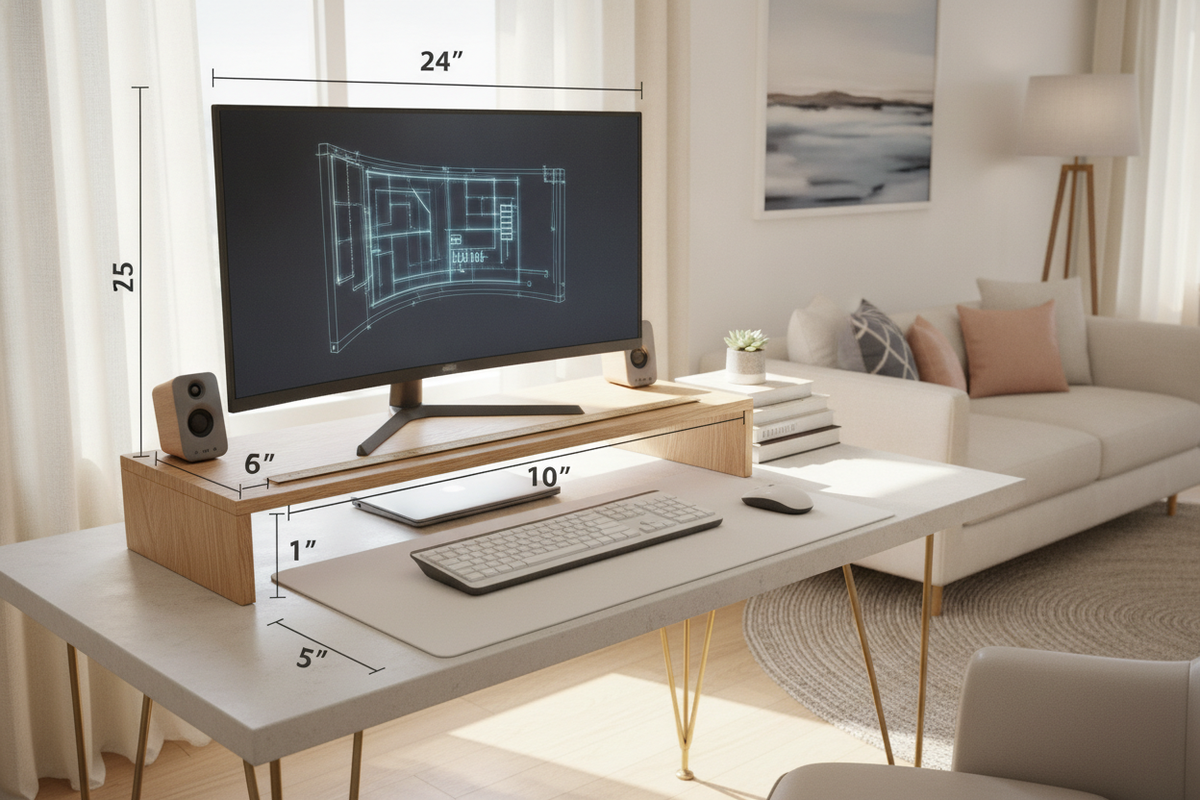
Computer displays utilize diverse base geometries, ranging from flat rectangular pedestals to angled tripod legs. A common oversight when shopping for a monitor stand riser nearby is choosing a top surface that is shallower than the display base itself. When legs overhang the front or back edge of the riser, stability diminishes. Measure the full outer perimeter of your monitor base, accounting for rear cable protrusions, to ensure the top platform provides complete, flat support.
Under-Riser Clearance for Keyboards and Peripherals
One of the chief advantages of an elevated shelf is the open volume created underneath. To maximize functional desktop space, measure the width and resting height of your keyboard, including any raised tilt legs or wrist rests. The horizontal span between the riser support legs must accommodate this width comfortably. If you use a mechanical keyboard alongside a desktop mouse or digitizer pen, verify that the under-shelf cavity offers enough clearance to slide peripherals fully out of view when handwriting or reviewing paper documents.
Evaluating Material Durability and Structural Stability
Local showrooms and neighborhood home stores present an assortment of construction styles. Assessing structural integrity in person allows you to evaluate how different materials react to downward pressure and surface wear.
Engineered Wood vs. Metal and Acrylic Frames
Engineered wood risers, such as medium-density fiberboard with protective laminates, deliver structural rigidity and blend naturally with traditional and contemporary writing desks. They provide substantial surface contact and complement woodgrain finishes throughout a room. Steel and aluminum designs offer high load capacity with minimalist profiles, making them suitable for compact workstations where visual openness is desired. Acrylic stands bring transparency to tight nooks, though they require mindful handling to prevent surface scuffs over extended daily use.
Non-Slip Base Pads and Surface Protection
Stability depends heavily on how the riser contacts the desk below. Examine the underside of any support legs or side gables. Quality stands feature dense rubber or felt padding that grips the desktop, dampening minor vibrations from keystrokes and preventing fine scratches on lacquered wood or glass desks. If a prospective shelf lacks protective pads, factor in the addition of adhesive non-slip buffers before setting up heavy hardware.
Storage Typologies: Open Shelves, Drawers, and Multi-Tier Risers
Elevating a display inherently creates vertical volume that can be tailored to your organizational habits. Open-shelf formats preserve quick access, allowing you to slide charging hubs, notebooks, or hard drives in and out without impediment. They also maintain unimpeded airflow around compact electronics.
For workspaces prone to visual noise, risers equipped with shallow drawers or slide-out trays conceal daily essentials such as stationery, flash drives, and charging cables. Multi-tier models provide divided horizontal tiers, allowing a secondary display or desktop audio monitors to rest alongside dedicated paper trays. Matching the riser topology to the specific accessories you handle daily prevents the new unit from becoming another cluttered surface.
Add-On Risers vs. Integrated Desk Shelving Solutions
While an add-on riser adapts well to existing furniture, it remains an accessory placed atop an existing surface. In setups where desk depth is fundamentally limited or cable clutter remains persistent, an all-in-one workstation often delivers a more cohesive outcome. Furnishings like a dedicated monitor stand product unite an elevated display ledge with purpose-built power routing and storage drawers into a single rigid structure.
Choosing between an independent riser and a fully integrated desk depends on the longevity of your current arrangement. If your desk frame is structurally sound and spacious, an accessory shelf provides an adaptable upgrade. If your current table flexes or lacks integrated power access, transitioning to a desk designed around built-in elevation establishes a sturdier, streamlined workstation.
Room Integration, Alignment, and Visual Ergonomics
Introducing an elevated tier changes the visual landscape of your home office. Centering the riser with respect to your primary seating position creates an orderly focal point, drawing sightlines naturally across the room. For guidance on curating an intentional workspace aesthetic that harmonizes with living quarters, this monitor guide highlights how display positioning affects overall room balance.
When positioning the stand, keep cable paths direct and discreet. Route power and display cords behind the rear edge of the platform rather than letting them drape across the usable desk plane. By coupling deliberate spatial measurements with durable materials and smart storage layouts, finding a monitor platform locally or selecting an integrated solution transforms an ordinary desk into an efficient, organized center for daily work.

Laisser un commentaire
Ce site est protégé par hCaptcha, et la Politique de confidentialité et les Conditions de service de hCaptcha s’appliquent.