


Monitor Lift for Desk Guide: Elevation Types, Dimensions, and Surface Storage
A well-proportioned workstation strikes a balance between viewing comfort and surface organization. When displays sit directly flat on a desktop, screens often remain lower than ideal sightlines, encouraging awkward neck flexion. Simultaneously, broad monitor baseplates occupy prime surface territory, squeezing keyboards, notepads, and daily peripherals into cramped corners. Integrating a monitor lift for desk environments resolves both issues by elevating screens to an upright gaze while reclaiming the usable space underneath.
Whether you choose a dedicated computer monitor lift stand, a static architectural riser shelf, or a fully integrated lifting workstation, introducing vertical zoning transforms visual ergonomics and daily workflow. This guide examines elevation typologies, dimensional clearances, load distribution, and layout strategies to help you choose the ideal system for your home office or commercial workspace.
Categorizing Desktop Monitor Lift Typologies
Not every workstation requires the same mechanical movement. Depending on user habits, multi-display configurations, and seating dynamics, desktop elevation fixtures fall into distinct categories designed for specific ergonomic and decorative needs.
Mechanical and Articulated Computer Monitor Lift Stands
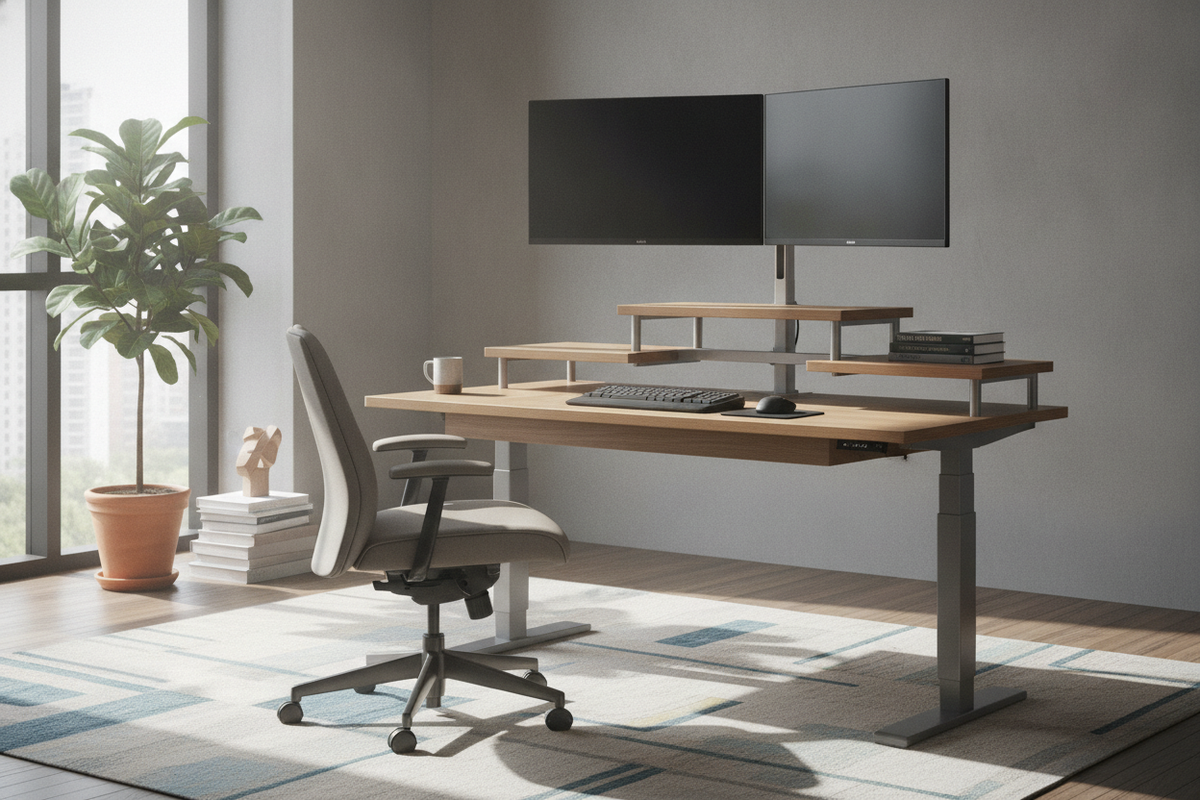
A mechanical desktop monitor lift utilizes gas springs, counterbalanced hinges, or manual ratcheting levers to adjust platform height dynamically. These units allow users to raise or lower screens throughout the day without rearranging peripheral cables. Many designs feature dual-tier architecture, pairing an elevated display platform with a lower tier intended for keyboards and input devices. These units are beneficial in shared office environments where multiple people alternate sitting heights or switch between seated and upright stances.
Architectural Risers and Integrated Workstation Shelving
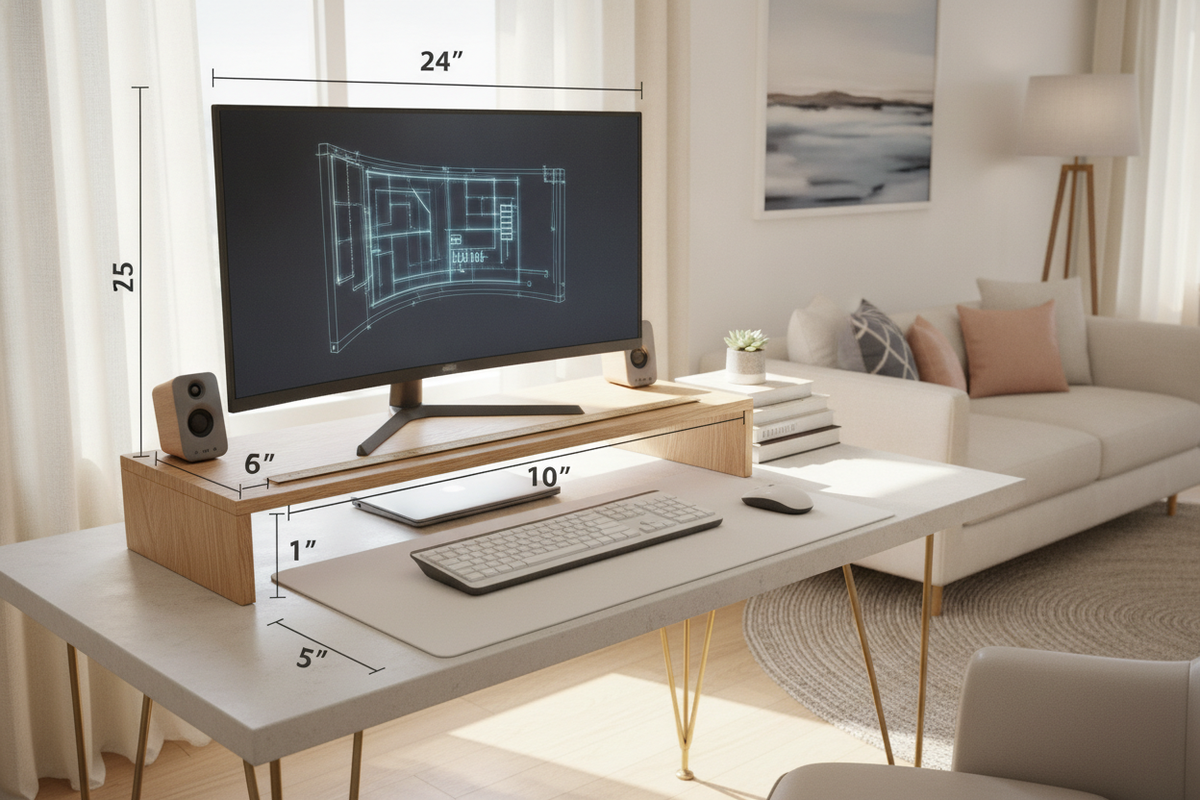
Static architectural risers provide a fixed platform resting atop the tabletop. Constructed from finished engineered wood, powder-coated steel, or tempered composite plates, these platforms create a permanent architectural tier along the back of the work surface. Because they do not rely on moving mechanical joints, static platforms offer solid stability for heavy ultrawide panels or dual-display arrangements. Their greatest asset is structured containment, creating an open bay beneath the bridge for stowing input gear out of sight.
Dimensional Planning: Footprint Depth, Clearances, and Display Ratios
Before introducing a monitor lift, evaluating workstation proportions prevents spatial crowding. A common design misstep is placing an oversized riser onto a shallow desk, which forces the keyboard too close to the front edge and compromises focal distance.
When sizing a desktop monitor lift, ensure your existing surface in your computer desk collection possesses adequate depth to maintain comfortable focal distance without crowding keyboard placement. A deep tabletop accommodates a wide platform bridge while preserving ample front clearance for forearm support, writing pads, and daily input devices. For narrow desks, select slimline platforms that match the visual profile of your monitor stand without intruding on active hand zones.
- Platform Depth: Verify that the lift surface fully supports the display base with minimal front-to-back overhang.
- Sightline Alignment: Position display platforms so the top third of your screen matches horizontal eye level when seated in a natural, neutral posture.
- Width Span: Ensure the platform width accommodates single, dual, or ultrawide screens without bowing or crowding desktop accessories.
Reclaiming Workspace: Under-Riser Storage and Peripheral Zoning
Elevating a display inherently creates a horizontal cavity beneath the structure. Rather than leaving this zone empty, intentional interior zoning turns this baseline clearance into an organized hub for daily desktop essentials.
The clearance beneath a static monitor riser serves as an optimal garage for low-profile peripherals. Slide keyboards and mousepads beneath the shelf when wrapping up the workday to instantly free the main tabletop for analog paperwork, sketching, or laptop usage. This lower corridor also conceals peripheral accessories such as USB hubs, external hard drives, audio interfaces, and charging docks, keeping power cords tucked out of immediate line of sight.
For setups requiring seamless accessory integration, choosing a dedicated computer desk monitor product with built-in tiered shelves and charging bays creates a cohesive control hub. Built-in tiered designs streamline device power cables directly through integrated grommets, eliminating cord tangles along the primary work surface.
Structural Comparison: Desktop Risers vs. Full Height-Adjustable Desks
Deciding between an add-on desktop lift accessory and an entire motorized lifting desk depends on your intended working posture and total equipment mass.
Add-on risers and desktop stands offer an accessible, flexible upgrade. They fit neatly atop existing furniture, require minimal assembly, and adapt easily to changing room layouts. However, add-on platforms elevate only the equipment resting on their shelves, leaving the perimeter desk surface stationary. For setups supporting bulky studio speakers, heavy graphic tablets, and oversized monitors, desktop converters can occasionally crowd the surrounding tabletop perimeter.
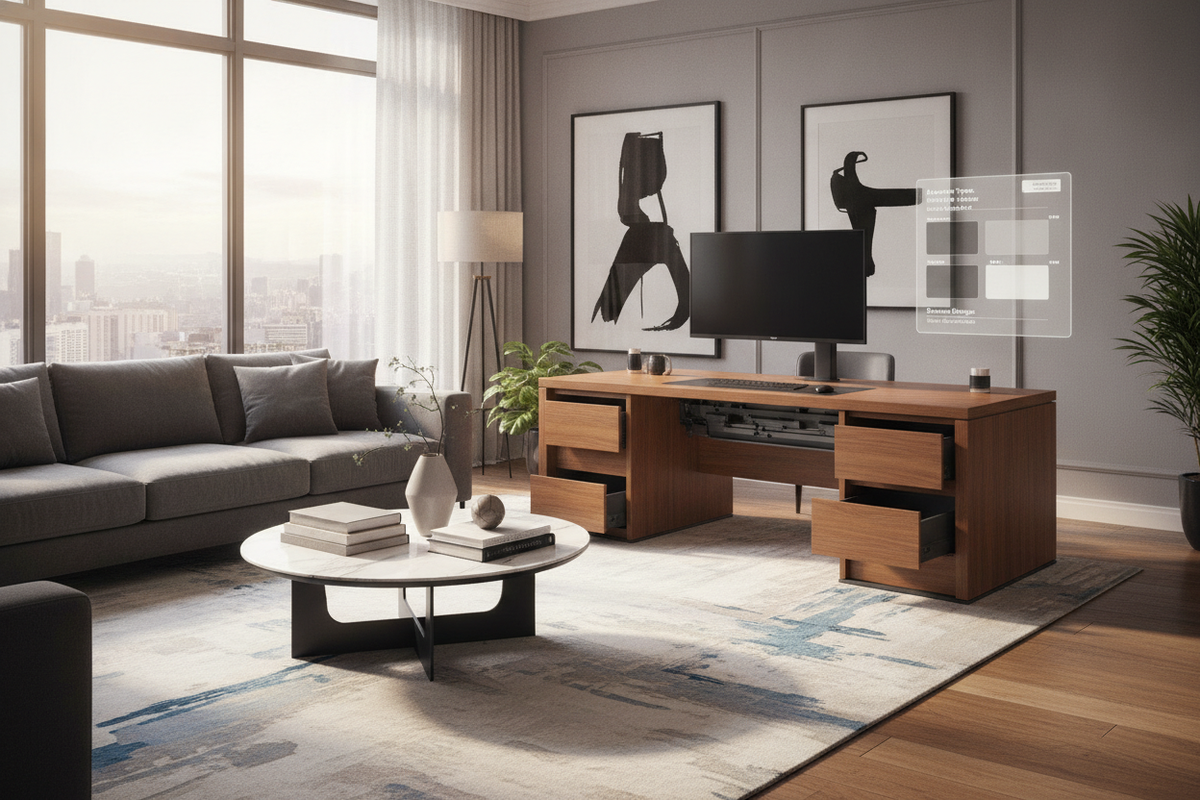
If a desktop accessory cannot accommodate extensive equipment loads, investing in a robust lift computer desk product provides built-in mechanical surface elevation alongside integrated drawer storage. A full-surface height-adjustable desk raises the entire tabletop uniformly, keeping every accessory, notepad, and peripheral at the exact same working height whether you sit or stand.
Small-Footprint Alternatives and Floor-Standing Considerations
In compact rooms or studio apartments, adding a monitor lift atop a petite writing table may consume too much precious surface depth. When horizontal workspace is limited, surface-mounted stands can bring visual bulk into the room.
If desktop depth is too shallow for an elevated platform, consult our desk monitor stand guide for techniques that free up surface area entirely. Offloading display elevation to alternative structures preserves every square inch of tabletop real estate.
Similarly, reviewing our desk stand monitor guide outlines how independent floor-mounted structures completely remove screen loads from cramped tabletops. Positioned directly behind a minimalist console table, a floor stand allows wide screens to float effortlessly at eye level without demanding any structural support from your primary desk surface.
Material Architecture, Weight Distribution, and Assembly Care
A monitor lift must remain stable and dependable over extended daily use. Reviewing construction materials and base stability ensures your display remains level and secure.
- Frame and Leg Composition: Look for heavy-gauge steel supports or dense engineered wood side panels. Rigid structural uprights resist wobble and vibration during typing or desk adjustments.
- Surface Core Density: High-density fiberboard and treated laminate shelves resist surface deflection under heavy screen loads. Ensure the center span includes adequate bracing if supporting dual-monitor arrays.
- Protective Base Footing: Platforms equipped with silicone grips, rubber pads, or felt underlays protect delicate wood veneers and smooth desktop finishes from surface scuffs and scratches.
- Cable Channel Integration: Select designs featuring open rear aprons or integrated cable cutouts to route display cords neatly downward without pinching wires against the back wall.
Decision Checklist: Choosing the Ideal Desktop Elevation Setup
Selecting the best elevation setup comes down to aligning your equipment dimensions with daily routine requirements:
- Measure Available Surface Depth: Confirm your desk depth allows for a rear riser shelf while leaving generous room for keyboard and wrist placement.
- Audit Peripheral Gear: Identify the items you plan to store underneath, verifying that the riser’s vertical clearance accommodates your keyboard profile or docking hardware.
- Evaluate Screen Arrangement: Match platform width to your display style, ensuring single, dual, or curved ultrawide screens sit securely on the platform.
- Coordinate Finishes: Match wood tones, matte black steel, or crisp white surfaces with your existing furniture palette to maintain a unified visual aesthetic across your room.

Laisser un commentaire
Ce site est protégé par hCaptcha, et la Politique de confidentialité et les Conditions de service de hCaptcha s’appliquent.