


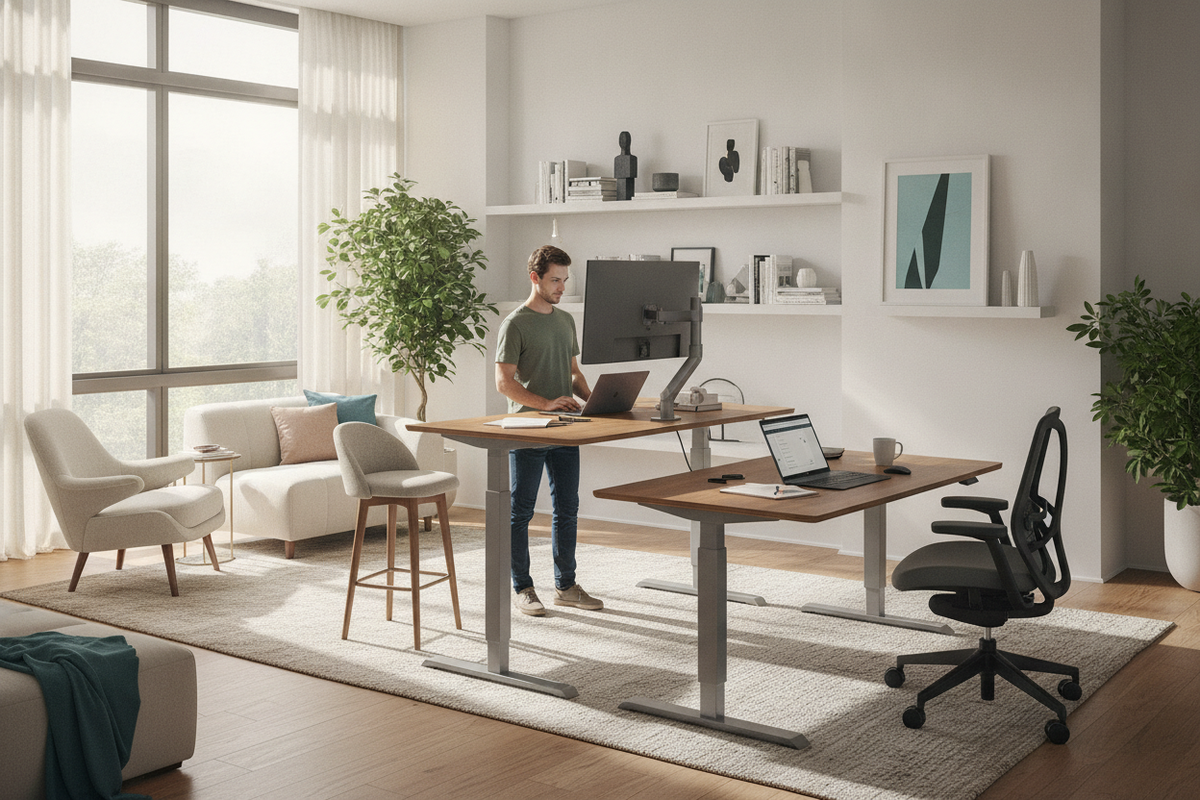
The Sit vs. Stand Workstation Dilemma: Static Postures vs. Dynamic Movement
The conversation around modern home office furniture often frames workstation design as an either-or decision: is standing better than sitting, or does traditional desk seating remain superior? For years, standard office setups were built almost exclusively around fixed-height seated desks. As awareness around daily movement evolved, dedicated standing stations gained popularity, prompting many to question whether standing all day vs sitting provides a definitive answer for day-to-day work comfort.
In workstation ergonomics, research and practical experience suggest that neither continuous sitting nor prolonged, uninterrupted standing represents a complete solution. Fixed sitting for extended stretches can contribute to physical stiffness, sluggish circulation, and postural fatigue. Conversely, standing in office settings without variation can place sustained pressure on the lower extremities, feet, and lumbar spine. The central consensus among ergonomic planners is that dynamic movement—alternating smoothly between sitting and standing throughout the working day—outperforms any single static posture.
Approaching workstation design through this dynamic framework transforms how you plan your room layout, choose desk mechanisms, and integrate auxiliary storage. Establishing sound dedicated workspace design principles ensures your environment supports natural postural transitions rather than locking you into one position.
Comparing Workstation Modes: Sitting, Standing, and Alternating Setups
Understanding the operational differences between fixed sitting desks, static standing counters, and height-adjustable desks helps clarify which configuration best serves your daily workflow and spatial limits.
- Fixed Seated Desks: Traditional desks offer high structural stability, integrated drawers, and wide surface areas. They provide dependable support for heavy desktop hardware and concentrated, fine-motor tasks. However, they lack height adaptability, requiring supplementary breaks or external accessories to facilitate posture changes.
- Fixed Standing Stations: Elevated standing surfaces encourage an upright stance and active posture during brief tasks. Yet, remaining upright for entire shifts can lead to fatigue, making them less suitable as an all-day primary desk unless paired with a high drafting stool.
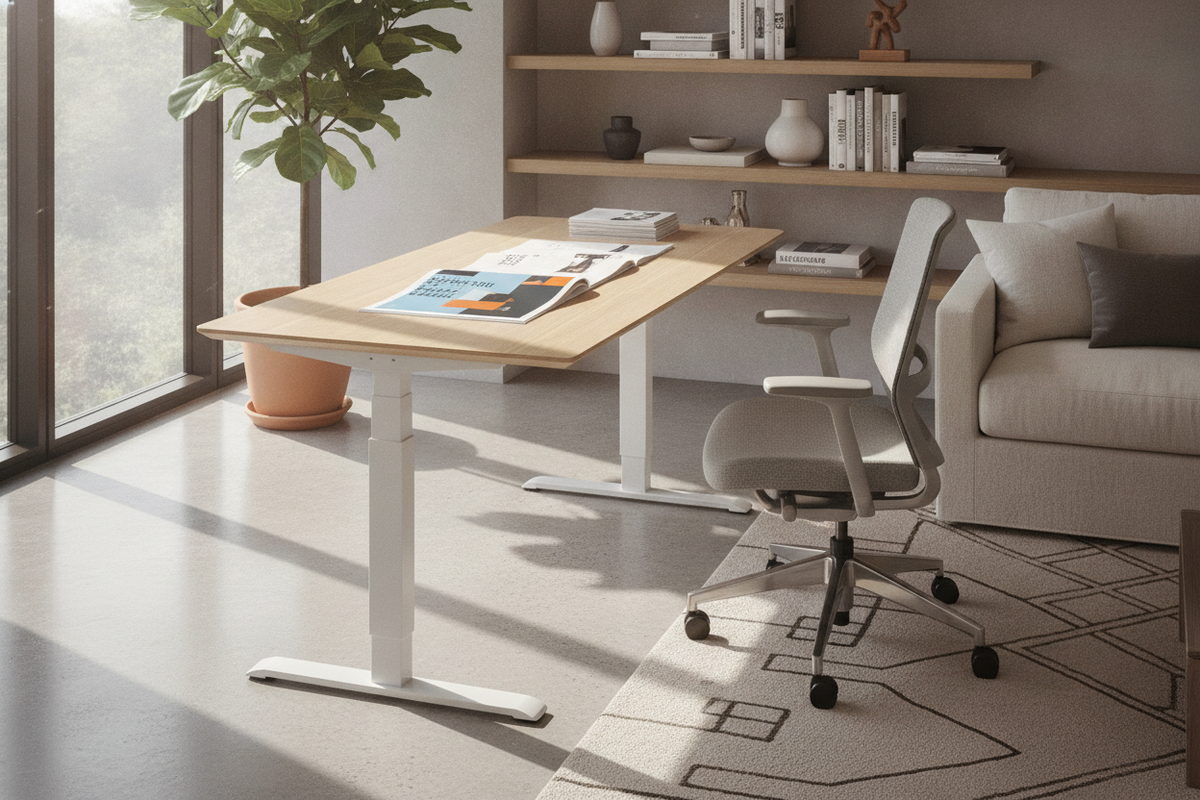
- Height-Adjustable Sit-Stand Desks: Motorized or manual sit-stand desks allow you to transition the worksurface between lower and upper elevations. Investing in an ergonomic sit-stand desk with memory presets allows you to shift from seated focus to standing collaboration at the press of a button, capturing the functional strengths of both postures.
Physical Comfort and Workflow: How Posture Impacts Daily Work Tasks
Evaluating whether it is better to sit or stand at work often depends on the specific cognitive and manual tasks you perform across different hours of the day. Posture directly interacts with energy levels, task precision, and physical ease.
Seated positions generally offer the highest physical stability for deep-focus assignments that require steady hand movements, detailed digital drawing, dense spreadsheet data entry, or prolonged document editing. When properly seated with full back and arm support, your body uses minimal stabilization effort, directing your focus toward the screen.
Standing postures, on the other hand, naturally elevate personal engagement and alertness. Upright positioning works well during virtual team presentations, interactive video meetings, brainstorming sessions, email triage, and conceptual outlining. Standing promotes subtle shifts in body weight, encouraging micro-movements that help stave off afternoon lethargy. By strategically aligning your posture with your task roster, you create a balanced rhythm that prevents physical fatigue.
The Ergonomic Equation: Setting Up Proper Alignments for Both Modes
A sit-stand workstation only delivers true comfort when both the seated and standing elevations are dialed into your individual body proportions. Applying identical ergonomic fundamentals across both modes prevents awkward reaches and neck strain.
When seated, your feet should rest flat on the floor or on a stable footrest, with your knees bent at approximately a right angle. The desk surface or keyboard tray should align with your relaxed elbow level so your shoulders remain neutral without hunching. The top third of your computer display should align near eye level at an arm’s length distance.
When elevating your surface to a standing height, the same elbow-height rule applies: your forearms should rest parallel to the floor when typing, without requiring you to reach upward or lean forward over the desk edge. Your monitor must rise alongside the desk surface to prevent downward neck bending. Applying thoughtful furniture versatility and mounting strategies—such as utilizing articulated monitor arms—ensures your screens remain positioned at ideal sightlines in both operational configurations.
Spatial and Storage Planning for Sit-Stand Workstations
Integrating an adjustable workstation into a home office requires careful spatial consideration beyond the desk tabletop itself. Because the desktop travels vertically, planning clearances and cable routing becomes a fundamental part of layout design.
- Vertical and Wall Clearance: Position your sit-stand desk with adequate clearance from wall-mounted shelving, artwork, window sills, and overhead cabinetry to ensure smooth vertical travel without obstruction.
- Cable Management Architecture: Dynamic desks require flexible, slack-friendly cable tracks or spine conduits. Power cords, monitor video lines, and peripheral cables must have sufficient travel length to reach full standing height without pulling taut or snagging on frame components.
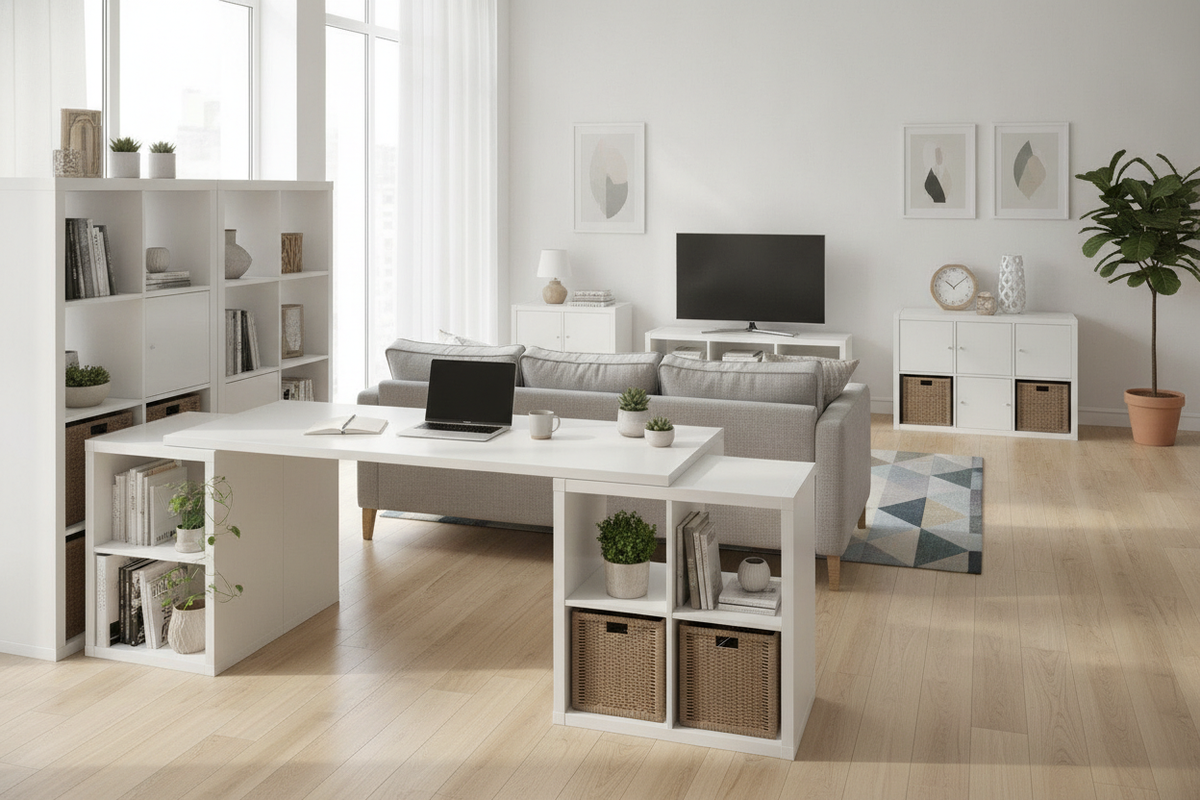
- Mobile and Under-Desk Storage: Traditional under-desk drawer units must be sized to clear the desk frame at its lowest seated height. Low-profile mobile file pedestals and standalone credenzas provide ample storage capacity while preserving the open leg clearance needed for comfortable posture shifts.
For additional room styling concepts and spatial layouts, exploring techniques for designing an aesthetically cohesive standing desk setup helps balance mechanical practicality with polished interior decor.
Establishing a Sustainable Sit-Stand Routine: Step-by-Step Transition
Transitioning from a fixed seated routine to a dynamic sit-stand rhythm requires gradual progression. Attempting to stand for full workdays immediately can lead to foot soreness and posture fatigue, undermining the purpose of the adjustment.
- Start with Modest Standing Intervals: Begin by standing for fifteen to thirty minutes at a time, two to three times per working day. Use calendar alerts or desk timer functions to remind yourself when to switch.
- Pair Height Changes with Routine Work Events: Link posture transitions to natural breaks in your schedule, such as elevating the desk during routine team catch-ups or lowering it for deep-dive writing and analytical blocks.
- Incorporate Supportive Anti-Fatigue Mats: When standing on hard floors, a cushioned anti-fatigue mat provides underfoot relief, distributing pressure and encouraging subtle foot motion.
- Evaluate and Refine Your Posture: Periodically check that you are not locking your knees or slouching over the desk edge while standing. If you notice yourself leaning heavily on one hip, lower the desk back to a supported seated height.
Workstation Selection Blueprint: Choosing the Right Furniture Configuration
Selecting the optimal desk and storage combination involves matching your room dimensions, primary task types, and workflow preferences to the right furniture build.
For compact rooms or dedicated study nooks, a streamlined electric sit-stand desk paired with a mobile rolling filing pedestal maximizes floor efficiency without crowding walkways. For larger executive suites or multifunctional home offices, an L-shaped height-adjustable workstation provides expansive surface area, allowing you to dedicate one wing to dynamic computer tasks and the other to fixed writing and hardware storage.
Ultimately, the answer to whether standing is better than sitting lies in postural diversity. By outfitting your home office with adaptable furniture, intentional cable management, and supportive storage, you build a versatile workspace that flexes effortlessly around your daily routine.

Laisser un commentaire
Ce site est protégé par hCaptcha, et la Politique de confidentialité et les Conditions de service de hCaptcha s’appliquent.