


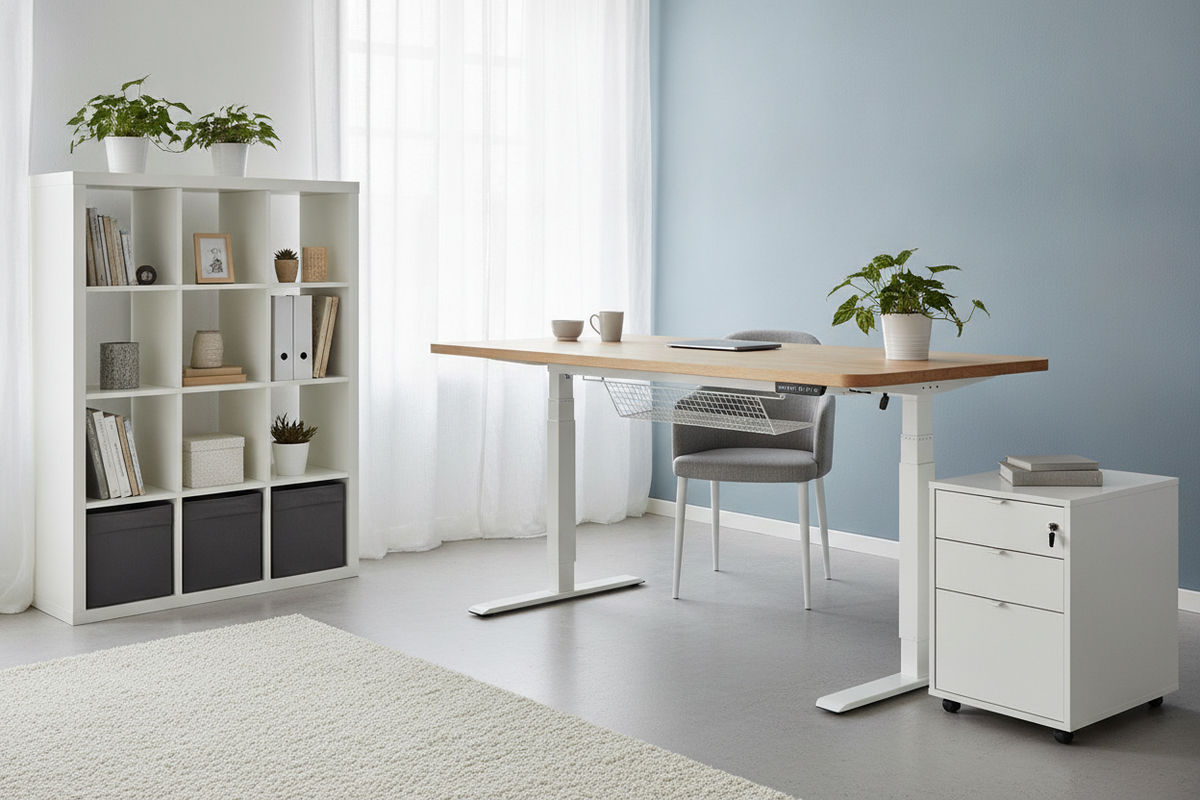
Designing an ergonomic home workspace often begins with pairing modular tabletops with functional under-desk support systems. Whether you are upgrading an existing flat-pack surface or configuring an active sit-stand setup from scratch, understanding how distinct leg systems function is essential. From motorized telescoping columns and manual crank mechanisms to static counter-height trestles, choosing the right base ensures long-term stability, smooth height transitions, and effortless spatial harmony.
Understanding Standing Desk Base Types for Modular Tabletops
Adjustable desk systems rely on distinct structural mechanisms to achieve vertical travel. Selecting the right foundation depends on daily transition frequency, load requirements, and aesthetic preferences.
Motorized Dual-Stage and Multi-Stage Lift Columns
Electric standing desk frames utilize internal drive spindles housed within telescoping steel columns. Dual-stage columns feature two nested metal segments that provide adequate vertical range for typical adult seating and standing postures. Multi-stage columns incorporate three nested segments, expanding both the lower and upper bounds of travel to accommodate a broader spectrum of user heights. For broader work surfaces requiring smooth multi-stage lifts and balanced weight support, choosing a dedicated height adjustable standing product provides an engineered underframe that distributes load evenly across expansive worktops.
Manual Crank Mechanisms and Mechanical Simplicity
Manual sit-stand legs operate via internal gears connected by a central hexagonal drive shaft rotated by a fold-away hand crank. While manual crank systems require physical effort to adjust, they operate completely free of electrical cords, power outlets, and electronic control boxes. This mechanical independence makes crank-driven bases suitable for floating room placements or minimalist workspaces where routing power cables across the floor is impractical.
Fixed-Height Counter and Bar Trestle Bases
Fixed counter-height legs and angled trestles cater to dedicated standing or drafting setups. Paired with high architectural stools, these static frames eliminate mechanical moving parts while maintaining an upright posture throughout the workday. When designing fixed standing desks or elevated collaboration islands, reviewing a specialized desk ikea counter guide can offer structural inspiration for integrating framing, trim, and elevated ledges.
Tabletop Structural Compatibility: Core Density, Fasteners, and Span Management
Not every tabletop handles the dynamic forces of sit-stand frames equally. The internal construction of the surface dictates fastener anchoring methods and structural longevity.
Solid Surface vs Hollow Honeycomb Paper Cores
Standard modular tabletops vary significantly in core construction. Solid wood, plywood, and high-density particleboard allow direct wood screw anchoring at almost any point on the underside. In contrast, lightweight honeycomb paper-core tabletops feature solid reinforcement only around perimeter edges and pre-drilled leg locations. Fastening motorized lift plates directly into hollow zones risks screw tear-out under dynamic lifting stresses. For hollow tops, surface-spanning steel under-rails or reinforced mounting plates are necessary to transfer the lift forces to solid internal blocks.
Under-Desktop Support Rails and Crossbar Geometry
Motorized standing desk frames feature adjustable-width crossbars connecting the two lifting columns. These heavy-gauge steel rails serve a dual purpose: they cradle the desktop to prevent center sagging across wide spans and absorb lateral shear forces during height adjustment. Positioning the frame so the support rails run along the primary load-bearing axis of the tabletop keeps the work surface flat and rigid over time.
Cantilever Overhangs and Dynamic Weight Distribution
When pairing an aftermarket frame with a wide tabletop, managing the side and rear overhangs is vital. Excessive cantilevered ends beyond the leg brackets can cause the desktop ends to flex when downward pressure is applied. Ideally, frame brackets should extend across a substantial portion of the tabletop depth, centering the surface over the footings to maintain balanced equilibrium in both seated and standing positions.
Ergonomic Range Planning and Spatial Footprints
A well-planned height-adjustable workstation accounts for body mechanics, room clearances, and adjacent architectural features.
Seated to Standing Height Clearances and Legroom
Proper ergonomic setup requires aligning desk height with relaxed shoulder and forearm positions. In seated mode, the tabletop must lower sufficiently so feet rest flat on the floor with knees at a comfortable angle. In standing mode, the surface should rise so elbows rest naturally near a ninety-degree angle without hunching. Incorporating an adjustable height standing product allows users to program exact heights for seated and standing positions, ensuring repeatable posture alignment with a single touch.
Peripheral Clearance and Wall Offset Planning
Because sit-stand desks move vertically, they must not scrape against adjacent walls, window sills, or mounted shelving. Maintain a modest perimeter clearance between the tabletop edge and surrounding walls. Monitor arms and rear-clamped accessories require extra rearward clearance to avoid colliding with drywall as the desk transitions between preset heights.
Anti-Collision and Dynamic Load Balancing
Modern motorized bases often include gyroscopic or current-sensing anti-collision features that halt movement if the frame encounters resistance, such as an adjacent windowsill or a low armrest. Distribute heavy equipment, including desktop towers and multi-monitor mounts, symmetrically across the crossbars to prevent motor strain and maintain synchronized travel across both lift columns.
Integrating Drawer Units and Storage Around Adjustable Legs
One primary challenge of sit-stand setups is maintaining organized storage without obstructing vertical movement.
Freestanding Under-Desk Drawer Pedestals
Mobile drawer units and filing pedestals offer flexible under-desk organization. When positioning storage units beneath an adjustable desk, measure the lowest travel height of the frame to ensure the underside of the tabletop never collides with the top of the drawer unit. Opting for low-profile rolling pedestals allows the storage to slide smoothly out from under the desk when deeper legroom is needed.
Side-Car Storage Layouts and Credenza Integration
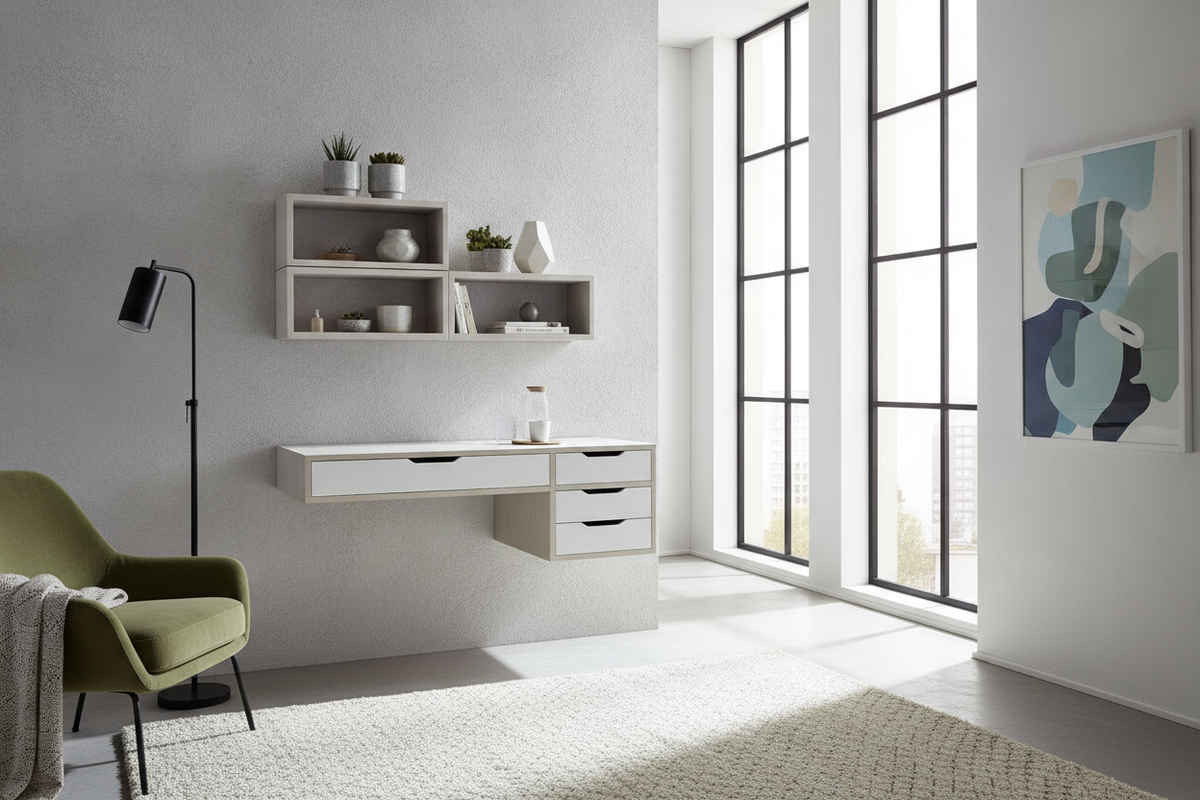
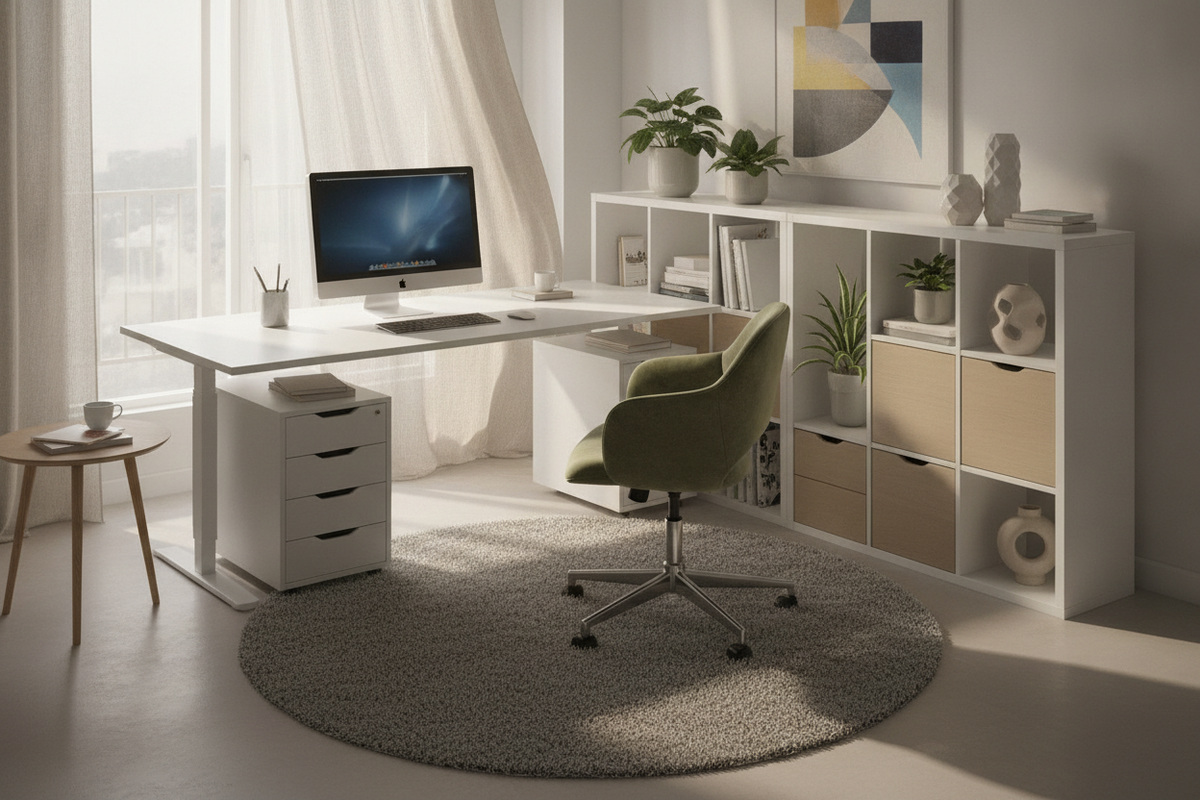
Positioning modular drawer banks and open shelving adjacent to the adjustable desk creates an L-shaped or linear storage credenza. This "side-car" arrangement keeps primary supplies and paperwork accessible at sitting height while leaving the vertical envelope of the standing desk entirely unobstructed. For comprehensive storage frameworks that blend modular worktops with built-in cabinetry, exploring a desk ikea guide offers practical architectural layout ideas.
Under-Mounted Shallow Drawer Solutions
Shallow storage trays mounted directly beneath the tabletop travel along with the desk surface, keeping pens, notebooks, and small peripherals within reach at any height. When installing under-mounted drawers, verify that mounting brackets do not interfere with the frame crossbars or restrict seated knee clearance.
Cable Management, Articulation, and Stability Optimization
Dynamic furniture requires specialized wire routing and base leveling to ensure smooth, stable operation.
Articulating Cable Spines vs Flexible Mesh Sleeves
Because the distance between the tabletop and wall outlets changes continuously, fixed cables risk snagging or pulling free. Articulating multi-link cable spines and expandable mesh sleeves neatly bundle power and display cords, allowing them to expand and contract smoothly during height adjustments without tangling around frame joints.
Mitigating Lateral Sway and Wobble at Max Heights
As telescoping columns extend toward their maximum height, the structural lever arm lengthens, increasing sensitivity to lateral sway. Frames with wide steel feet, precision-machined column tolerances, and robust crossbar brackets significantly reduce micro-wobbles during typing. Placing heavier equipment closer to the column centerlines further stabilizes the system.
Floor Levellers and Base Footpad Calibration
Uneven floorboards and thick carpeting can introduce tilt and rocking into a tall desk frame. Adjustable leveling glides on the underside of each footpad allow fine-tuning on irregular flooring. Leveling both feet ensures even weight distribution across the dual lifting columns, preventing uneven mechanical wear.
Layout Blueprints for Sit-Stand Home Workstations
Integrating height-adjustable furniture into home offices requires careful layout zoning to balance mobility, storage, and visual appeal.
Compact Corner Workstation Layout
In smaller rooms, tucking a compact motorized desk between a corner wall and a narrow shelving tower creates an efficient footprint. Using wall-mounted task lighting and under-desk cable trays maximizes usable surface area without cluttering the compact floor plan.
Central Executive Floating Workstation
Positioning a freestanding adjustable desk in the center of the room creates an open, commanding atmosphere. Because the rear of the desk is visible from all angles, pairing the frame with a continuous modesty panel or an enclosed cable management channel maintains a sleek, professional aesthetic.
Integrated Wall-Adjacent Work-and-Storage Hub
For dedicated home studies, flanking a central sit-stand desk with tall modular bookcases creates a balanced work hub. Incorporating pieces from an adjustable collection provides flexible vertical shelving that aligns cleanly with the desk's operational zone, ensuring ample storage for books, hardware, and decorative elements.

Laisser un commentaire
Ce site est protégé par hCaptcha, et la Politique de confidentialité et les Conditions de service de hCaptcha s’appliquent.