


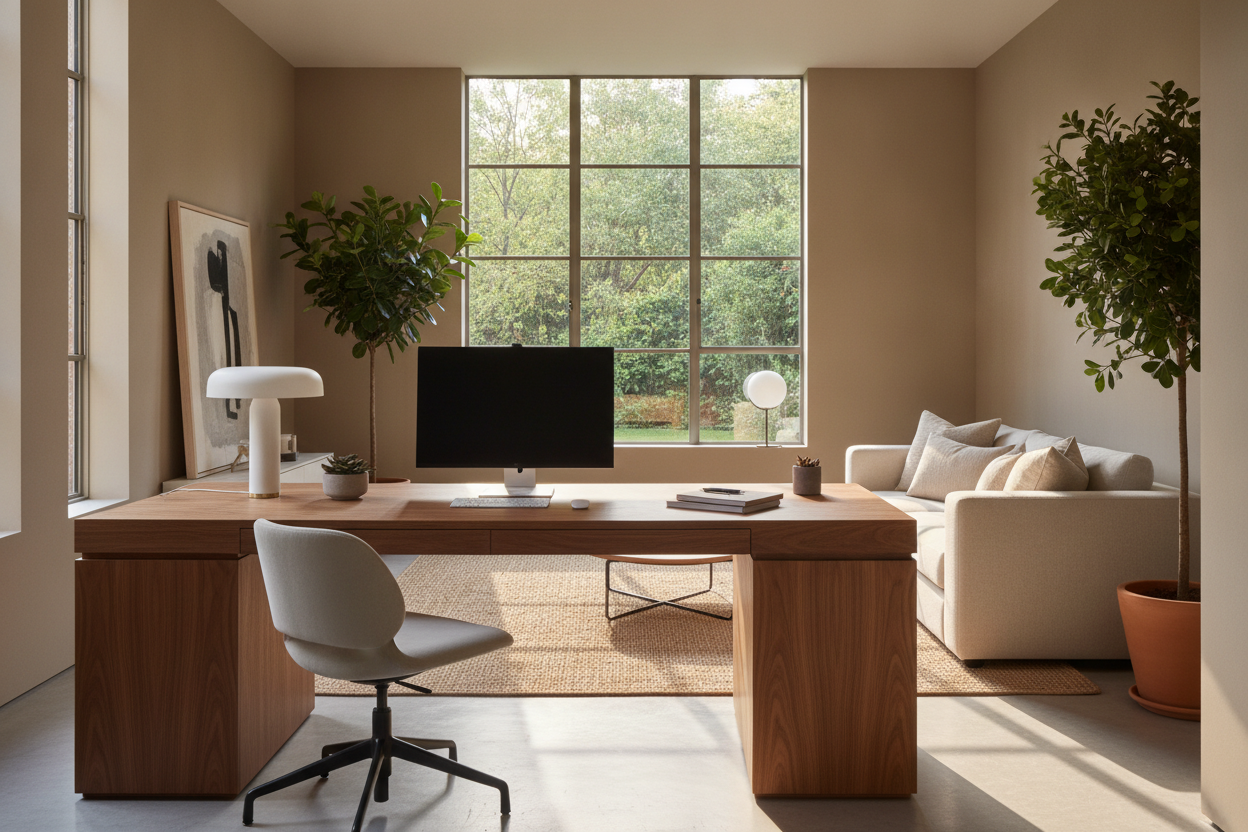
I have spent the last three years in a state of perpetual furniture-rearranging madness. I’ve dragged my 120-pound solid oak desk across hardwood floors more times than my landlord would appreciate, all in search of the perfect light. At 10 AM, I’m convinced I’ve found it; by 2 PM, the sun is burning a hole through my retina and I’m questioning every life choice that led me to this desk facing window or away debate.
We all want that Pinterest-perfect workspace where we gaze thoughtfully at a cardinal on a tree branch while typing out a brilliant email. But the reality of a home office window behind desk vs. in front of it is usually a mess of cables, squinting, and looking like a silhouette on video calls. I finally stopped moving the furniture long enough to figure out what actually works for a human who needs to see their screen.
Quick Takeaways
- Facing the window is great for your mood but a nightmare for your eyes due to contrast glare.
- Putting your back to the window solves glare but makes you look like a witness in a true-crime documentary on Zoom.
- The side-facing (perpendicular) layout is the secret winner for 90% of people.
- If you have a view of a brick wall, just face the wall and buy a plant.
The Romantic Dream of Staring Out the Glass
There is a specific kind of optimism involved in setting up a desk setup in front of window. You imagine yourself being inspired by the changing seasons and the neighborhood bustle. When I first tried a desk in front of window bedroom layout, I felt like a writer in a coastal drama. For about twenty minutes, it was glorious.
The problem is that our brains aren't wired to handle the massive brightness difference between a sunny backyard and a 14-inch laptop screen. You end up with 'contrast glare,' which is a fancy way of saying your eyes are working overtime to process two different light levels. I started wondering if putting a desk in front of window actually a terrible idea when I realized I was getting headaches by noon every single day.
The Screen Glare Will Break Your Spirit
Beyond the eye strain, having your desk facing out means you are the first to feel the greenhouse effect. In the summer, my monitors felt like space heaters. In the winter, the draft from the glass made my knuckles ache. I found myself closing the blinds to survive, which completely defeated the purpose of having a home office in front of window in the first place. If you have to hide the view to get work done, the view shouldn't be your focal point.
Turning Your Back to the View (The Wall-Facer)
After the glare-induced headaches, I flipped the script. I moved my setup so I was sitting with the desk facing away from window. This is the classic 'cubicle' style, where you face a solid wall. It’s boring, but it’s incredibly effective for deep work. When you aren't distracted by the mail carrier or a squirrel, you actually finish your spreadsheets.
A minimalist writing computer desk looks much cleaner when it's pushed flat against a wall. The cables stay hidden, the monitor doesn't wobble in the breeze, and the room feels more organized. Having the window desk placement behind you means the light hits your back, not your eyes. It’s the safest bet for productivity, but it comes with one massive, modern-day caveat.
Prepare to Look Like a Shadow on Zoom
The major downside of having the office window behind desk is the 'Halo Effect.' On every video call, I looked like a dark, grainy blob because the camera was trying to adjust to the bright light coming from behind me. Unless you want to invest in heavy blackout curtains or a professional-grade ring light to overpower the sun, your coworkers will never see your face again. It’s a lonely way to work.
The Perpendicular Compromise I Actually Recommend
After months of rotating 180 degrees, I tried the 90-degree turn. Placing an office desk near window—sideways—is the 'Goldilocks' zone. You get the natural light on your face (which makes you look great on camera) without the direct glare on your screen. You can still glance to the left to see the world, but you aren't staring into the sun like an amateur astronomer.
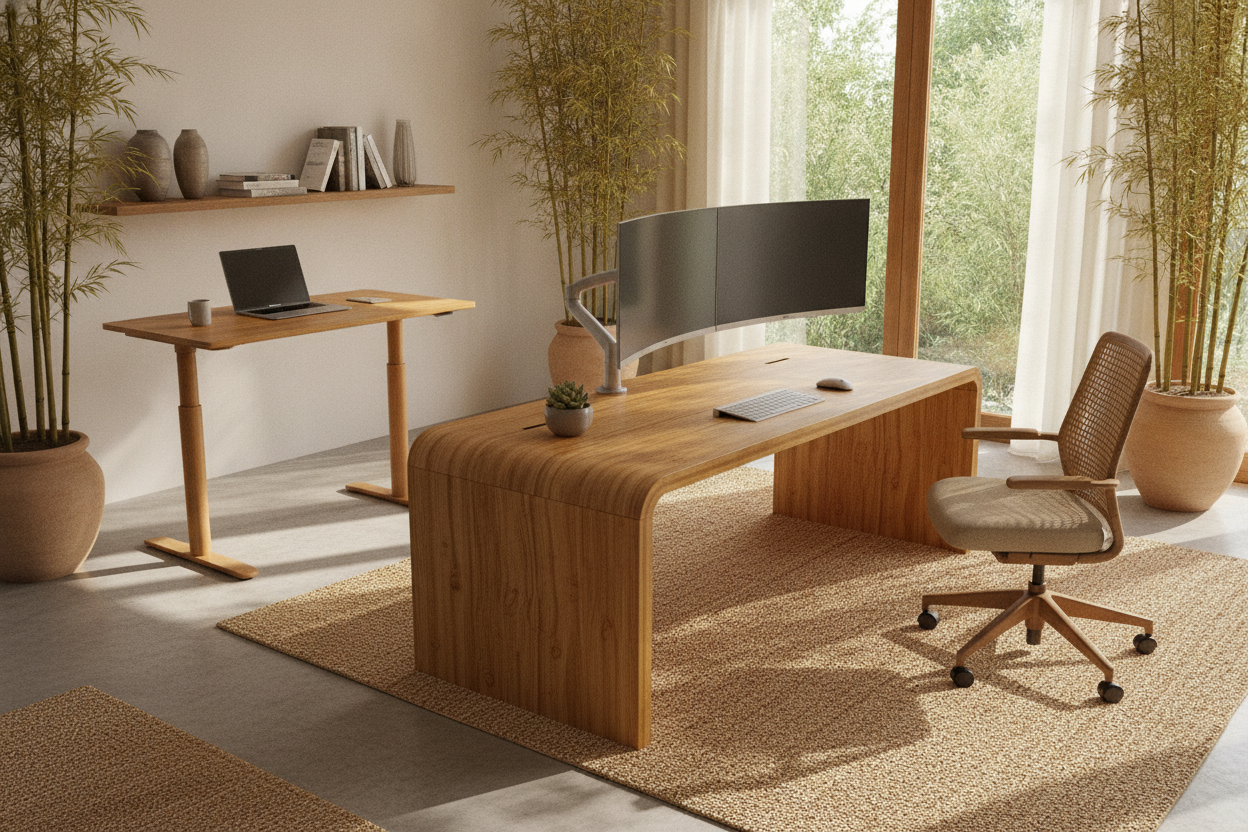
This layout also gives you more flexibility. If you use an ergonomic home office sit stand up desk, you won't have to worry about the desktop hitting the window sill or the blinds as you transition from sitting to standing. It’s the most balanced way to handle the desk window placement without sacrificing your eyesight or your professional reputation on calls.
Final Verdict: Desk Facing Window or Away?
If you have a small room, like a spare bedroom, the choice is often made for you by the floor plan. However, if you have the space, stop trying to make the 'desk facing window' thing happen. It’s a trap. The best setup is almost always the perpendicular one. It treats the window as a secondary feature rather than a primary distraction.
For those in tight corners, a home office computer desk corner desk with large storage can help you bridge the gap, allowing you to tuck your tech into the corner while keeping the 'wing' of the desk near the light source. At the end of the day, you should prioritize your eyes. You can always walk outside for a break, but you can't easily fix the strain of squinting at a screen for eight hours.
FAQ
Should I put my desk in front of a window?
Only if you have north-facing light or very high-quality sheer curtains. Otherwise, the direct sunlight will cause too much glare and heat for a comfortable 8-hour workday.
Does a desk facing a window cause eye strain?
Yes. The high contrast between a bright outdoor view and a relatively dim monitor forces your pupils to constantly adjust, leading to fatigue and headaches.
Where is the best place to put a desk in a room with a window?
Place the desk at a 90-degree angle to the window. This provides side-lighting for video calls and keeps the sun off your screen while still letting you enjoy the natural light.

Laisser un commentaire
Ce site est protégé par hCaptcha, et la Politique de confidentialité et les Conditions de service de hCaptcha s’appliquent.