


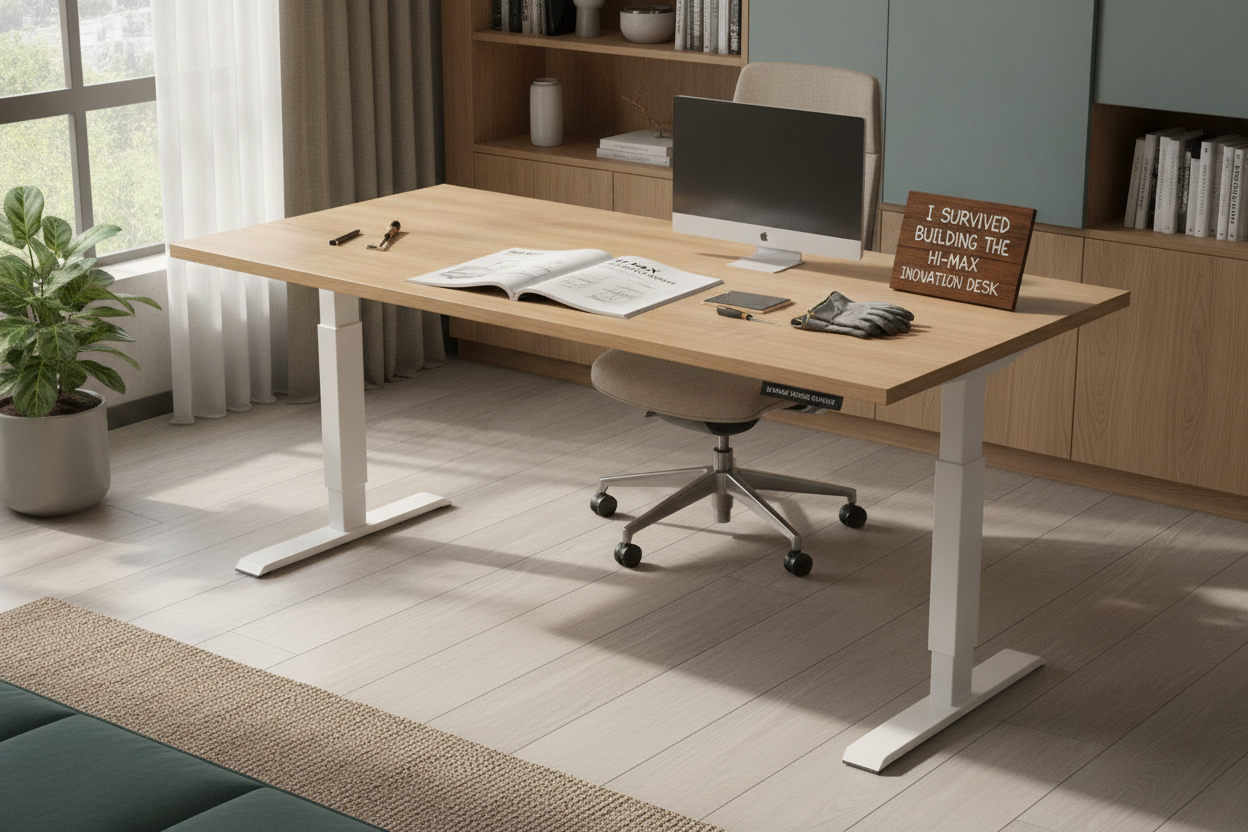
I spent three weeks staring at 47 browser tabs of ergonomic furniture before I finally cracked. My back felt like a question mark, and my old IKEA table was literal inches away from collapsing under my dual-monitor setup. I did not want a flimsy desk that looked pretty but shook every time I typed; I wanted something that felt like it was bolted to the floor. That is how I ended up with the hi-max innovation standing desk.
Quick Takeaways
- Built like a tank with zero wobble at standard sitting heights.
- The assembly is a test of character—clear your Saturday afternoon.
- Motors are surprisingly whisper-quiet during transitions.
- The instructions are a confusing mess of grainy diagrams.
Why I Skipped the Trendy Brands for a Hi-Max Innovation Desk
We have all seen the ads for those $1,200 standing desks that look like they belong in a Scandinavian minimalist loft. They are beautiful, sure, but I have a heavy PC tower, two 27-inch monitors, and a habit of leaning on my desk like a gargoyle. I needed industrial-grade steel, not aesthetic plywood. The hi-max innovation desk caught my eye because it looked rugged, had a high weight capacity, and did not cost as much as a used Vespa.
I usually hire someone to put my furniture together. I am the person who puts the legs on a chair backwards and just lives with it. But for this, I decided to go rogue. I wanted to see if a mere mortal with a single screwdriver could actually handle a heavy-duty electric frame. It was a journey, but the rock-solid stability at the end made the sweat equity worth it.
Let's Talk About the Hi Max Innovation Standing Desk Manual
If there was an award for the most stressful literature of the year, the hi max innovation standing desk manual would be a top contender. It is a series of grainy, black-and-white diagrams that look like they were photocopied in a basement. Some steps are crystal clear, while others require you to have the spatial reasoning of a structural engineer.
Unboxing the desk is the first hurdle. The parts are heavy—we are talking solid steel. You will find yourself staring at a bag of screws labeled 'Part M' and wondering why there are three different lengths that look identical. My advice? Get a tray, organize every single bolt before you start, and accept that the manual will lie to you at least once about which way the support bar faces.
The 3 Steps I Had to Figure Out the Hard Way
- The Motor Rod: This is the soul of the desk. If it is not perfectly seated in the hex hole on the opposite leg, your desk will rise lopsided. I had to wiggle it for twenty minutes before it finally clicked into place.
- Leg Alignment: Attach the heavy legs while the tabletop is upside down on a rug. If you try to do this on hardwood, you will scratch the floor and your sanity. Do not tighten the bolts fully until both legs are attached, or nothing will line up.
- The Control Box: Once everything is plugged in, you usually have to initialize the system. It is similar to setting up an electric lift system desk with memory presets—you have to hold the 'down' button until it hits the bottom and beeps. If you do not do this, the desk will not move.
Testing the Motors: Does It Sound Like a Jet Engine?
After the two-hour wrestling match of assembly, I was terrified to press the button. I expected a grinding noise or a pathetic whine. Instead, the hi-max innovation standing desk glided up with a low, satisfying hum. It is quiet enough that I can adjust it during a Zoom call without anyone asking if I am vacuuming my office.
The speed is solid—not lightning fast, but it gets from sitting to standing in about 12 seconds. The real test was the wobble. Most desks start swaying once they pass the 40-inch mark. This one stays remarkably still. If you are a heavy typer or use a mechanical keyboard, you will not see your monitors dancing. If you find the whole assembly process too daunting, you might be better off styling a standing desk converter on your existing furniture instead.
Styling the Tech: Making It Blend Into My Bedroom
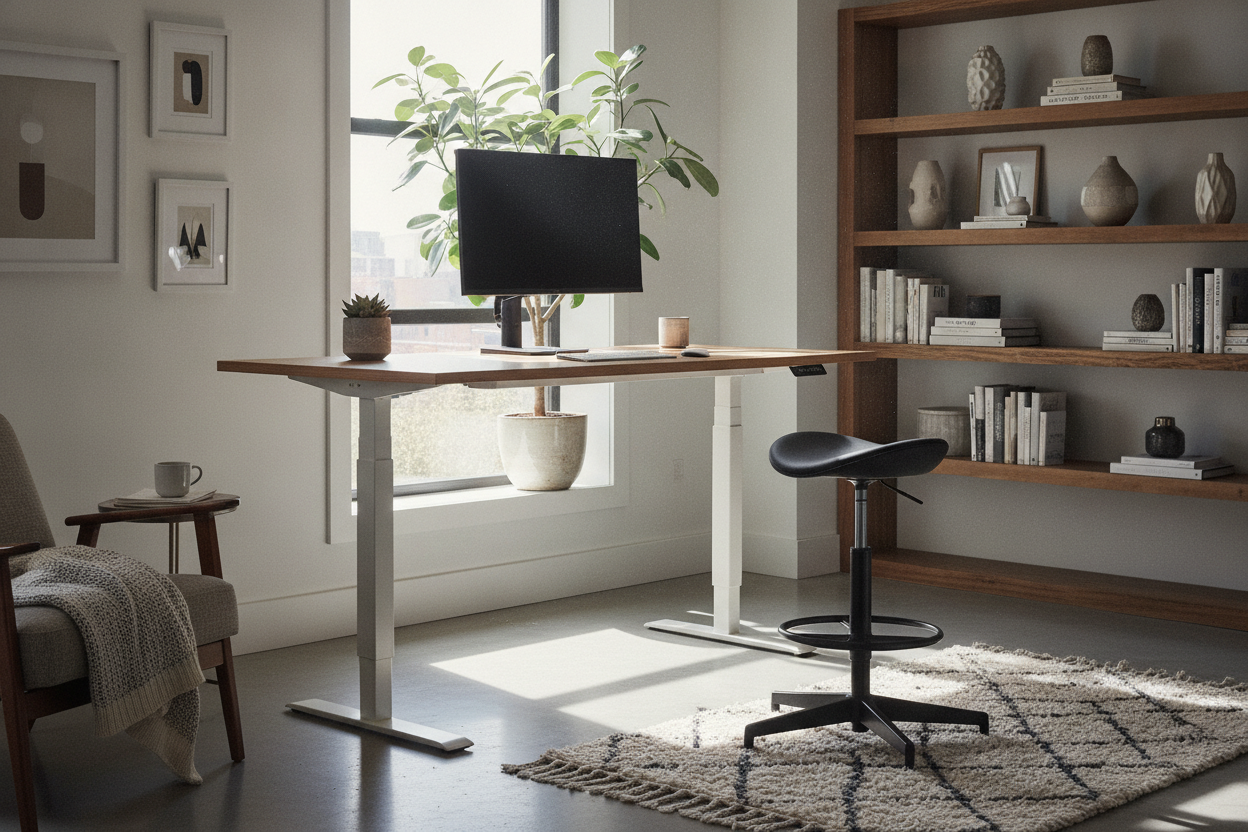
The downside of a heavy-duty desk is that it looks like it belongs in a lab. To keep my bedroom from feeling like a cubicle farm, I added a large felt desk mat and a warm Edison bulb lamp. These soft textures balance out the cold steel frame. I also spent an hour on cable management—using the included clips to hide the power brick under the frame makes a massive difference.
I also took some designer ideas for standing desk layouts and pulled the desk a few inches away from the wall. This allows the monitors to breathe and prevents the room from feeling cramped. When the desk is at standing height, having that extra space behind it actually makes the room feel larger rather than just having a giant slab of wood cutting the space in half.
My Final Verdict: Should You Buy It?
If you want a desk that feels like it could survive a minor earthquake, the hi-max innovation standing desk is a winner. The stability is top-tier, and the motors feel like they will last for years. However, if the thought of a confusing manual and heavy lifting makes you break out in hives, this is not for you. You might prefer a standard writing computer desk that comes in three pieces and takes ten minutes to build.
For me, the weekend headache was worth the result. I no longer finish my workday feeling like a crumpled piece of paper. Just make sure you have a friend nearby to help you flip the desk over once it is built—it is a two-person job unless you are looking to throw out your back before you even get to use your new ergonomic setup.
FAQ
How long does it take to assemble?
Expect to spend about 90 minutes to two hours. It is not difficult in terms of logic, but the parts are heavy and the instructions require a lot of squinting.
Is the motor loud?
Not at all. It is a smooth, low-frequency hum that will not distract you or anyone on a call with you.
What tools do I need?
The box comes with hex keys, but I highly recommend using your own screwdriver with a good grip. Your wrists will thank you when you are driving those screws into the desktop.


Laisser un commentaire
Ce site est protégé par hCaptcha, et la Politique de confidentialité et les Conditions de service de hCaptcha s’appliquent.