


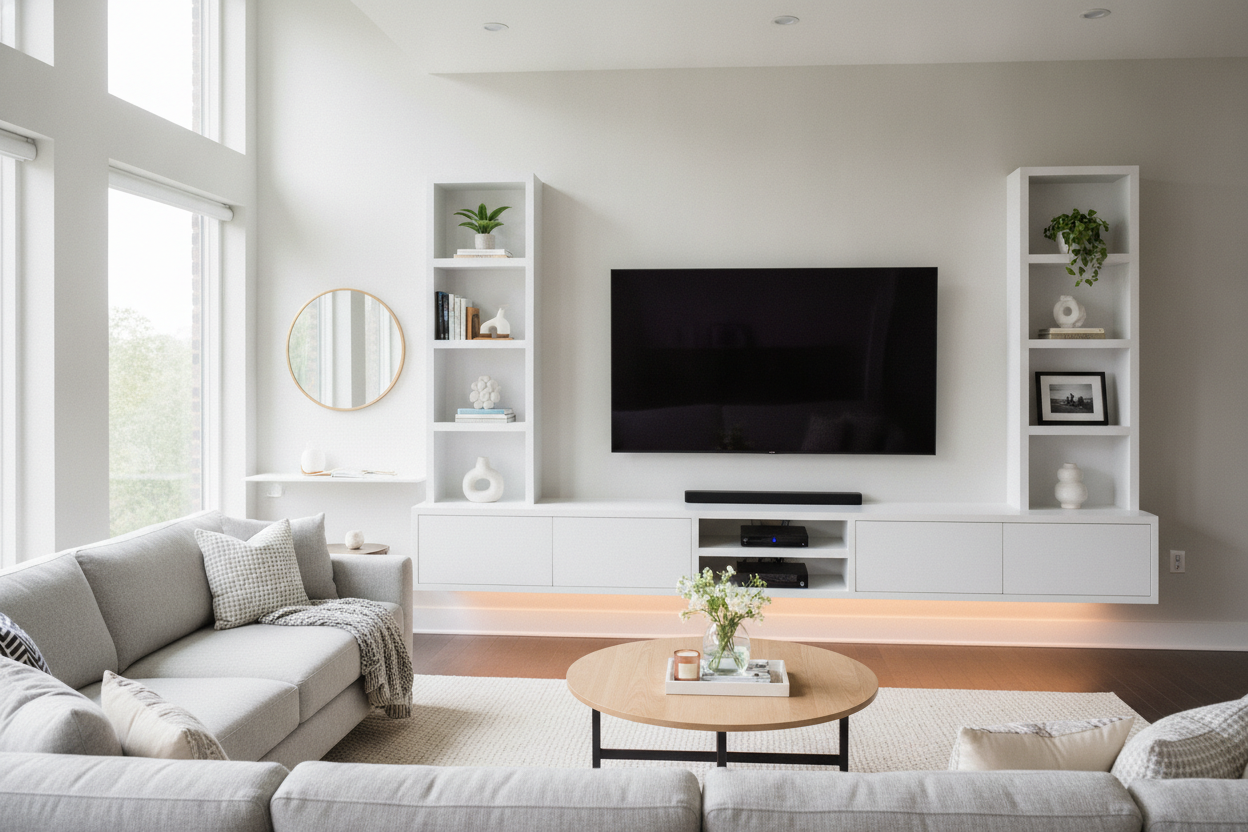
I stood in my living room for twenty minutes holding a level and a lukewarm beer, staring at a blank wall like it was a crime scene. I’d just bought a 70 inch floating entertainment center, and all I could think about was the sound of 80 pounds of particle board and glass ripping through my 1/2-inch drywall at 3 AM. It’s a specific kind of DIY anxiety that only people who live in rentals or houses with questionable framing truly understand.
Quick Takeaways:
- The plastic anchors included in the box are usually garbage—buy your own heavy-duty toggles.
- You must hit at least two studs; do not trust drywall alone with a 70-inch unit.
- Cable management is 90% of the aesthetic work.
- Mounting it 10-12 inches off the floor is the sweet spot for most rooms.
The Absolute Terror of Wall-Mounting Heavy Furniture
There is a reason most people stick with standard TV stands. They are safe. They sit on the floor. Gravity is their friend. But when you decide to go floating, you are essentially picking a fight with physics. My biggest fear wasn't just the TV falling; it was the entire unit peeling the paint and plaster off the wall like a giant, expensive sticker.
I spent weeks looking at floor-standing models, but they all felt so heavy. In a room that isn't exactly a ballroom, a massive wooden block on the floor makes the space feel cramped. I wanted that airy, 'I have my life together' look that you see in high-end staging. So, I ignored my inner coward and ordered the wall-mount kit. If you’re going to fail, fail spectacularly, right?
Why I Finally Ditched the Legs
The visual payoff of a floating 70 inch tv stand is honestly hard to overstate. By clearing that foot of floor space underneath the console, the room feels like it grew three feet in every direction. It’s a trick of the eye—seeing the floor meet the baseboard makes the footprint of the room feel uninterrupted.
Beyond the looks, there is the practical side. I have a robot vacuum that usually gets stuck in the 'legs' of traditional furniture like a confused turtle. With a floating setup, it just zips underneath without a care. No more dust bunnies congregating in the hard-to-reach corners behind a heavy cabinet. It’s cleaner, sharper, and makes the whole wall feel like a custom architectural feature rather than just a place to put the Xbox.
The Hardware Reality Check (Throw Away the Included Anchors)
Here is the most important thing I can tell you: the hardware that comes with your floating tv stand for tvs up to 70 inches is probably trash. Most manufacturers include those little yellow or white plastic ribbed anchors. If you use those to hold up a 70-inch console, you are asking for a disaster. I did a deep dive into the Hawkinsville floating TV stand reviews before I started, and the horror stories all started with 'I used the provided screws.'
Go to the hardware store and buy 1/4-inch toggle bolts or Snaptoggles. These expand behind the drywall and can hold significantly more weight. However, even with the best toggles, you need to find your studs. A 70-inch unit is wide enough that you should be able to hit at least two, if not three, vertical studs. I spent forty minutes just tapping the wall and sliding my stud finder back and forth until I was 100% sure. If you miss the studs, you’re just hanging a heavy shelf on a prayer.
Finding the Studs (And My Sanity)
My stud finder is a cheap one that likes to lie to me. I ended up using the 'tiny finishing nail' trick—driving a tiny nail into the wall where I thought the stud was to confirm I hit wood. Since it was all going to be hidden behind the console anyway, I didn't care about the extra holes. Measure the distance between the mounting brackets on the console, then map that onto your wall with painter's tape. It’s a lot easier to move tape than it is to patch holes.
The Ugly Truth About Cable Management
Nothing kills the vibe of a floating entertainment center for 70 inch tv faster than a 'waterfall' of black power cords and HDMI cables dangling down the middle of the wall. It looks unfinished and cheap. If you’re going to do this, you have to commit to the cord hide.
A true wall mounted media console usually has a port in the back for cables, but you still have to get them to the outlet. I used an in-wall cable routing kit (basically two plastic circles and a vacuum-rated hose that goes behind the drywall). If you’re a renter and can’t cut big holes, at least get a paintable cord cover. Don’t spend $400 on a sleek console just to have it look like a Best Buy clearance aisle.
Styling It So It Doesn't Look Like a Best Buy Display
A 70-inch TV is a massive black void. To balance it out, you need to style the console with things that have texture and height. I’m a fan of using floating shelves for 70 inch tv setups to add some staggered levels above or to the side of the screen. It draws the eye away from the tech and toward your actual personality.
Stack some coffee table books (the ones you actually read, or at least look like you do), add a matte ceramic vase, and maybe a small plant that can survive in the heat of a running PlayStation. Avoid anything too tiny; small knick-knacks just look like clutter next to a screen that big. Go for fewer, larger items to maintain that clean, minimalist aesthetic.
Final Verdict: Is the Installation Anxiety Worth It?
Looking back, the three hours of sweating and swearing were absolutely worth it. Every time I walk into the room, I’m still impressed by how much 'lighter' the space feels. Compared to a heavy, grounded modern TV stand with cabinets, the floating look is just superior for modern interiors.
Yes, the mounting process is stressful. Yes, you will probably need a friend to help you lift the unit onto the brackets. But once it's locked in and the cables are hidden, it’s the single biggest upgrade you can make to a living room for under $500. Just buy the good bolts—your floor (and your TV) will thank you.
FAQ
How high should I mount my floating TV stand?
Aim for 10 to 12 inches off the floor. You want it high enough to see the floor underneath, but low enough that your TV stays at eye level when you're sitting on the sofa.
Can I mount this on metal studs?
You can, but you absolutely must use heavy-duty toggle bolts. Standard wood screws won't grab onto metal studs, and the unit will eventually sag or fall.
Is it safe for households with kids or pets?
Actually, it’s often safer than a floor stand because it’s bolted directly to the wall structure. There’s no risk of a toddler tipping the whole unit over on themselves, provided you used the right hardware.
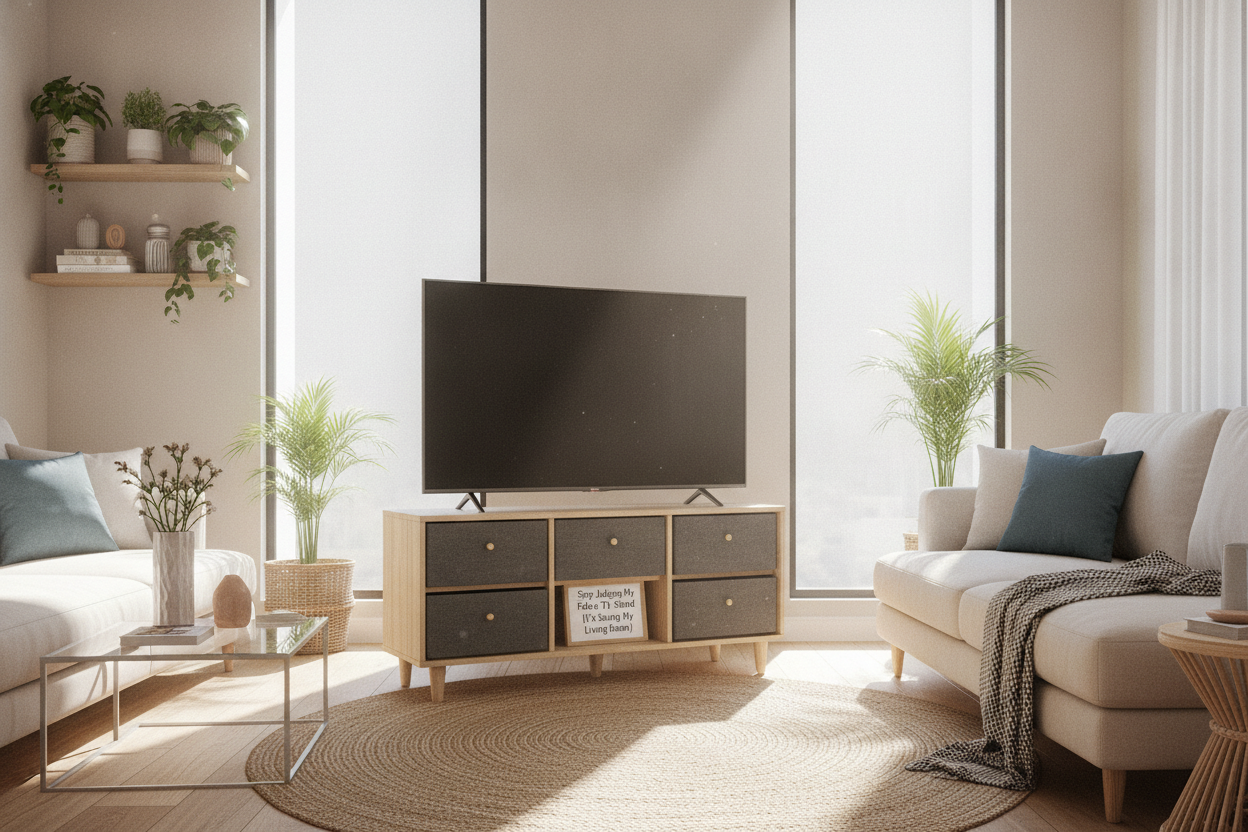

Laisser un commentaire
Ce site est protégé par hCaptcha, et la Politique de confidentialité et les Conditions de service de hCaptcha s’appliquent.