


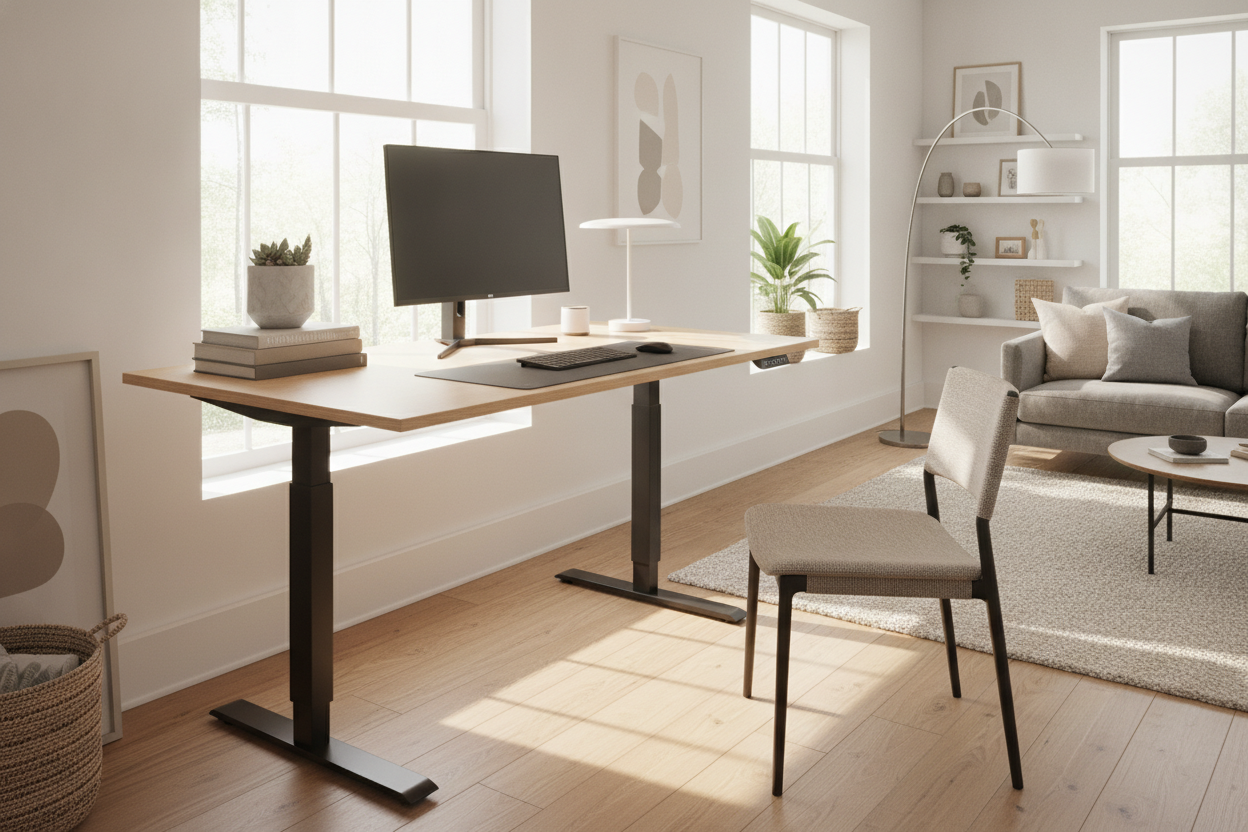
I spent three years hunched over a thrifted table that was essentially a glorified TV tray. By 3 PM every day, my lower back felt like it was being folded by a vengeful origami master. I’d spent months staring at forty-seven browser tabs of office furniture, paralyzed by the fear of buying something that would arrive in a hundred pieces and end up as a half-finished monument to my own incompetence in the corner of the room.
Finally, I snapped. I ordered the agilestic standing desk after seeing a friend’s setup. I didn't want a project; I wanted a workstation that wouldn't kill my spine. Here is the honest truth about what happens when an impatient person with limited floor space and a single hex key tries to upgrade their life.
Quick Takeaways
- Assembly time: 48 minutes from box-cutting to powering on.
- Motor noise: Quiet enough to adjust during a Zoom call without anyone noticing.
- Stability: Rock solid at sitting height; slight 'monitor shiver' at max height.
- Solo-friendly: Totally doable, but your hamstrings will feel the 'flip' tomorrow.
Why I Finally Ditched My Clunky Old Setup for an Agilestic Desk
My old traditional writing computer desk was a charming piece of mid-century wood, but it was built for a world where people wrote letters with pens, not spent twelve hours a day staring at spreadsheets. It sat at a fixed 29 inches. If I wanted to stand, I had to balance my laptop on a stack of Harry Potter hardcovers and a shoe box. It was pathetic.
I needed a change that didn't involve a $1,200 price tag or a furniture assembly service. The agilestic desk promised a motorized frame and a clean aesthetic for a price that didn't make my bank account weep. I was skeptical about the stability—usually, cheap motorized desks have the structural integrity of a wet noodle—but the heavy-duty steel legs in the box suggested otherwise. It weighs about 60 pounds, which is a good sign for your monitor's safety but a bad sign for your upstairs neighbor if you drop it.
Decoding the Agilestic Standing Desk Assembly Instructions
I am the person who usually ignores the manual until I have three 'mystery screws' left over. However, the agilestic standing desk assembly instructions were surprisingly literate. There were no confusing 3D diagrams that looked like an M.C. Escher painting. Everything was labeled in separate bags, which is a small detail that saves about twenty minutes of frantic searching on the carpet.
The frame goes together first. You’re essentially building an H-frame that supports the motor and the lifting columns. The agilestic desk uses a hex-head bolt system that actually bites into the metal properly. I didn't strip a single screw, which is a personal record for me. The only tricky part is the drive rod that connects the motor to the far leg. You have to slide it in and tighten a couple of collars; if you don't get this snug, one side of your desk will rise while the other stays put, turning your workstation into a very expensive slide for your coffee mug.
While this isn't as massive as a super sized standing desk, the tabletop still has some heft. Lining up the pre-drilled holes in the wood with the steel frame took a second of shimmying, but once they clicked, the rest was just repetitive turning of the wrench. I recommend using your own screwdriver with a comfortable grip rather than the tiny L-shaped tool they provide, unless you really want a blister by step five.
The Solo Flipper: Getting the Frame Upright
Here is where things usually go wrong for the solo builder. You’ve built the desk upside down on the floor, and now you have to flip a 70-pound motorized object without snapping the legs off. Tips from the trenches: clear a much larger path than you think you need. I almost took out a floor lamp with the corner of the desktop.
Lift from the center of the frame, not the edges of the wood. You want the weight to stay on the steel, not the fasteners holding the top on. I used a thick rug to pivot the feet so I wouldn't gouge my hardwood floors. Once it’s upright, the sense of accomplishment is better than a shot of espresso. It didn't creak, it didn't groan, and most importantly, it stood level without me having to shove a folded-up post-it note under one of the feet.
Putting the Agilestic Electric Standing Desk Motor to the Test
The moment of truth: plugging it in. I’ve used desks where the motor sounds like a dying blender, but the agilestic electric standing desk is remarkably smooth. It has a soft start and stop feature, meaning it doesn't jerk your equipment when you hit the button. This is crucial if you, like me, keep a half-full glass of water next to your keyboard at all times.
I highly recommend getting the version with the electric lift system with memory presets. Holding down an arrow button for ten seconds every time you want to switch from sitting to standing is a first-world problem, sure, but having four height presets is a luxury you won't want to live without. I have one for my 'standard' chair, one for my 'active' stool, one for standing, and one for when I’m using my under-desk treadmill. It moves at about an inch per second, which is fast enough to be efficient but slow enough that my cat has time to jump off before he gets a ride to the ceiling.
Would the Agilestic L Shaped Standing Desk Have Been Better?
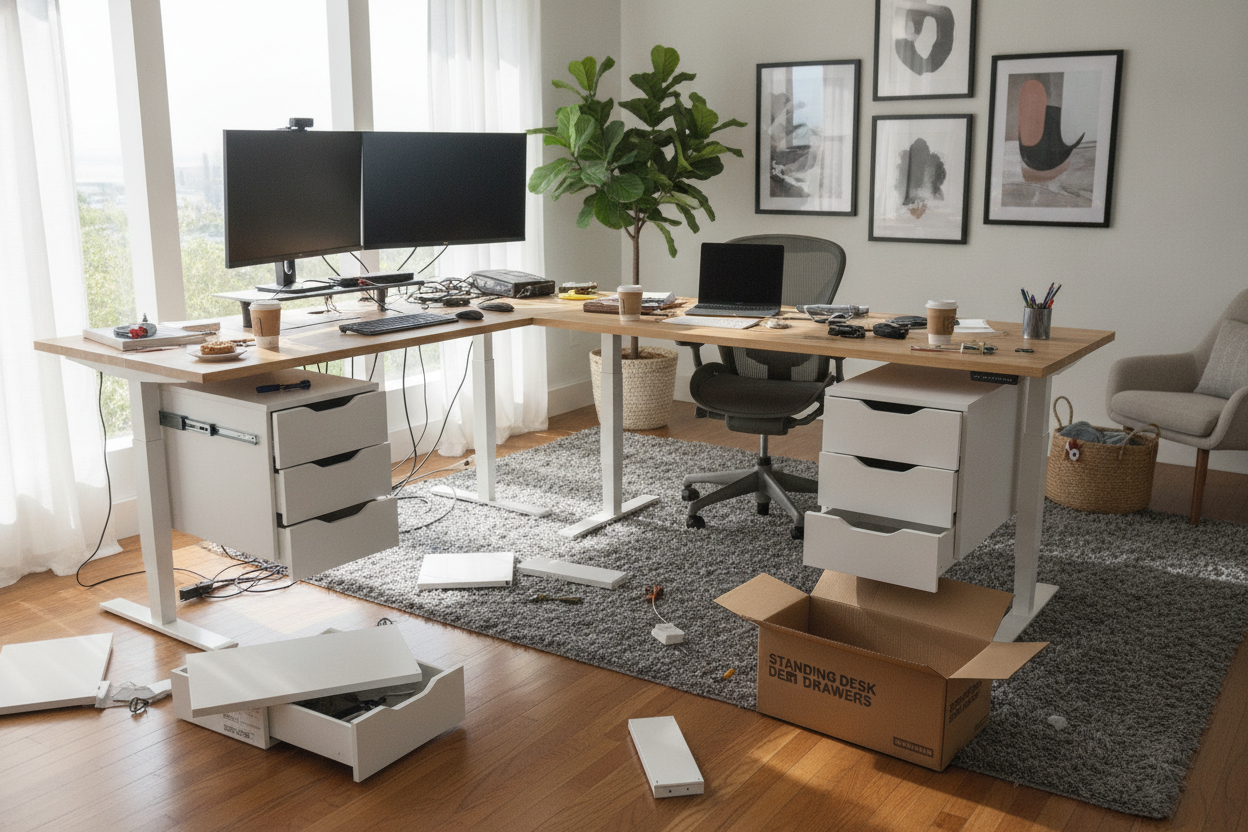
My office is a weird, narrow rectangle that makes furniture placement a nightmare. Halfway through the build, I looked at my corner and wondered if the agilestic l shaped standing desk would have been a smarter play. It offers significantly more real estate for people who run dual-monitor setups or like to keep a printer within arm's reach.
I spent some time looking at designer ideas for standing desk layouts and realized that while the L-shape is great for productivity, the standard rectangle I bought keeps the room feeling airy. If you have the space, the L-shaped version is the ultimate 'command center' vibe, but for a standard 10x10 room, the straight desk is less of a spatial hog. Just make sure you measure your doorway before you commit to the larger footprint.
The 'Hot Coffee' Wobble Test (My Final Verdict)
The ultimate test for any standing desk is the wobble. Every desk is stable at 28 inches, but what happens when you crank it up to 45? I filled a mug with water (not actual hot coffee, I'm not that brave) and started typing like I was in a 90s hacker movie. At full height, there is a tiny bit of front-to-back movement, but it's not enough to be distracting. If you’re a heavy-handed typer or you lean your full body weight on the desk while thinking, you’ll see your monitors jiggle slightly.
Is it worth it? Absolutely. For the price of a few fancy dinners, I’ve stopped ending my workdays in physical pain. The agilestic standing desk isn't just a piece of furniture; it's a tool that actually works. It looks clean, the motor is reliable, and I managed to build it without calling for backup or losing my mind. If you’re still sitting on a kitchen chair at a dining table, consider this your sign to stop.
FAQ
Is the Agilestic desk stable on carpet?
Yes, but you’ll want to use the adjustable leveling feet to compensate for any unevenness in the floor padding. On thick pile carpet, you might notice slightly more sway at max height than you would on wood or tile.
How many motors does it have?
Most standard Agilestic models use a single, high-torque motor with a hex-rod drive system. It’s plenty powerful for a standard setup of two monitors, a laptop, and some heavy desk accessories.
Can I add casters to it later?
You can! The feet use standard M8 threaded holes, so you can swap the stationary leveling pads for locking casters if you like to move your desk around frequently. Just remember it adds about two inches to the minimum height.

Laisser un commentaire
Ce site est protégé par hCaptcha, et la Politique de confidentialité et les Conditions de service de hCaptcha s’appliquent.