


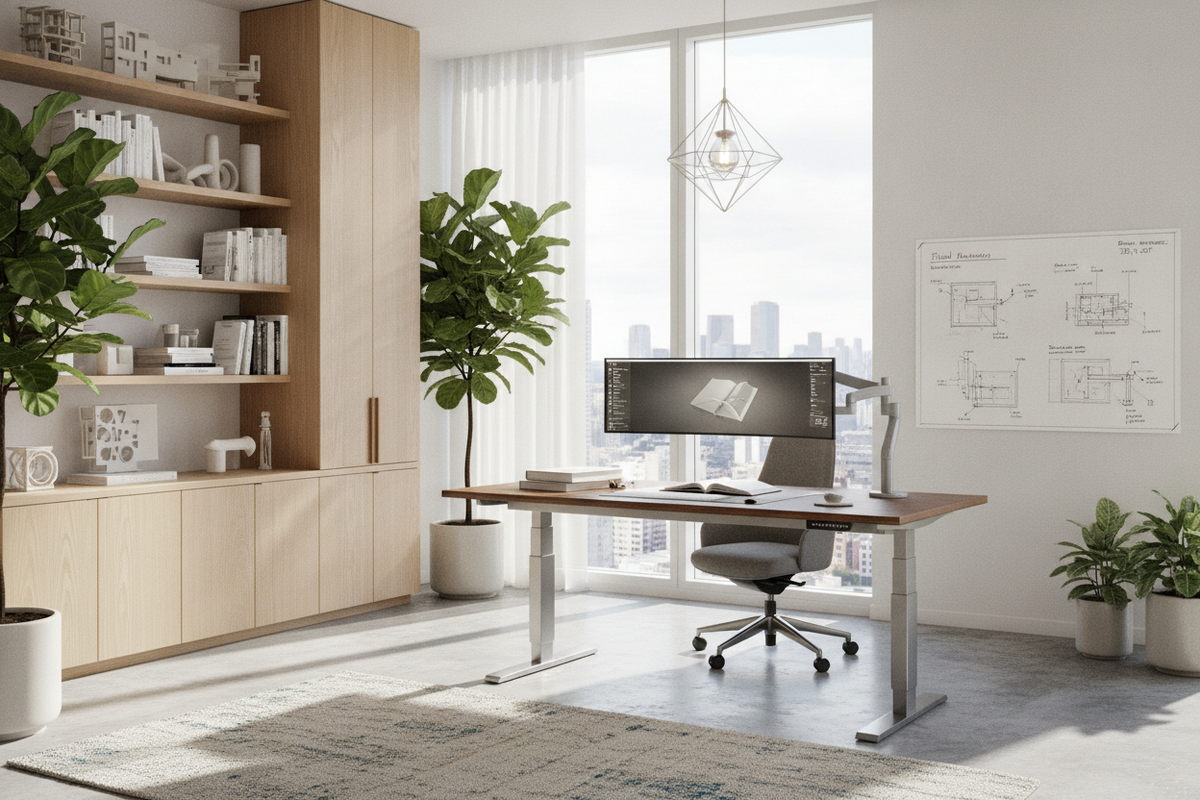
Designing an ergonomic home workspace involves balancing posture changes, structural stability, and visual harmony. The hydraulic office desk offers a compelling alternative to motorized sit-stand workstations. By using fluid counterbalance mechanisms rather than electric drive motors, these desks provide rapid, fluid height adjustments without tethering your setup to a power outlet or introducing mechanical hums.
Integrating a dynamic, height-adjustable workstation into a room requires thoughtful planning. From calculating vertical movement envelopes to coordinating decoupled filing cabinets, organizing a flexible office ensures both ergonomic comfort and design continuity.
Understanding Hydraulic Office Desk Mechanics: The Cord-Free Sit-Stand Advantage
The foundation of a non-electric adjustable desk relies on pressurized fluid cylinders. Understanding how these mechanical components interact with daily work patterns helps homeowners and professionals tailor their office floor plans effectively.
Pneumatic and Hydraulic Fluid Counterbalance vs. Motorized Desks
Electric standing desks rely on motorized gears and internal wiring, whereas a fluid-assisted workstation utilizes sealed cylinders containing pressurized gas or hydraulic fluid. When you engage the release lever, the counterbalance system works in tandem with your natural upward or downward guidance.
Because hydraulic and pneumatic systems operate independently of power outlets, you gain total freedom when placing furniture in the room. You can float a workstation centrally in a home office, angle it near a window, or position it away from baseboard plugs without trailing extension cords across the floor.
Smooth Manual Actuation and Effortless Height Transitions
Adjusting the height of a fluid-assisted workstation is virtually silent. By squeezing a discreet paddle or lever underneath the worktop, the internal cylinder releases pressure, allowing the surface to rise or descend smoothly. Releasing the lever locks the column securely at your preferred elevation.
This manual responsiveness lets you switch between seated tasks and standing reviews in seconds, creating an active workday cadence without waiting on electric motors.
Evaluating Workspace Dimensions and Spatial Clearances
Because the primary surface moves through a vertical path, spatial planning for an adjustable workstation involves checking both horizontal floor area and upward clearance boundaries.
Compact Versus Expansive Tabletop Footprints
Choosing tabletop proportions depends on your everyday equipment needs and available square footage:
- Compact Surfaces: Suitable for laptop setups, tablets, and streamlined study nooks where floor area is at a premium.
- Mid-Sized Worktops: Provide ample room for an external monitor, compact desktop organizers, and daily paperwork without crowding the room perimeter.
- Broad Executive Desks: Offer expansive territory for multi-display arrays, active document sorting, and desktop accessories, requiring a dedicated open area for balanced visual weight.
Vertical Travel Clearance and Wall Proximity Planning
When positioning a dynamic workstation next to a wall, ensure adequate breathing room behind the top surface. Bevels, grommet mounts, and monitor brackets can sweep slightly outward during travel, so leaving a slight gap avoids scuffing wall paint or pinching cords.
Review overhead vertical space before mounting floating shelves or display boards. Exploring structured above-desk storage strategies ensures that floating cabinets, task lighting, and decorative shelving sit safely above your maximum standing monitor height.
Integrating Storage with Height-Adjustable Workstations
Unlike traditional executive desks with fixed pedestals, height-adjustable tables feature an open under-desk profile to accommodate lifting columns. Maintaining a clutter-free office therefore requires pairing your moving surface with decoupled, stationary storage.
Decoupled Credenzas, Lateral File Cabinets, and Multi-Drawer Storage
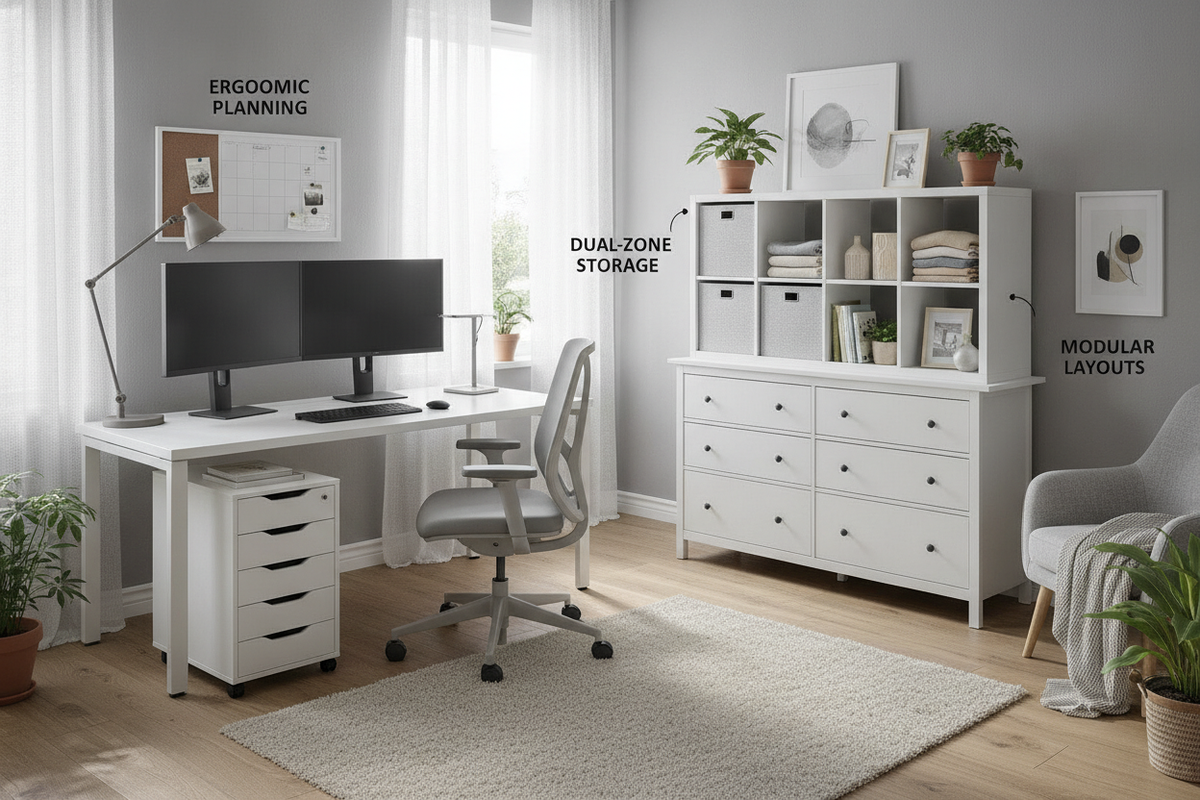
To keep everyday stationery, charging accessories, and files close at hand, position stationary storage pieces alongside or behind the main work surface. Low-profile mobile pedestals slide underneath the desk frame during seated work while leaving ample leg clearance.
For extensive archiving, pairing your desk with dedicated perimeter credenzas or integrated desk and storage cabinet configurations creates distinct work zones: an active, moving surface for computing and a stable, high-capacity station for documents and hardware.
Wall-Mounted Shelving and Overhead Spatial Balance
When the desk surface is elevated to standing height, lower walls become exposed. Using vertical wall-mounted bookcases or complementary display towers maintains architectural balance across the room.
Positioning tall bookcases along flanking walls frames the adjustable table, anchoring the room visually while keeping frequently consulted binders and decorative elements easily accessible.
Cable Routing and Dynamic Load Management for Hydraulic Desks
A moving worktop requires dedicated management for peripheral cords and desktop equipment to maintain smooth transitions and prevent unexpected resistance.
Slack Allowance and Articulating Cable Spines
When routing monitor power cords, keyboard cables, and laptop chargers, establish your cable pathways based on the desk at its highest standing position:
- Under-Desk Cable Trays: Mount power strips directly beneath the tabletop so peripheral power adapters move in unison with your displays.
- Articulating Cable Columns: Use segmented cable spines to bundle the single main power feed from the desktop down to the floor, preventing snagging during descent.
- Adhesive Fasteners: Secure cords to the underside of the surface to eliminate loose loops that could catch on knee spaces or adjacent furniture.
Desktop Weight Distribution and Equipment Placement
Fluid counterbalance mechanisms function best when the load is evenly balanced across the frame. Centering dual monitors on sturdy grommet brackets or freestanding mounts prevents asymmetrical torque on the lifting columns.
Placing heavier computing towers on stationary floor stands or dedicated side tables keeps the moving desktop light, ensuring effortless manual height adjustments throughout the day.
Room Layout Strategies: Executive Suites, Corner Nooks, and Open Concept Offices
A non-electric, fluid-assisted workstation adapts seamlessly across varied architectural floor plans, supporting diverse design aesthetics.
Corner Placements and Floating Centerpiece Configurations
In smaller rooms or shared bedrooms, placing an adjustable desk in an open corner optimizes floor area while preserving sightlines. For dedicated home offices, floating the desk in the center of the room establishes an executive focal point without trailing cords across walkways.
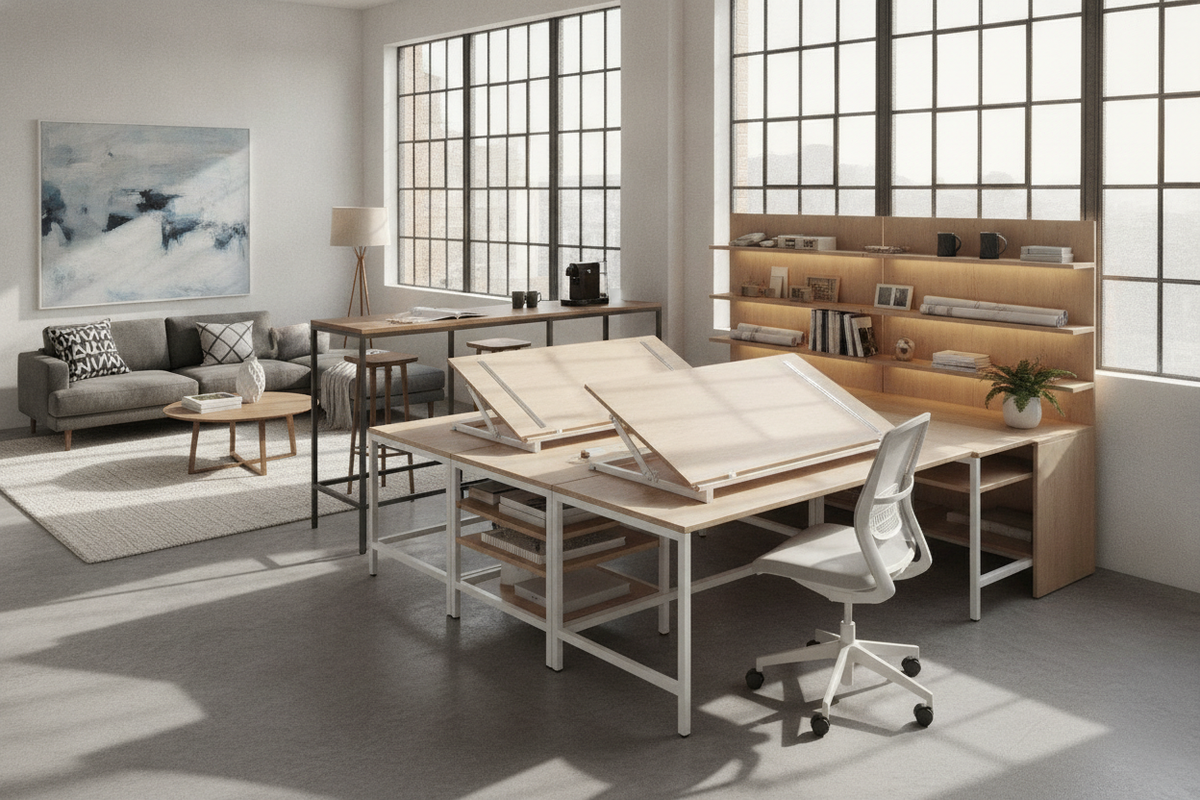
For tasks requiring sprawling paperwork alongside computing, comparing your setup to a dedicated corner workstation with generous storage helps determine whether a standalone moving desk or a fixed L-shaped perimeter layout best suits your workflow.
Blending Hydraulic Functionality with Concealed Workstation Aesthetics
In open-concept living rooms or multi-purpose guest spaces, keeping technical gear out of plain sight preserves a calm home aesthetic. Pairing your adjustable desk with nearby accent credenzas or studying concealed office armoire concepts allows you to tuck work essentials away when the day concludes.
By combining fluid mechanical height versatility, thoughtful vertical clearances, and coordinated perimeter storage, your hydraulic office desk becomes the centerpiece of an organized, highly functional, and visually refined work environment.

Laisser un commentaire
Ce site est protégé par hCaptcha, et la Politique de confidentialité et les Conditions de service de hCaptcha s’appliquent.