


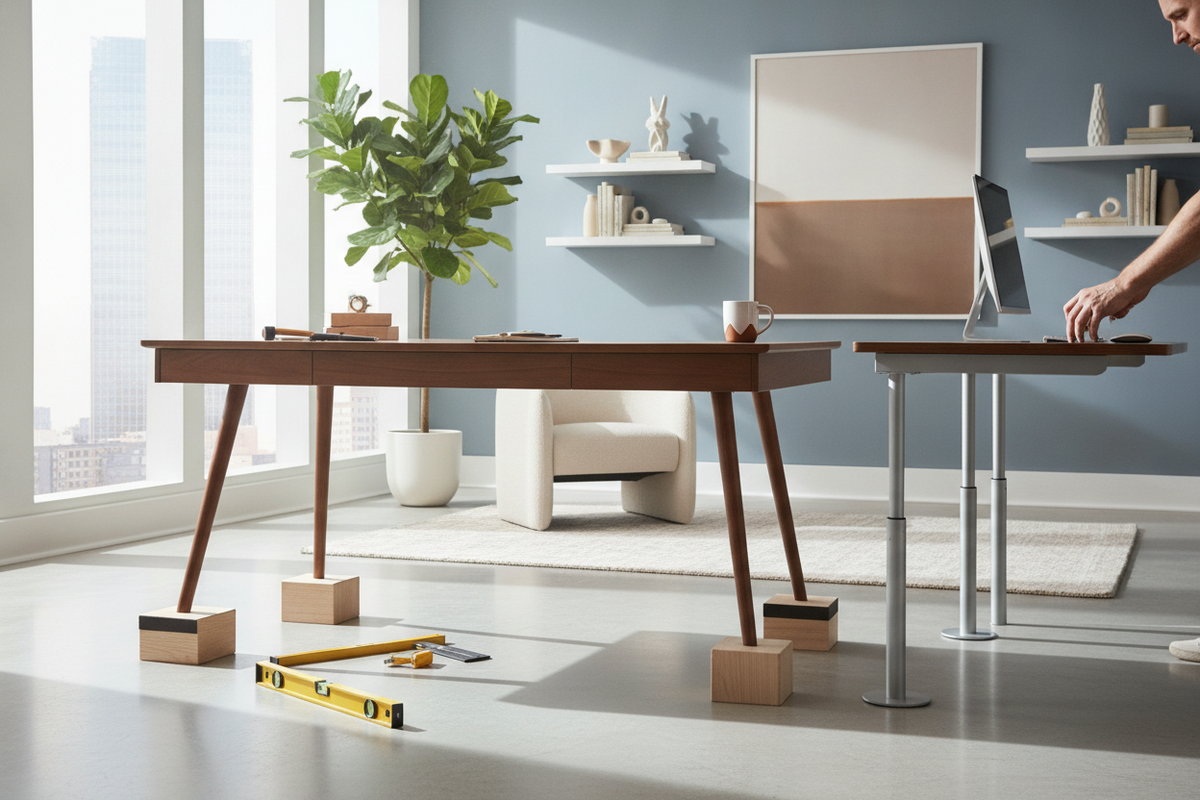
A desk that sits too low can turn even a brief work session into an uncomfortable experience. When your workstation height does not match your seating position, you may find yourself slouching forward, lifting your shoulders unnaturally to reach the keyboard, or bumping your knees against the underside of the tabletop. Learning how to make a desk taller allows you to salvage an existing piece of furniture, improve daily seated posture, and customize your workspace to suit your body proportions.
Whether you are dealing with a classic four-legged timber table, a modern metal frame, or a heavy solid-panel pedestal desk, several mechanical and spatial adjustments can safely elevate your work surface. Exploring smart desk modifications that make wfh actually comfortable helps you choose the right balance between simplicity, structural rigidity, and visual appeal.
Why Workstation Elevation Matters: Identifying Your Ideal Height
Before modifying any furniture, it is essential to determine why your current setup feels off-balance. An undersized desk creates noticeable friction points during daily tasks:
- Armrest interference: Your ergonomic office chair cannot slide under the desk because the armrests collide with the front apron or desktop edge.
- Cramped leg clearance: Your thighs press firmly against the bottom of the drawer bank or top panel, preventing natural leg movement and posture adjustments.
- Shoulder and neck tension: Typing requires you to drop your forearms below elbow level or hunch downward, placing unnecessary strain on your upper back.
The goal when you raise desk height is to establish a natural seated baseline where your elbows rest comfortably near a right angle relative to the desktop while your feet remain flat on the floor. Calculating the difference between your current tabletop surface and your ideal forearm position gives you the exact elevation target needed for your modification project.
Top Methods to Raise Desks with Traditional Four-Leg Frames
Standard desks supported by independent corner legs offer the widest variety of elevation techniques. Depending on the construction material and how much height you need to add, consider the following practical approaches to make desk taller:
1. Heavy-Duty Furniture Risers
Pre-molded furniture risers made of solid wood or molded composite provide a practical, non-destructive method for raising a four-leg desk. When choosing risers, select designs with a recessed pocket or lip that fully accommodates the leg base. A broad base profile helps distribute downward force across the floor and keeps the desk stable during regular typing and movement.
2. Extended Threaded Leveling Feet
Many modern metal and wood desks feature female threaded inserts on the bottom of each leg for leveling glides. By removing the factory glides and replacing them with longer, heavy-gauge threaded stems fitted with broad leveling pads, you can easily gain modest height adjustments while maintaining the ability to level the desk on uneven flooring.
3. Commercial Locking Caster Wheels
Adding stem or plate casters to the bottom of the legs raises the total profile while adding effortless mobility to your workstation. To maintain stability while typing or writing, always select industrial-grade casters with positive dual-locking mechanisms that freeze both wheel rotation and swivel action.
4. Replacement Table Legs
If you need a substantial height change, detaching the original legs and installing taller aftermarket legs provides a clean, seamless finish. For multi-use spaces that double as a vanity or craft table, pairing your tabletop with a versatile desk with adjustable height framework provides adaptable daily utility.
How to Raise a Desk That Doesn't Have Legs
Working out how to raise a desk that doesn't have legs presents a different structural challenge. Desks built with solid gable ends, waterfall sides, integrated pedestal drawers, or floating wall mounts cannot use standard point-load risers. Instead, they require solutions that support continuous edge weight.
Constructing a Custom Base Plinth
For solid-slab or pedestal desks, the most secure approach is building a dedicated wooden plinth platform. By framing a rectangular base out of solid timber or thick plywood matching the exact footprint of the side panels, you create an elevated foundation. Painting or staining the plinth to match the desk trim turns the base into an intentional design feature while ensuring full-length load distribution.
Modular Structural Spacers
If the desk features separate drawer pedestals supporting a loose or bolted desktop, you can insert finished hardwood or metal riser blocks directly between the pedestal tops and the underside of the desktop. Fastening these spacers securely with dowels, connector bolts, or mending plates preserves legroom without altering the base footprint on the floor.
Repositioning Wall-Mounted Cleats
Floating or wall-anchored desks can be adjusted by unfastening the desk from its wall cleat or mounting brackets, locating the structural wall studs, and remounting heavy-duty shelf brackets at the desired new height. Always ensure mounting hardware is driven directly into solid wall studs rather than hollow drywall anchors.
Surface-Level Elevation vs. Complete Adjustable Frame Transitions
When altering the main furniture frame is impractical, you can elevate your working plane either from the top down or by upgrading the base structure entirely.
Desktop Risers and Platform Converters
Placing an adjustable scissor-lift riser directly on top of your existing low desk allows you to lift your keyboard, mouse, and display without modifying the desk frame. This provides a functional stopgap for rental spaces or delicate antique furniture where structural drilling is prohibited.
Transitioning to a Motorized Lift Frame
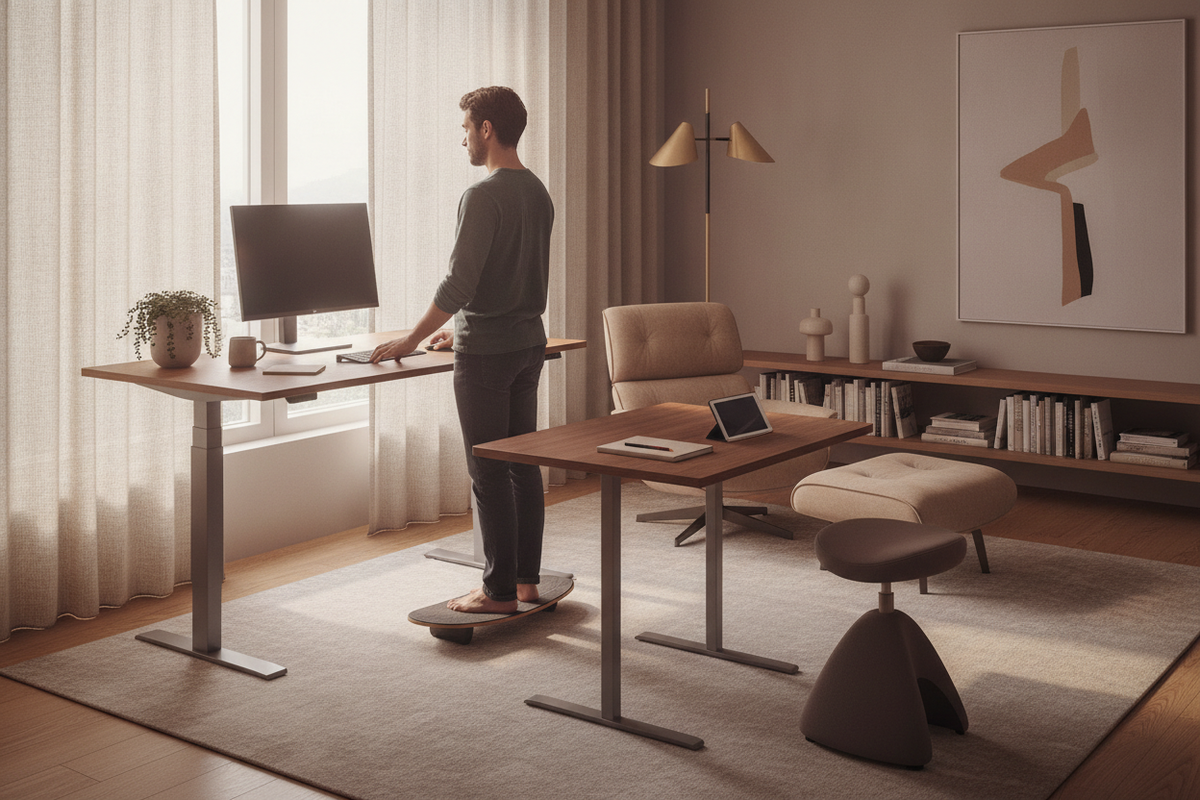
If you love the visual character or spacious work area of your current tabletop but need true dynamic flexibility, consider unbolting the top panel and attaching it to a standalone motorized base. Choosing an adjustable height standing desk with electric lift system allows you to preserve your original tabletop while unlocking smooth transitions across a wide range of seated and standing elevations.
For larger commercial setups or expansive executive tabletops, a heavy-duty height adjustable standing desk base ensures smooth lifting action and structural stability across wide surface spans without bowing or motor strain.
Preserving Structural Rigidity and Storage Synergy
Whenever you increase height of desk furniture, you alter its center of gravity. Taking deliberate precautions ensures your upgraded workstation remains safe, sturdy, and well-integrated with your room layout:
- Preventing Lateral Sway: Taller legs experience greater rotational torque when bumped. If you notice horizontal wobble, reinforce the upper corners with steel corner brackets or install a rear cross-brace between the rear legs.
- Protecting Flooring: Concentrated point loads from risers or hard caster wheels can dent hardwood or snag carpet loops. Use dense felt pads or broad rubber cups under all contact points.
- Harmonizing Surrounding Storage: Raising your desktop creates additional vertical clearance underneath. Coordinate this newfound space with complementary storage, using room cabinets ideas that make styling a breeze to tuck mobile filing pedestals or low storage credenzas neatly beneath your elevated desk.
By assessing your desk frame type, calculating your ergonomic height requirements, and choosing the appropriate mechanical risers or structural plinths, you can easily transform an uncomfortable workstation into a durable, perfectly proportioned desk that supports productive daily work.

Laisser un commentaire
Ce site est protégé par hCaptcha, et la Politique de confidentialité et les Conditions de service de hCaptcha s’appliquent.