


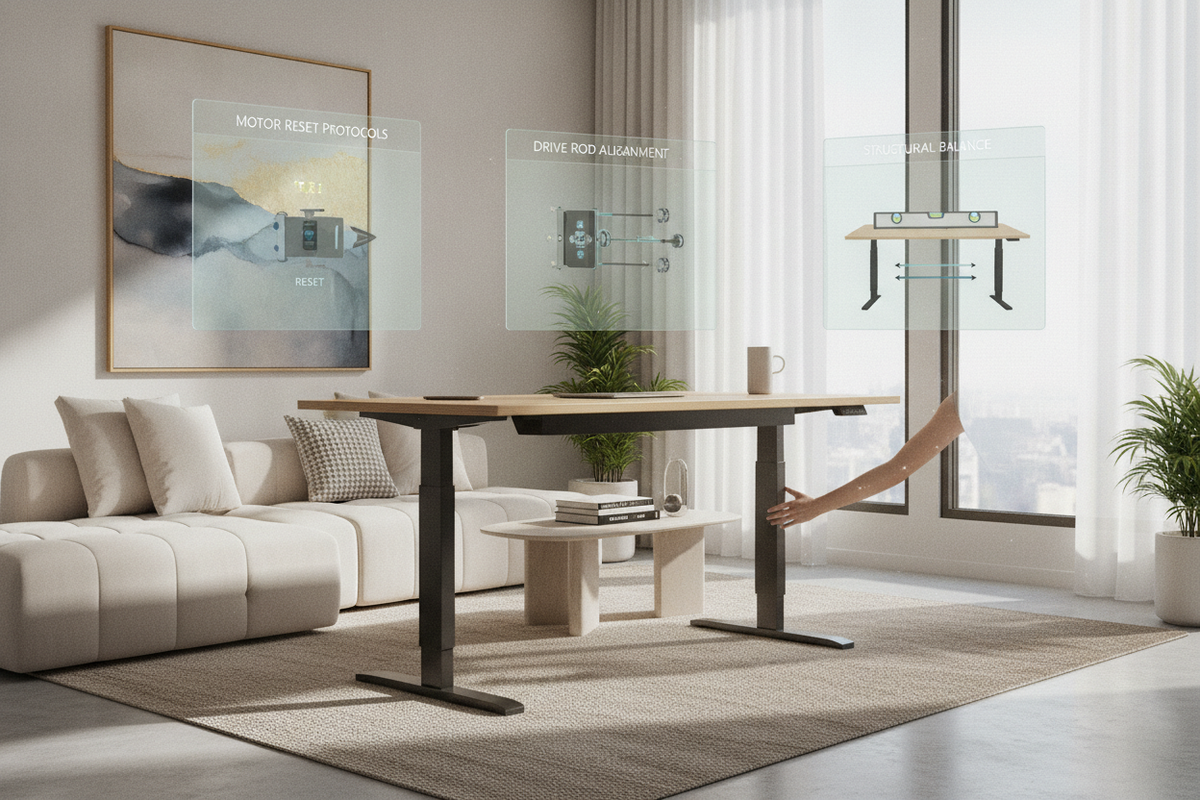
An uneven sit-stand desk disrupts your workday and places unwanted torsional stress on frame joints, internal drive gears, and desktop fasteners. When a motorized desk tilts or when only one side of standing desk working mechanisms responds to the keypad, the underlying culprit typically falls into one of two categories: an electronic synchronization error in dual-motor frames or a mechanical drive disconnection in single-motor frames. Understanding how to fix uneven standing desk assemblies requires a systematic diagnostic approach to identify whether your frame requires an electronic control reset, a physical transmission rod adjustment, or basic floor-glide leveling.
Understanding Why Standing Desk Legs Become Uneven
Motorized height-adjustable desks rely on precise mechanical balance to raise and lower heavy surface loads smoothly. When a desk slants, it is essential to determine whether the issue is mechanical, electrical, or structural.
Single-Motor vs. Dual-Motor Elevation Mechanics
Height-adjustable frames utilize distinct lifting architectures. Single-motor desks house a single motor inside or adjacent to one lifting column. That motor turns a rotating hexagonal transmission rod spanning the central crossbeam to turn the internal spindle gear of the opposite passive leg. If the connecting couplers slip, the passive leg loses drive power while the motorized column continues to move.
In contrast, dual-motor systems—common in a large-format adjustable standing desk—incorporate a dedicated motor within each lifting column. These motors run independently but synchronize electronically through a centralized control box. If communication pulses drop between the control unit and one column, the controller halts or miscounts height increments, resulting in a tilted work surface.
Primary Symptoms: Motor Desync vs. Mechanical Jam
When encountering a scenario where your standing desk only one side works, paying close attention to operational sounds helps identify the root failure:
- Dual-Motor Desynchronization: Both motors hum briefly, but the desk stops after moving an inch, throws an error code on the digital handset, or tilts progressively over several elevation cycles.
- Single-Motor Hex Rod Disengagement: The motor spins smoothly and raises one leg, but the opposite leg remains stationary with no motor sound or movement on the passive side.
- Physical Jam or Cable Loosening: One lifting column experiences sudden resistance, or a modular motor cable becomes partially unplugged from the control module, causing the control box to enter safety protection mode.
Diagnostic Phase: Pinpointing the Root Cause
Before disassembling structural brackets or applying force to the lifting columns, perform non-destructive checks to isolate the fault.
Cable and Control Box Inspection
Faulty or loose wire harnesses frequently mimic motor failure. In situations where a standing desk one side not working issue suddenly appears—such as a flexispot standing desk one side not working after rearranging room cables—inspect all plug connections beneath the desktop. Unplug the main power cord from the wall outlet, verify that all modular motor connectors and extension cables seat firmly into their respective control box ports, and inspect the cabling for pinches or tension caused by height transitions.
Weight Balance and Obstruction Clearing
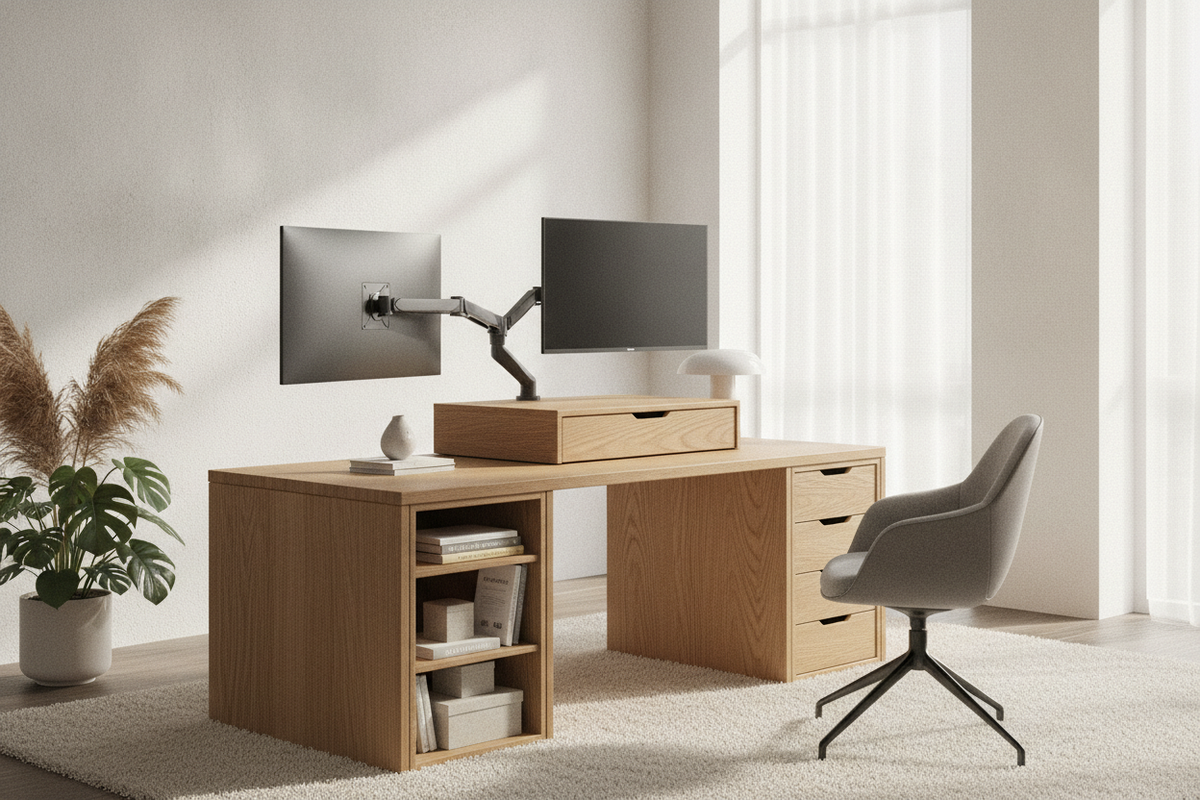
Overloading one end of a tabletop can cause the control unit to detect excess current draw, stopping travel before legs become uneven. Check that heavy computer towers, dual monitor arms, and storage bins are distributed evenly. When styling a functional room decor desk layout, ensure tall filing pedestals, wall-mounted shelving, or nearby side tables do not physically contact the desk edge during upward or downward travel.
Step-by-Step Fixes for Dual-Motor Standing Desks
When dual-motor desks drift out of sync or show an error code, the control box needs a recalibration sequence to establish a shared bottom baseline.
Standard Control Box Hard Reset Protocol
The standard recovery process for dual-motor setups, including when a flexispot only one side works or locks up, involves a manual baseline reset. On an electric lift standing desk with memory presets, follow this procedure:
- Clear the Area: Remove all fragile items, desktop storage organizers, and low-profile under-desk items.
- Lower the Desk Completely: Press and hold the Down arrow until the frame descends to its lowest physical stopping point.
- Initiate Calibration Mode: Release the button, then press and hold the Down arrow again (or press both the Up and Down arrows simultaneously, depending on your control handset model) for several seconds.
- Observe the Bounce: Hold the button until the desk dips slightly downward, rebounds upward a fraction of an inch, or displays a reset confirmation code (such as 'RST' or 'ASR').
- Verify Level Travel: Release the button and raise the desk several inches to confirm that both columns ascend at identical speeds.
Independent Leg Height Leveling and Cable Swapping
If one column remains significantly taller than the other and the system refuses to complete a standard reset, the legs may need manual alignment. Disconnect power, unplug the lower leg's motor cable from the control box, reconnect power, and use short pulses on the controller to move only the engaged leg downward until both columns match in height. Reconnect both motor cables securely and run the full bottom-out reset protocol to re-pair the electronic position sensors.
Fixing Single-Motor Desks with Hex Drive Rod Slippage
Single-motor desks require physical re-engagement when the passive leg stops moving because of a slipping transmission shaft.
Re-engaging and Centering the Hex Transmission Bar
When a single-motor standing desk one side not working scenario occurs, the central hex drive rod has likely slipped out of the passive leg gearbox:
- Unload the tabletop completely and unplug the power supply.
- Locate the central transmission bar running beneath the desktop frame between the motorized leg and the passive column.
- Loosen the locking collars or set screws on both ends of the hexagonal rod using an Allen wrench.
- Slide the rod fully into the passive column's gearbox socket until it engages internal gears positively, ensuring adequate shaft depth on both the motor coupler and the driven side.
- Tighten the set screws and locking collars firmly against the flat faces of the hex bar to prevent rotational play.
Manual Column Leveling Prior to Rod Locking
If the motor side rose while the passive side stayed down, the columns will sit at different heights. With the hex rod set screws loosened, insert an Allen wrench or small adjustable wrench directly into the passive leg's gearbox shaft socket. Rotate the shaft manually until the passive column extends or retracts to the exact height of the motorized column. Once a spirit level confirms the desktop is level across its entire span, re-seat the transmission rod and lock all collar set screws in place.
Fine-Tuning Structural Level and Floor Interfaces
Subtle tilts are not always caused by motor faults. Minor frame misalignment or uneven flooring can create an unlevel work surface even when the lifting columns are electronically synchronized.
Adjustable Leveling Glides and Base Calibration
Uneven hardwood planks, tile grout lines, or thick carpet padding can cause a desk to rest unevenly. Place a bubble level across the front and side edges of the desktop. Reach beneath the foot brackets and rotate the threaded leveling glides clockwise or counterclockwise until the desk rests flat without wobbling.
Crossbar and Top Plate Bolt Tightening
Racking and lateral sag can develop if structural fasteners loosen over time. On a super-sized electric standing desk frame, verify that the central telescoping beam bolts, side mounting brackets, and desktop wood screws are securely fastened. Keeping structural connections rigid prevents dynamic deflection when lifting heavier dual-monitor setups.
Workspace Layout and Storage Harmony to Prevent Future Tilting
Long-term reliability depends on balanced everyday usage habits. Distributing equipment loads evenly across the surface prevents localized stress on individual gearboxes and drive motors. Integrating an organized workspace desk strategy with matching freestanding storage pedestals, cable management trays, and balanced monitor mounting keeps weight centered over the lifting columns, ensuring smooth and reliable height adjustments.

Laisser un commentaire
Ce site est protégé par hCaptcha, et la Politique de confidentialité et les Conditions de service de hCaptcha s’appliquent.