


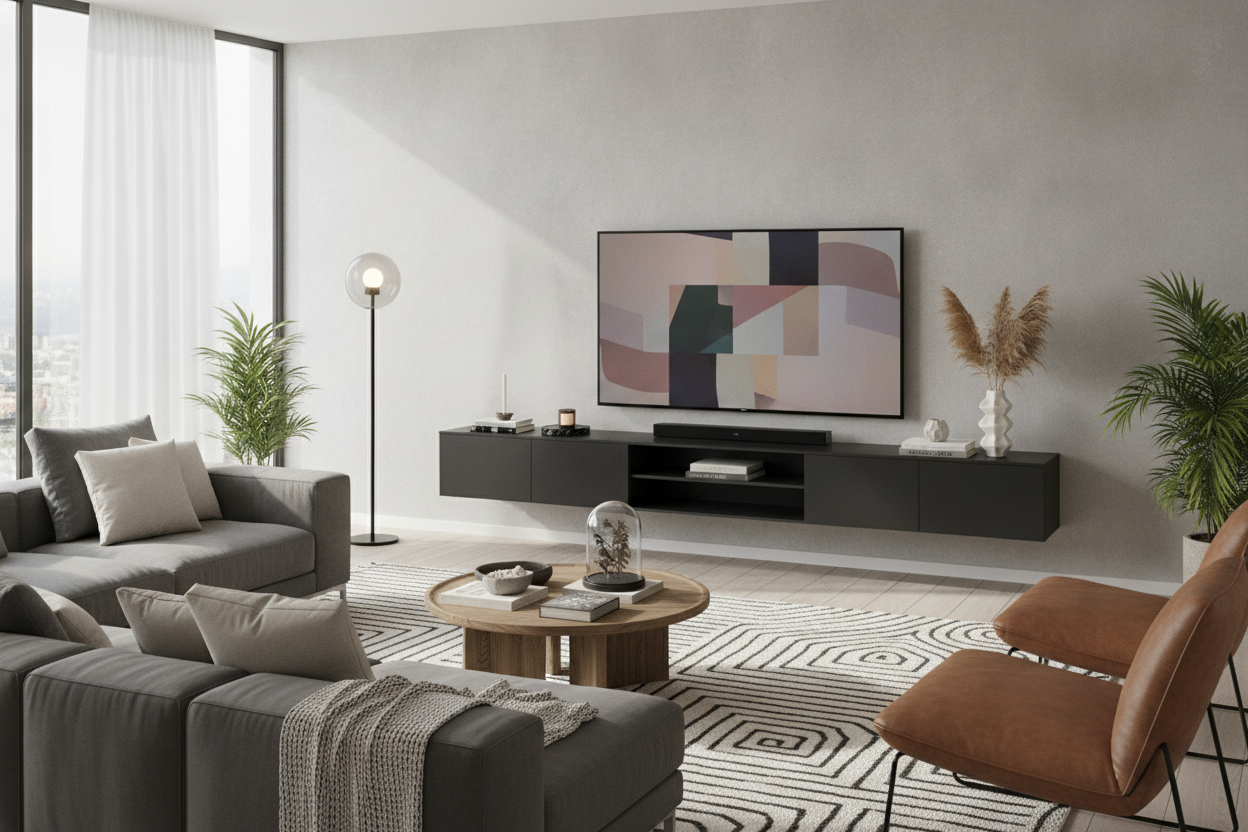
I remember the day my 80-inch TV arrived. I was so caught up in the 'home theater' hype that I completely forgot my living room is a place where I actually have to live, not just a viewing gallery. Once that massive black rectangle was up, it sucked the life out of the room. My old media cabinet looked like a dollhouse furniture piece underneath it. I realized quickly that I needed a floating tv stand 80 inch wide—or larger—just to stop the wall from looking like a tech graveyard.
- Go Wide: Your console should always be at least 10-20% wider than the screen.
- Eye Level is Key: Don't mount the TV too high; your neck will thank you later.
- Cable Management: If you can see a single wire, the 'floating' magic is dead.
- Material Matters: High-gloss finishes reflect light, while matte wood tones ground the space.
The Giant Screen Problem (And Why Floor Units Fail)
Big TVs are heavy—not just in pounds, but in visual weight. When you try to shove an 80-inch screen onto standard floor-resting tv stands, the whole room starts to feel bottom-heavy and cramped. It’s like putting a bowling ball on a coffee table; the floor space gets eaten up, and your eyes just stop at the bottom of the chunky cabinet.
Floating the unit restores that floor visibility. It’s a designer trick that magically makes the room feel four feet wider because you can see the baseboards. I’ve tried the heavy oak chests and the mid-century sideboards, but for a screen this size, anything with legs just feels like it's struggling under the pressure.
Getting the Proportions Right for an 80 Inch Floating TV Stand
Here is the mistake most people make: they buy an 80-inch stand for an 80-inch TV. Because TV screen sizes are measured diagonally, an 80-inch TV is roughly 70 inches wide. If your console is also 70 or 80 inches, it looks like the TV is wearing a hat that’s two sizes too small. You need overhang.
I learned this the hard way when I chose a floating tv stand for 75 inch tv setups in my last apartment. 'Just enough' space actually looks crowded. For an 80-inch screen, you really want a console that hits the 90-to-100-inch mark. It creates a 'golden ratio' where the TV feels nested rather than just balanced on top.
Hiding the Mess (Because Cords Ruin the Illusion)
A floating shelf with a nest of black cables hanging underneath is a visual tragedy. If you’re going to install a floating wall mounted media console, you have to commit to the behind-the-wall routing. I spent three hours fishing an HDMI cable through drywall and into a recessed outlet box, and it was the best three hours I’ve ever spent on DIY.
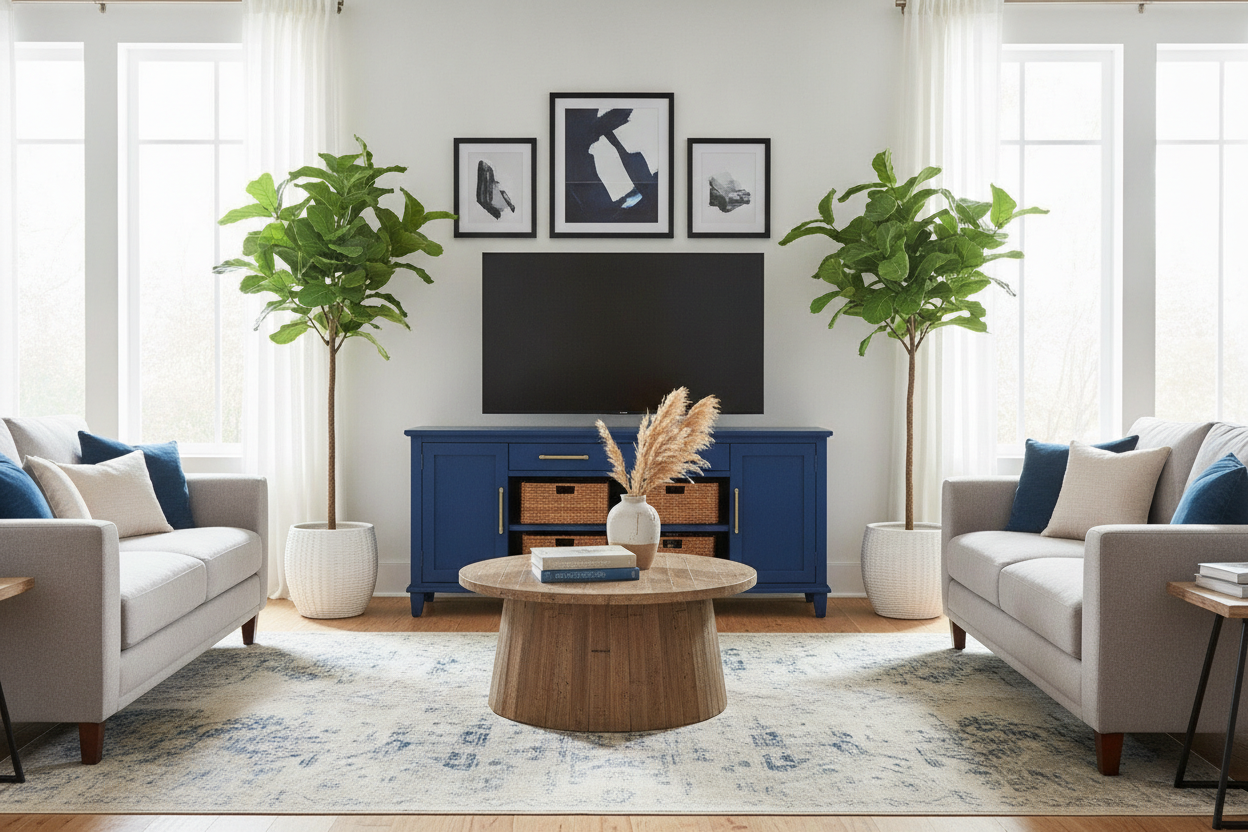
Most high-quality units now come with internal channels for cords. Use them. If you have a gaming console or a soundbar, make sure the unit has enough depth (at least 12-15 inches) so the doors actually close over your gear. Nothing kills the minimalist vibe faster than a PS5 sticking out two inches past the cabinet door.
My Favorite Floating TV Stand for 80 Inch TV Setups
Choosing the right finish is the difference between a unit that looks like a custom built-in and one that looks like an afterthought. I’ve found that sticking to the extremes—stark white or deep black—usually yields the best results for massive screens.
The Minimalist White Floating TV Stand 80 Inch Look
If you have white or light grey walls, go white. It’s the ultimate hack for finding a white tv stand for 80 inch tv units that don't dominate the room. It basically disappears into the architecture. I love how a white high-gloss finish bounces light around, making the massive console feel weightless. It’s the 'scandi' way to handle a giant TV without making your living room look like a sports bar.
The Moody Black Floating TV Stand 80 Inch Aesthetic
On the flip side, a black console creates a dedicated cinematic zone. If you have a dark accent wall or you’re going for a 'moody' vibe, a black unit is the way to go. It anchors the room. I’ve seen some people go even bigger to create a true statement wall, like using a 110 floating high gloss tv stand. When you add some LED backlighting behind a black unit, the TV seems to melt into the wall, which is exactly what you want when the screen is off.
FAQs
How high should I mount my floating stand?
Usually, 8 to 12 inches off the floor is the sweet spot. You want enough space to vacuum under it, but low enough that the TV remains at eye level when you're sitting on the sofa.
Can a floating stand hold the weight of an 80-inch TV?
Most floating stands are meant to hold your media players and decor, not the TV itself. Wall-mount the TV to the studs, and let the stand float independently underneath it. It’s much safer.
Do I need a professional to install it?
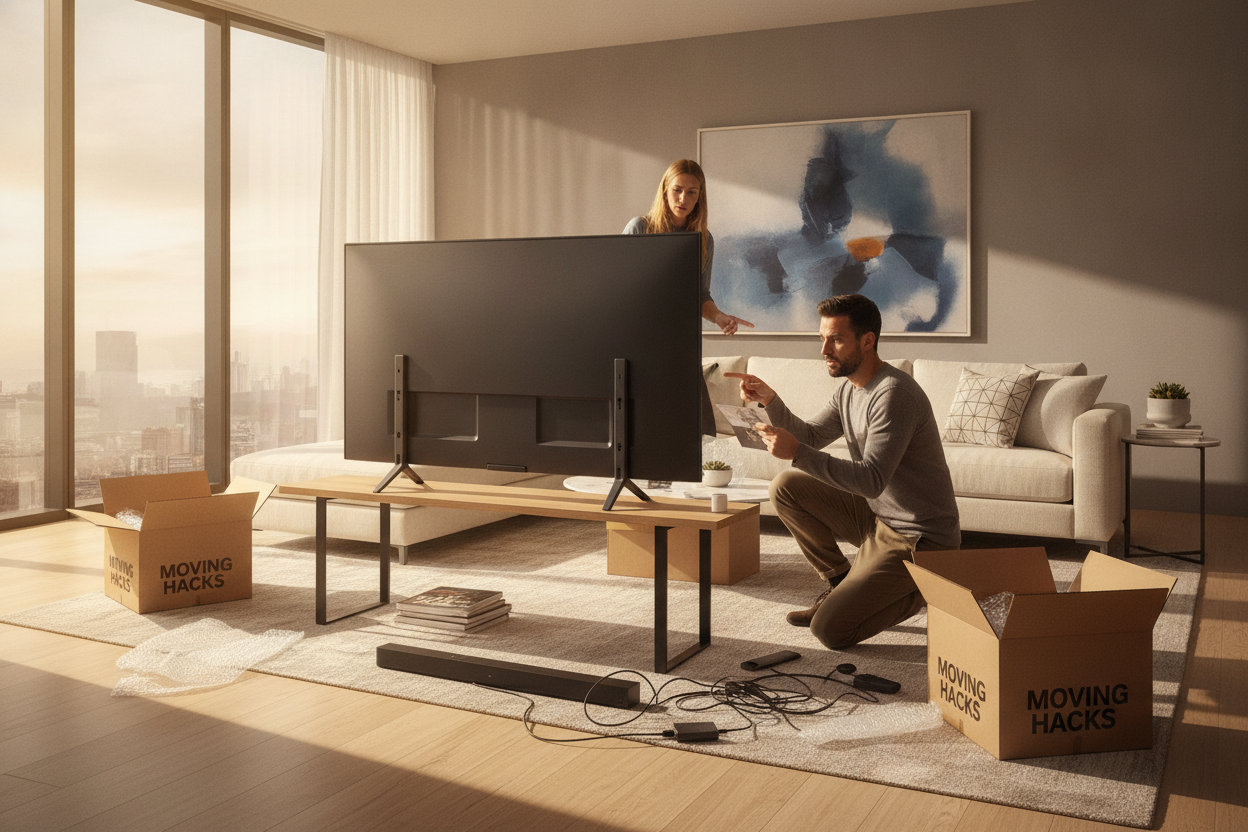
If you can find a stud and use a level, you can do it. But for an 80-inch unit, you definitely need a second person. Trying to level an 8-foot piece of furniture by yourself is a recipe for a very crooked living room.

Laisser un commentaire
Ce site est protégé par hCaptcha, et la Politique de confidentialité et les Conditions de service de hCaptcha s’appliquent.