


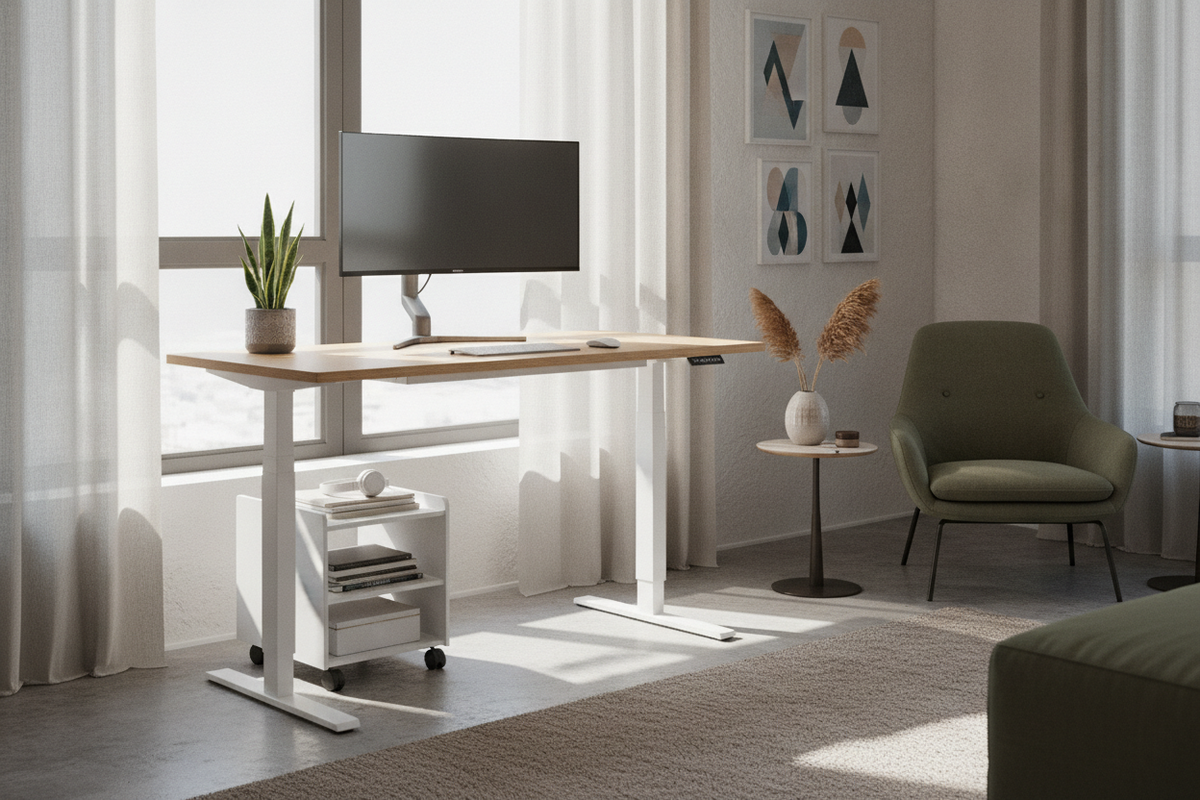
Establishing a productive, ergonomic workstation within space-constrained environments requires disciplined spatial planning. When square footage is at a premium—such as in studio apartments, urban bedrooms, or designated multi-use alcoves—the flexispot standing desk 40x24 format presents a dedicated footprint engineered for utility. While compact proportions make the flexispot 40x24 an appealing choice for tight quarters, success lies in balancing surface zoning, optical focal distance, dynamic vertical clearances, and perimeter storage integration.
The 40x24 Spatial Footprint: Architectural Planning for Compact Workstations
A 40-inch wide by 24-inch deep footprint functions as an efficient architectural module. It provides sufficient lateral span for core computing hardware while minimizing physical intrusion into the primary circulation paths of a room. When plotting this footprint on a floor plan, identifying structural dead zones—such as underutilized wall recesses, architectural niches, or bedroom corners—enables seamless integration without compromising daily foot traffic.
Proper boundary planning ensures that the workstation does not visually overwhelm a modest living area. To explore how smaller standing desks can complement wider residential interior schemes, consider reviewing our guide on elevate your space designer ideas for standing desk layouts. Ensuring at least minimal side clearance preserves elbow comfort and allows easy access to adjustment controls.
Surface Layout and Focal Depth: Optimizing the 24-Inch Working Depth
The primary ergonomic consideration for any shallow desk is managing the 24-inch depth profile. Standard desk accessories and wide display stands can quickly consume foreground real estate, pushing input devices too close to the user's torso. Strategic desktop staging resolves these spatial constraints.
Single-Display and Laptop Staging
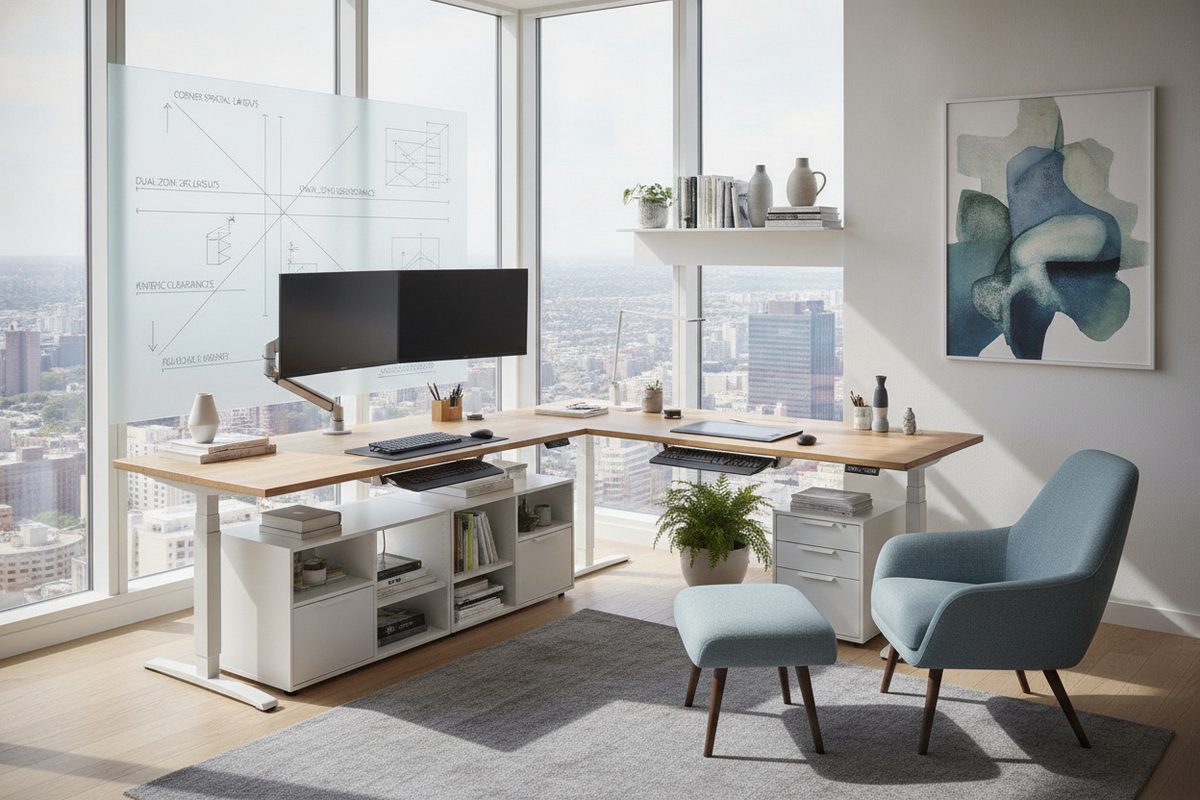
In a 40x24 layout, display mounting geometry dictates comfort. Placing a monitor directly on its factory stand often claims six to eight inches of central depth. Utilizing a low-profile desk clamp monitor arm mounted along the rear perimeter relocates the display base off the desktop, preserving critical visual distance. For dual-screen workflows, vertical stacking or pairing a primary screen with an offset laptop arm preserves lateral forearm room better than side-by-side widescreen arrangements.
Peripheral Placement and Foreground Usability
Dividing the 40-inch width into dedicated task zones keeps daily operations fluid. The central twenty-four inches serve as the primary strike zone for a compact keyboard and mouse, ideally anchored by a fitted desk mat. Flanking spaces can then be allocated to secondary essentials, such as a compact notepad or focused task lighting. For inspiration on maintaining an aesthetically balanced desktop environment, explore our visual strategies for designing a standing desk setup that actually looks good.
Dynamic Travel Clearances: Managing Vertical Motion in Tight Quarters
Unlike static tables, a height-adjustable desk operates along an active vertical plane. Integrating a motorized workstation into a tight perimeter requires careful evaluation of dynamic clearances to ensure unhindered movement throughout the entire sit-to-stand cycle.
Wall Gap and Window Sill Clearances
Maintaining a slight clearance between the rear edge of the desktop and adjacent walls prevents friction or paint scuffing during height transitions. In alcoves or beneath window frames, check that protruding window sills, electrical faceplates, or wall art remain clear of the desktop's upward travel path. A small setback also accommodates clamp-style monitor brackets and peripheral wiring harnesses without binding against the drywall.
Cable Articulation and Power Delivery
Cable management requires structured routing to ensure wires move freely as the desk elevates. Affixing a surge protector to the underside of the desktop consolidates hardware power supplies into a single central junction. A single flexible power lead can then drop down to the wall outlet with sufficient slack, preventing accidental disconnects or tension strain on connected devices during height adjustment.
Auxiliary Storage Synergy: Expanding Usable Capacity Without Desktop Clutter
A compact desktop surface must be reserved strictly for active tasks. Auxiliary storage solutions positioned around the desk perimeter provide dedicated homes for paperwork, hardware peripherals, and reference materials without cluttering the primary work zone.
Under-Desk Pedestals and Legroom Geometry
Beneath a 40-inch wide frame, preserving open legroom is essential for ergonomic posture and chair positioning. Placing a filing cabinet or storage pedestal directly beneath the center can uncomfortably restrict seated knee clearance. Instead, low-profile mobile pedestals are best stationed beside the desk or tucked neatly underneath only when seated clearance is not compromised.
Vertical Wall Shelving and Floating Storage
Vertical real estate offers substantial storage capacity without consuming floor area. Floating wall shelves, modular cabinetry, or pegboards installed directly above the workstation organize books and decorative elements. When mounting upper wall storage, ensure the lowest shelf sits comfortably above the highest standing height of your monitor and desktop accessories.
Deployment Decision Framework: Selecting the Right Footprint for Your Workflow
While the compact 40x24 format excel in tight spaces, evaluating your long-term equipment needs ensures the chosen footprint supports your daily routine.
- Compact 40x24 Format: Ideal for single-monitor setups, docked laptops, and dedicated alcoves in multi-use rooms where minimizing the spatial footprint is paramount.
- Mid-Sized Workstations: If your workflow requires dual full-sized monitors, active paperwork review, and desktop audio gear, exploring wider options like an standing desk product provides extra lateral breathing room.
- Expansive Workstations: For multi-display creative suites, shared collaborative zones, or expansive peripheral arrays, broad configurations such as the 71 w height adjustable standing desk offer maximum surface capacity.
By assessing room dimensions, focal depth requirements, and storage synergy, you can deploy a compact standing desk that maximizes both floor space and daily ergonomic comfort.

Laisser un commentaire
Ce site est protégé par hCaptcha, et la Politique de confidentialité et les Conditions de service de hCaptcha s’appliquent.