


The Anatomy of Ergonomic Desk Posture: Kinetic Alignment Principles
Maintaining a balanced ergonomic desk posture is not about freezing your body into an immovable, rigid stance throughout the workday. Modern workplace design recognizes that healthy sitting is inherently dynamic. A kinetic approach balances structural skeletal support with subtle micro-movements, allowing joints to rest in neutral positions without bearing concentrated tension. When your workstation components—from the chair base to the desktop surface—align naturally with your body dimensions, maintaining an active, natural ergonomic posture at desk setups becomes an effortless habit rather than a continuous physical chore. For an overarching perspective on spatial layouts, exploring a comprehensive ergonomic desk guide provides valuable context on integrating physical furniture with architectural flow.
The 4 Essential Pillars: How to Sit Ergonomically at Desk
Understanding how to sit at desk ergonomically requires breaking the body down into interconnected zones. When one segment is misaligned, adjacent muscle groups compensate, leading to fatigue and awkward postures. By addressing four foundational geometric pillars, anyone can discover how to sit ergonomically at desk workstations with comfort and confidence.
Pillar 1: Lower Body Foundation and Pelvic Base Alignment
A stable lower body provides the anchor for your entire spinal column. The primary objective is establishing an ergonomic way to sit at desk chairs where your feet rest evenly on the floor or on a stable footrest. Key considerations for lower body calibration include:
- Seat Height Adjustment: Adjust the chair pan so your hips sit level with or slightly higher than your knees, promoting an open hip angle.
- Seat Pan Depth: Maintain a small clearance between the front edge of the seat cushion and the back of your knees to encourage unrestricted circulation.
- Pelvic Neutrality: Sit fully back into the lumbar contour of your chair, keeping the pelvis upright rather than slumping back into a posterior pelvic tilt.
Pillar 2: Forearm Elevation, Elbow Angles, and Keyboard Reach Envelopes
Upper limb positioning dictates shoulder tension and upper back comfort. To achieve the most ergonomic way to sit at desk arrangements, your arms should rest loosely by your sides with elbows bent at approximately a right angle. Positioning an adjustable ergonomic sit desk product allows you to match the work surface height precisely to your resting forearm plane, eliminating the need to shrug shoulders upward or reach forward across deep desk spans.
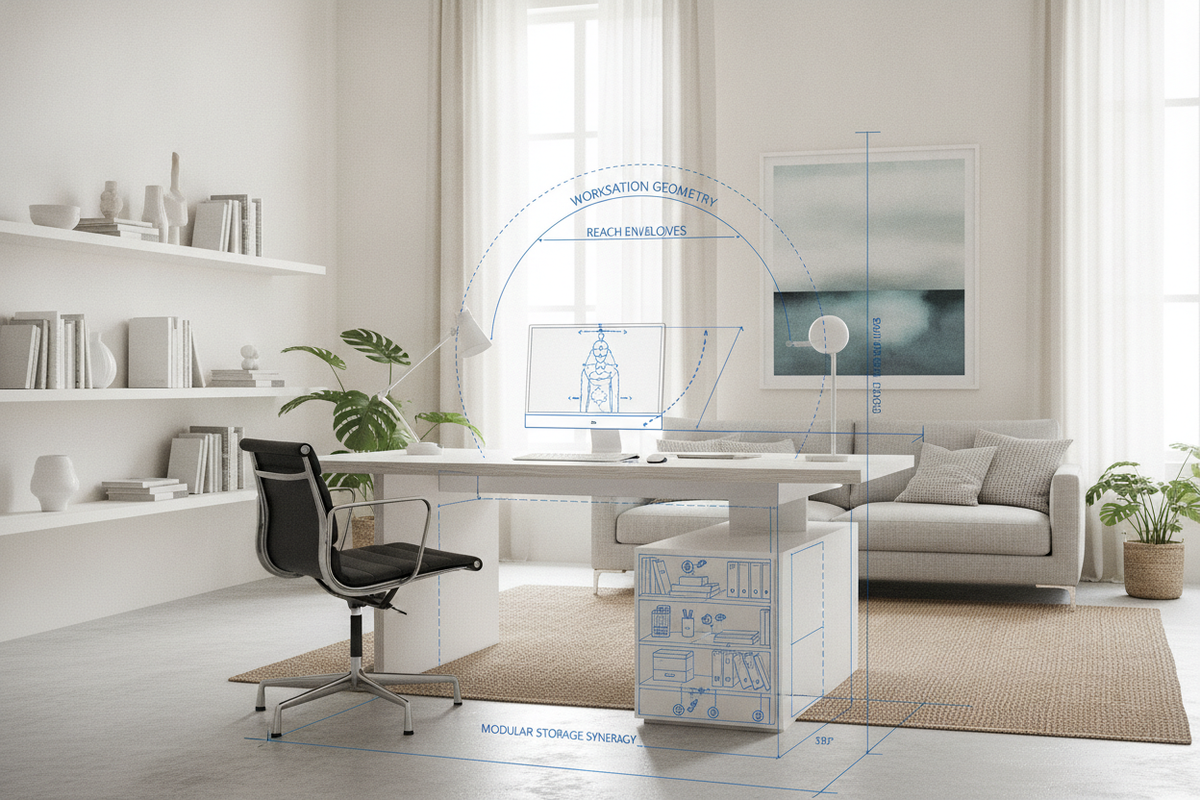
Keep primary input tools—such as your keyboard and mouse—within your primary reach envelope, which is the semi-circular zone easily accessed by sweeping your forearms without extending your elbows forward.
Pillar 3: Eye-Level Sightlines and Cervical Spine Neutrality
Your head naturally follows your gaze, meaning monitor placement directly dictates neck and upper spine orientation. When screens sit too low, the cervical spine flexes forward, pulling the upper back into a pronounced curve. Conversely, screens placed too high cause the chin to tilt upward, tightening the back of the neck.
- Vertical Alignment: Position the top third of your display at or slightly below resting eye level.
- Viewing Distance: Place screens approximately an arm's length away so text remains legible without leaning forward.
- Tilt Angle: Angle the screen slightly back toward you to create a perpendicular line of sight across the entire panel.
Pillar 4: Dynamic Posture Shifts and Kinetic Sit-Stand Intervals
Even the most meticulously calibrated position becomes fatiguing if held without interruption. True ergonomic wisdom combines optimal alignment with regular postural variation. Alternating between sitting and standing sessions introduces restorative variety to your workday. When transitioning positions, recalibrate your work surface so your forearms and monitors retain the same neutral geometric angles established during seated focus.
Workstation Synergy: Aligning Desks, Seating, and Spatial Storage
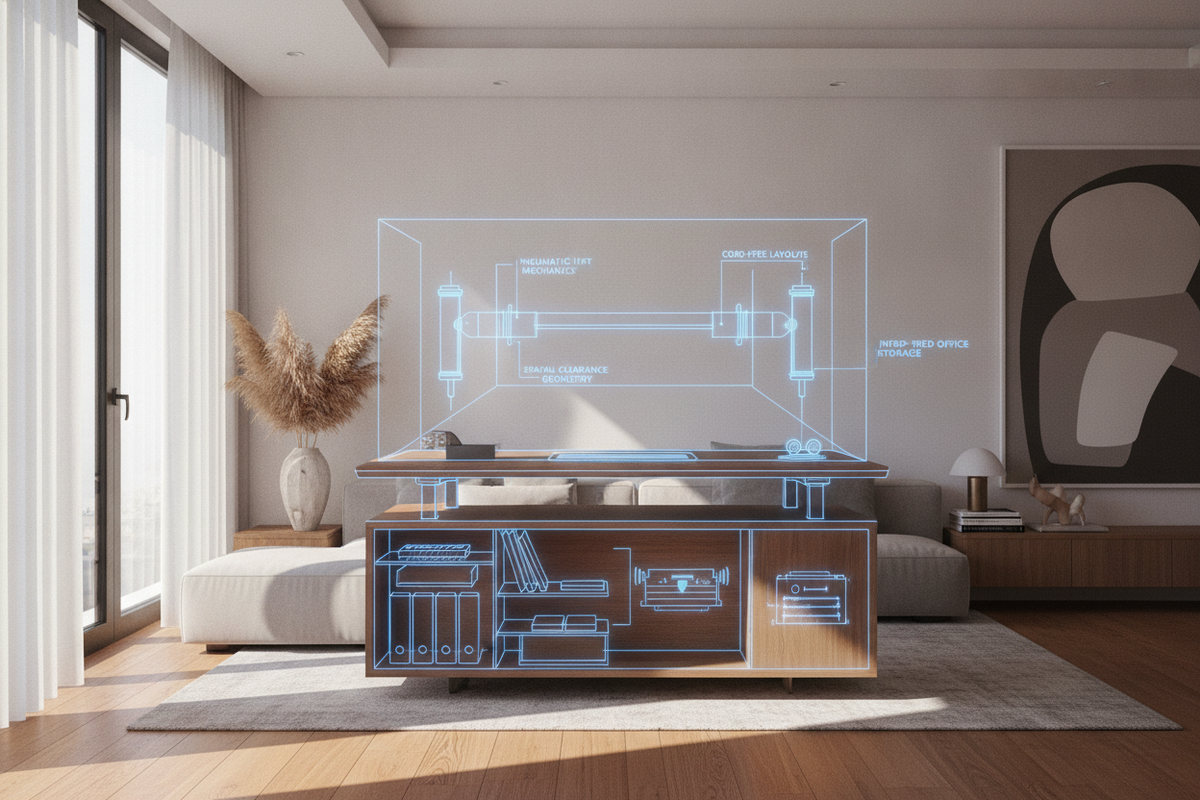
Proper posture extends beyond your immediate chair adjustments to encompass the entire workstation ecosystem. Cramped legroom forces awkward foot positioning, while cluttered desktops restrict keyboard placement and force awkward reaching. Organizing desk accessories with purposeful storage preserves the open clearances needed for natural movement. Consulting a structured way desk guide highlights how secondary credenzas, modular pedestals, and concealed drawer systems keep necessary supplies within reach without crowding your primary task perimeter.
Ensure your desk frame provides uninhibited knee and leg clearance beneath the surface, allowing you to swivel freely and slide your chair close to the edge without bumping into structural crossbars or under-desk storage units.
Step-by-Step Calibration: Achieving the Most Ergonomic Way to Sit at Desk
Follow this systematic checklist whenever setting up a new office space or recalibrating your existing furniture to consistently sit ergonomically at desk setups:
- Calibrate Chair Height: Start by adjusting your chair so your feet plant firmly on the floor with knees aligned at or just below hip level.
- Adjust Lumbar Support: Position the chair back contour directly into the inward curve of your lower back.
- Set Desk Surface Level: Adjust your desk height so your relaxed forearms rest parallel to the desktop with floating or soft-touch wrist alignment.
- Position Armrests: Lower armrests so they lightly support the elbows without pushing your shoulders upward.
- Align Monitors: Center your primary display directly ahead and adjust the top of the screen to eye level.
- Organize Peripherals: Pull your keyboard and mouse close to the front edge to maintain a compact, relaxed reach zone.

Laisser un commentaire
Ce site est protégé par hCaptcha, et la Politique de confidentialité et les Conditions de service de hCaptcha s’appliquent.