


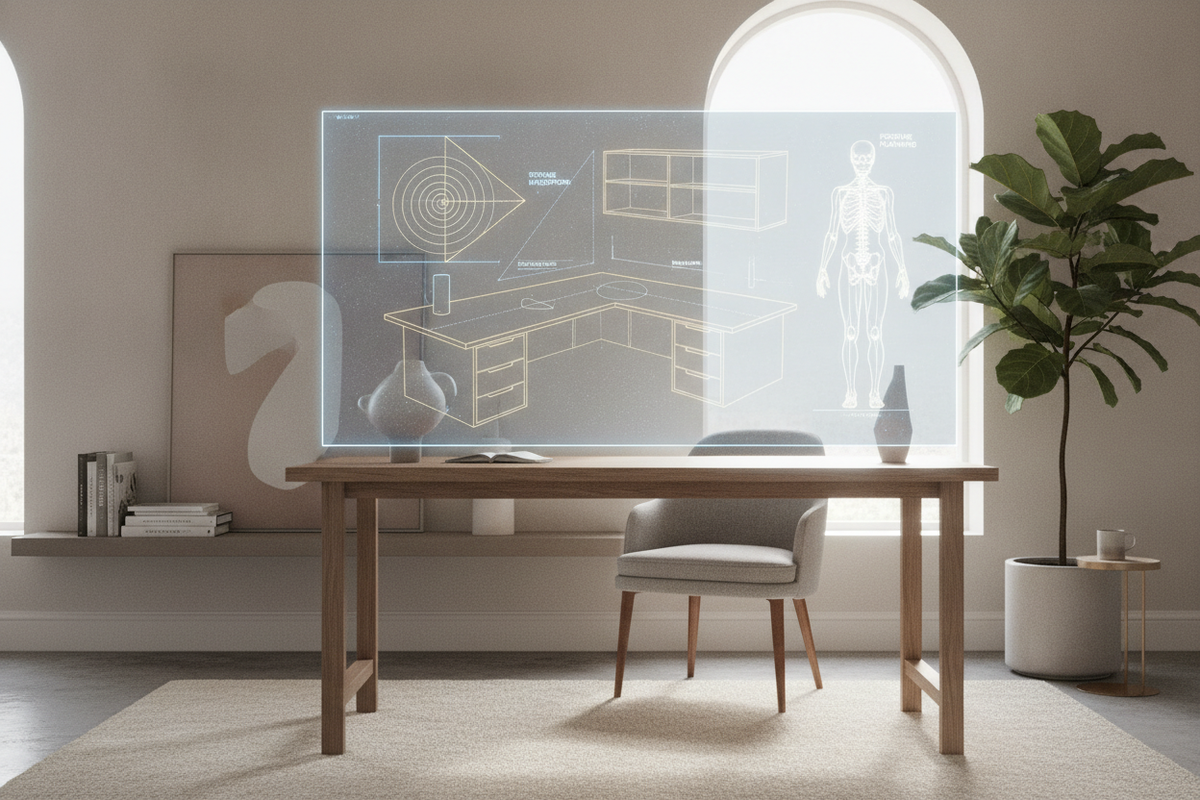
Creating an effective workspace begins with understanding how furniture proportions interact with human movement. An ergonomic desk computer station is not merely a flat board placed on legs; it is a calibrated workstation where surface area, viewing distances, arm support, and legroom operate in complete balance. When thoughtfully chosen, an ergonomically designed table adapts to your daily routine, accommodating multiple tasks while supporting natural, relaxed alignment.
Understanding the Modern Ergonomic Desk Computer Ecosystem
Conventional utility tables often prioritize basic flat surface area over working ergonomics. By contrast, a modern ergonomic desk addresses how the human body interacts with screens, keyboards, paperwork, and seating over prolonged sessions. When exploring a dedicated computer desk collection, the primary objective is finding a structure that accommodates equipment without forcing awkward shoulder elevation, forward head tilt, or cramped knee positioning.
In modern home offices, multipurpose work demands flexibility. Professionals frequently alternate between typing, handwritten notes, digital sketching, and video calls. An ergonomic workstation accommodates these varied tasks by establishing clear task zones and preserving open physical space beneath and across the surface.
Core Geometry and Dimensional Frameworks for Ergonomic Desks
Selecting an office table ergonomic profile requires evaluating three primary spatial dimensions: surface depth, lateral width, and unobstructed lower clearance. Each dimension plays a direct role in creating a comfortable computer desk environment.
- Surface Depth: Sufficient depth ensures your monitor sits far enough back to allow comfortable viewing while leaving room in front of the screen for a keyboard, mouse, and forearm resting space. Shallow surfaces often force users to push peripherals to the side or sit too close to bright displays.
- Lateral Width: Desk width determines how many active tools can sit alongside your primary screen. Compact profiles work well for single-laptop users, whereas broader layouts support dual monitors, task lighting, and reference material trays.
- Under-Desk Knee Well: Healthy desk workstation ergonomics require adequate vertical and horizontal clearance beneath the tabletop. Crossbars, shallow drawers, or storage cabinets should never obstruct knee movement or prevent your office chair from gliding completely under the desk when not in use.
Surface Zoning: Sightlines, Reach Arcs, and Peripheral Layouts
To design the best ergonomic workstation, divide your desktop into three distinct reach zones:
- Primary Zone (Neutral Reach): The area swept by your forearms when elbows remain close to your torso. This space should hold your keyboard, mouse, or graphics tablet to avoid sustained shoulder reaching.
- Secondary Zone (Extended Reach): The area accessible by extending your arms fully without bending forward at the waist. Ideal for desk lamps, secondary input devices, headphones, and immediate notepads.
- Reference Zone (Outer Perimeter): The outer edges of the surface reserved for reference binders, display risers, external storage hubs, and decorative accents that are accessed intermittently.
Applying this zoned framework on the best ergo desk keeps high-frequency items close, encouraging a naturally centered posture throughout the workday.
Selecting the Best Ergonomic Home Office Desk for Your Spatial Footprint
Finding the best ergonomic home office desk depends heavily on your room's architecture. Dedicated home offices can accommodate expansive linear or L-shaped furniture, while shared living spaces demand streamlined solutions.
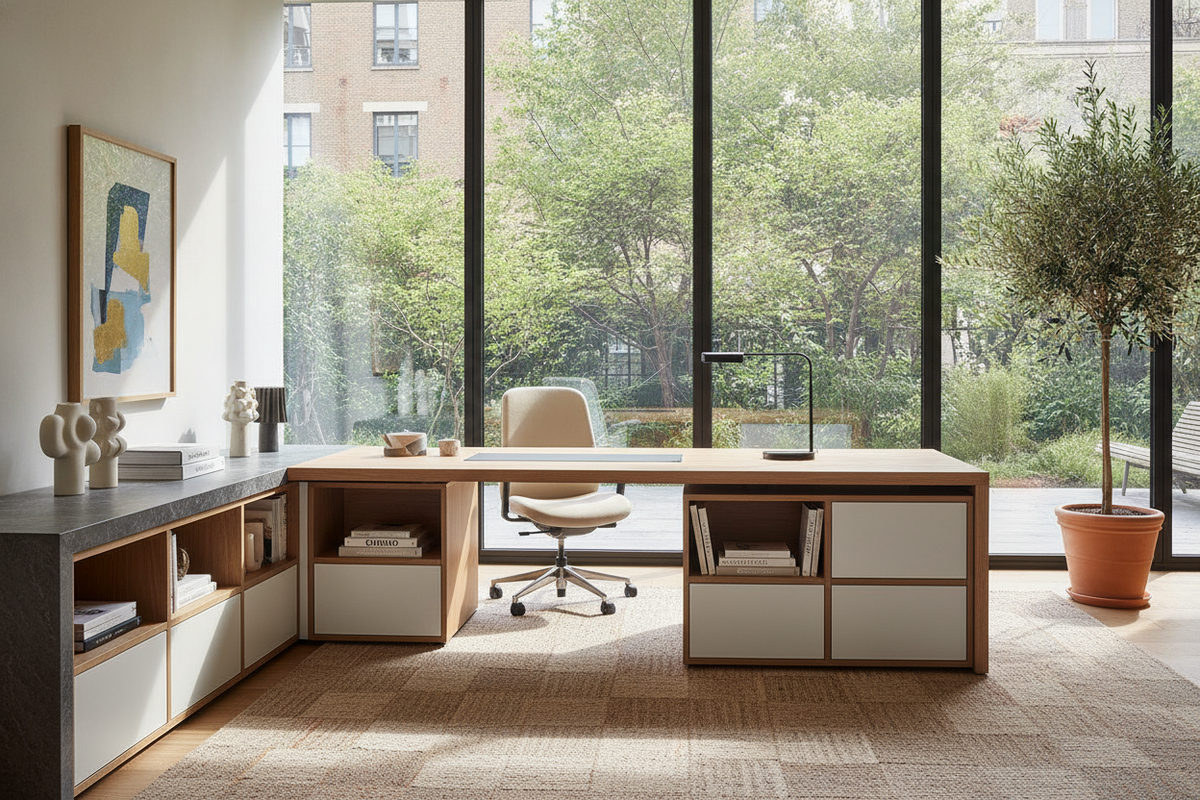
For corner spaces, corner and return desks offer expansive utility by wrapping the work area around the user. Exploring a modern office computer product provides a clear example of how dual-surface layouts keep hardware centralized without demanding excessive linear wall span. Corner arrangements naturally separate active computing from manual writing tasks, providing an efficient dual-wing workflow.
In contrast, classic rectangular layouts provide straightforward sightlines and easy placement against standard walls or floating in open study layouts. The key is ensuring the desk does not block walkways or force the chair into cramped corners where movement is restricted.
Balancing Budget and Value: Practical Criteria for Accessible Workstations
Finding a cheap ergonomic desk does not require compromising on baseline postural support. Budget-conscious shoppers can achieve excellent ergonomics by prioritizing structural stability, generous leg clearance, and adaptable surface profiles over complex motorized mechanisms. Reviewing an office computer desk guide helps identify functional design features that offer lasting comfort without unnecessary cost.
Storage and Organization: Maintaining Ergonomic Clearance and Visual Calm
Integrated storage is essential for maintaining a clean surface, but it must be placed strategically to avoid compromising body alignment. Storage pedestals, side cubbies, and integrated shelving should flank the main sitting position rather than dividing the center legroom. In multi-use rooms or compact studios, exploring a dedicated computer desk office guide offers insight into maintaining clean visual aesthetics while concealing equipment and work documents after hours.
Cable management also plays a direct role in physical comfort. Dangling power cords and power strips beneath a desk restrict leg freedom and create hazards when moving footrests or rolling chairs. Integrated cable grommets, modesty panel trays, and adhesive channels keep wiring organized along the underside of the frame, protecting both equipment and personal mobility.
Material Selection, Frame Stability, and Long-Term Assembly Care
The structural integrity of an ergonomic computer desk for home use rests on quality materials and dependable joint construction. Common desktop materials include engineered wood boards finished with durable melamine or laminate surfaces that resist scratches, spills, and daily wear.
Substantial frame builds, such as those found on a wide modern desk office product, utilize reinforced support beams and wide foundation panels to eliminate surface wobble during rapid typing or multi-monitor adjustments. During assembly, tightening hardware evenly and utilizing adjustable leveling feet ensures the workstation remains steady on uneven flooring, preserving a secure and comfortable computing foundation.
Practical Step-by-Step Setup Guide for Daily Ergonomic Flow
Once your desk is assembled and placed in your room, complete these practical steps to establish an efficient daily working posture:
- Position the Desk Relative to Light: Set up perpendicular to windows whenever possible to minimize direct screen glare and harsh visual contrast.
- Adjust Seating and Foot Alignment: Sit so your feet rest flat on the floor or on a stable footrest, with thighs roughly parallel to the ground.
- Align Forearms and Surface Height: Position your chair height so your elbows bend comfortably near right angles, allowing forearms to rest gently on the desktop without elevating your shoulders.
- Center Screen and Input Devices: Place your primary monitor directly in front of your keyboard, positioning the top portion of the screen near eye level to keep your neck relaxed.
- Secure Perimeter Equipment: Route cables through management clips and store secondary accessories in side compartments to keep the central movement zone clear.
By pairing a well-proportioned desk frame with intentional surface zoning and clear legroom, you create an organized, highly functional workstation tailored for sustained daily productivity.

Laisser un commentaire
Ce site est protégé par hCaptcha, et la Politique de confidentialité et les Conditions de service de hCaptcha s’appliquent.