


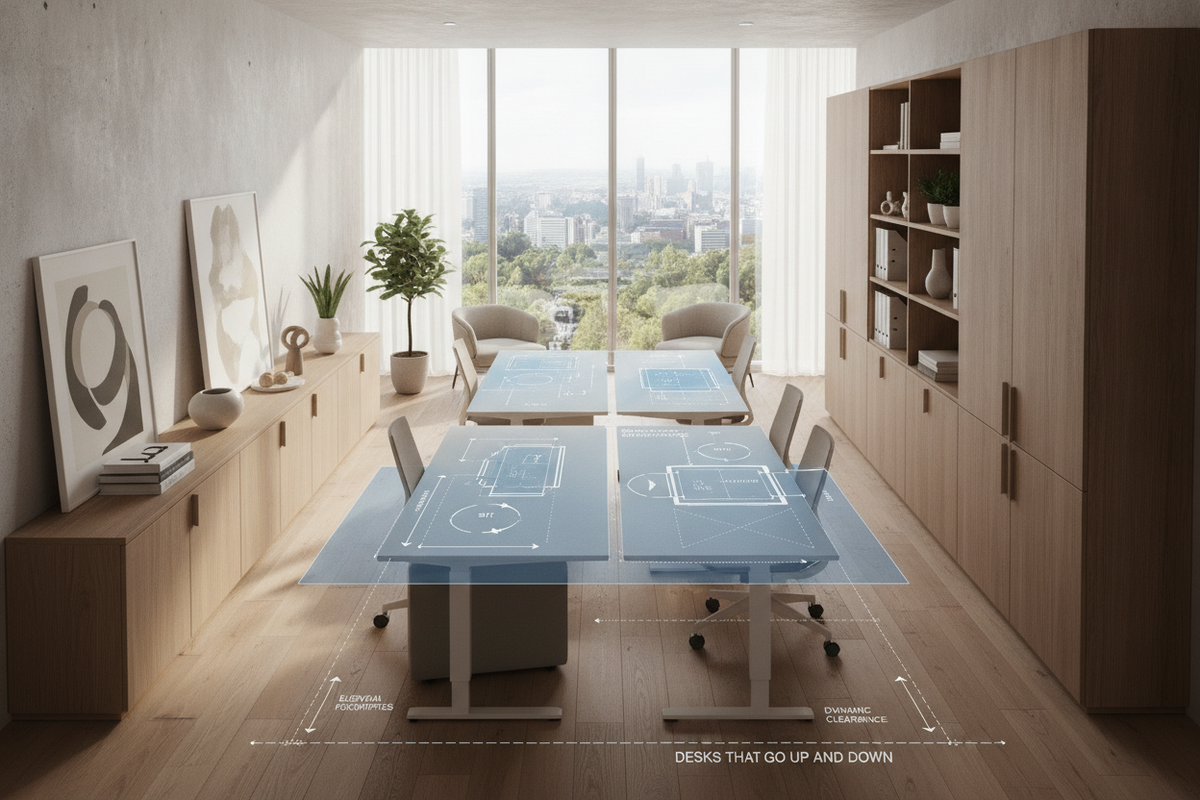
Integrating height-adjustable furniture into a home or professional workspace requires careful spatial planning and mechanical coordination. When evaluating desks that go up and down, the transition between seated and standing configurations introduces mechanical, structural, and storage variables that fixed-height tables do not present. Selecting the right frame archetype, maintaining vertical clearance envelopes, and pairing dynamic surfaces with complementary storage units ensures an organized and ergonomic room layout.
Core Elevation Archetypes for Desks That Go Up and Down
Adjustable workstations rely on distinct lift mechanisms that influence operational sound, transit speed, travel consistency, and aesthetic integration:
- Dual-Motor Electric Frames: Featuring synchronized motors integrated within each telescoping leg column, dual-motor frames provide balanced lifting strength and smooth height transitions. This structure supports substantial multi-monitor setups and heavy desktop surfaces without uneven mechanical strain.
- Single-Motor Electric Frames: Operating with a central motor connected to a hex drive rod that turns both columns simultaneously, this configuration offers a budget-conscious automated approach. While effective for lightweight tasks, single-motor systems generally have lower transit speeds and modest weight capacities compared to dual-motor alternatives.
- Pneumatic and Gas-Strut Systems: Counterbalanced pneumatic lifts enable rapid, cord-free height adjustments using pressurized gas cylinders. These frames excel in flexible environments where electrical outlet access is limited, though lifting effort varies depending on desktop surface load.
- Manual Hand-Crank Frames: Mechanical crank assemblies operate via geared spindles inside the columns. They eliminate electronic failure points and power cord dependencies, making them reliable options for remote workstations or minimalist interior layouts.
When curating an office setup, browsing a dedicated computer desk collection helps you balance traditional static profiles with modern dynamic frame mechanisms.
Spatial Footprints and Dynamic Travel Envelopes
A computer desk that goes up and down operates within a three-dimensional vertical envelope rather than a fixed boundary. Planning for dynamic travel requires mapping several spatial dimensions:
- Compact Footprints: Modest surface dimensions fit neatly into shared living rooms, bedroom corners, or compact studio apartments. Because the surface area is focused, accessories must be arranged efficiently to maintain usable primary workspace.
- Standard and Executive Footprints: Mid-size and wide work surfaces comfortably support dual monitors, desktop audio gear, and task lighting. These configurations require broader lateral floor space and adequate perimeter spacing to avoid encroaching on walkways during vertical movement.
- Knee Well Clearances: Telescoping crossbars and under-desk electronics trays must be positioned high enough to allow unhindered leg movement and ergonomic chair positioning in the seated mode.
- Wall and Baseboard Gaps: Because a desk moves vertically, maintaining a slight perimeter buffer between the back edge of the desktop and adjacent walls prevents scuffing, baseboard contact, and trim damage during elevation shifts.
For those prioritizing fixed elegance alongside an active workstation, contrasting an adjustable frame against a traditional desk computer product highlights how dynamic leg columns differ from static four-leg joinery in structural footprint.
Integrating Storage with Dynamic Workstations
Because the primary tabletop shifts throughout the workday, conventional attached side drawers are often replaced by modular storage strategies:
- Mobile Pedestal File Cabinets: Low-profile drawer units on casters glide easily underneath the desktop when seated and slide outward to serve as auxiliary side surfaces when the frame rises.
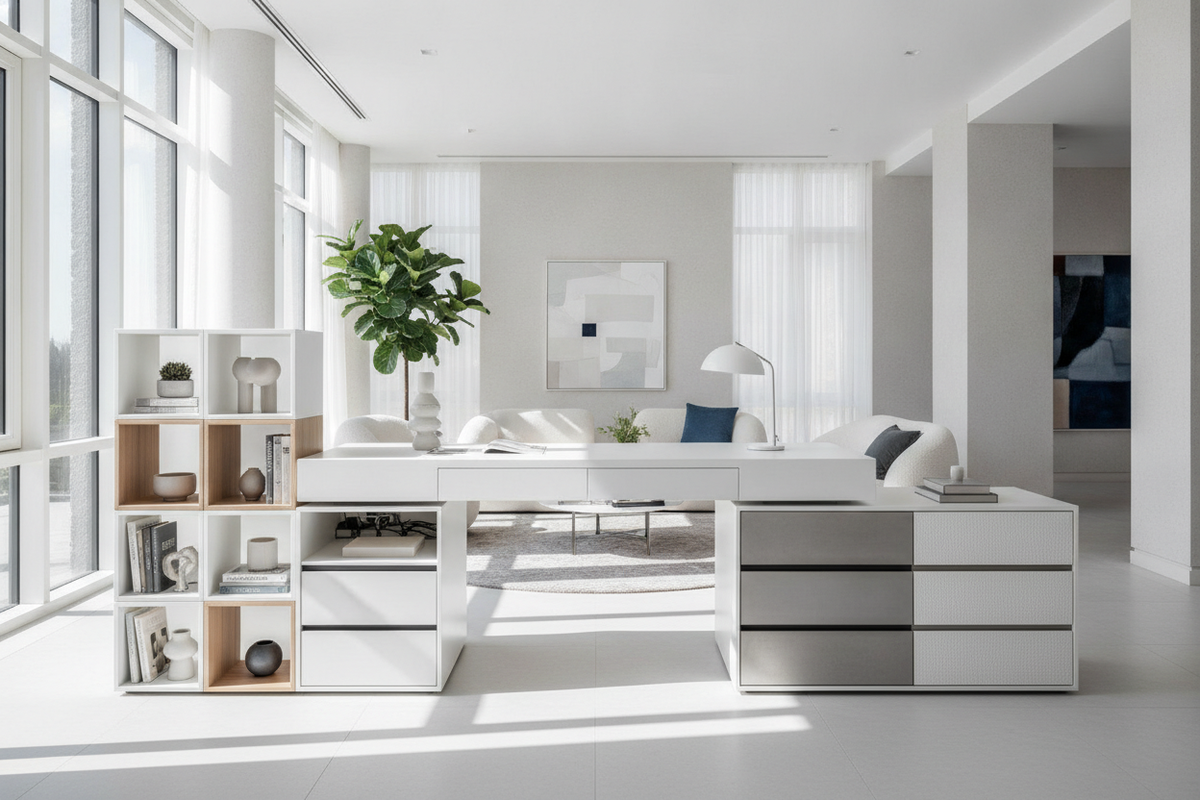
- Adjacent Credenzas and Sideboards: Positioning a low credenza perpendicular to the desk creates an L-shaped configuration where heavy peripherals, paper files, and reference materials remain accessible at a stable height.
- Under-Desk Suspension Drawers: Lightweight, shallow utility trays mounted directly underneath the desktop travel with the frame, keeping daily stationery, pens, and input devices within reach.
For deeper planning on vertical organization that avoids desktop clutter, reviewing a dedicated desk that guide offers practical advice on coordinating wall-hung shelves and modular cabinetry with active work surfaces.
Cable Articulation, Peripheral Load Management, and Wall Clearances
A reliable setup for a dynamic workspace depends heavily on robust wire management and balanced desktop equipment. When a desk goes up and down, connected power cables, video lines, and peripheral cords must accommodate dynamic travel without catching on structural components:
- Vertebrae Cable Spines: Articulated cable tracks route power cords and display connections cleanly from the under-desk tray down to floor-level power outlets, eliminating tangling and cord tension during transit.
- Service Loops and Power Strips: Mounting a surge-protected power bar directly to the underside of the desk allows all desktop equipment to plug in locally. A single heavy-duty power line then drops to the wall outlet with sufficient slack loop to reach maximum height without pulling taut.
- Monitor Arm Balancing: Center-clamped or grommet-mounted monitor arms should distribute display weight evenly across the rear frame rail to prevent desktop deflection or motor strain during height transitions.
For large corner configurations or expansive desktop platforms, consulting a modern computer desk product can provide structural inspiration for managing perimeter boundaries and cord pathways.
Room Layout Strategies and Workstation Placement
Positioning a computer desk up and down frame requires harmonizing functional office mechanics with overall room aesthetics:
- Dedicated Home Offices: Place the desk facing toward the room entryway or perpendicular to natural light sources to minimize monitor glare, leaving ample perimeter space for standing mats and movement.
- Multi-Use Living and Dining Areas: When an adjustable desk shares space with dining or relaxation zones, neutral frame finishes and discreet cable wraps help the workstation blend seamlessly into the background when not in use.
- Window and Alcove Positioning: Ensure that window sills, drapery cords, and radiator covers clear the rising desktop path to prevent transit jams or hardware conflicts.
If you are planning to position an active workstation within a shared dining environment, exploring a computer desk that guide provides creative ideas for maintaining room harmony across working and dining hours.
Maintenance, Frame Stability Audits, and Long-Term Durability
Routine hardware checks and baseline maintenance help preserve smooth elevation performance over time:
- Leveling Foot Audits: Uneven flooring can cause subtle frame wobble that becomes more pronounced at standing heights. Adjust threaded leveling glides periodically to maintain a solid foundation.
- Frame Fastener Checkups: Dynamic movement generates minor structural vibrations. Inspecting and tightening desktop mounting screws and crossbar bolts once or twice a year keeps the assembly rigid.
- Electronic Calibration and Resets: If an electric desk experiences power interruptions or uneven column travel, performing the manufacturer-specified control box reset routine recalibrates synchronized lifting columns.
- Column Cleaning: Wipe telescoping leg columns with a soft, dry cloth to prevent dust and debris from accumulating along the internal glide pads.
By coordinating lifting archetypes, spatial clearances, cable management pathways, and modular storage solutions, you can build a flexible, long-lasting workspace tailored to dynamic daily routines.

Laisser un commentaire
Ce site est protégé par hCaptcha, et la Politique de confidentialité et les Conditions de service de hCaptcha s’appliquent.