


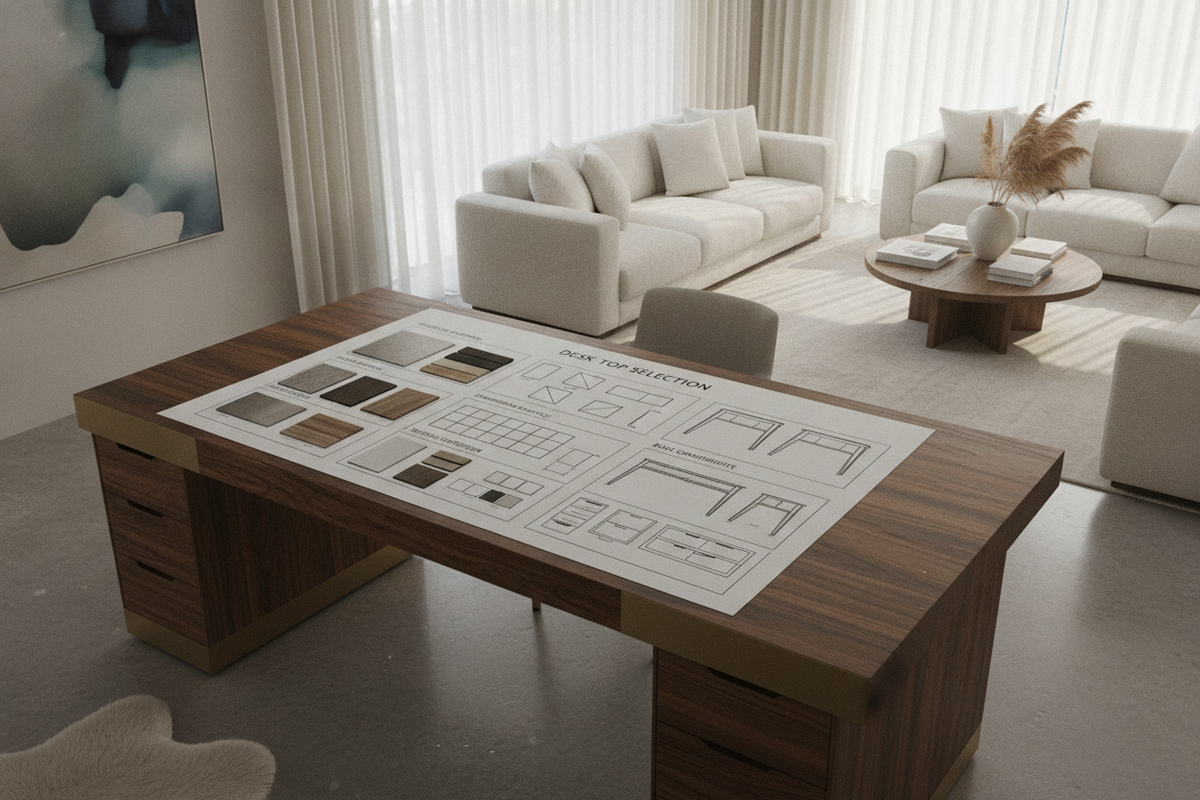
Architectural Foundations: The Role of a Dedicated Desk Top in Modern Workspaces
Designing a productive workstation begins with the work surface itself. While all-in-one workstations offer quick setup, choosing a standalone desk top provides unmatched flexibility in customizing dimensions, aesthetics, and structural support. Whether configuring an ergonomic sit-stand frame, spanning modular storage cabinets, or refreshing a home office, understanding the nuances of a standalone surface ensures long-term comfort and utility.
Why Choose a Standalone Desk Table Top Only Over Pre-Assembled Units
Selecting a desk table top only allows you to tailor every physical aspect of your workstation to your workflow. Standard all-in-one desks often pair fixed dimensions with generic understructures that might restrict knee clearance or clash with room architecture. By procuring a dedicated desk top only, you gain the freedom to match tabletop depth to your display hardware, select finishes that coordinate with existing cabinetry, and pair the surface with specialized standing frames or credenzas. For those evaluating both modular surfaces and fully unified setups, exploring a versatile computer desk collection provides a helpful baseline for visual proportions and layout styles.
Balancing Aesthetics, Tactile Feel, and Structural Longevity
The desk top surface is the most frequently touched component in any office environment. It must withstand continuous daily contact, keyboard vibration, equipment weight, and accidental liquid spills without degrading. Achieving the right balance involves assessing tactile texture, glare resistance under overhead lighting, and resistance to edge chipping. A well-selected desk table top acts as an anchoring architectural element that elevates the surrounding room while supporting demanding daily routines.
Material Performance Matrix: Evaluating Office Table Top Compositions
Different core materials and exterior finishes deliver distinct advantages in terms of weight, rigidity, maintenance requirements, and visual warmth. Evaluating these characteristics helps identify the right office table top for your specific operational demands.
High-Pressure Laminate and Melamine: Scratch Resistance and Low-Maintenance Durability
High-pressure laminate (HPL) and thermally fused melamine represent some of the most resilient surfaces available for high-use workstations. These tops for desks feature synthetic resin-bonded layers over dense composite cores, delivering exceptional resistance to impact, scratches, ink stains, and moisture rings. Laminate surfaces are also non-porous and easy to sanitize, making them an excellent choice for shared workstations or bustling creative studios. Budget-conscious decorators can review an office computer desk guide to see how modern composite finishes offer high-end style alongside dependable daily wear resistance.
Solid Hardwoods and Butcher Block: Structural Warmth and Natural Grain Variations
Solid wood slabs and butcher block constructions offer rich organic grain patterns, substantial weight, and the ability to be sanded and refinished over time. Suitable hardwoods such as oak, walnut, birch, and maple provide impressive longitudinal rigidity. When selecting solid wood table tops for desk use, account for natural seasonal expansion and contraction by utilizing slotted mounting brackets that permit subtle wood movement.
Engineered Wood Composites and Veneers: Uniform Density and Dimensional Stability
Medium-density fiberboard (MDF) and high-density particleboard cores topped with real wood veneers provide the luxurious look of authentic timber with superior dimensional stability. Engineered wood composite cores resist warping caused by ambient humidity shifts, providing a flat, uniform plane. This makes an engineered table top for office desk applications a reliable, warp-resistant choice for multi-monitor setups and precision desktop accessories.
Dimensional Geometry: Sizing Desk Tops for Ergonomics and Spatial Clearances
Proper dimensional planning ensures your workstation supports healthy posture, adequate visual focal lengths, and unobstructed room circulation.
Standard vs. Deep Proportions: Maintaining Focal Distance for Dual Monitors
Surface depth directly impacts ocular comfort and upper body posture. Standard depths generally accommodate single laptop setups or compact monitor arms, while deeper surfaces provide the necessary distance between your eyes and expansive ultrawide or dual-screen displays. Deeper home office desk tops also provide space for forearm support, preventing awkward wrist extension during extended typing sessions.
Narrow Desk Top Configurations: Optimizing Compact Footprints and Multi-Functional Rooms
In smaller rooms, guest bedrooms, or hallway alcoves, a narrow desk top minimizes footprint intrusion while establishing a clear work boundary. To maximize functional area on a shallower computer desk top only, use monitor arms, under-desk keyboard trays, and vertical shelving to keep the main plane clear. Compact workstations, such as an L-shaped layout exemplified by this office computer desk product, show how thoughtful corner geometry can deliver generous primary work zones without dominating room traffic paths.
Edge Profiles and Corner Radius: Ergonomic Wrist Support and Clean Visuals
The edge treatment of a desktop tabletop directly influences daily physical comfort. Sharp square-edge banding can press uncomfortably against forearms during long typing sessions. Opting for a gently chamfered edge, bullnose profile, or subtle waterfall radius softens contact points and prevents premature edge banding delamination. Rounded exterior corners also soften room flow and protect against accidental hip bumps in tighter floor plans.
Base Mounting and Structural Span Integrity
Pairing standalone desk tops only with the correct understructure is vital to eliminate center deflection and ensure rigid, wobble-free performance.
Pairing Desk Tops Only with Sit-Stand Motorized Frames
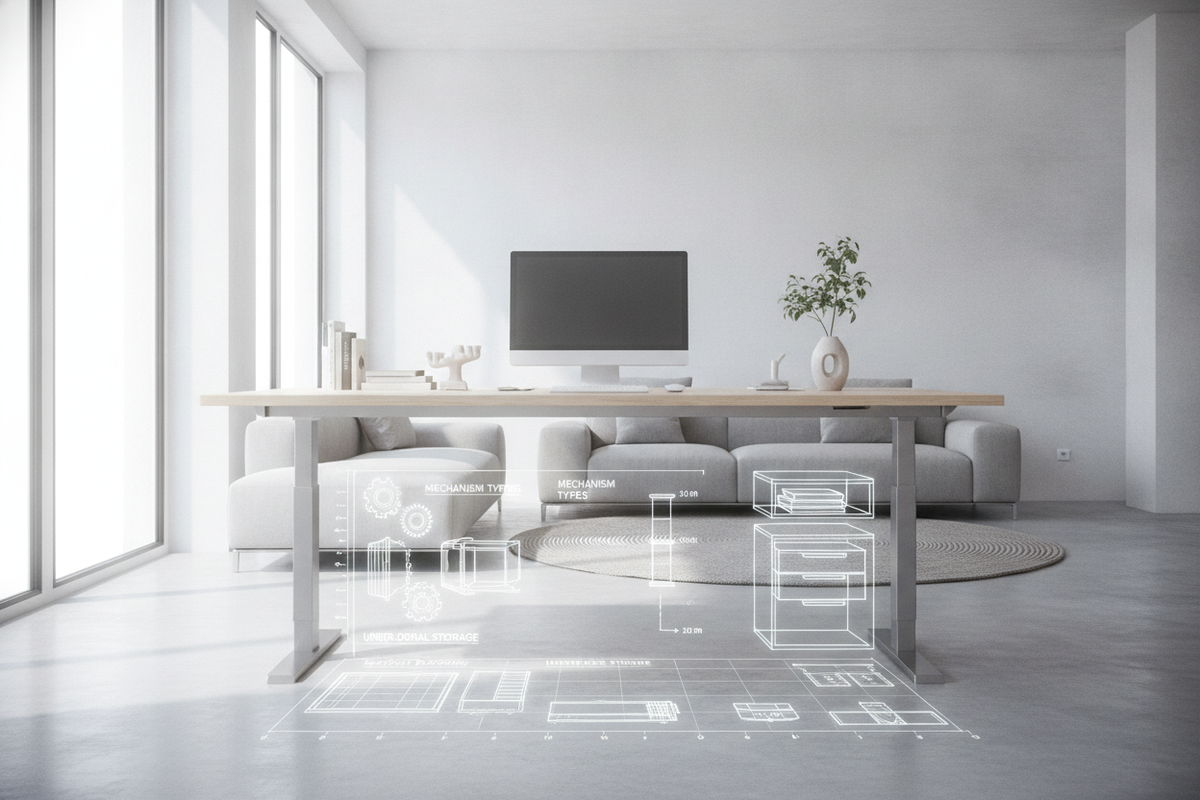
When outfitting motorized height-adjustable frames with a tabletop for desk setups, ensure the surface depth and width align with the frame's expandable crossbars. Motorized bases exert dynamic upward and downward forces, making a rigid core essential. Fasten the tabletop securely through rubber dampening grommets to isolate motor vibration and maintain quiet operation across sit-to-stand transitions.
Spanning Base Cabinets, Credenzas, and Pedestal Storage to Prevent Center Sag
A popular design method involves resting a wide table desk top across two drawer pedestals or low storage credenzas. When creating long spans, calculate the unsupported center distance carefully. Excessive spans without center support can lead to visible sagging over time under the weight of heavy studio monitors or metal display mounts. To maintain structural integrity over wide spans, integrate a concealed steel stiffener channel or a discreet center support leg underneath the surface.
Fastener Types, Threaded Inserts, and Pilot Hole Preparation
Directly driving coarse wood screws into the underside of a computer table top works for permanent, one-time assemblies. However, if you anticipate disassembling or moving your desk in the future, installing brass or steel threaded inserts with machine bolts provides a more durable connection. Always pre-drill precise pilot holes when working with dense composite cores or hardwoods to prevent splitting, surface bulging, or thread stripping. For those considering fully concealed work niches rather than exposed frame systems, examining a dedicated computer desk office guide offers insight into structural anchoring within cabinetry housings.
Surface Zoning, Cable Management, and Storage Architectural Integration
A well-organized office desk top enhances focus by organizing tools into distinct functional zones while eliminating visual clutter.
Primary, Secondary, and Reference Work Zones on Home Office Desk Tops
Organize your desk tops around natural ergonomic reach envelopes:
- Primary Zone: The immediate area within comfortable forearm sweep, reserved for keyboard, mouse, and immediate writing tasks.
- Secondary Zone: The area reachable with outstretched arms, ideal for displays, desk lamps, and primary reference materials.
- Tertiary/Reference Zone: Outer perimeter corners used for desktop organizers, secondary hardware, or decorative greenery.
Grommet Cutouts, Undermount Cable Trays, and Power Distribution Channels
Managing connectivity cables preserves the clean lines of modern office desk table tops. Routing cables through factory-drilled or custom grommet cutouts equipped with brushed metal covers prevents cords from draping over rear edges. Pairing grommets with under-desk raceways, modesty panels, and surge protector brackets keeps wires suspended off the floor, promoting safety and ease of cleaning.
Coordinating Office Desk Table Tops with Lateral Files and Mobile Pedestals
A standalone desk top achieves its full potential when harmonized with high-capacity storage. Adding mobile pedestals under the surface provides swift access to stationery and personal devices without occupying surface territory. For expansive file management, coordinating your tabletop finish with a robust storage system, such as an integrated office computer desk product, creates a balanced, professional environment designed for sustained workflow efficiency.

Laisser un commentaire
Ce site est protégé par hCaptcha, et la Politique de confidentialité et les Conditions de service de hCaptcha s’appliquent.