


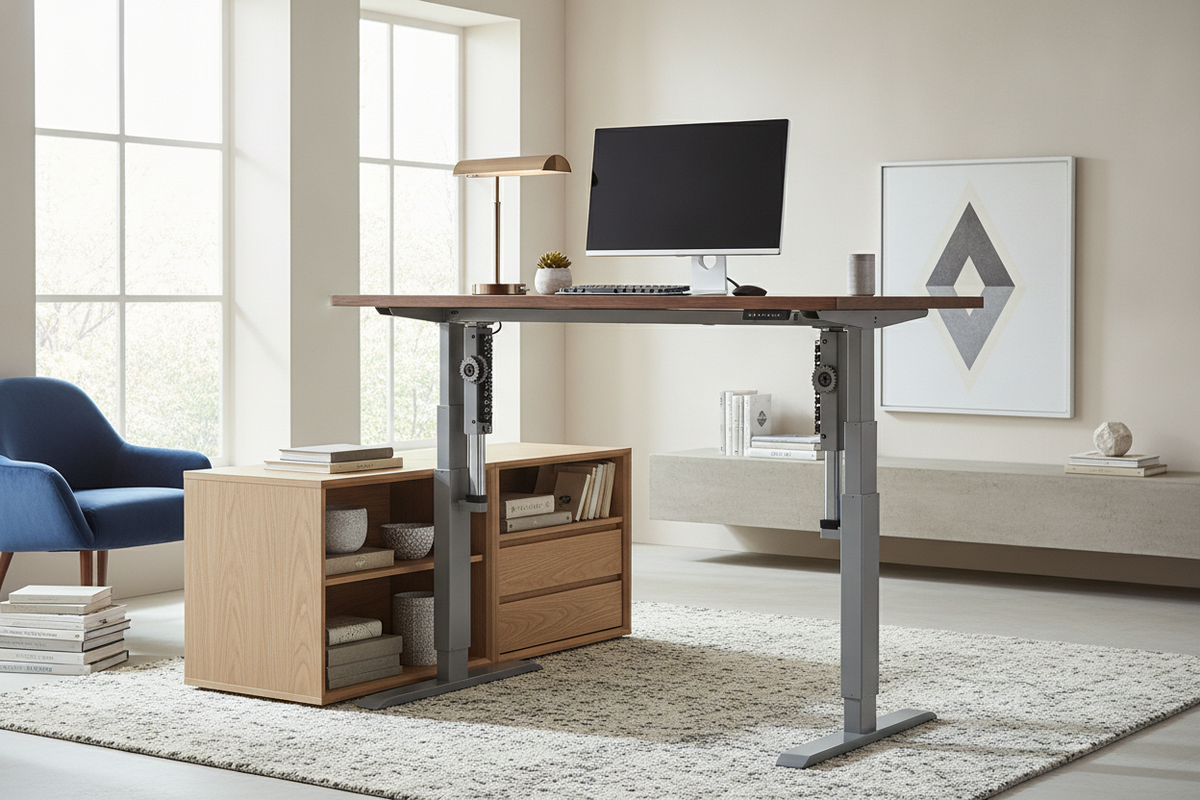
Understanding the Moving Desk: Lift Mechanism Archetypes
Selecting a desk that moves up and down begins with understanding how different lifting systems operate. Dynamic workstations rely on mechanical or motorized components to transition between seated and standing elevations. The chosen drive mechanism directly shapes the daily user experience, travel smoothness, noise profile, and overall maintenance requirements.
Electric motorized systems represent the most common configuration for modern dynamic workstations. Dual-motor models house a dedicated motor inside each telescoping leg column, coordinating their movement through an electronic control box. This setup delivers steady elevation transitions, balanced lifting power across the entire tabletop, and smooth start-stop deceleration. Single-motor systems, by contrast, utilize a central motor connected to a rotating hex-rod drive shaft that turns internal spindle drives in both legs simultaneously. While single-motor designs offer an economical footprint, dual-motor configurations provide higher mechanical symmetry and quieter daily operation.
Manual and pneumatic moving desk options provide electricity-free alternatives. Manual hand-crank desks use mechanical gears to turn internal lead screws. They require physical effort and more time to adjust, yet they eliminate cords and allow placement away from power outlets. Pneumatic gas-spring mechanisms operate via pressurized cylinders activated by a release lever. These systems enable rapid elevation changes, though users must balance the upward pneumatic force against the weight of desktop equipment during adjustment.
Workstation Footprint Categories and Spatial Planning
Integrating a desk that moves up and down into a room requires careful spatial planning. Because the surface moves through vertical space, the workstation footprint involves both horizontal square footage and three-dimensional perimeter clearances. Selecting an appropriate surface size depends on the nature of your daily tasks, equipment scale, and surrounding architectural boundaries.
- Compact Nooks: Slim desks provide an efficient footprint for compact home offices, bedroom corners, or hybrid living spaces. These surfaces comfortably hold a single laptop, a secondary compact screen, and essential stationery without overwhelming room circulation paths.
- Mid-Size Workstations: Standard surfaces deliver a balanced layout for multi-monitor setups, desktop audio monitors, and writing areas. This dimension offers ample depth for proper focal distance while maintaining modest perimeter requirements.
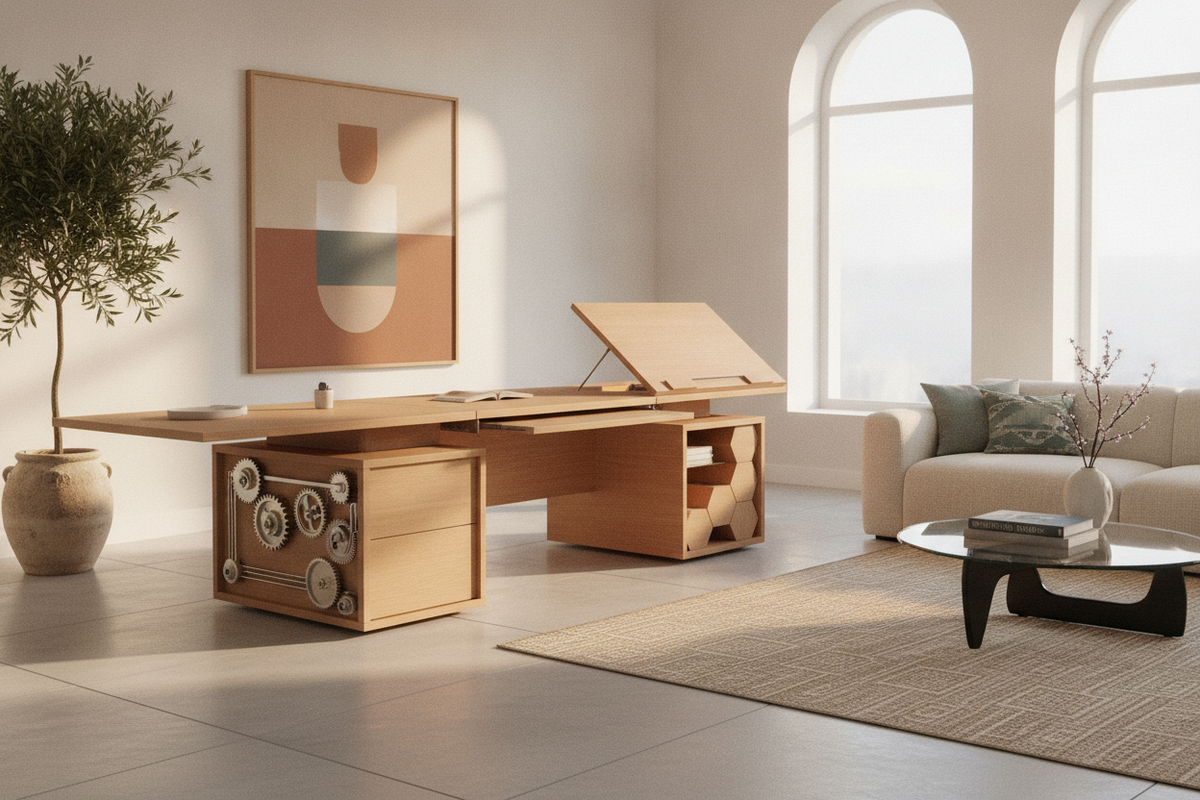
- Executive Layouts: Expansive surfaces accommodate multi-display arrays, desktop computer towers, and dedicated drafting or document review zones. These larger desks require generous structural support and sufficient clearance from walls and adjacent storage units.
When positioning a dynamic workstation, vertical height clearance must be evaluated alongside horizontal floor space. Measure window sills, hanging wall art, floating shelving, and light fixtures to prevent physical interference during upward travel. Additionally, leaving a modest perimeter gap between the desktop edge and surrounding walls prevents friction, paint scuffs, and pinch points. For shared or multifunctional rooms, planning around existing decor is essential, much like exploring computer desk in dining room ideas to maintain visual harmony across open living spaces.
Frame Geometry, Column Stages, and Material Integrity
Structural stability is a defining factor in the performance of any moving desk. As a desk rises to standing heights, the center of gravity shifts upward, which can amplify horizontal sway and keystroke wobble if the undercarriage lacks sufficient rigidity.
The engineering of the lifting columns plays a central role in stability. Telescoping legs typically feature either two-stage or three-stage configurations. Two-stage columns employ two nested steel tubes with a single overlapping joint, offering a standard height range suitable for average user heights. Three-stage columns utilize three nested segments with dual telescoping joints, providing a broader range of movement and greater overlap at taller elevations to mitigate wobble.
Footing geometry also influences structural rigidity and legroom. Heavy-gauge steel frames are commonly constructed in either a T-frame or C-frame layout:
- T-Frame Design: The lifting column is centered directly over the base foot. This symmetrical geometry balances weight evenly across the base, providing dependable center-loaded stability.
- C-Frame Design: The lifting column is offset toward the rear of the base foot. This cantilevered geometry maximizes unobstructed knee clearance underneath the desk, making it easier to maneuver office chairs or slide in storage components.
Desktop materials further contribute to long-term durability. High-density engineered wood cores wrapped in scratch-resistant laminate provide dimensional stability that resists warping under varying room humidity levels. Solid wood surfaces offer natural grain character but require stable indoor climates to avoid expansion around frame mounting points.
Storage Architecture and Cable Routing for Dynamic Workstations
One structural challenge unique to a desk that moves up and down is the absence of traditional, fixed under-desk pedestal drawers. Integrated full-depth drawers can restrict vertical travel, add asymmetric weight, or collide with seating. To solve this, dynamic workstations require intentional secondary storage and managed wiring pathways.
Mobile file pedestals set on smooth-rolling casters provide an adaptable solution. These units slide beneath the desktop during seated use and roll out smoothly when extra legroom is desired. For broader organizational needs, pairing the desk with detached lateral credenzas, low sideboards, or thoughtfully arranged above-desk storage ideas keeps heavy reference materials, binders, and office essentials organized without overburdening the moving frame.
Cable management requires structured routing to ensure that power cords and display cables flex smoothly through the full range of movement. Key cable organization methods include:
- Under-Desk Cable Trays: Rigid steel or mesh troughs mounted beneath the tabletop hold power distribution strips and power bricks securely off the floor.
- Articulated Cable Vertebrae: Segmented, flexible cable spines guide wires from the under-desk tray down to wall outlets, protecting cords from snagging or tension during height adjustments.
- Adhesive Clamps and Sleeves: Bundling monitor leads and peripheral connections along the frame rails prevents loose wires from hanging visibly beneath the surface.
Optimizing Workspace Usability and Accessory Layout
Creating an organized and functional surface setup ensures that daily height transitions feel effortless. When a desk moves, loose items can shift if the desktop is cluttered or unbalanced. Incorporating streamlined organization accessories maintains stability and preserves focus throughout the workday.
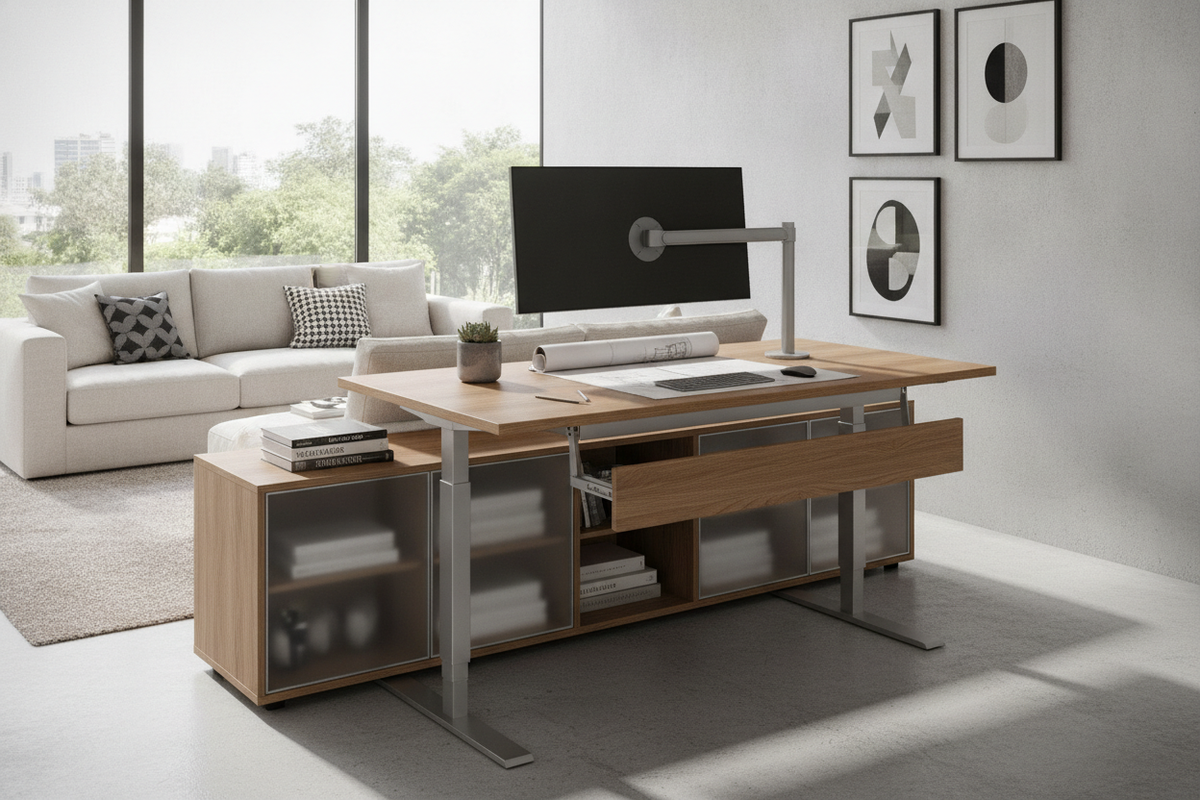
Mounting display monitors to adjustable steel arms clears desktop real estate and keeps screens securely anchored during motorized movement. Freestanding desk pads, low-profile organizers, and secure charging stations provide dedicated zones for input devices, phones, and writing tools. Incorporating purposeful accessories, similar to recommendations found in guides for the best office desk gadgets, helps create a tidy surface where work tools remain stationary during transit.
Assembly Evaluation, Weight Balancing, and Long-Term Care
Proper assembly and routine maintenance preserve the longevity and smooth operation of dynamic workstations. During assembly, ensure that the crossbar frame is centered accurately along the underside of the desktop before tightening fasteners. Misaligned frame crossbars can induce torque on internal motor gears, leading to uneven lifting resistance or accelerated mechanical wear.
Weight distribution across the desktop should remain balanced. Position heavy computer equipment, heavy monitor mounts, and printer gear symmetrically across the surface rather than concentrating excessive load on a single corner. This balanced layout prevents uneven friction within the telescoping leg columns.
Periodic maintenance involves checking that frame assembly bolts, monitor clamp mounts, and leveling glides remain firmly seated. If floor surfaces are uneven, adjust the threaded leveling pads on the base feet until the frame sits completely flat, preventing movement vibrations and ensuring smooth, dependable elevation transitions over years of use.

Laisser un commentaire
Ce site est protégé par hCaptcha, et la Politique de confidentialité et les Conditions de service de hCaptcha s’appliquent.