



Understanding the Desk Sit Stand Architecture
Modern residential workspaces increasingly demand dynamic physical configurations that transition fluidly between seated focus and standing activity. Choosing a desk sit stand workstation requires more than selecting a tabletop finish; it involves understanding how kinetic lift mechanisms integrate with existing perimeter architecture and complementary furniture. When planning a flexible work zone, homeowners typically evaluate full motorized height-adjustable frames, manual crank platforms, and desktop riser attachments.
A dedicated, full-frame ergonomic sit stand desk model provides a unified work plane where screens, peripherals, and reference materials move in unison. Unlike tabletop converters that introduce tiered heights and consume base surface area, an integrated sit or stand table maintains consistent surface geometry across all vertical positions. This structural coherence simplifies equipment placement, facilitates cleaner visual lines, and ensures that dynamic posture changes do not disrupt desktop organization.
Dimensional Fit: Surface Footprint and Vertical Clearance Categories
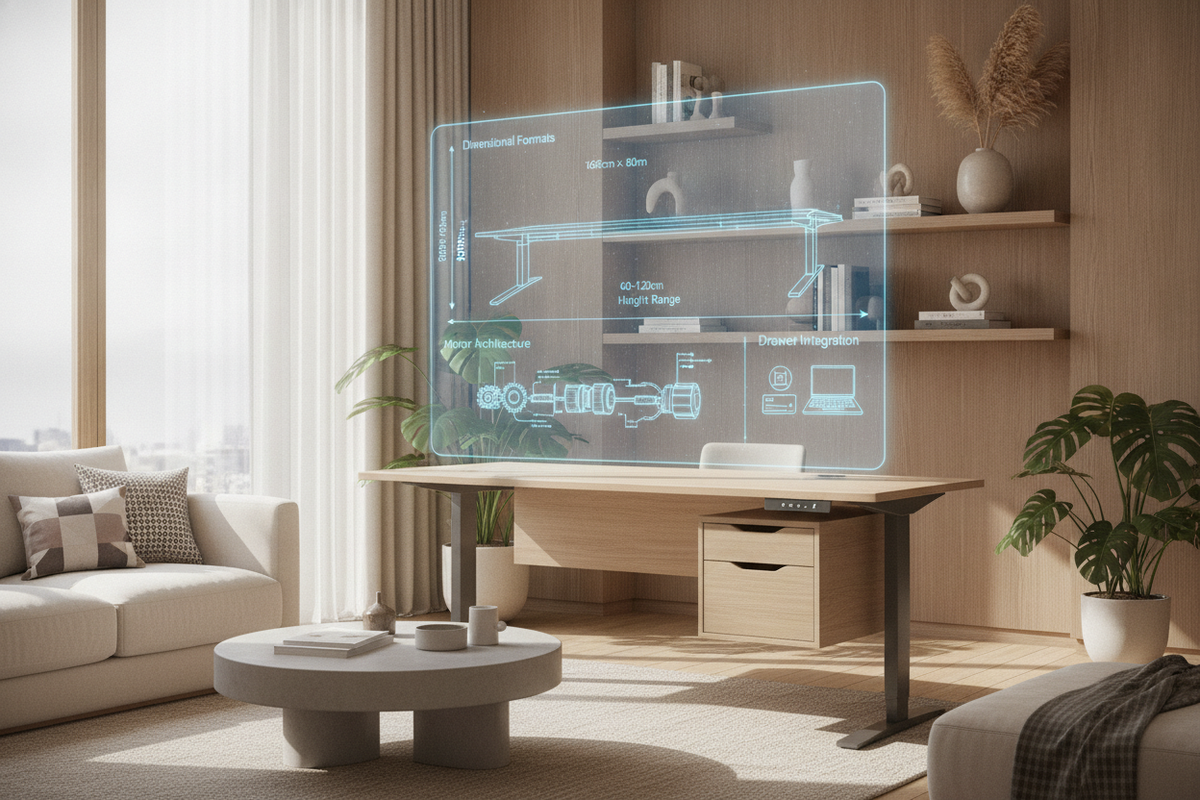
Proper workspace planning starts with assessing both horizontal footprint and vertical operational clearance. A sit stand desk table occupies a volumetric envelope rather than a static floor boundary. When positioning the workstation, consider three distinct dimensional factors:
- Horizontal Footprint: Compact nooks accommodate narrow surfaces suitable for single laptops, whereas primary home office suites benefit from broad surfaces that accommodate secondary monitors, writing pads, and task lamps.
- Kinetic Travel Envelope: As a sit to stand up desk elevates, it requires unobstructed vertical wall clearance. Mounted art, floating wall shelving, and low-hanging window treatments must remain outside the path of the rising monitors and desktop edges.
- Lower Knee Clearance: At minimum seated height, the under-desk area must provide adequate legroom depth without interference from crossbars, motor housings, or low storage cabinets.
If you are coordinating large displays in tight quarters, reviewing our screen clearance and monitor stand guide can help determine whether secondary display mounting solutions will maintain clear surface margins during vertical travel.
Kinetic Stability and Surface Material Selection
Dynamic furniture experiences structural stresses that static desks do not encounter. When evaluating a stand and sit desk, frame engineering directly dictates operational smoothness. Dual-column telescoping legs anchored by broad floor feet provide stability against horizontal wobble, particularly at higher elevation settings. High-grade steel frame construction prevents lateral deflection when typing or writing while standing.
Surface material durability is equally critical. For daily commercial-grade or intensive residential use, dense engineered wood finished with high-pressure laminate or durable melamine resists scratching, heat rings, and edge wear. A programmable height-adjustable workstation with smooth, radius-milled edges offers tactile comfort for forearms during long typing sessions, while textured realistic wood veneers add architectural warmth to contemporary living spaces.
Cable Management and Dynamic Vertical Travel Paths
The primary point of friction in height-adjustable desk deployment is wire routing. A static desk conceals wiring behind fixed legs, but a sit to stand up desk requires deliberate slack management to prevent cable tension, connector disconnection, or hardware tipping during elevation changes.
An organized dynamic wire pathway generally employs an under-desk power strip mounted directly to the moving crossbeam. By consolidating computer power, monitor adapters, and accessory chargers onto the moving desktop frame, only a single heavy-duty power umbilical cord needs to travel between the desk and the wall outlet. Utilizing flexible cable spines, under-mount wire trays, and hook-and-loop anchors keeps power feeds neatly contained. For additional strategies on maintaining an uncluttered work plane, explore our reclaiming desktop real estate guide.
Storage Synergy: Coordinating Mobile Pedestals, Credenzas, and Cabinets
One structural tradeoff of motorized column desks is the absence of integrated beneath-surface pedestal drawers. To maintain an organized workspace, surrounding storage elements must coordinate around the kinetic travel path of the sit or stand table.
Consider these complementary organizational layouts:
- Low-Profile Rolling Pedestals: Mobile drawer units on casters fit neatly under the tabletop during seated configurations, provided their total height clears the lowest travel setting. They can also be rolled alongside the desk to serve as an auxiliary utility top.
- Perimeter Credenzas and Sideboards: Positioning a static credenza perpendicular to the desk creates an L-shaped functional zone, offering deep filing drawers and printer surfaces without interfering with the height-adjustment columns.
- Hybrid Storage Workstations: When static storage is preferred alongside upper display elevation, an integrated storage desk with monitor elevation provides built-in drawers and shelves for dedicated stationary setups.
Assembly, Leveling, and Room Placement Strategies
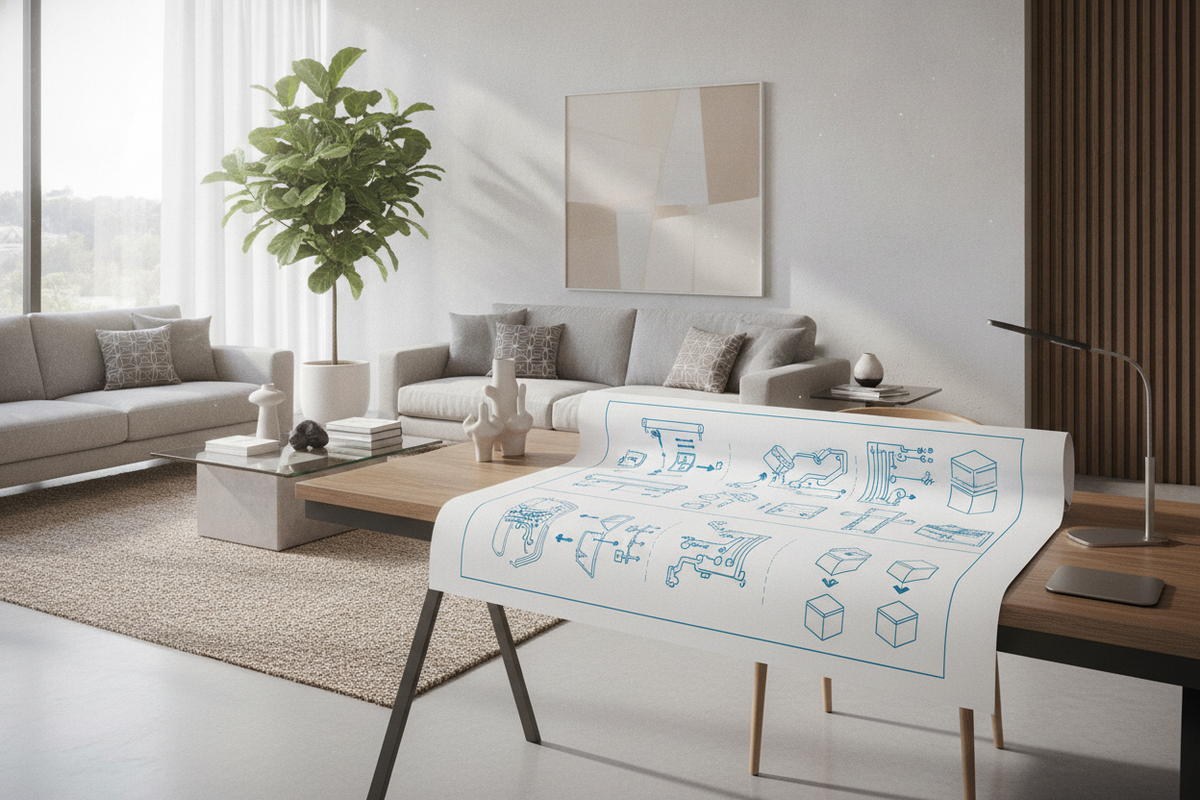
Achieving silent, balanced operation from a desk sit stand requires methodical assembly and careful room zoning. During initial frame setup, fasten all crossbeam bolts loosely before squaring the columns against the underside of the desktop, tightening hardware diagonally to distribute tension evenly.
Once placed in the room, adjust the threaded leveling glides beneath each foot to eliminate base wobble on uneven floorboards or carpet seams. Position the stand and sit desk slightly away from baseboards and adjacent side furniture to ensure a consistent safety gap around the entire perimeter throughout the full elevation cycle. With thoughtful spatial planning, durable surface selection, and integrated storage partners, an adjustable workstation elevates the everyday utility of any modern home office.

Laisser un commentaire
Ce site est protégé par hCaptcha, et la Politique de confidentialité et les Conditions de service de hCaptcha s’appliquent.