


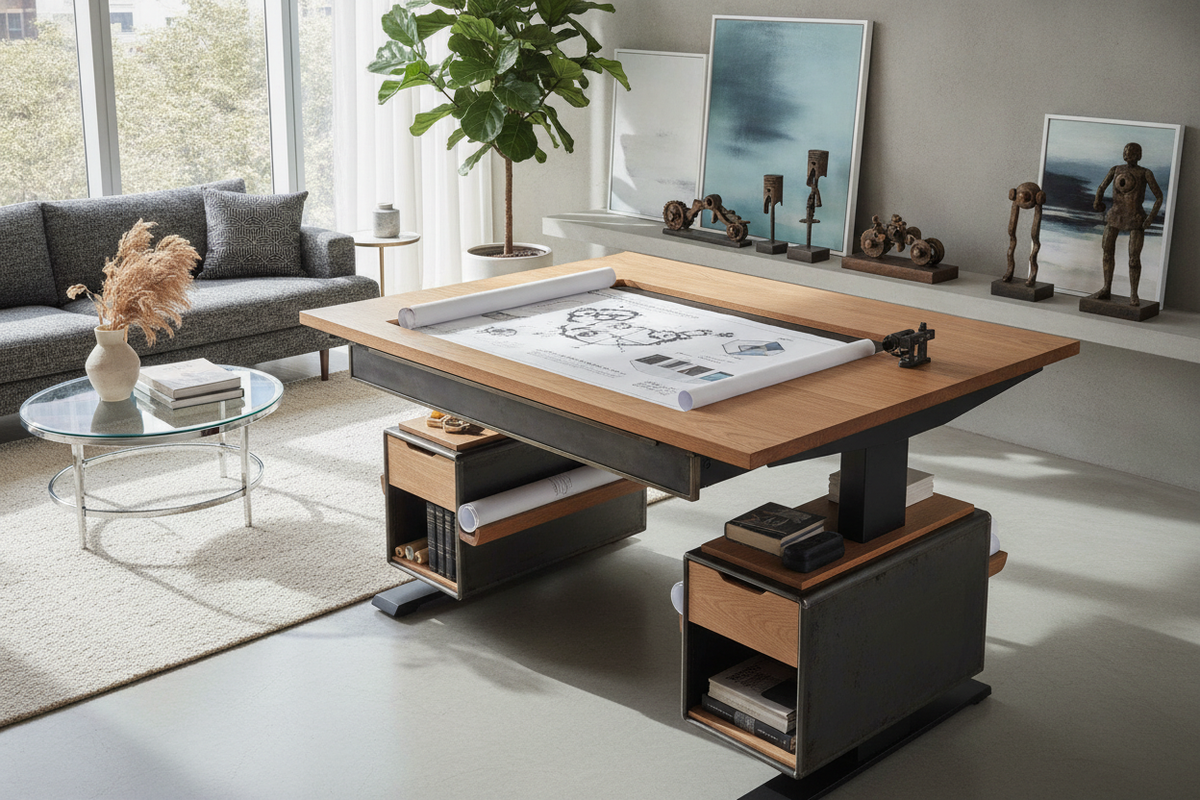
Introduction: Transforming Static Workstations with a Standing Desk Platform
Upgrading a conventional home office often presents a logistical challenge when your current workstation already fits the room layout or features built-in cabinetry. A modular desk platform for standing provides an adaptable solution, allowing users to introduce dynamic sit-stand flexibility without dismantling their existing furniture. By resting directly on top of a standard tabletop, a quality standing unit converts fixed credenzas, executive desks, and corner workstations into active work areas.
Integrating an add-on unit preserves the investment made in classic timber desks or built-in joinery. Before selecting a unit, reviewing coordinated standing desk layout ideas can help you evaluate how an elevated surface influences sightlines, natural lighting, and overall room symmetry. Selecting the proper desk platform requires balancing mechanical lift formats, surface dimensions, base stability, and surrounding storage options.
Structural Archetypes of Elevated and Raised Desk Platforms
Elevated conversion platforms fall into distinct structural archetypes, each engineered around specific movement mechanics and spatial footprints:
- Scissor-Lift Mechanisms: A raised desk platform utilizing an X-frame or scissor-joint linkage provides stable vertical movement. These designs elevate smoothly within a confined perimeter, though some variants shift slightly forward during the upward motion.
- Straight-Up Vertical Pneumatic Columns: These models travel directly upward along a vertical axis using gas-assisted counterbalances. This motion path ensures zero forward intrusion into your personal seating clearance, making them suitable for narrow walkways.
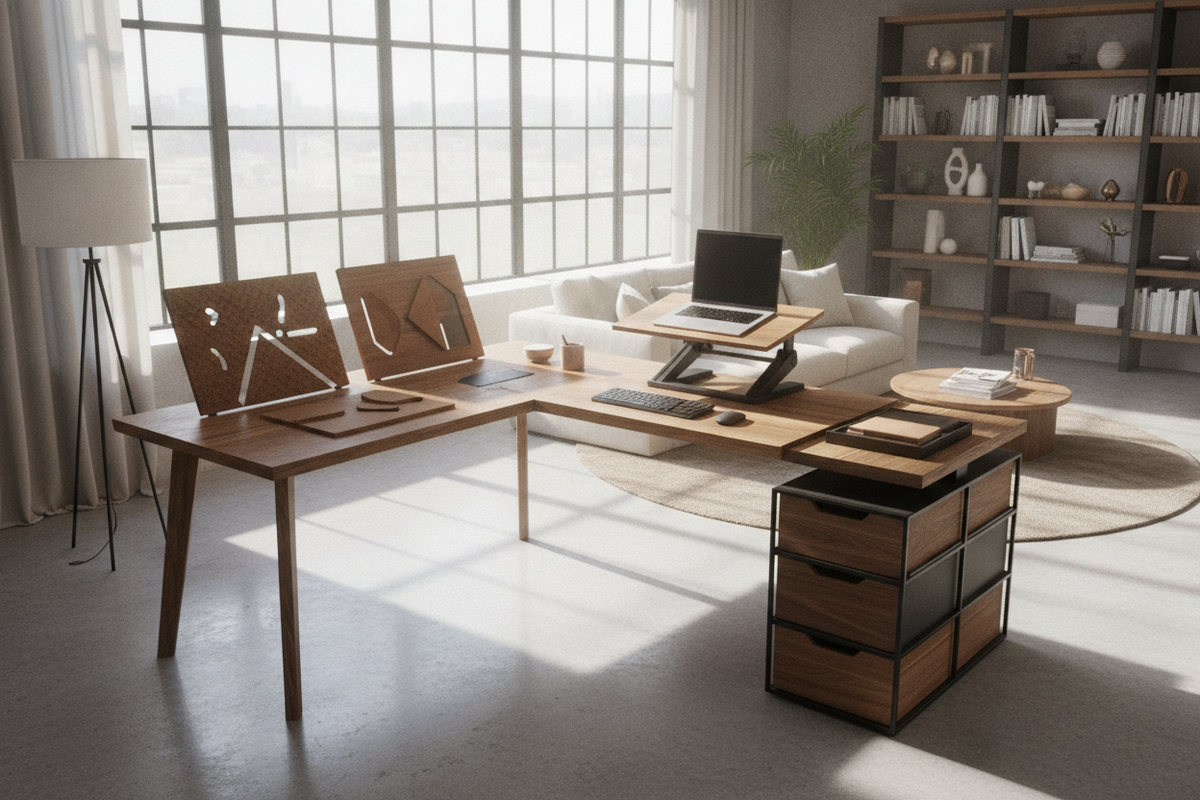
- Stepped Dual-Tier Risers: Featuring a split-level profile, these platforms position monitors on an upper tier while keeping keyboards and pointing devices on a dropped lower deck. This tiered separation encourages comfortable forearm alignment and proper eye-level display positioning.
- Stationary and Manual Platforms: For workspaces requiring permanent elevation without mechanical movement, stationary raised surfaces provide rigid support for dedicated standing corners or secondary drafting stations.
Each elevated desk platform archetype interacts differently with your daily workflow, making it essential to assess your physical workspace boundary before committing to a specific lift geometry.
Dimensional Sizing Categories and Base Footprint Planning
Choosing an appropriately scaled unit prevents desktop crowding and ensures stable weight distribution across your supporting furniture:
- Compact Single-Screen Platforms: Designed for minimalist setups or laptop-focused tasks, compact platforms occupy minimal surface area. They leave ample desk space on either side for desktop accessories, desk lamps, and writing pads.
- Mid-Size Dual-Tier Configurations: Built to support a standard widescreen monitor alongside a laptop on an upper shelf, paired with a full-size keyboard and mouse tray below. These platforms require moderate desktop depth to avoid overhang.
- Expansive Multi-Monitor Workstations: Wide platforms accommodate dual displays or ultrawide monitors. These units demand substantial underlying base support and a deep host desk to maintain balanced center-of-gravity dynamics throughout their height range.
When measuring your static workstation, verify that the host surface provides sufficient perimeter clearance around the platform base so cables and peripheral edges move freely without rubbing against adjoining walls or desktop hutches.
Material Composition, Weight Distribution, and Frame Stability
A reliable raised desk platform relies on robust materials engineered to support technology equipment without lateral sway. Structural components typically combine:
- Heavy-Gauge Steel Bases: Powder-coated steel plates and base runners form a weighted foundation that counterbalances elevated displays and prevents tipping during adjustments.
- Extruded Aluminum Linkages: Lightweight yet rigid aluminum arms reduce the effort needed to operate pneumatic or spring-assisted levers while preserving structural alignment.
- High-Density Engineered Wood Tops: Deck surfaces composed of medium-density or high-density core boards resist deflection under continuous monitor loads.
- Protective Laminate Finishes: Durable laminate or melamine coatings resist surface scuffs, spills, and edge wear from continuous palm contact.
- Non-Marring Rubberized Footings: Base pads safeguard the host desktop from surface abrasions while absorbing small vibrations during rapid typing.
Distributing your computer hardware evenly across the upper deck of an elevated desk platform ensures consistent balance and smooth mechanical travel over long-term daily use.
Integrating Storage Furniture, Wire Routing, and Perimeter Layouts
Because a desktop platform occupies central surface area, reorganizing peripheral items into nearby modular furniture maintains a neat and efficient office. Exploring standing desk setup aesthetics offers useful perspectives on harmonizing active risers with surrounding cabinetry, mobile filing pedestals, and shelving units.
To maintain an organized workstation, consider the following layout strategies:
- Side Credenzas and Mobile Pedestals: Position under-desk mobile drawers or adjacent low storage units to store reference files, stationery, and small electronics displaced by the riser base.
- Slack-Loop Cable Management: Group monitor, keyboard, and power leads using flexible cable spines or hook-and-loop sleeves. Always provide sufficient slack loop length so cables do not pull taut when the platform rises to full height.
- Overhead and Floating Shelves: Relocate decorative accents and reference books to vertical wall shelving to keep the host desktop clear and focused on essential tasks.
Decision Matrix: Selecting the Right Platform vs. Full Height-Adjustable Desks
While an add-on platform is an accessible retrofit, certain workflow requirements may justify stepping up to a dedicated height-adjustable workstation. Consider the functional trade-offs below:
- Choose a Desk Platform When: You want to preserve an antique, custom, or built-in executive desk; your office setup is temporary or rental-based; or you only need to elevate a compact laptop and monitor setup.
- Choose a Full Height-Adjustable Desk When: You require the entire desktop surface to raise simultaneously, you work with heavy multi-peripheral setups, or you prefer completely open legroom without desktop riser hardware.
For expansive executive suites or multi-user setups requiring comprehensive height adjustability, exploring a large motorized height-adjustable workstation or a versatile full electric standing desk with memory presets provides an all-in-one alternative to standalone desktop converters.

Laisser un commentaire
Ce site est protégé par hCaptcha, et la Politique de confidentialité et les Conditions de service de hCaptcha s’appliquent.