


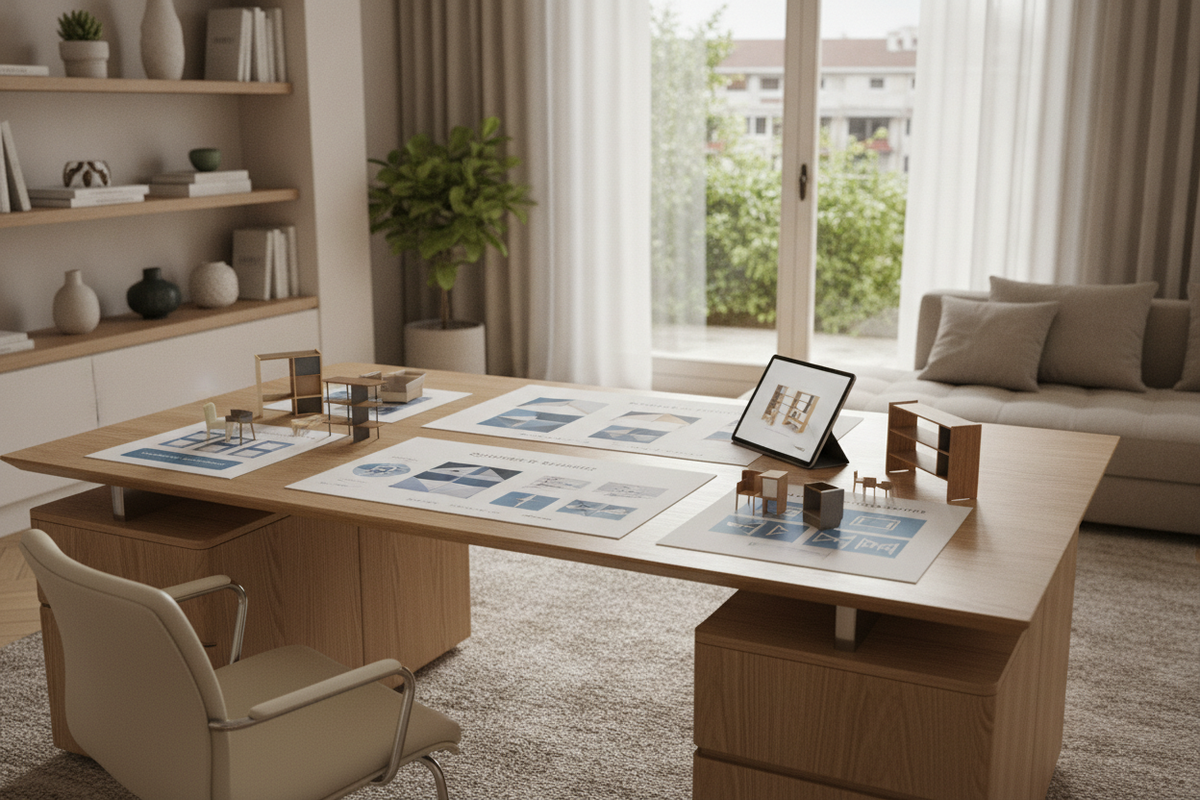
Shopping for a desk on amazon presents an expansive variety of styles, silhouettes, material grades, and hardware configurations. Because digital marketplace listings rely primarily on studio photography and stylized 3D renderings, navigating online furniture offerings requires a methodical approach grounded in architectural proportions, structural engineering, and realistic flat-pack mechanics. Rather than focusing solely on promotional imagery or surface finishes, evaluating a potential workstation through footprint categories, core joinery methods, weight distribution frames, and integrated storage ensures your selection functions reliably within your daily workspace.
Workstation Archetypes and Dimensional Footprint Categories
Selecting an appropriate workstation starts with categorizing catalog offerings into distinct footprint profiles. Online marketplaces feature everything from streamlined writing tables to expansive executive configurations, making dimensional clarity essential before ordering. Understanding the intended footprint helps you match product listings to actual boundary walls and open circulation paths:
- Compact Writing Tables: Minimalist silhouettes engineered for slim laptops, single-screen computing, or tight bedroom alcoves where preserving open floor space is the primary design objective. These units emphasize slim profiles and open leg areas.
- Full-Span Linear Computer Desks: Standard rectangular workstations that accommodate dual monitors, desk pads, external speakers, and input peripherals while providing comfortable horizontal clearance for armrests and leg movement.
- L-Shaped Corner Workstations: Architectural units engineered to anchor room corners or define dedicated office zones within open-concept layouts. They allow clear separation between digital computing tasks and analog paperwork or drafting zones.
- Executive and Double-Pedestal Layouts: Substantial furniture pieces offering deep work surfaces, integrated modesty panels, and built-in structural storage pedestals suited for dedicated corporate or residential offices.
When browsing a broader computer desk collection, checking detailed surface dimensions, knee-well depths, and overall frame heights against your room plan prevents spatial bottlenecks and ensures adequate travel room for task chairs and ergonomic seating.
Structural Materials, Framing Integrity, and Online Listing Evaluation
To identify durable furniture among thousands of digital listings, buyers should examine material descriptions and structural framing details. Workstation longevity depends on panel density, laminate durability, and the geometry of load-bearing supports.
Engineered core panels—such as high-density particleboard and medium-density fiberboard—serve as the foundation for modern flat-pack office furniture. High-quality listings typically highlight scratch-resistant melamine surfaces or thermal-fused laminates, which resist daily friction, cup condensation, and edge chipping far better than thin paper veneers. Pay close attention to edge banding descriptions, as impact-resistant PVC edging protects core panels from moisture ingress and accidental impacts.
For demanding computing setups featuring multi-monitor arms, desktop audio monitors, or heavy desktop computer towers, the desk substructure is equally critical. Workstations engineered with tubular steel leg frames, powder-coated finishes, and integrated diagonal cross-bracing maintain rigid stability under substantial working loads, a characteristic exemplified by robust commercial designs like a modern desk executive product. Listings featuring adjustable leveling glides beneath the legs allow users to eliminate minor rocking on uneven flooring or thick carpets.
Flat-Pack Logistics, Shipping Protection, and Assembly Planning
Most marketplace furniture arrives via standard parcel delivery services in dense, flat-pack cartons. Successfully managing delivery, transit protection, and self-assembly requires structured preparation and methodical handling:
- Carton Inspection: Carefully examine the exterior packaging for corner crushing, punctures, or tape re-sealing before unboxing. Documenting packaging condition helps expedite resolutions if internal components require replacement.
- Hardware Auditing: Unpack fasteners, cam locks, wooden dowels, structural bolts, and leveling glides onto an organized, flat surface. Verify the component counts against the instruction manual's hardware inventory before beginning construction.
- Workspace Preparation: Clear a wide assembly zone on the floor, laying down protective cardboard, a soft rug, or a furniture blanket to safeguard decorative panel finishes during construction.
- Sequential Fastening: Hand-thread structural bolts initially to ensure proper alignment across pre-drilled holes, applying final torque only after connecting all intersecting frame components.
For individuals establishing productivity zones within compact floor plans or studio apartments, reviewing a dedicated desk small office guide provides practical spatial strategies for assembling and styling furniture in tight quarters without obstructing primary entryways or pathways.
Integrated Storage Architecture and Cable Management Systems
A productive workstation balances open, functional surface area with accessible, integrated organization. When evaluating marketplace desks, assess how the design accommodates peripheral hardware, stationery, paperwork, and electrical cords.
Desks featuring modular open shelving, built-in drawer pedestals, or dedicated lower CPU platforms allow you to keep electronic accessories and storage bins off the primary desktop. Corner units that combine extended desktops with lateral open bookcases, such as a modern office computer product, provide immediate access to reference binders, notebooks, and peripheral organizers without requiring supplemental freestanding shelving units in small rooms.
Additionally, evaluate wire routing capabilities. Integrated desktop grommets, modesty panel pass-through cutouts, and under-desk cable management trays prevent power strips and charging cords from tangling around the knee-well, preserving an uncluttered visual profile and protecting equipment cables from accidental snagging.
Spatial Styling and Workflow Zoning for Home Offices
Integrating a new workstation into an existing living space requires thoughtful visual coordination and functional zoning. Neutral finishes—such as matte black metal framing, warm industrial woodgrains, or clean white laminates—blend easily with contemporary residential architecture and varying decorative accents.
In multifunctional rooms where an open desk surface might expose visual clutter during off-hours, consider surrounding the desk with coordinated storage units, credenzas, or concealed cabinets. Exploring approaches detailed in a computer desk office guide can help you integrate your workstation into living rooms, guest bedrooms, or flex spaces while maintaining a balanced residential atmosphere throughout the day.

Laisser un commentaire
Ce site est protégé par hCaptcha, et la Politique de confidentialité et les Conditions de service de hCaptcha s’appliquent.