


Evaluating Big-Box Club Standing Desks: Core Workstation Architectures
Warehouse club retail environments have popularized motorized sit-stand furniture for home workspaces. When considering a costco standing desk, buyers encounter two primary architectural layouts: all-in-one glass-top models with built-in electronic controls and traditional frame-plus-desktop configurations crafted with wood or composite cores. Evaluating a costco electric standing desk requires understanding how these different structural approaches influence ergonomics, weight distribution, and daily utility.
An all-in-one costco sit stand desk typically integrates the motorized legs, desktop surface, controls, and shallow storage into a cohesive package. While this streamlines setup, modular frames allow for tabletop swaps and monitor arm installations down the road. Understanding your baseline workflow helps determine which category fits your day-to-day computing tasks.
Desktop Material Trade-offs: Tempered Glass vs. Engineered Wood and Laminate
A frequent fixture in warehouse selections is the glass top standing desk costco shoppers often encounter. Tempered glass tops offer a sleek, modern visual aesthetic and frequently double as dry-erase surfaces for jotting quick notes. A costco glass desk also allows manufacturers to embed touch-sensitive controls directly beneath the surface, creating a seamless interface.
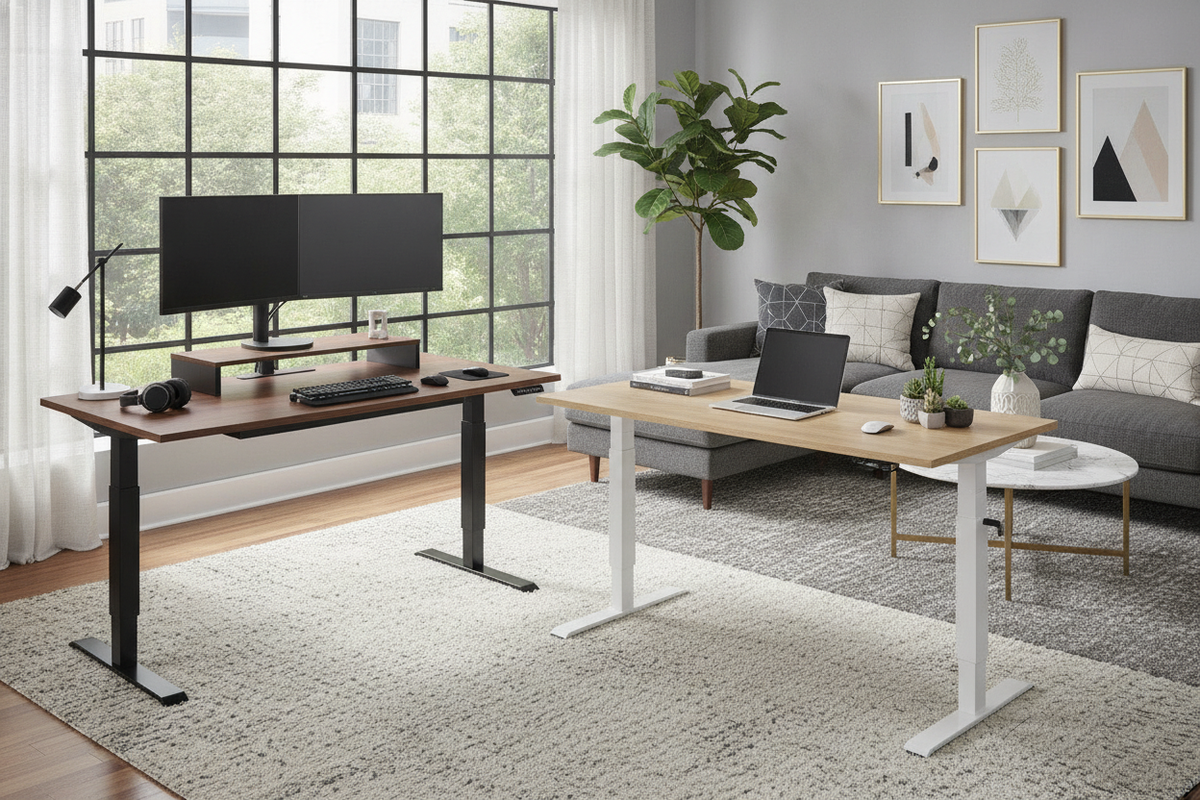
However, glass worktops present distinct trade-offs compared to traditional wood-based tops found across a broader computer desk collection. Standard clamp-style monitor arms often risk cracking tempered glass unless paired with specialized reinforcement plates or replaced with freestanding monitor risers. Furthermore, glass surfaces can reflect overhead lighting and feel cool to the touch. Conversely, a costco white standing desk or neutral wood laminate tabletop accommodates standard edge-clamped accessories, provides tactile warmth, and simplifies long-term maintenance.
- Tempered Glass: Sleek aesthetic, dry-erase marker compatibility, and integrated touch sensors; requires careful monitor mounting.
- Laminate and Wood Composites: Excellent compatibility with clamp-on monitor arms, reduced ambient glare, and resilient edge profiles.
- Aesthetic Finishes: A white glass desk costco model creates an open, light-reflective look that pairs well with minimalist decor.
Dimensional Sizing Tiers and Spatial Footprint Planning
Home offices vary widely in footprint, making costco standing desk dimensions an essential evaluation point. Most warehouse-style height-adjustable units fall into standardized dimensional tiers designed to balance surface area with compact living constraints.
Compact options measure roughly forty-seven to forty-eight inches in width, offering enough room for a single laptop, secondary monitor, and writing space without overwhelming small bedrooms or studio apartments. Mid-sized units, such as an adjustable height standing product around fifty to fifty-four inches wide, provide balanced proportion for dual-monitor arms and dedicated desktop accessories. When positioning an adjustable computer desk costco model, measure wall clearances and account for base foot depth to prevent interference with baseboards or nearby storage units.
Integrated Storage Architecture: Managing Drawers and Under-Desk Clearance
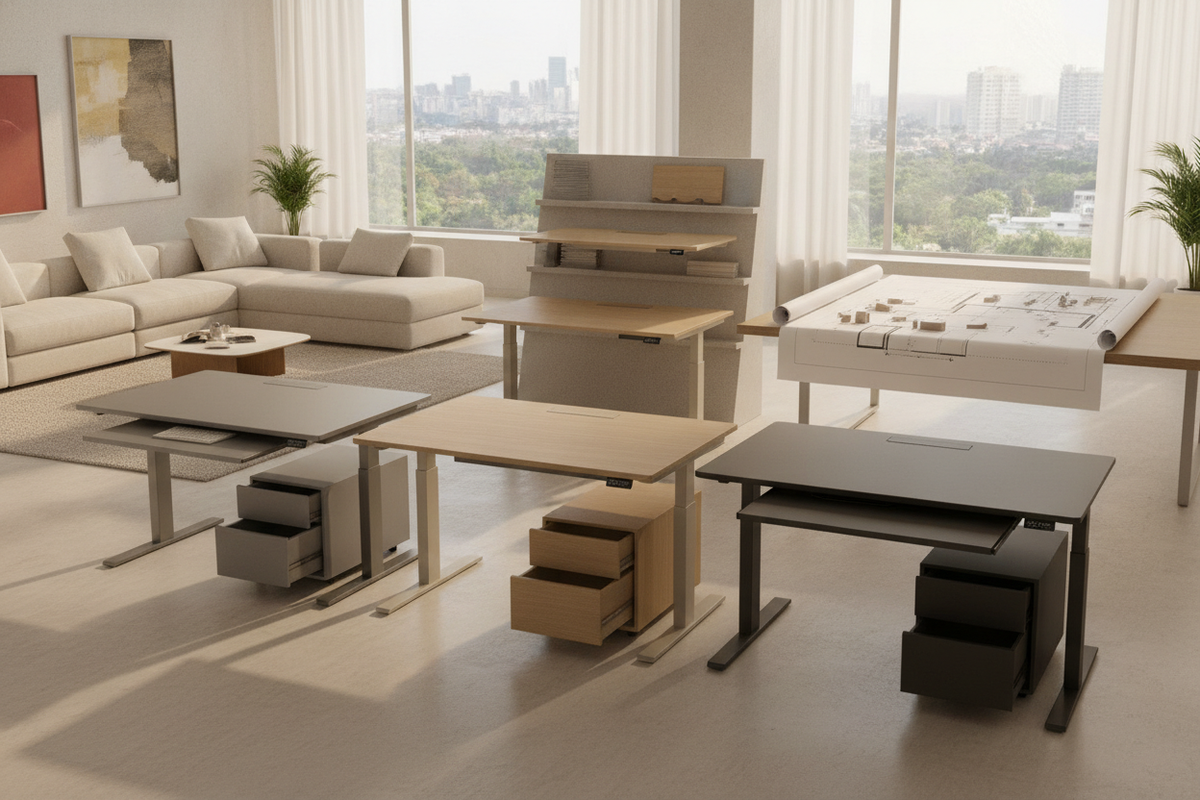
A common challenge with motorized desks is the absence of practical storage. Many shoppers seek a standing desk with drawers costco configuration to keep stationary, charging cords, and notebooks tucked away. Integrated front pull-out drawers provide convenient access to daily essentials while keeping the main surface uncluttered.
However, integrated drawers also reduce under-desk knee clearance when seated. When setting up a costco office desk adjustable workstation, ensure that the lower edge of the drawer assembly does not press against your thighs when your chair is set to ergonomic height. Organizing this shallow compartment with low-profile dividers, as detailed in a dedicated desk drawers office guide, prevents clutter from jamming the slide mechanism during height adjustments.
Electric Lift Mechanics, Controls, and Multi-User Memory Presets
Motorized height adjustment is the defining feature of a costco electric desk. Modern lifting mechanisms use either single-motor configurations with a connecting drive rod or dual-motor setups embedded in each leg column. Dual-motor systems generally provide smoother travel and higher stability under uneven loads, making them ideal for heavy desktop equipment.
Electronic control modules on a costco smart desk typically feature digital height readouts and programmable memory presets. These presets allow multiple household members to store their preferred seated and standing elevations with single-touch convenience. When selecting an ergonomic office sit product, look for safety features like electronic child locks, collision-detection sensors that halt movement if an obstruction is met, and integrated side-mounted USB charging ports for peripheral devices.
Ergonomics, Monitor Mounting, and Cable Management Integration
Transitioning between sitting and standing throughout the day helps promote physical comfort, but a costco ergonomic desk must be calibrated correctly to yield benefits. When standing at your height adjustable desk costco workstation, your elbows should rest at roughly ninety degrees over the keyboard deck, with your gaze aligned near the upper third of the monitor screen.
Cable management requires deliberate planning on height-adjustable furniture. As the desk rises, power leads and display cords can snag if they lack sufficient slack. Using under-desk cable trays, flexible spine organizers, and power strips mounted directly to the frame ensures that cords move in unison with the desktop. For enclosed or multifunctional rooms, planning around cord concealment is just as vital as it is when adapting cabinetry, an approach highlighted in this computer desk office guide.
Workstation Selection Checklist: Matching Features to Daily Workflows
Before purchasing an adjustable standing desk costco option, review this practical evaluation checklist to match the desk to your daily routines:
- Top Material Compatibility: Determine whether you prefer the dry-erase capabilities of glass or the clamp-friendly versatility of wood laminate.
- Under-Desk Clearance: Check whether an integrated front drawer compromises thigh room during seated work sessions.
- Control Interfaces: Ensure programmable memory buttons are available if sharing the workstation with family members.
- Cable Routing Slack: Verify that your monitor, power, and peripheral cables have enough travel distance across the desk's full height range.
- Spatial Layout: Measure your available floor footprint, accounting for rear wall clearance and nearby swinging cabinet doors.
By balancing desktop construction, drawer utility, motorized controls, and room layout requirements, you can confidently select a sit-stand workstation that supports productive, comfortable daily work.

Laisser un commentaire
Ce site est protégé par hCaptcha, et la Politique de confidentialité et les Conditions de service de hCaptcha s’appliquent.