


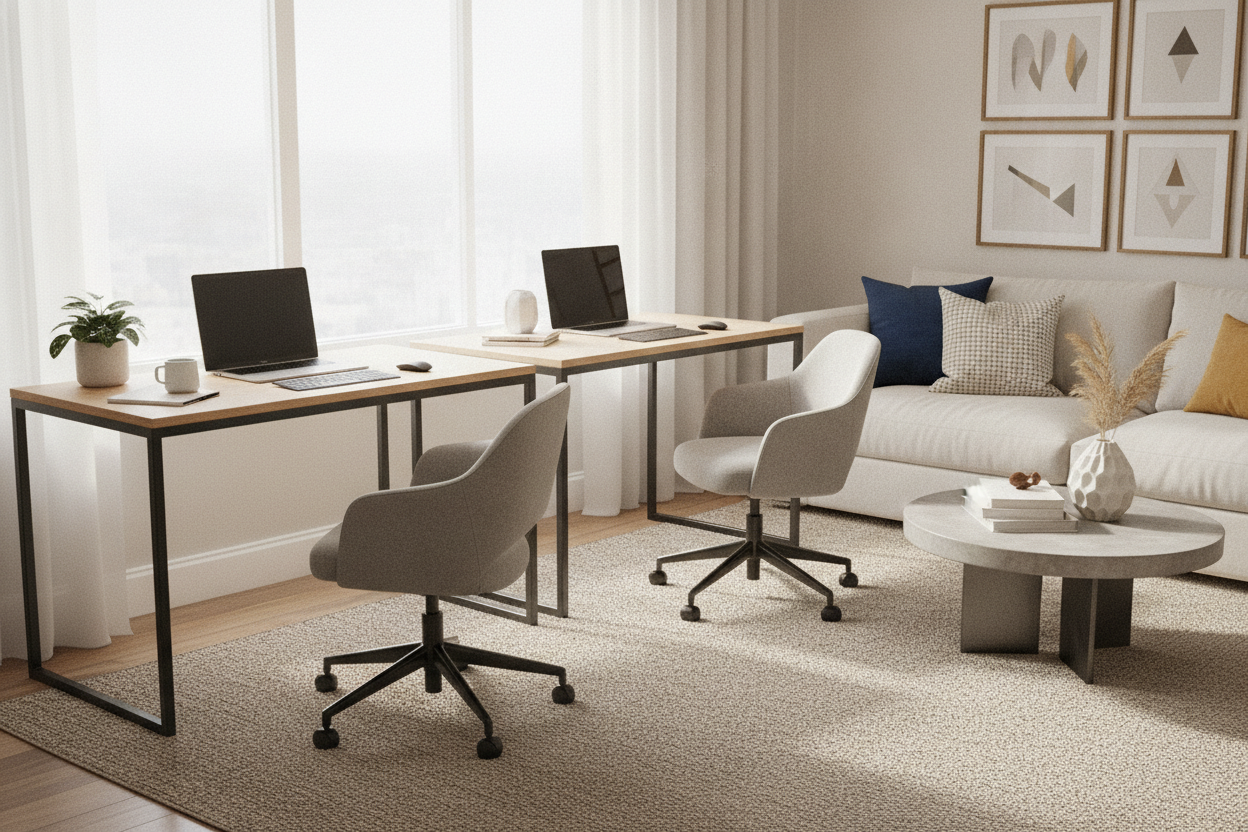
I spent three months staring at my Slack notifications while trying to enjoy a bowl of pasta on the sofa. My living room wasn't a living room anymore; it was a cubicle that happened to have a TV and a slightly overpriced rug. The fix wasn't a bigger monitor or a better chair—it was putting my entire career on wheels. Using rolling desks changed the way I inhabit my apartment.
- Physical boundaries: Moving the desk out of your line of sight signals to your brain that the workday is over.
- Flexibility: Chase the natural light throughout the day instead of being stuck in one dark corner.
- Space-saving: Perfect for studio apartments where every square foot is a premium.
- Cord management: Requires a bit of strategy but keeps the floor clear of 'cable spaghetti.'
The WFH Boundary Problem (And My Massive Desk Mistake)
When I first started working from home, I went big. I thought I needed a command center to be productive, so I bought a 70 8 W 4 Drawer L Shaped Computer Desk. It was a beautiful, 150-pound beast of a workstation, but it was a total disaster for my mental health.
Because that desk was too heavy to move, I was forced to stare at my dual monitors every single evening. Even when the screens were black, the desk felt like a looming presence, reminding me of unread emails while I was trying to decompress. In a small apartment, you can't just 'ignore' a six-foot piece of furniture. It dominated the room and my headspace.
Why I Chose a Roll Away Computer Desk Over a 'Cloffice'
The internet loves a 'cloffice'—the trend of shoving a desk into a closet. I tried it. It was miserable. Unless you have a massive walk-in with its own ventilation, you're essentially working in a dark, stuffy box. I felt like a Victorian orphan.
A roll away computer desk is the superior solution because it's mobile. I can wheel my setup to the window in the morning for that sweet, sweet hit of Vitamin D and then tuck it away behind a bookshelf or into a corner when I'm done. It turns your home back into a home, rather than a 24/7 corporate office.
Finding the Best Rolling Computer Desk (That Isn't Hideous)
The biggest hurdle with rolling computer workstations is that most of them look like they belong in a hospital. You know the look: grey laminate, cheap plastic wheels, and that clinical vibe that makes you feel like you're about to get your blood pressure taken.
I spent weeks hunting for the best rolling computer desk that actually looked like furniture. I looked for powder-coated steel and solid wood tops. Some designs are so sleek they actually serve a dual purpose. I've even seen people debate: Is a Metal Rolling Desk the Best Bar Cabinet CB2 Sells? because, with a few bottles of gin on top, it looks like a high-end bar cart rather than a place where you do spreadsheets.
The Messy Truth About Cords on Portable Rolling Computer Desks
Let's be real: a portable rolling computer desk is only 'portable' if you aren't tethered to the wall by ten different wires. If you have to unplug six things every time you want to move the desk, you simply won't do it. You'll leave it sitting there, and the wheels will become useless ornaments.
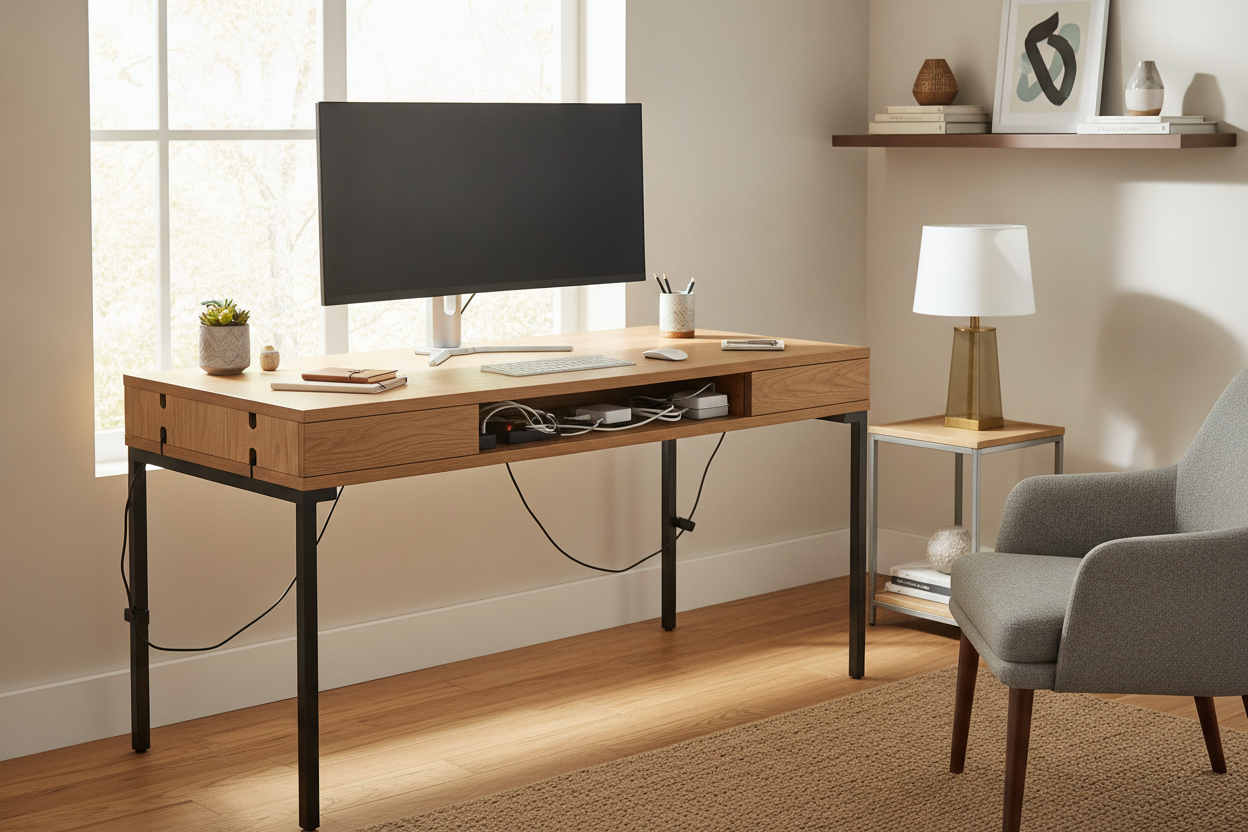
The secret is a single power source. I mounted a heavy-duty surge protector to the underside of my desk using industrial-strength Velcro. My monitor, laptop charger, and desk lamp all plug into that one strip. Now, I only have one cord to unplug when it's time to roll the workstation into the 'night mode' position. It takes ten seconds, which is the exact amount of effort I'm willing to expend at 5 PM.
Reclaiming Your Floor Space (And Your Sanity)
There is a specific kind of peace that comes from physically wheeling your work out of your peripheral vision. It’s a ritual. While a traditional Writing Computer Desk is great for a dedicated office, it doesn't offer the flexibility that modern apartment living demands.
If you're struggling to disconnect, stop looking at your software and start looking at your furniture. My rolling computer desks setup isn't just about saving space; it's about reclaiming my life after the laptop closes. Sometimes, the best thing you can do for your career is to put it on wheels and push it into a corner.
FAQ
Do the wheels lock securely?
Yes, any decent model will have at least two locking casters. I've never had my desk 'drift' while typing, even on hardwood floors. Just make sure you engage the locks before you start a heavy typing session.
Are rolling desks stable enough for dual monitors?
It depends on the base. Look for a desk with a wide wheelbase or a T-frame. Avoid the super cheap, single-post 'laptop stands' if you're planning on mounting a heavy 27-inch monitor; they tend to wobble when you type.
Will the wheels ruin my hardwood floors?
Cheap plastic wheels can scratch. I always swap out the stock casters for 'rollerblade style' rubber wheels. They're about twenty bucks, they glide silently, and they won't leave a single mark on your oak floors.

Laisser un commentaire
Ce site est protégé par hCaptcha, et la Politique de confidentialité et les Conditions de service de hCaptcha s’appliquent.