

















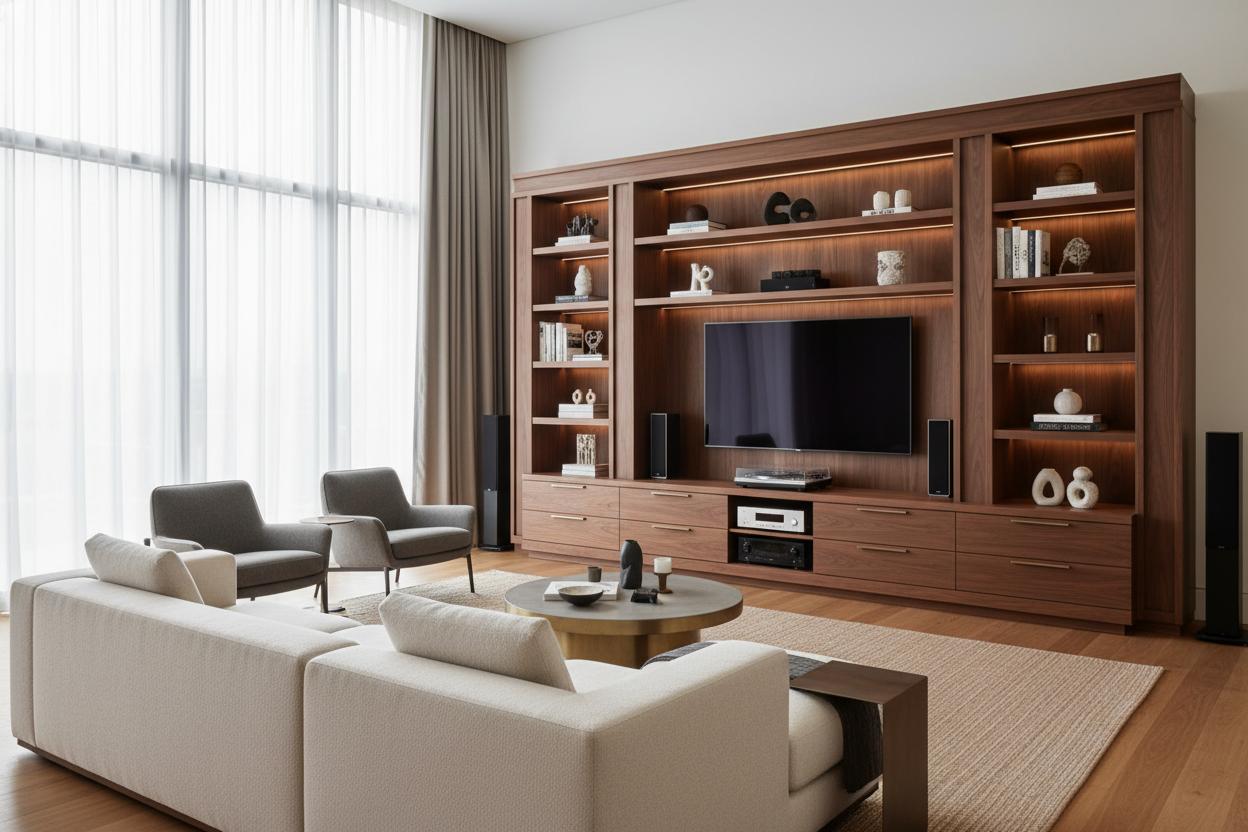
I once spent four hours assembling a media console that cost less than my grocery bill, only to watch it slowly develop a 'smile' within three months. You know the one—the dreaded sagging middle where the weight of a 65-inch TV proves too much for glorified cardboard. Finding good entertainment centers isn't just about aesthetics; it is about avoiding the cycle of buying, breaking, and rebuying furniture every time you move or upgrade your tech.
We have all been there, squinting at grainy photos online, trying to figure out if that wood grain is a high-quality veneer or just a sticker. After years of testing everything from high-end solid walnut pieces to flat-pack disasters that smelled like formaldehyde, I have learned that the difference usually comes down to the stuff you cannot see in a thumbnail image.
Quick Takeaways
- Weight capacity is non-negotiable; look for units rated for at least 100 lbs if you have a large screen.
- Avoid 'paper foil' finishes—they peel the moment they get humid or scratched.
- Real cable management involves routed channels, not just a single hole in a flimsy backboard.
- Soft-close hardware is the easiest way to tell if a manufacturer actually cares about quality.
The 'Bow of Death' (And Other Signs Your TV Stand is Doomed)
The 'Bow of Death' is that subtle, heartbreaking curve that happens when a manufacturer uses thin particleboard without a center support leg. If you see a unit over 60 inches long that only has four legs at the corners, run. Gravity is a patient enemy, and eventually, your expensive OLED is going to be sitting on a literal bridge to nowhere.
Cheap units rely on 'cam-lock' fasteners that loosen every time you nudge the furniture to plug in a new HDMI cable. A quality piece uses dowels, wood glue, or heavy-duty brackets. If you can grab the side of the unit and wiggle it more than a quarter-inch, it is not going to survive your next move. I have left enough wobbly, half-disintegrated stands on curbsides to know that 'cheap' usually ends up being more expensive in the long run.
What Actually Makes Good Entertainment Centers Worth the Money?
When you stop looking at the price tag and start looking at the spec sheet, the first thing to check is the material. You want kiln-dried hardwood or high-density MDF with a thick wood veneer. This isn't just snobbery; high-density materials hold screws better and don't warp when the AC goes out. Professional designers often look for architectural scale and material integrity, as noted in this designers buying guide for entertainment centers, rather than just a place to rest a screen.
Then there is the hardware. If the cabinet doors bang shut with a loud 'clack,' it is a budget build. High-quality units use European-style soft-close hinges that are adjustable in three directions. This allows you to perfectly align the doors so the gaps are even—a small detail that makes a massive difference in how expensive the piece looks in your living room.
The Cable Management Test
The coolest entertainment centers on the market today treat cable management as a feature, not an afterthought. We are past the era of just shoving a bunch of tangled black snakes behind a cabinet. Look for units with internal 'pass-through' holes between compartments so you can run wires from the receiver to the gaming console without them ever being visible from the front.
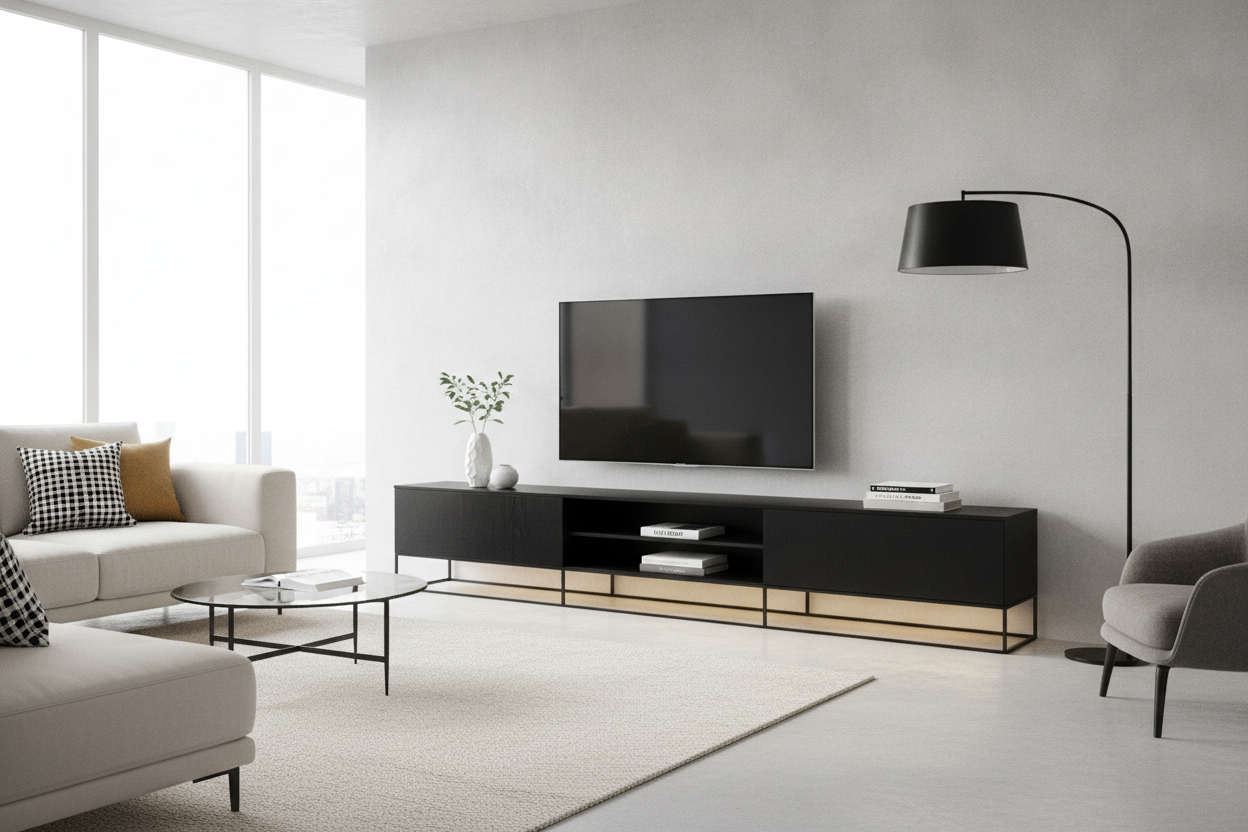
A stylish black TV stand often succeeds because it uses dark interiors and recessed back panels to hide the clutter of routers and power strips. If the back of the unit is just a piece of flimsy, perforated cardboard held on by tiny nails, your cables will eventually push it right off. Look for a solid, screwed-in back panel with dedicated cord channels.
Finding Storage That Actually Makes Sense
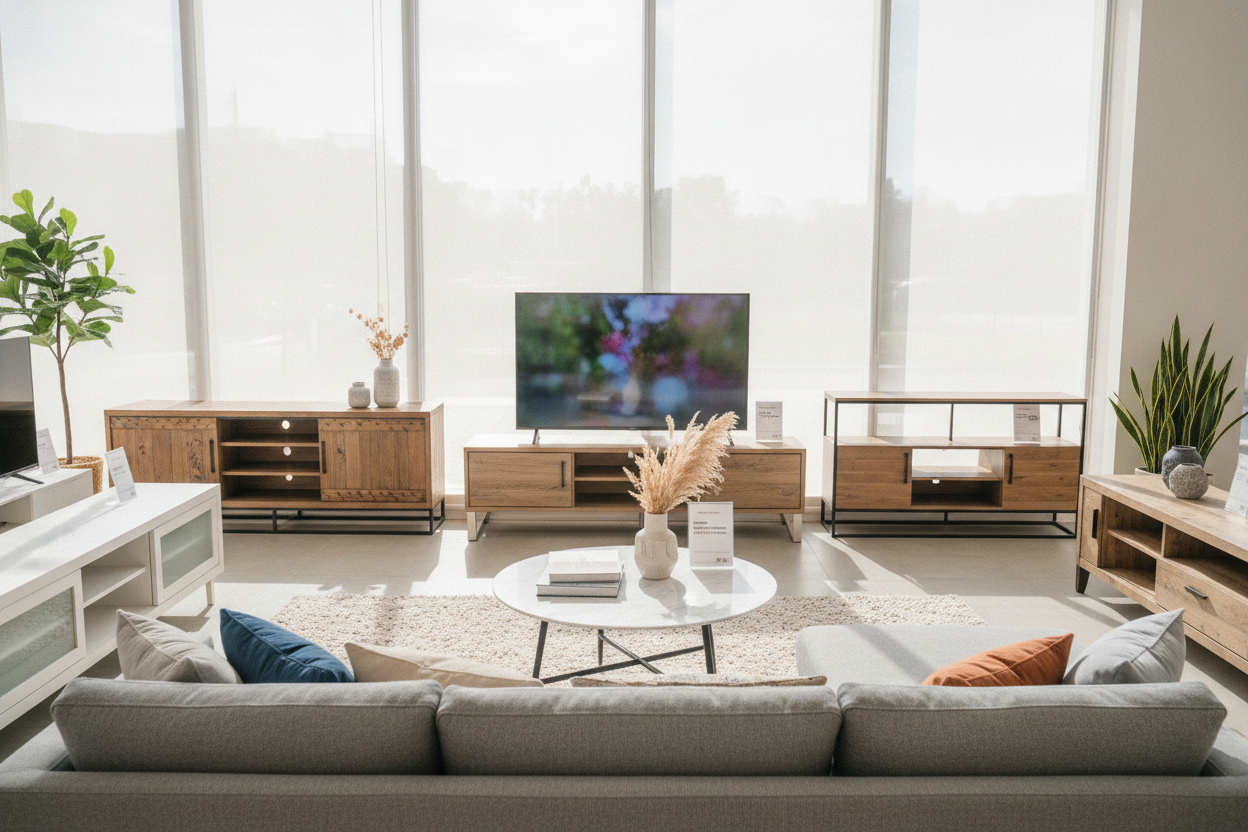
The biggest mistake people make is buying a unit that is either all open shelving (which looks messy) or all closed cabinets (which looks like a heavy box). You need a balance. Closed storage is for the ugly stuff—the dusty PlayStation, the tangled nest of extra controllers, and the Blu-rays you haven't watched since 2014. Open shelving is for 'intentional' items like a few curated books or a ceramic bowl.
Using open space correctly is actually a visual trick; it is why entertainment centers with shelves balance a room by breaking up the massive black rectangle of the television screen. Without those gaps, a large media unit can feel like it is swallowing the entire wall. I prefer units where the shelves are adjustable, so you aren't stuck with a 10-inch gap when your new speakers are 11 inches tall.
My Quick Checklist for Buying a Media Unit
Before you hit 'add to cart,' run through this mental checklist. It has saved me from at least three returns in the last year alone:
- The Depth Check: Is the unit at least 15-18 inches deep? Many modern 'slim' units won't actually fit a standard AV receiver.
- The Leg Stability: Does it have a fifth support leg in the center? For anything over 55 inches, this is mandatory.
- The Finish: Is it 'veneer' or 'melamine'? Melamine is durable but looks plastic; real wood veneer ages beautifully.
- Hinge Quality: Are the hinges adjustable? If the doors are crooked out of the box, you need to be able to fix them.
- Ventilation: Do the cabinets have holes for heat to escape? Electronics die in sealed boxes.
If you are ready to stop settling for temporary furniture, you can browse our collection of entertainment centers that actually pass the durability test.
Personal Experience: The $200 Mistake
Three years ago, I bought a beautiful-looking mid-century modern stand from a 'fast furniture' site. It looked incredible in the professional photos. In reality, the 'wood' was essentially a sticker over compressed sawdust. When I spilled a small glass of water near the edge, the liquid seeped into the seam and the entire top surface bubbled up like a topographical map within an hour. There was no fixing it. Now, I only buy pieces with a real wood veneer or a lacquer finish that can actually handle a stray condensation ring.
FAQ
How much wider should my stand be than my TV?
Aim for at least 3-6 inches of clearance on each side. If the TV hangs over the edges of the stand, it looks top-heavy and accidental. A 65-inch TV is about 57 inches wide, so you want a stand that is at least 63-70 inches long.
Can I put a TV on a stand not rated for its weight?
Technically yes, but the shelves will sag, the doors will stop aligning because the frame is warping, and you risk the whole thing collapsing if someone bumps into it. Always check the weight capacity.
Do I really need a back panel?
Back panels provide 'lateral stability.' Without them, many units can 'rack' or lean to one side. If you hate back panels, make sure the unit has a metal cross-brace or a very thick frame to compensate.

Leave a comment
This site is protected by hCaptcha and the hCaptcha Privacy Policy and Terms of Service apply.