

















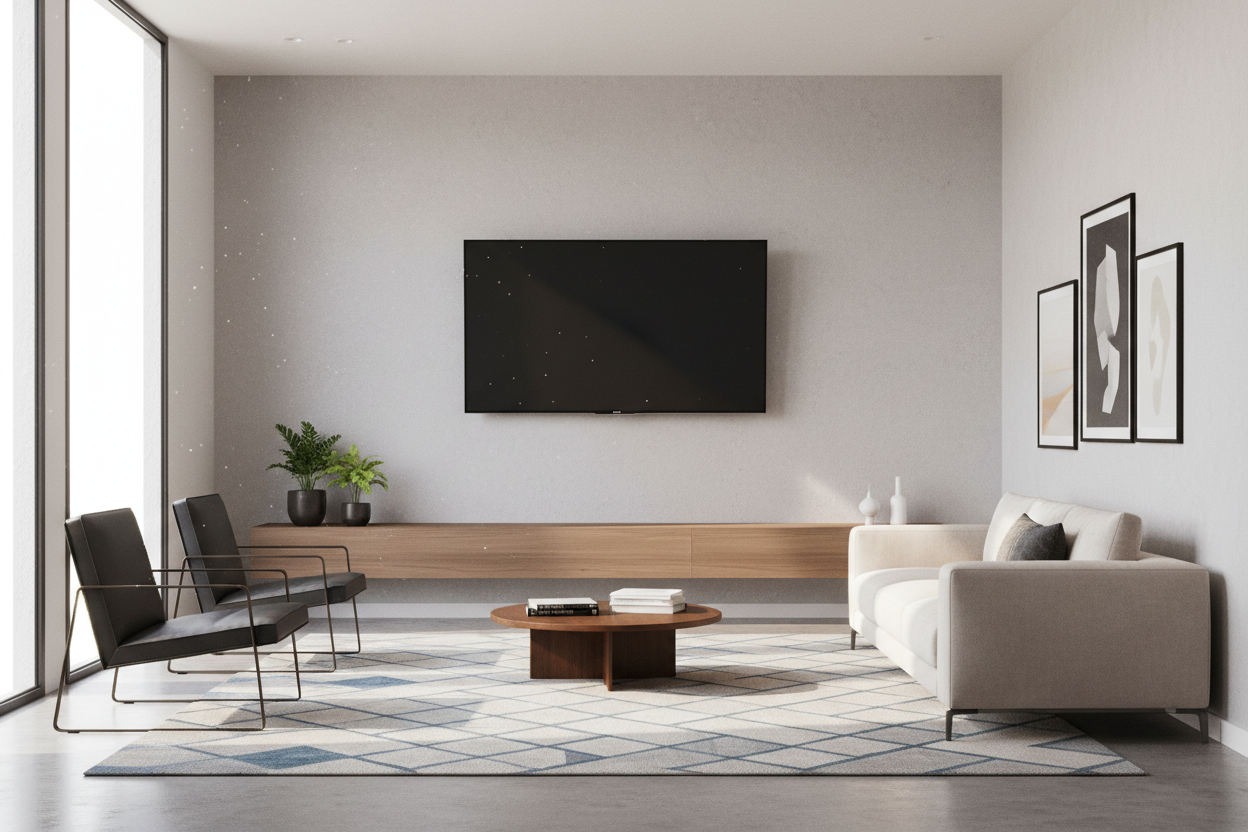
I recently spent three hours at a friend's house watching a movie with my chin tilted so far back I could see the dust on his ceiling fan. He had just installed a beautiful wall mounted tv stand, but he made the classic mistake of treating it like a piece of art in a gallery. My neck still hasn't forgiven him.
We’ve all been there—scrolling through 47 tabs of minimalist living rooms, convinced that a floating setup will solve our clutter problems. But if you don’t get the ergonomics right, you aren’t building a modern sanctuary; you’re building a chiropractor's dream customer profile.
- The center of your TV should be at eye level while seated.
- Cables must be hidden or the 'floating' effect is ruined.
- Always hit at least two studs; drywall anchors are a recipe for disaster.
- Choose matte or wood finishes over high-gloss plastic to avoid the dorm-room vibe.
The 'Art Gallery' Mistake Ripping Up Our Necks
There is a weird instinct we have to center things vertically on a wall. We do it with framed photos and mirrors, so we do it with our electronics. When people ditch their bulky floor furniture for a wall mounted media console, they often mount it way too high to create 'breathing room' underneath.
The result? A TV that sits at the same height as a menu board in a fast-food joint. Unless you plan on standing up while watching Netflix, this is a disaster. A floating unit should feel like an extension of your seating area, not a billboard on the highway.
The Golden Rule of Ergonomic TV Math
Forget what you think looks 'balanced' from across the room. Grab a tape measure and sit on your actual sofa. Have someone measure the distance from the floor to your eyes. That number—usually between 36 and 42 inches—is where the center of your screen should live.
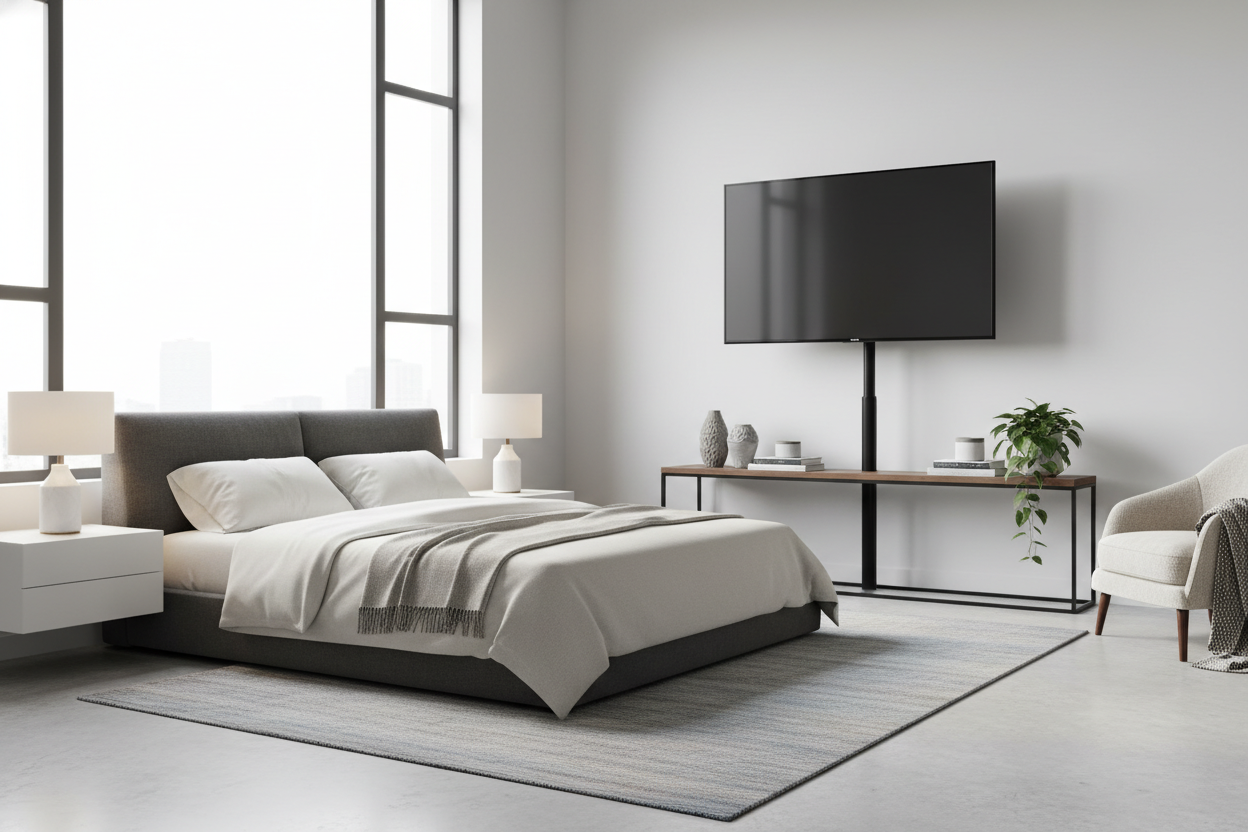
Because traditional TV stands are built to a standard height, they usually get this right by default. When you go the wall-mounted route, you have to do the math yourself. If your eye level is 40 inches, your console needs to sit low enough that the TV mounted above it doesn't force your gaze upward. Usually, this means the bottom of your console is only 10 to 15 inches off the floor.
The Dangling Cord Disaster (And How to Fix It)
Nothing kills the 'expensive architect' vibe faster than a cluster of black power cords dangling like vines from your wall mounting tv unit. If you can't run wires behind the drywall, you have to get creative. Paintable cord covers are a five-dollar solution that saves a five-hundred-dollar look.
I’ve seen people spend thousands on a renovation only to have a bright white cable snaking down a navy blue wall. It looks like an IT closet exploded. If you aren't prepared to deal with the cables, don't mount the stand. It's that simple.
Materials Matter: Avoiding the 'Dorm Room' Look
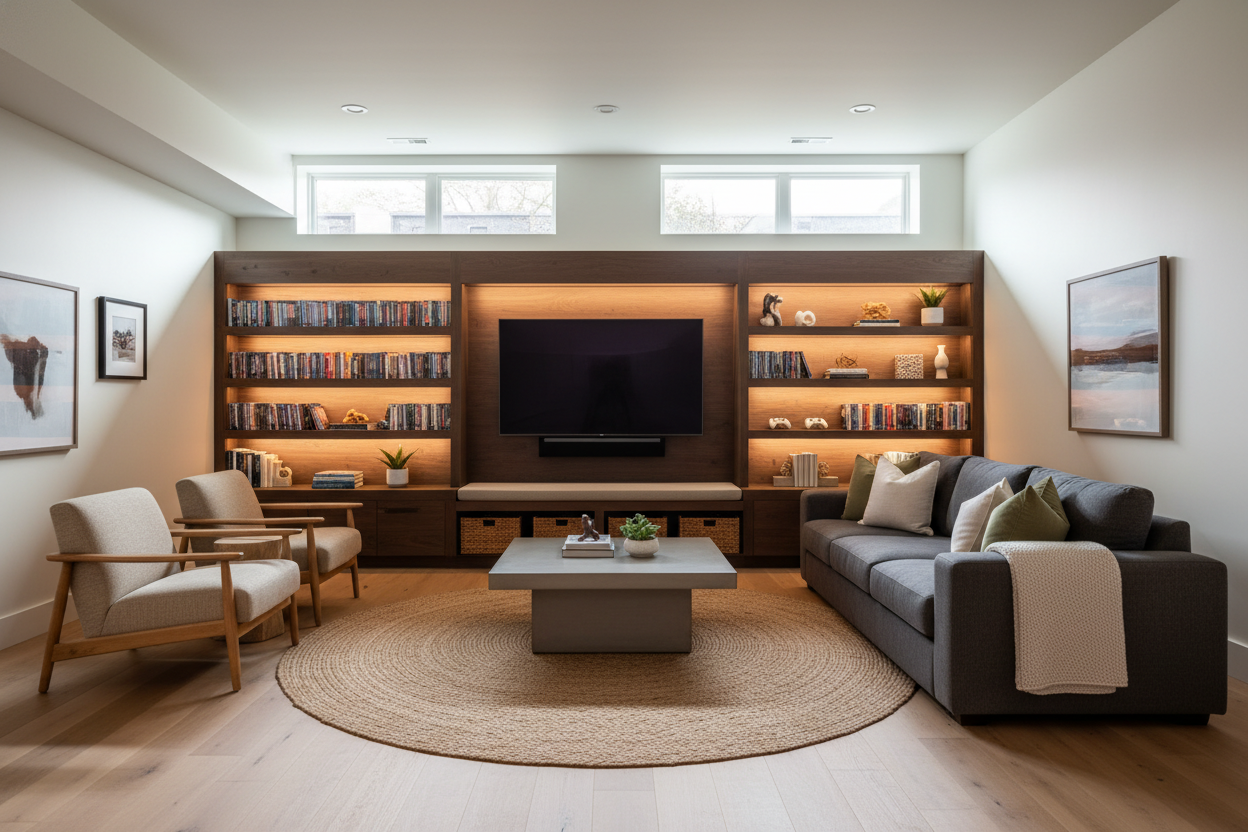
While wall-mounted tv stands look great in photos, the reality of installation is often messier. If you buy a cheap, glossy particleboard unit, it’s going to look like it belongs in a freshman dorm. Look for textures that add weight to the room—think fluted wood, matte finishes, or even a tv stand with led strips that provide a soft glow. The lighting helps the unit feel integrated into the architecture rather than just stuck on the wall.
Once it's up, don't clutter the top with every remote and game controller you own. You need to style for a high-end look by using a few intentional objects—a heavy ceramic bowl or a single stack of books—to anchor the visual weight.
When to Put the Drill Down and Surrender
I’ve lived in apartments where the 'walls' were basically paper and metal studs. In those cases, trying to hang a heavy console is a fool's errand. I once saw a 60-inch unit rip a chunk of drywall out because the owner trusted 'heavy-duty' anchors instead of finding a stud.
If you're a renter or your walls are sketchy, there is no shame in a classic stand for tv. You can still get that minimalist look without losing your security deposit or your electronics. Sometimes, the best design choice is knowing when the structure says no.
Is a wall mounted tv stand worth it?
Yes, if you have a small room. It opens up floor space and makes the whole area feel larger. Just be ready for the installation work.
Can I mount a TV stand on my own?
Technically yes, but you’ll regret it. You need one person to hold the level and another to mark the studs. Don't wing it.
How much weight can they actually hold?
Most are rated for 50-80 lbs, but that depends entirely on your wall. If you only hit one stud, cut that weight limit in half.

Leave a comment
This site is protected by hCaptcha and the hCaptcha Privacy Policy and Terms of Service apply.