

















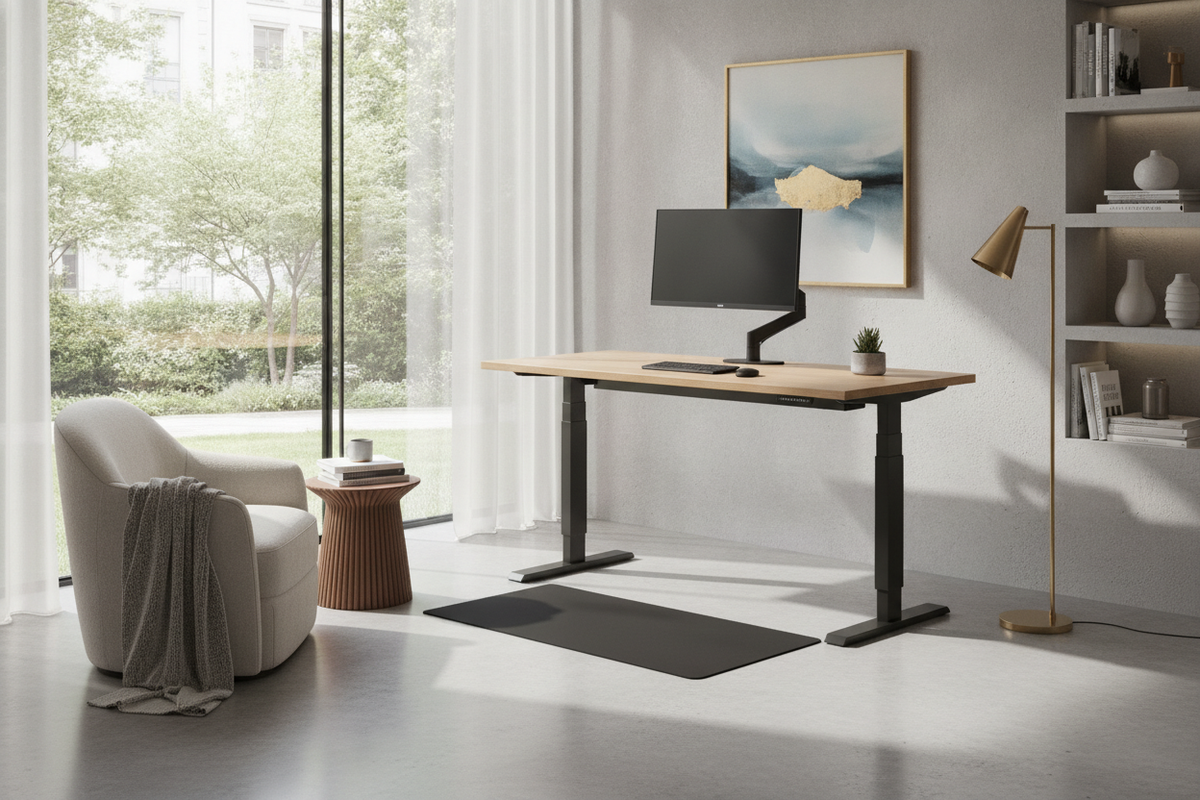
Understanding the Modernchamp Standing Desk Concept
Creating an effective workspace requires furniture that responds to modern daily routines while maintaining visual harmony within the home. When exploring a modernchamp standing desk, users typically seek a workstation that combines contemporary styling with steady height-adjustable capability. Modern adjustable desks are designed to facilitate smooth transitions between sitting and standing postures throughout the working day, helping eliminate static arrangements that feel rigid or uncomfortable.
A well-planned setup relies on more than just an adjustable frame; it requires careful coordination of the work surface, underframe geometry, and storage elements. Consulting a comprehensive standing desk resource can help contextualize how different tabletop finishes and lift profiles integrate into everyday floor plans. Rather than viewing an adjustable workstation merely as technical equipment, treating it as an anchor piece within an interior design scheme ensures the room remains cohesive, calm, and practical.
Dimensional Categories: Surface Width, Depth, and Ergonomic Reach
Choosing appropriate tabletop dimensions requires balancing spatial constraints with daily workflow requirements. Worksurfaces generally fall into distinct size categories, each serving specific equipment layouts and functional habits:
- Compact surfaces: Well-suited for secondary corners, multi-use alcoves, or laptop-only setups where floor area is limited.
- Mid-sized surfaces: Offer sufficient depth and width for a standard external display, separate keyboard, and desk pad without crowding personal items.
- Expanded surfaces: Provide broad footprints designed to accommodate multi-screen configurations, reference documents, task lighting, and desktop audio equipment simultaneously.
Beyond lateral width, surface depth plays an essential role in visual comfort and reach zones. Desktops with generous depth allow monitors to sit further back, leaving comfortable forearm clearance and keeping frequently referenced items within natural arm sweep. Reviewing an aesthetic standing desk guide offers helpful perspectives on balancing generous tabletop surface area against overall room proportion so the workstation never overpowers surrounding furnishings.
Frame Architecture, Lifting Mechanics, and Stability Under Motion
The foundation of any motorized or manual adjustable workstation is its frame architecture. Height-adjustable desks generally employ telescoping leg columns paired with horizontal support crossbars that mount directly beneath the tabletop. As the desk rises to standing heights, the leverage exerted against the floor increases, making structural rigidity particularly important.
Several construction details influence how steady a desk remains during typing and vertical transitions:
- Column orientation: Multi-stage lift columns with broad base footprints help distribute kinetic energy evenly across the bottom plates.
- Under-desktop crossbeams: Sturdy upper framing ties the two lift columns together, preventing lateral flex when heavier desktop equipment is shifted.
- Adjustable leveling feet: Threaded glides at the base of each foot allow fine-tuning on uneven flooring or area rugs, which is critical for eliminating wobble.
Ensuring that desktop weight is distributed centrally rather than heavily concentrated along one edge helps lifting mechanisms operate smoothly over extended daily use.
Storage Architecture: Integrating Drawers, Side Cabinets, and Pegboards
One common challenge associated with height-adjustable surfaces is the management of storage. Traditional executive desks rely on fixed pedestal drawers to house files, stationery, and hardware accessories. With an adjustable desk, storage must be planned so it either travels with the moving surface or remains safely stationary below without obstructing travel ranges.
For rooms that demand substantial utility alongside sit-stand versatility, an L-shaped workstation or integrated configuration—such as an adaptable standing desk product—provides dedicated side cabinetry and drawer pedestals alongside the dynamic work tier. Alternatively, vertical pegboards and slim suspended drawers mounted directly beneath the desktop allow essential work tools to travel upward with the user, keeping immediate surfaces uncluttered.
Room Fit and Spatial Layouts: Positioning for Movement and Flow
Integrating a sit-stand workstation requires evaluating dynamic clearances rather than merely static floor footprints. When a desk transitions to standing height, surrounding architectural elements—such as low window sills, hanging wall art, floating shelving, and window drapery—can become physical obstacles if not planned for in advance.
Careful positioning also preserves natural circulation pathways through the room. Consulting a practical standing desk guide can help identify potential spatial missteps, such as placing the desk too close to door swings or directly backing into narrow walkways where an elevated desktop creates visual bulk. Positioning the desk perpendicular to natural light sources often helps reduce screen glare while allowing ample breathing room for task chairs and anti-fatigue floor mats.
Cable Management, Assembly Considerations, and Everyday Maintenance
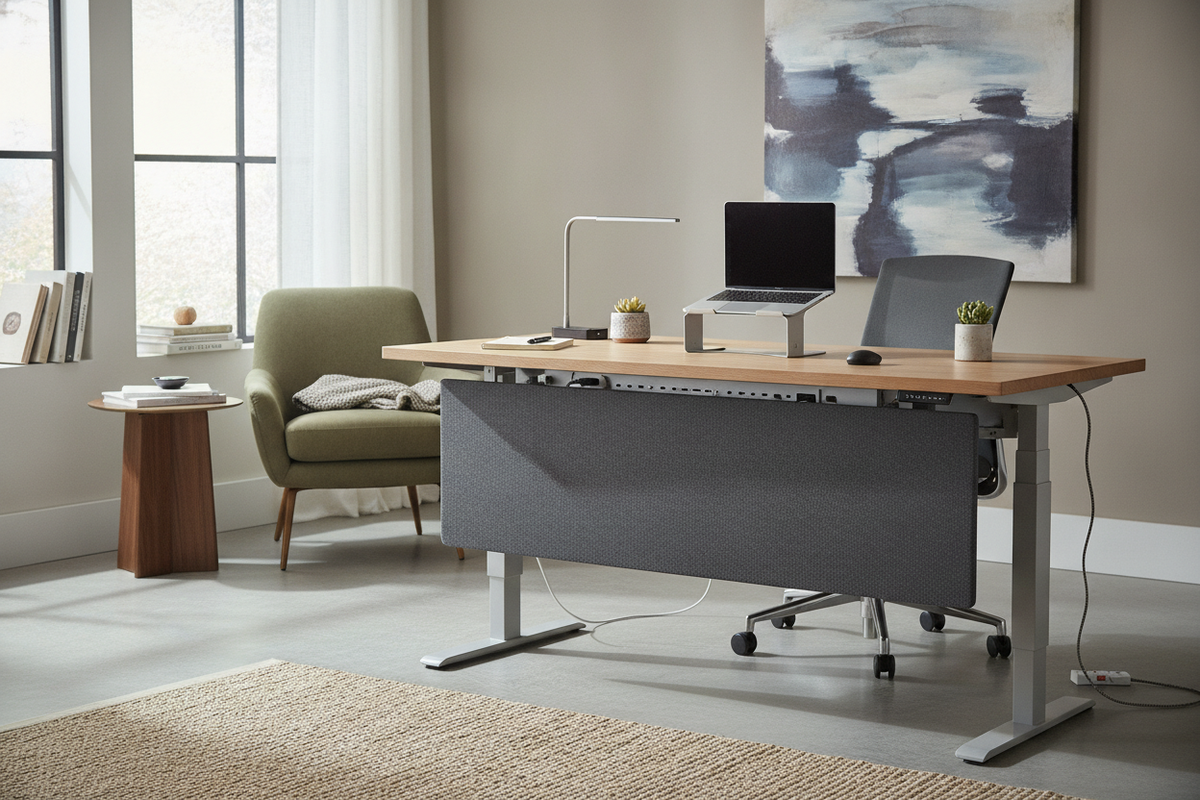
Reliable cable routing is central to the long-term functionality of an adjustable workstation. Because the desktop travels between different elevations, all power leads, display connections, and peripheral cords require sufficient slack at the lowest and highest positions. Gathering cords into flexible wire management raceways or under-desk trays prevents snagging against structural framing during motion.
During assembly, taking time to fasten all frame hardware squarely before fully tightening bolts ensures proper column alignment. Everyday maintenance involves wiping down laminated or wooden surfaces with dry or lightly damp microfiber cloths, avoiding abrasive chemical cleaners that could degrade protective topcoats, and periodically checking base leveling glides to keep the modernchamp standing desk stable and secure over years of active use.

Leave a comment
This site is protected by hCaptcha and the hCaptcha Privacy Policy and Terms of Service apply.