

















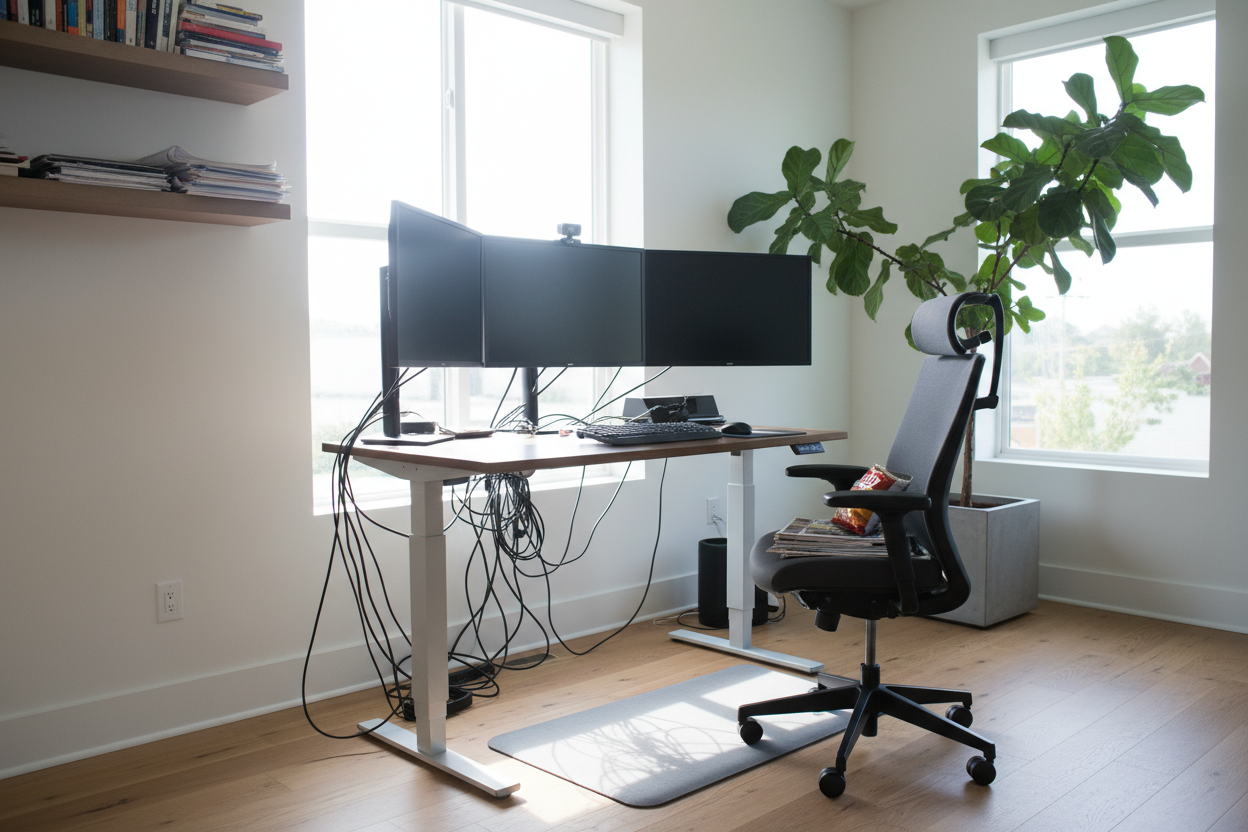
We have all seen it: a beautifully curated living space that abruptly ends at a chaotic, wire-tangled corner resembling a corporate IT closet. Designing a functional workspace at home often feels like a compromise between spinal health and interior aesthetics. You want the ergonomic benefits, but you do not want a bulky motorized table ruining your room's carefully planned visual flow.
Creating a balanced home office setup with standing desk requires more than just ordering the highest-rated frame online. It is about integrating a heavy, kinetic piece of furniture into a residential setting gracefully. By the end of this guide, you will know exactly how to scale, position, and style an adjustable desk so it feels like a deliberate design choice rather than an afterthought.
Quick Decision Guide
- Depth matters most: A 24-inch deep desk works for laptops, but you need at least 30 inches of depth if you use dual monitors to avoid visual fatigue and eye strain.
- Mind the motor noise: Dual-motor frames lift smoother and quieter, which is crucial if you share a wall with a nursery or a sleeping partner.
- Plan for the highest position: Cables must be long enough to accommodate the desk at its maximum standing height without pulling your electronics off the surface.
- Soften the visual weight: Opt for solid wood or high-quality veneer tops rather than commercial-grade melamine to keep the room feeling like a home.
Nailing the Layout and Proportion
Adjustable desks are inherently top-heavy and visually dominant. When planning your standing desk home office setup, placement dictates whether the room feels expansive or cramped.
Clearance and Flow
Never shove a standing desk directly against a window if it faces south or west; the glare will render your screens unusable, and the desk's silhouette will block your natural light. Instead, position the desk perpendicular to the window. You need a minimum of 36 inches of clearance behind the desk for a chair to roll out comfortably, but I recommend 42 inches if the desk is placed in a high-traffic area like a living room alcove.
The Mechanics of Comfort
A sit-stand desk only works if the surrounding ergonomics support it. Buying the desk is just step one.
Taming the Tech Clutter
Nothing kills a room's aesthetic faster than a waterfall of black cords. Because the desk moves, standard cable management does not apply. You need a flexible cable snake or a mounted under-desk tray. Mount your power strip directly to the underside of the desktop. This way, only one thick power cord drops to the wall outlet, moving cleanly with the desk as it rises and falls.
Banishing the Corporate Cubicle Look
The biggest challenge with ergonomic furniture is its inherently sterile, commercial appearance. To counter this, we need to introduce warmth and texture.
Layering and Styling
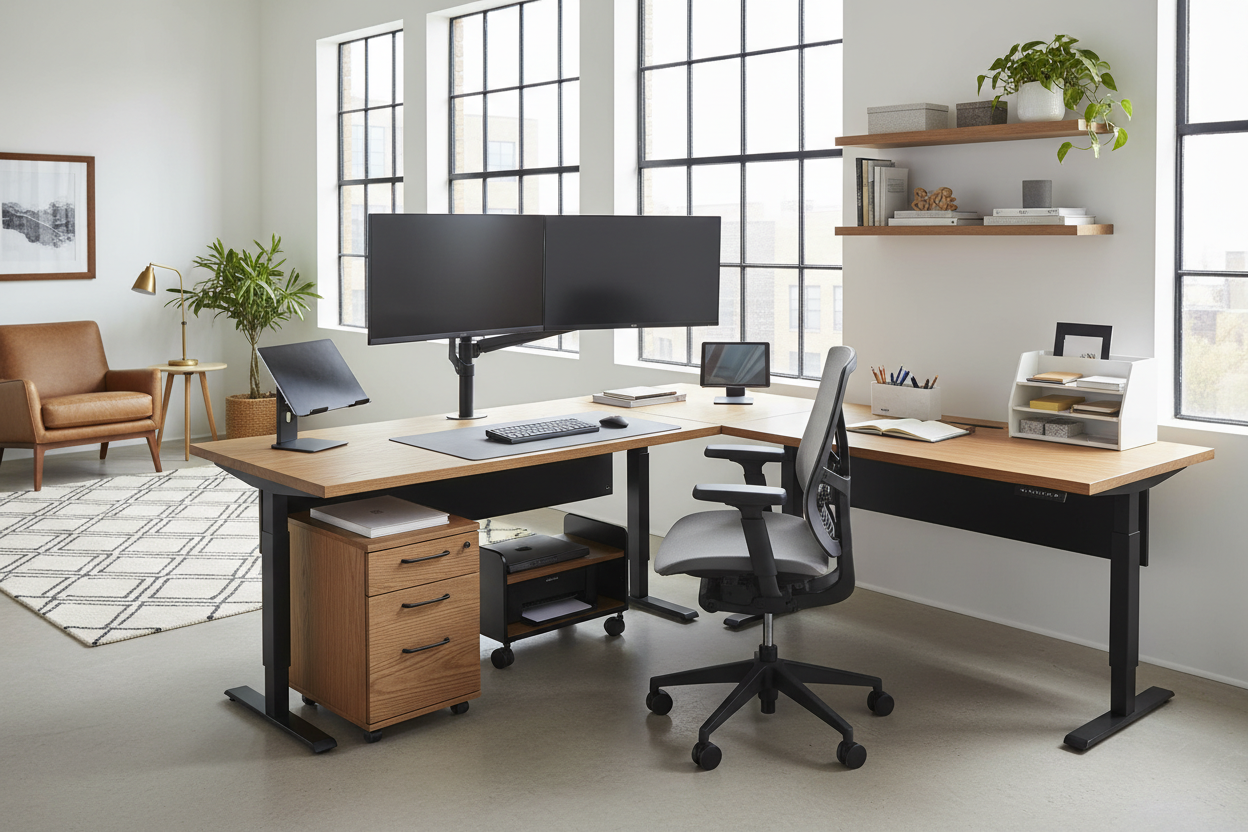
Offset the hard lines of metal legs and monitors with organic shapes. A vintage Persian rug or a textured wool runner under the desk anchors the space and hides anti-fatigue mats. Swap out the standard black plastic office chair for an upholstered ergonomic chair in a warm tweed or cognac leather. Introduce a tall potted olive tree or a trailing pothos nearby to soften the harsh edges of your monitors and bring life to the negative space.
Designer's Honest Take
I learned a hard lesson about motorized desks a few years ago while designing a mid-century inspired study in Portland. My client insisted on a massive 72-inch matte black standing desk. Technically, it fit the floor plan. But once we loaded it with dual 32-inch monitors and raised it to standing height, it completely swallowed the room. It looked like a monolith.
The matte black finish was another nightmare—every single fingerprint, speck of dust, and coffee cup ring showed up instantly. We ended up swapping the top for a warm walnut veneer with a chamfered edge, which immediately reduced the visual bulk. The takeaway? Just because a massive desk fits your floor plan does not mean it fits the room's proportions. Always tape out the dimensions on the floor, and physically hold a tape measure at your standing elbow height to see how much vertical space the desk will consume.
Frequently Asked Questions
How deep should a standing desk be?
For a laptop and a notebook, 24 inches is sufficient. If you use external monitors, aim for a minimum of 30 inches. This provides enough focal distance to prevent eye strain and leaves room for a keyboard tray.
Can I put a standing desk on a rug or carpet?
Yes, but stability can be an issue at maximum height. If you have high-pile carpet, consider a desk with a wider base or heavier steel feet to prevent wobbling when typing.
How do I hide cables on a desk that moves?
Mount a surge protector to the underside of the desktop. Plug all your monitors and chargers into that mounted strip, then route the single surge protector cord down the desk leg using a flexible cable sleeve.

Leave a comment
This site is protected by hCaptcha and the hCaptcha Privacy Policy and Terms of Service apply.