

















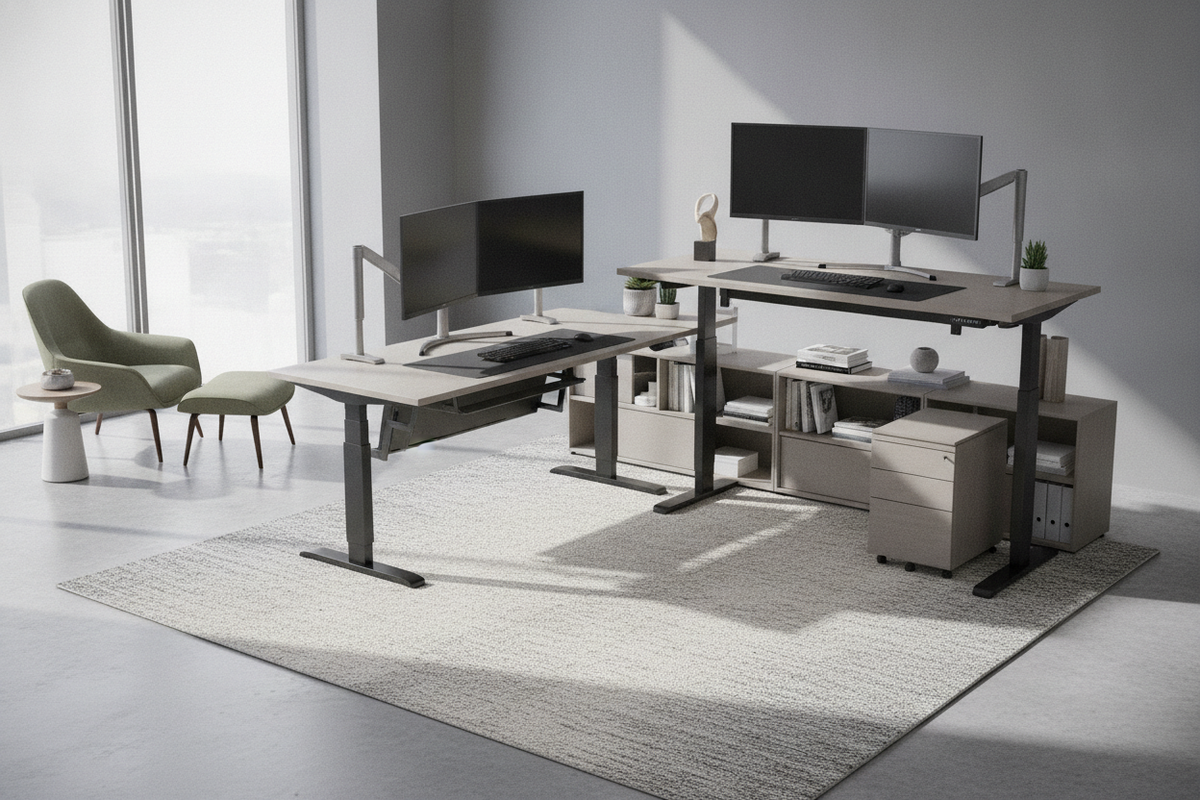
Understanding the Structural Anatomy of an L-Shaped Sit-Stand Desk
An adjustable desk l-shape configuration expands usable workspace by bridging two intersecting surfaces across a single lifting system. Unlike standard rectangular workstations, an l shaped sit stand desk relies on multi-leg motorized support columns synchronized through a centralized control box. This mechanical architecture ensures that lifting power remains distributed across both the main desktop and the adjoining return wing.
Corner frame integrity depends on specialized under-desk reinforcement brackets, crossbars, and precision gearboxes inside each column. Because the primary work surface often holds heavy computing hardware while the return surface handles peripheral gear or paperwork, the lifting columns must handle distributed weight without binding or tilting. Modern multi-leg frames incorporate sensitive anti-collision sensors to pause travel if either wing encounters an obstacle during height transitions.
Wing Sizing and Surface Geometry: Symmetrical vs. Asymmetrical Configurations
Choosing the right desktop geometry shapes how effectively you can zone your workflow. Desktop layouts generally fall into two categories:
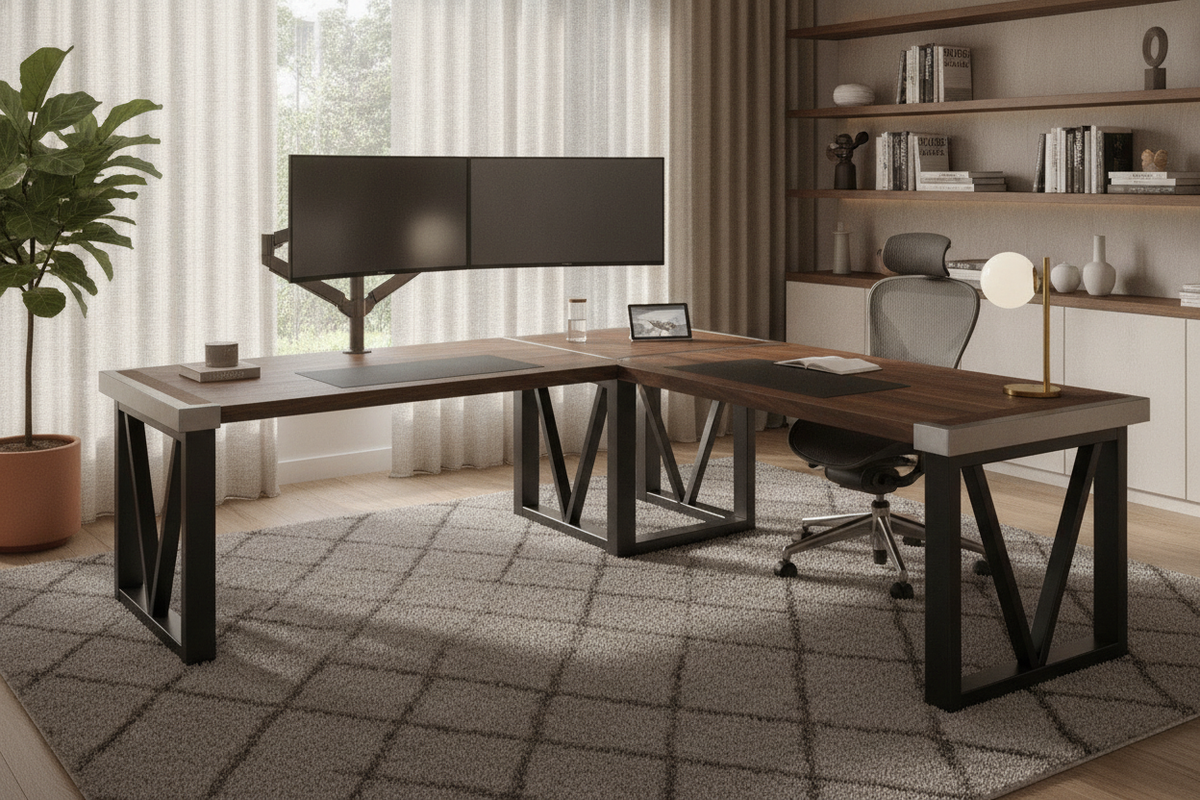
- Symmetric Layouts: Both wings share equal length and depth. This layout suits spacious corner offices where a user frequently shifts between twin multi-monitor setups or divides time equally between digital tasks and physical drafting.
- Asymmetric Layouts: One dominant primary surface pairs with a narrower, shorter return wing. The main desk holds primary monitors and input devices, while the return provides dedicated space for laptops, graphic tablets, printers, or document review.
- Reversible Return Frames: Many modern frame systems allow the return wing to mount on either the left or right side, offering long-term flexibility if you reconfigure your room layout later.
Room Fit, Corner Placement, and Vertical Clearance Planning
Positioning an L-shaped motorized desk requires careful spatial evaluation beyond simple floor measurements. When tucking a desk into a room corner, maintain a slight perimeter gap between the desktop edges and surrounding drywall. Because motorized legs can experience minor lateral shifts during elevation, an intentional gap prevents scuffing walls or snagging baseboards.
Vertical clearance requires equal vigilance. Check for architectural intrusions such as low window sills, hanging wall art, mounted shelves, and power outlet faceplates throughout the desk's entire range of travel. If desktop real estate becomes constrained by heavy display arrays, consulting a desk stand guide can help you evaluate alternative mounting and display arrangements to keep the primary surface open.
Integrating Storage with Height-Adjustable L-Shaped Desks
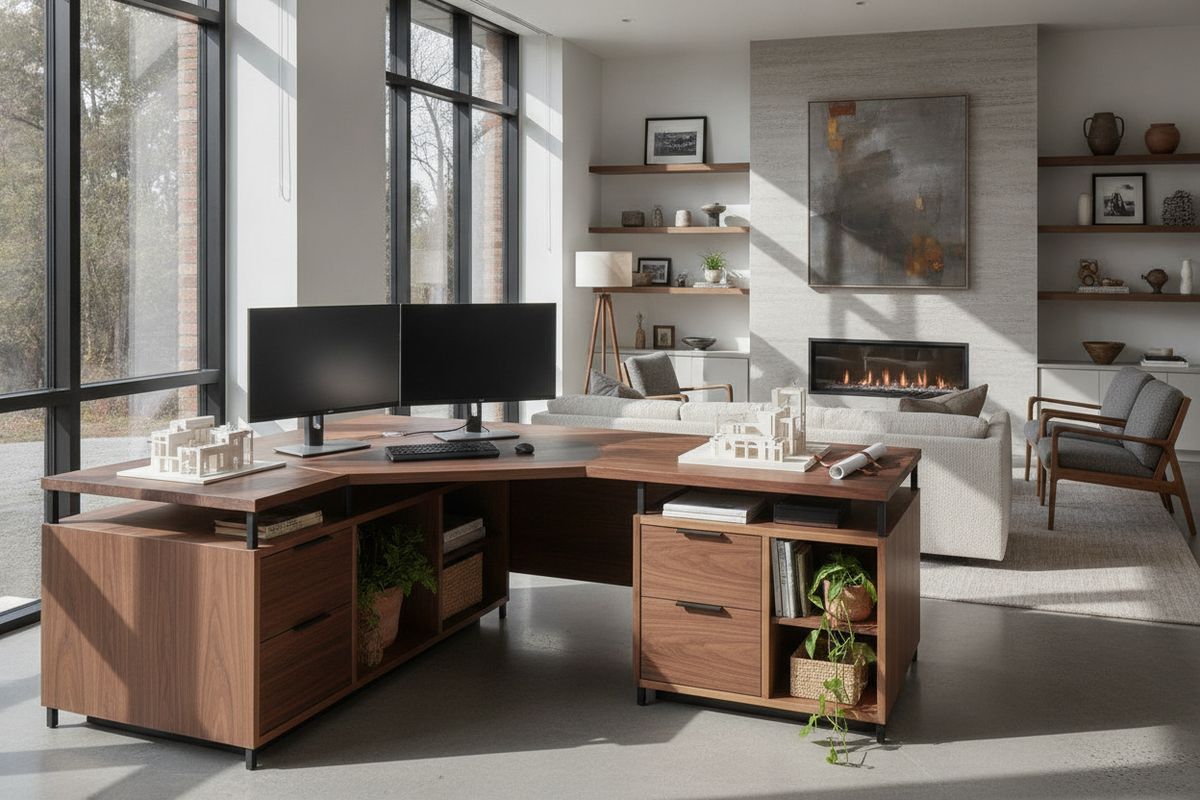
Storage integration around sit-stand furniture requires thoughtful physical decoupling so that movement remains unobstructed. Traditional fixed pedestal drawers attached under a conventional desk can cause mechanical interference or exceed column weight distributions on a height-adjustable system.
- Under-Desk Suspended Accessories: Lightweight pencil drawers and under-desk laptop trays mounted directly beneath the desktop frame travel smoothly with the user during sit-stand adjustments.
- Freestanding Mobile Pedestals: Rolling drawer units positioned under the return wing should maintain clearance below the desk's lowest programmed height to avoid crushing hazards during downward travel.
- Perimeter Modular Cabinetry: Pairing your desk with an adjustable collection of perimeter shelving allows you to store heavy books, archives, and reference materials on stationary walls without loading the motorized frame.
Dynamic Cable Architecture and Power Management Across Dual Wings
Routing cables across an L-shaped adjustable desk involves dynamic slack management across two perpendicular planes. Because sit-stand desks move vertically, cables feeding down to wall outlets must flex freely without catching on frame brackets or corner legs.
Mounting a master surge protector directly to the underside of the main desk junction allows you to route monitor, computer, and peripheral cables into a centralized under-desk cable tray. A single flexible cable spine or articulation track can then guide the main power line down to the wall outlet. Using an ergonomic workstation with smooth height controls, such as a sit stand desk product, ensures that pre-set standing and sitting heights preserve consistent cord slack without accidental disconnects.
Assembly Alignment, Leveling Calibration, and Workflow Task Zoning
Assembling an L-shaped sit-stand frame requires methodical squaring and leveling. Begin by loosely fastening the under-frame support rails and corner connecting plates before tightening hardware, ensuring the joint between the two desktop sections sits flush without uneven seams.
Once positioned in your workspace, adjust every leveling glide beneath the three or more support feet. A properly leveled base prevents frame wobble, reduces motor strain, and maintains smooth travel. Finally, establish distinct task zones: position your primary focal screen and keyboard on the main wing, and reserve the return wing for secondary peripherals, analog notebooks, or conferencing equipment to maintain an organized, productive environment throughout the workday.

Leave a comment
This site is protected by hCaptcha and the hCaptcha Privacy Policy and Terms of Service apply.