

















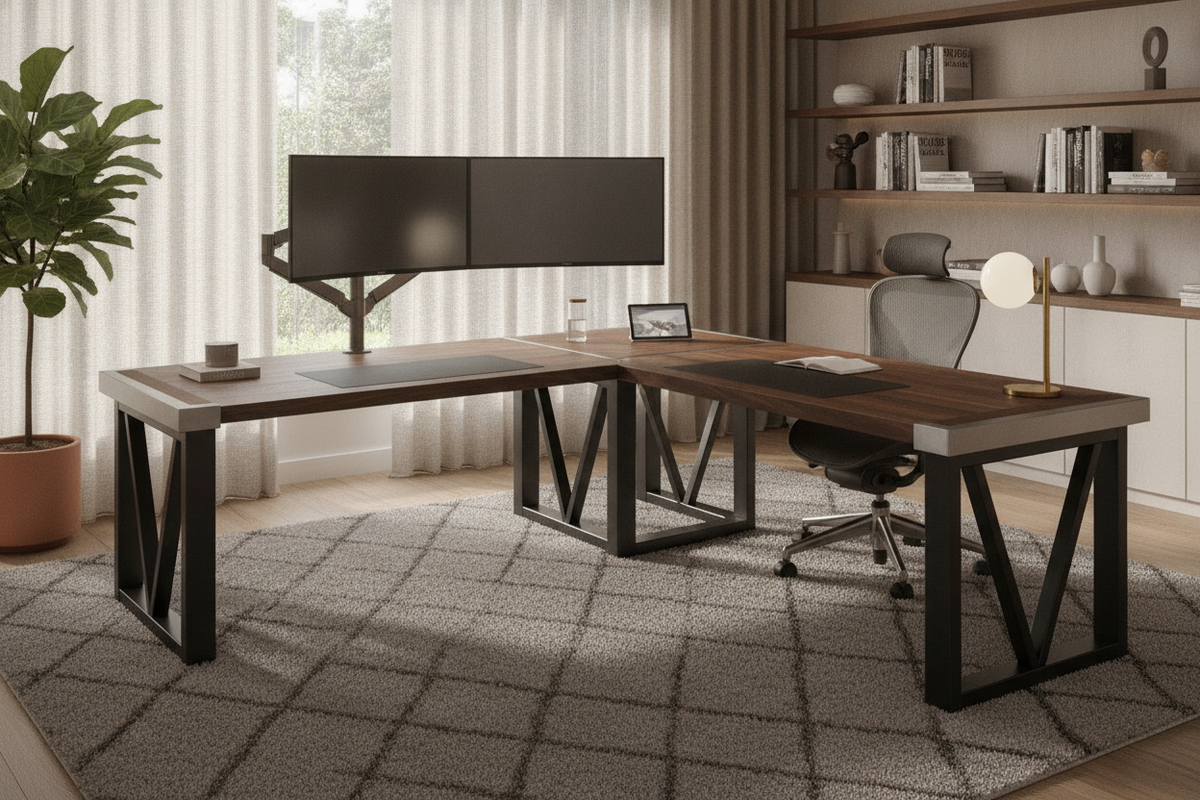
Finding a sturdy l-shaped desk requires looking beyond surface aesthetics to evaluate the underlying engineering. Because corner workstations span two perpendicular planes, they face unique rotational stresses, center deflection risks, and joint flex that single-slab desks do not encounter. Whether you are outfitting a dual-monitor creative studio or a high-traffic gaming corner, selecting a truly heavy duty l-shaped desk means prioritizing frame geometry, dense core materials, and balanced structural anchor points.
The Anatomy of Desk Rigidity: What Makes an L-Shaped Desk Truly Sturdy?
Structural rigidity in a corner desk stems from how well the frame dissipates downward force and resists lateral shearing. When evaluating an l-shaped desk heavy duty build, the interaction between longitudinal support beams and corner joinery dictates whether the desk remains rock-solid or develops a distracting wobble over time.
Core Structural Components: Steel Gauges, Triangular Bracing, and Under-Top Rails
A reliable workstation relies on continuous perimeter framing rather than isolated legs attached directly to the desktop substrate. Box-section steel legs connected by under-top longitudinal rails distribute equipment weight across the entire footprint. Triangular corner gussets welded at critical 90-degree junctions prevent horizontal racking when you lean against the worktop. These foundational concepts mirror broader heavy-duty structural design principles where multi-point load transfer ensures enduring stability under dynamic daily use.
Corner Junction Integrity: Fixed Corner Legs vs. Cantilevered Beams
The interior corner represents the primary pivot point of any corner workstation. Manufacturers address this junction through two primary configurations:
- Fixed Corner Support Leg: A dedicated upright post positioned at the inner apex provides immediate vertical ground support, virtually eliminating center sag at the cost of slightly reduced swivel clearance for your chair.
- Cantilevered Bridge Beams: Heavy-gauge reinforced horizontal trusses bridge the two desktop sections without an interior post, maximizing uninterrupted legroom while relying on robust outer diagonal cross-bracing to prevent joint dipping.
Selecting Frame Materials and Desktop Substrates for Maximum Durability
A sturdy l desk pairs a stiff metal subframe with a high-density work surface capable of holding monitor arms, heavy desktop towers, and mounted accessories without cracking or bowing.
Desktop Thickness and Core Density: Solid Wood vs. High-Grade Engineered Composites
Desktop longevity depends heavily on the internal substrate. Dense engineered wood cores bonded with thermoset melamine laminates provide excellent resistance to localized deflection, surface scratches, and edge chipping. Solid hardwood tops offer substantial mass and superior screw retention for under-desk cable trays and brackets, though they require stable ambient humidity to avoid warping along the seam line.
Reinforced Powder-Coated Metal Bases and Cross-Member Architecture
Tubular steel legs finished with durable powder coating protect against impacts and corrosion while providing the rigid skeleton needed for heavy hardware. Cross-member architecture—such as rear modesty panels, lower lateral tie bars, or diagonal tension rods—counteracts the side-to-side sway common in minimalist hairpin or open-loop leg designs.
Ergonomic Synergy: Pairing a Sturdy L Desk with the Right Task Chair
A heavy-duty desk performs best when paired with seating that matches its geometry. Ergonomic mobility allows you to navigate between perpendicular work zones smoothly without striking structural frame components.
Navigating the Inner Apex: Swivel Radii and Armrest Clearances
When selecting an l shaped desk chair, pay close attention to the width of the chair base and the height-adjustability of the armrests. Choosing a chair with a compact five-star caster base and 3D or 4D adjustable armrests allows you to pivot from the primary typing zone to the secondary wing without scraping the underside of the desk frame. Reviewing practical ergonomic desk chair pairing strategies can help you identify seating dimensions that maintain natural posture without restricting movement inside corner layouts.
Seat Base Stability on Hard Floors vs. Carpeting
The interaction between chair casters and floor surfaces directly impacts how forces are applied to your desk. On plush carpeting, high-friction casters can cause users to pull aggressively against the desk edge to reposition themselves, placing unnecessary lateral torque on the frame. Matching soft polyurethane rollerblade wheels to hard surfaces or pairing wide nylon dual-wheel casters with low-pile floor mats preserves smooth glide and protects desk joints from repetitive tugging forces.
Spatial Planning and Weight Distribution Across Dual Work Wings
Proper weight distribution keeps your desk balanced and prevents uneven stress on joints and leveling glides across wide surface spans.
Primary Screen Zone vs. Auxiliary Peripheral Wing
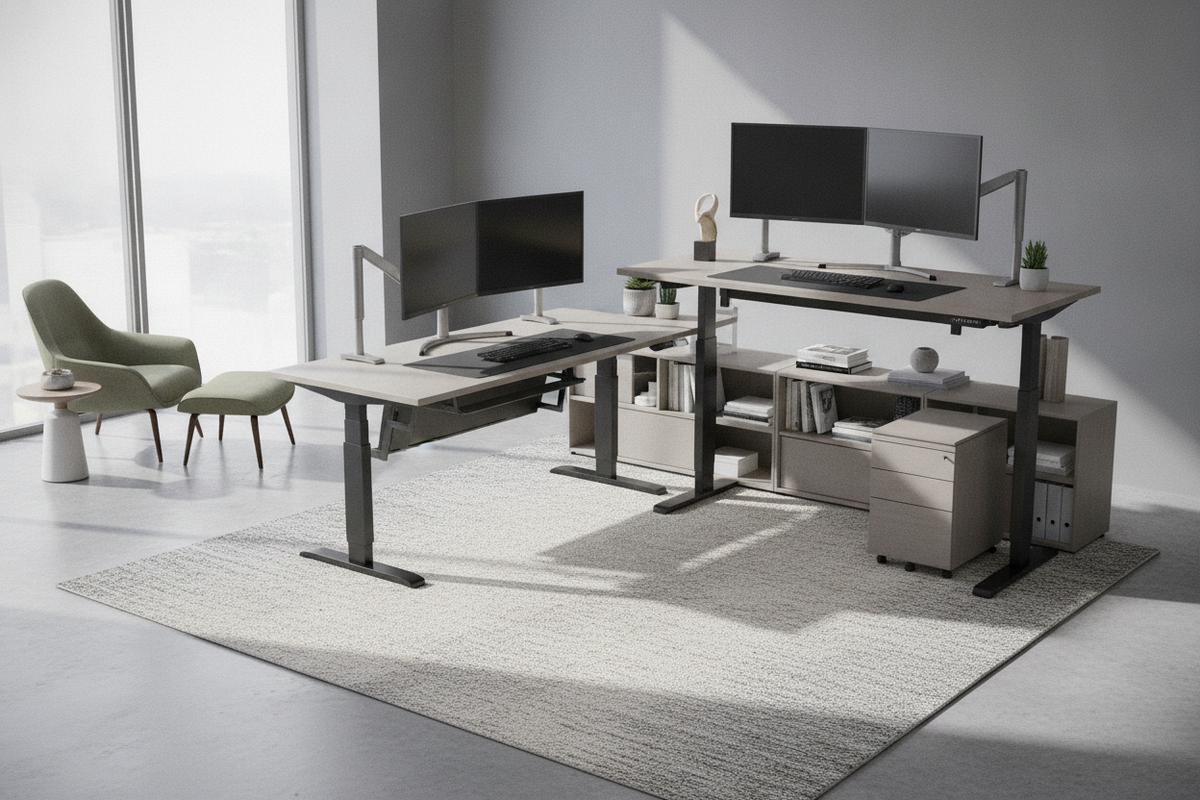
In standard corner setups, positioning multi-monitor arrays and clamped display arms along the primary reinforced wing directly above the main longitudinal frame rails reduces flex. Dedicated corner L-shaped desk configurations provide expansive surface real estate, allowing you to dedicate the return wing to lighter peripherals, writing areas, or reference materials. For smaller secondary rooms where expansive dual-wing footprints are impractical, choosing streamlined compact writing desk formats can offer dedicated single-plane support while preserving open floor area.
Integrated Storage Foundations: Drawers and Shelving as Structural Anchors
Many heavy-duty desks integrate pedestal drawer units, open shelving cubbies, or CPU platforms into the frame architecture. Beyond organizing office supplies, these lower-tier storage modules act as rigid structural anchors, broadening the desk's ground contact footprint and dampening vibrational resonance from typing and computer cooling fans.
Assembly, Leveling, and Long-Term Stability Maintenance
Even the most robustly engineered workstation will wobble if assembled carelessly or placed on an uneven floor plane. Following a disciplined setup procedure ensures lasting stability.
Leveling Foot Calibration on Uneven Floors
Flooring irregularities are the most common cause of corner workstation instability. Quality L-shaped desks feature micro-adjustable leveling glides under each leg contact point. Adjust each glide systematically with a spirit level placed across both wings to eliminate uneven gaps and distribute the desk's physical weight uniformly across every contact point.
Fastener Torquing and Periodic Joint Maintenance
During initial assembly, hand-tighten all bolts partially until the entire frame and desktop sections are aligned, then torque all fasteners firmly in an alternating diagonal pattern. Performing a quick periodic inspection to re-tighten structural bolts, cam locks, and corner bracket screws ensures that everyday shifts and vibrations do not loosen joint connections over years of productive use.

Leave a comment
This site is protected by hCaptcha and the hCaptcha Privacy Policy and Terms of Service apply.