

















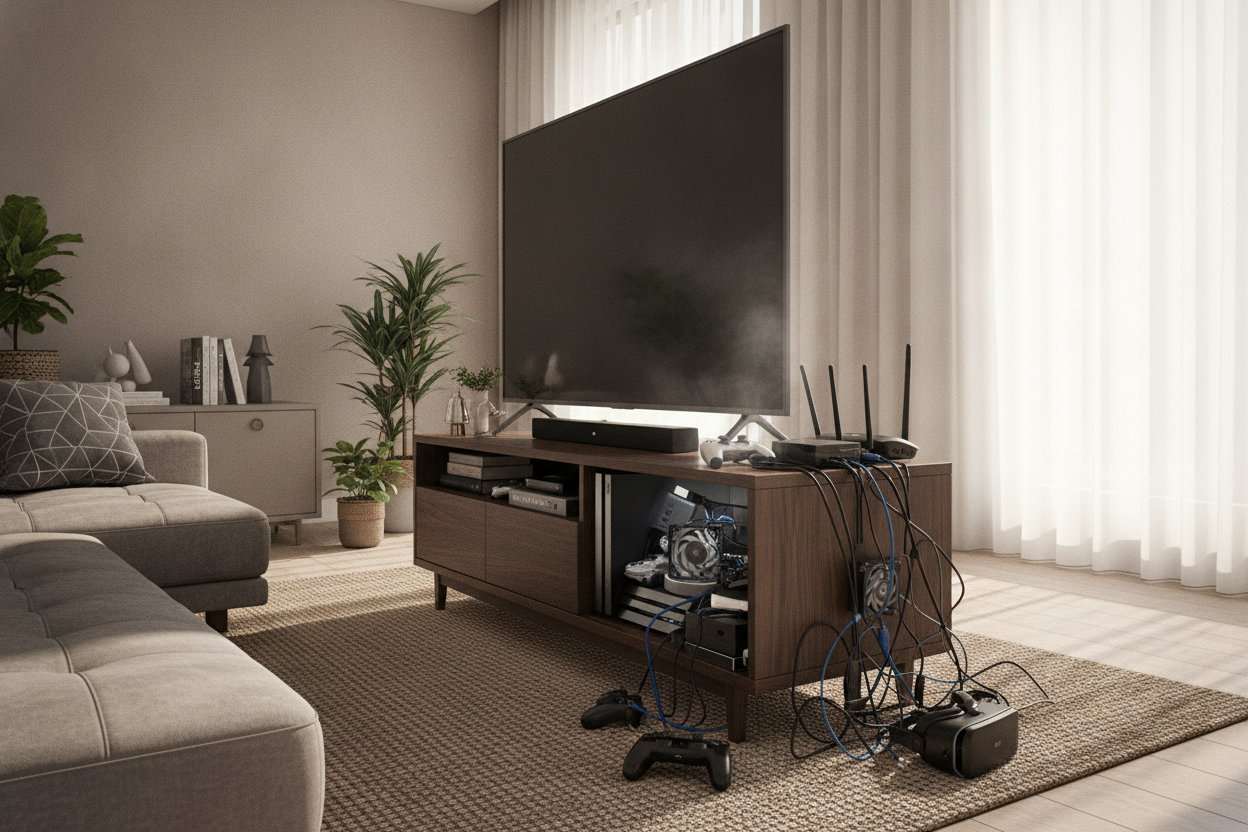
I remember the first time I loaded up The Last of Us Part II. Within ten minutes, my living room went from a quiet sanctuary to sounding like a Boeing 747 was taxiing for takeoff. I actually paused the game, worried my console was about to melt into a puddle of black plastic. It wasn't a hardware failure; it was a furniture failure.
If you are still rocking a tv stand for ps4 that was designed before the era of high-performance gaming, you are basically suffocating your tech. The PlayStation 4 is notorious for its cooling fans, which work overtime the second they can’t find fresh air. Choosing the right piece of furniture isn't just about aesthetics—it is about keeping your hardware from an early grave.
- Prioritize at least 3 inches of clearance on all sides of the console.
- Opt for open-back designs or units with pre-drilled cable management holes.
- Avoid glass-door cabinets unless you plan on leaving them open during gameplay.
- Use drawers to hide the clutter of controllers and charging cables.
The 'Jet Engine' Phenomenon (And Why Your Furniture is to Blame)
We’ve all been there. You are trying to enjoy a cinematic moment, and the ps4 tv stand you bought on clearance is vibrating from the sheer force of the internal fans. The PS4 pulls air in from the sides and blasts it out the back. If that hot air hits a solid wood back panel and has nowhere to go, the console just sucks it back in.
It is a vicious cycle of heat. An aging PS4 already has years of dust buildup on the heat sink. When you trap it in a tight cubby, you are forcing those small fans to spin at maximum RPM just to keep the processor from hitting 90 degrees Celsius. It is loud, it is distracting, and it is completely avoidable with the right setup.
Open Shelving vs. Closed Cabinets: The Great Ventilation Debate
I’ve tested both, and the results are clear. Open shelving is the undisputed king of thermals. A wide tv stand entertainment stand with adjustable shelves allows you to customize the height so your console has breathing room. I usually leave at least four inches of vertical space above the unit to let the heat dissipate upward.
The downside? Dust. Open shelves are magnets for it, and dust is the natural enemy of the PS4’s intake vents. If you absolutely hate cleaning, look for a middle ground. Some modern units use mesh fronts or breathable back panels. If you go with a solid cabinet, make sure the back is either open or has substantial cutouts to prevent heat soak.
Why Cable Management is Non-Negotiable for Your Setup
The PS4 isn't exactly a wireless wonder. Between the thick power cable, the HDMI, the Ethernet cord, and the inevitable external hard drive, you have a literal nest of snakes behind your TV. It looks messy, and more importantly, a mass of tangled cords actually blocks the exhaust vents.
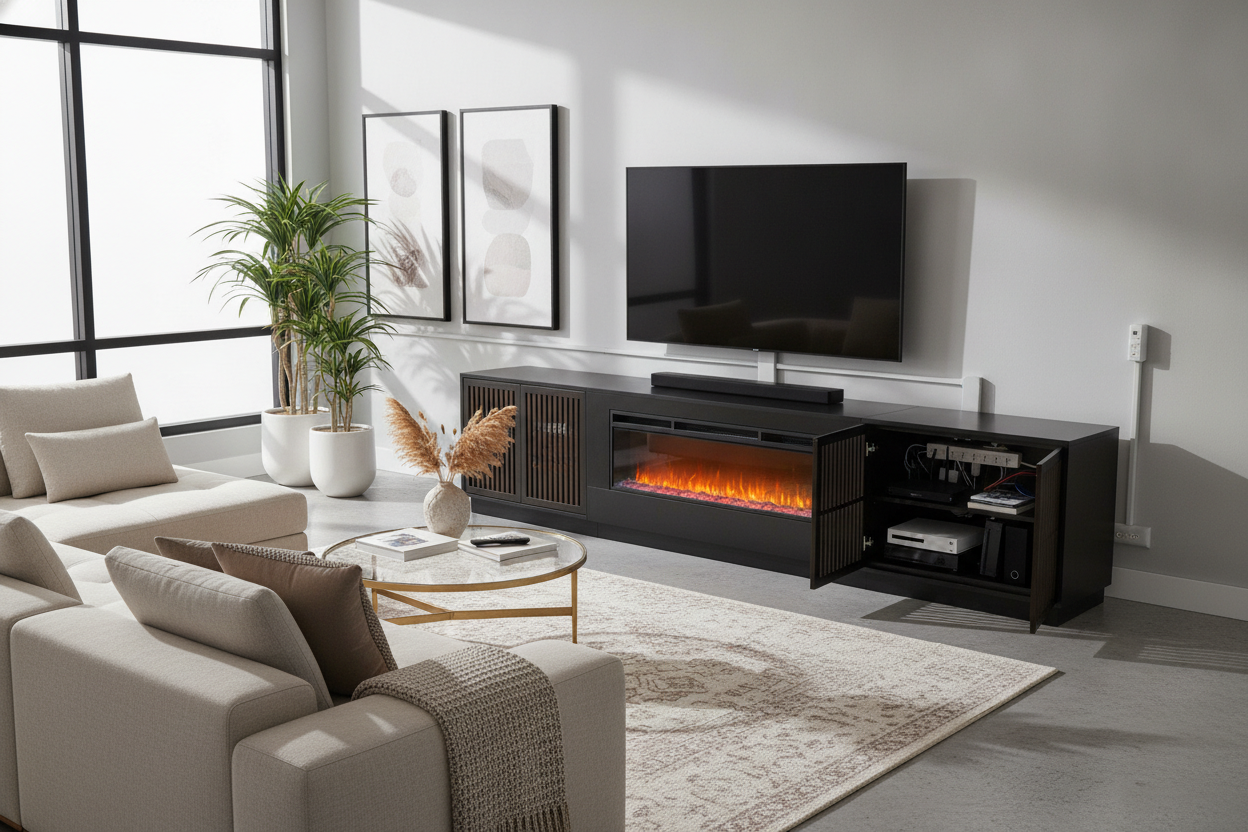
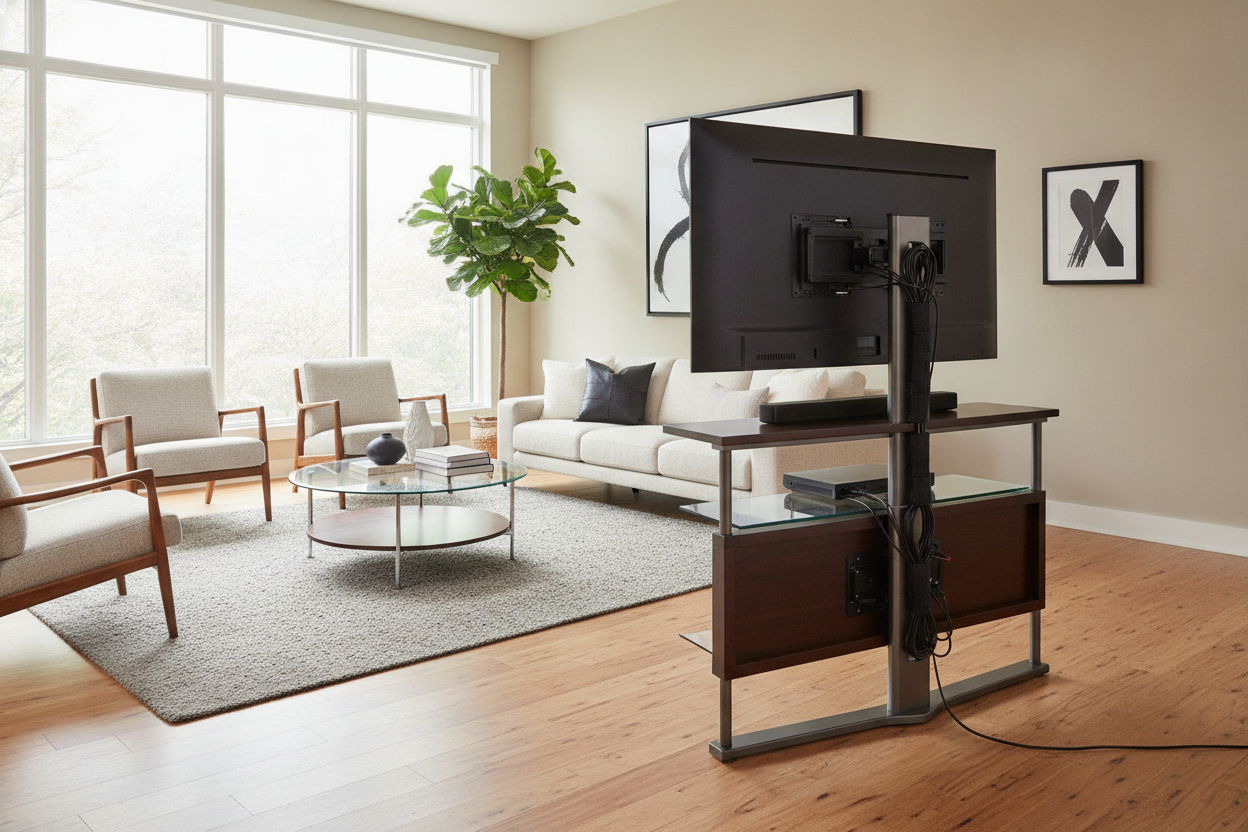
When shopping for a tv stand for ps4, look for integrated routing. A modern tv stand with cabinets and drawers is my personal favorite because I can shove the extra DualShock controllers and tangled charging wires into a drawer while the console sits on a dedicated, ventilated shelf. It keeps the tech look contained so your living room doesn't feel like a stockroom.
Moving the PS4 to the Bedroom? Read This First
Since the PS5 arrived, many of us have demoted the PS4 to the bedroom or a home office. This is where people make the biggest mistakes, usually by shoving the console onto a dresser or a nightstand that wasn't meant to hold heat-generating electronics. You don't need a massive entertainment center for a secondary setup.
Instead, look into compact tv stands that have a smaller footprint but still offer that crucial ventilation. A corner unit or a slim profile stand can tuck away into a small room without becoming the focal point. Just remember: even in a bedroom, the no-closed-cabinet rule applies unless you want to hear that fan whirring while you are trying to sleep.
How to Make Your Gaming Setup Look Like Grown-Up Furniture
Let’s be real: the PS4 is a matte black plastic slab. It doesn't exactly scream high design. To make it blend in, you have to balance the textures. I like to place a medium-sized indoor plant—something like a Snake Plant—on the opposite end of the stand. It breaks up the hard lines of the electronics and adds some life to the setup.
Stack a few coffee table books next to the console or use a decorative tray to hold your controllers. The goal is to make the tech look like an intentional part of the room rather than an afterthought. For more tips on blending tech and decor, check out our guide on choosing the perfect tv stand for style and function. A little styling goes a long way in making a gaming hub feel like a home.
My Personal Setup Disaster
A few years ago, I bought a gorgeous mid-century sideboard. It was solid walnut and had zero holes in the back. I thought I would just leave the door cracked when I played. I forgot exactly once during a four-hour session of Warzone. I smelled hot plastic before I heard the fan. When I opened the door, the air inside was like a sauna. I ended up having to take a hole saw to the back of an expensive piece of furniture. Buy something designed for electronics from the start.
FAQ
Does the PS4 need to stand vertically or horizontally?
It works both ways, but horizontal usually offers better stability and airflow unless you have a dedicated vertical stand with built-in vents. Just don't block the side intakes.
How much space does a PS4 need in a cabinet?
Give it at least 3 to 4 inches on all sides. If the back of the cabinet is solid, you are going to have heat issues regardless of the clearance.
Can I put my PS4 on carpet?
Never. Carpet traps heat and acts as a giant vacuum for dust and hair. Always use a hard surface like a proper TV stand.

Leave a comment
This site is protected by hCaptcha and the hCaptcha Privacy Policy and Terms of Service apply.