


















I spent three years shimmying sideways through my living room like I was navigating a laser-grid heist. The culprit wasn't my coffee table or my oversized sofa—it was a standard 18-inch-deep media console I bought because 'that’s just what they look like.' In a narrow apartment, those extra six inches of bulk are the difference between a functional walkway and a permanent bruise on your shin. Switching to a narrow stand for tv setups was the single best layout decision I ever made.
Quick Takeaways
- Standard 18-inch consoles are relics of the heavy CRT TV era; modern flat screens only need a fraction of that depth.
- A true shallow tv stand usually measures between 10 and 14 inches deep.
- Wall-anchoring is a safety requirement, not a suggestion, for any skinny entertainment center.
- You can still have storage; just look for height and 'flip-down' doors instead of deep drawers.
The 18-Inch Depth Lie (Why Standard Consoles Ruin Small Rooms)
Most furniture manufacturers are still building cabinets for TVs that haven't existed since 2005. Back when a 32-inch screen weighed 80 pounds and was two feet thick, you needed a massive footprint. Today, your 65-inch OLED is thinner than a deck of cards. Why are we still letting a bulky cabinet eat up 20% of our floor space?
When you swap a standard unit for a narrow tv console, the room instantly breathes. It opens up the 'traffic lane' between your seating and the screen. If you're currently squeezing past your furniture, a thin tv stand for living room layouts is the easiest fix. You don't need a renovation; you just need to stop over-allocating square footage to a piece of wood that’s mostly holding empty air and dust bunnies.
What Actually Counts as a 'Narrow' Stand?
In the furniture world, 'narrow' is a slippery term. To some, it means width, but for small-space dwellers, we’re talking about depth. A true narrow depth tv stand or shallow depth media console usually clocks in at 12 inches. I’ve seen some ultra-slim tv table options as thin as 10 inches, which is basically a deep shelf with legs.
Context matters here. A thin tv stand bedroom setup should be even shallower than your living room piece because bedroom walkways are notoriously tight. If you’re looking at a narrow tv stand for small spaces, grab a roll of painter's tape and mark 12 inches out from your wall. It’s shocking how much floor you get back compared to the 18 or 20-inch behemoths sold at big-box stores.
But Will My Massive Screen Tip Over?
This is the first thing everyone asks: 'Is my 65-inch screen going to face-plant on the rug?' It’s a valid fear. A skinny tv stand has a higher center of gravity and a smaller footprint. If you have kids, pets, or a particularly chaotic robot vacuum, stability is everything. This is why a narrow base tv stand often requires a bit more intentionality.
First, check your TV's feet. Many modern screens use wide-set 'v' legs that might actually be deeper than a slender tv stand. In those cases, your stand for 64 inch tv is probably way too narrow if the feet are literally hanging off the edge. You have two real fixes: wall-mount the TV and use the stand for aesthetics, or buy a universal narrow tv base that attaches to the VESA mounts on the back of the screen, giving it a heavy, centralized pedestal.
Where Do the Ugly Cords and Consoles Go?
The biggest trade-off with a very thin tv stand is cable management. You don't have that deep cavernous back to hide a tangled nest of HDMI cords and power strips. But 'thin' doesn't have to mean 'useless.' I always look for a narrow tv cabinet with doors that use a flip-down or sliding mechanism rather than traditional swinging doors that block the walkway when open.
A skinny tv stand with storage can still hold your router, a gaming console, and a few remotes if it’s designed well. The trick is verticality. Look for pieces that are 24-30 inches tall. This gives you enough internal height to stack components even if you can't push them back deep into the unit. Use adhesive cable clips to run wires down the legs of the narrow tv unit to keep the look clean.
The 'Fake Built-In' Trick for Tight Hallways
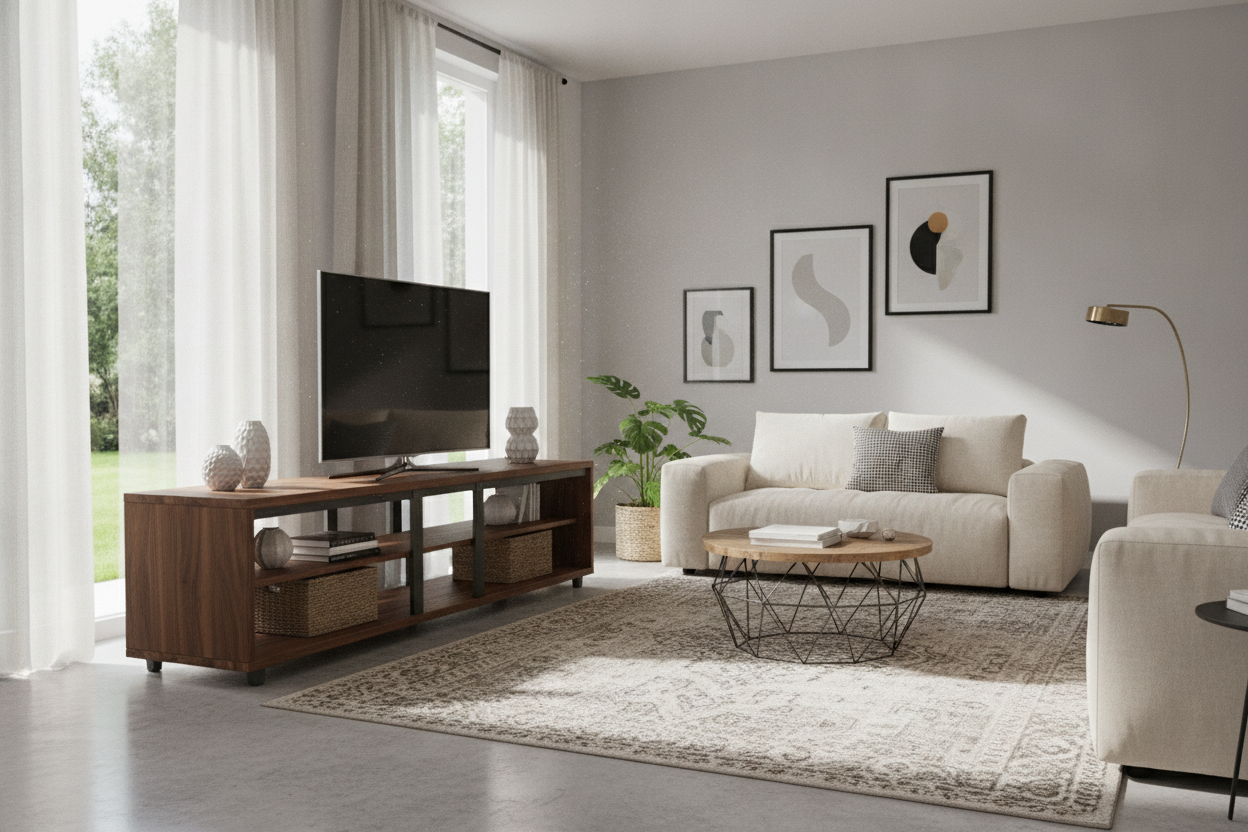
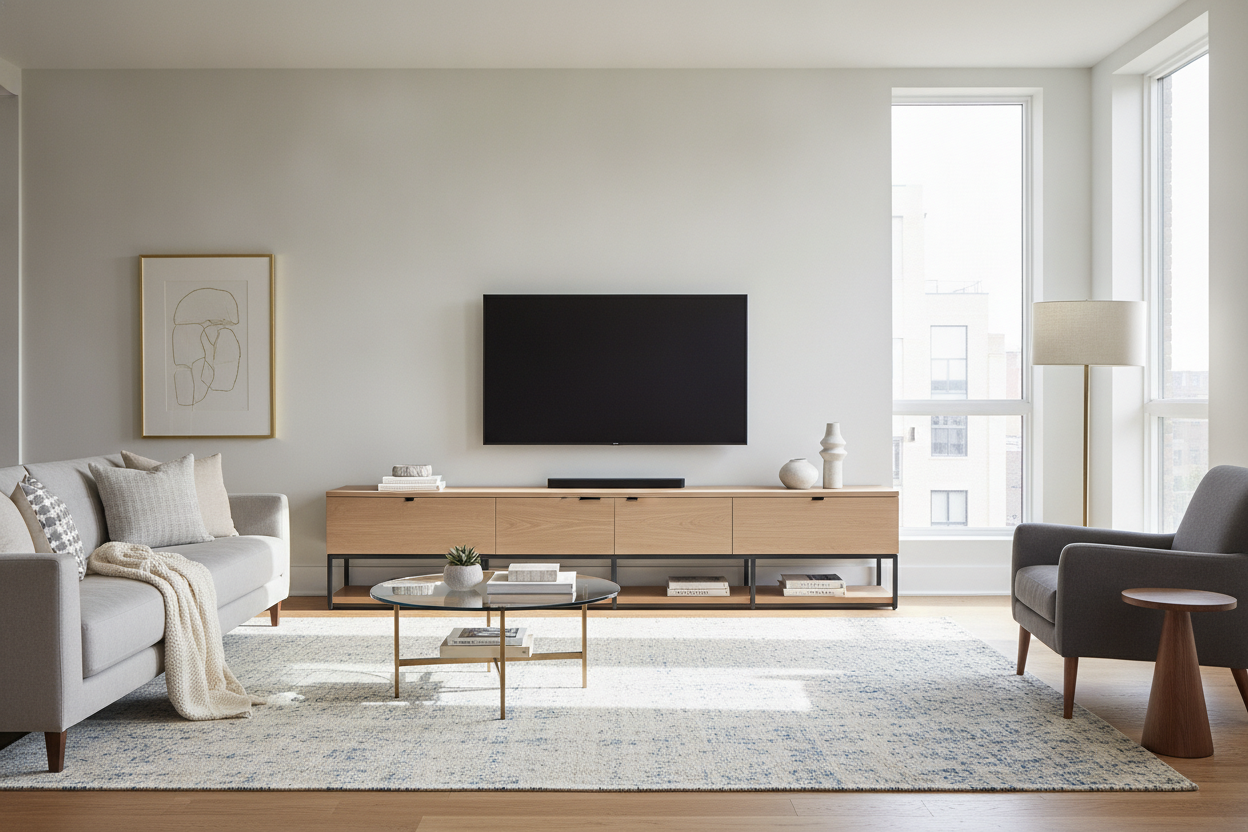
If you really want to level up, try the 'floating' look. I’ve had great luck using a long narrow tv stand—think 60 to 72 inches wide but only 11 inches deep—placed directly under a wall-mounted TV. It creates a high-end, built-in look without the custom-cabinetry price tag. This works incredibly well in narrow living rooms where the TV has to be on a high-traffic wall.
If you aren't ready to drill into your studs, or if your console too narrow? Try a tabletop tv stand approach to get that height and stability. Using a thin tv console table as a landing pad for your soundbar and some decor makes the TV feel anchored to the room’s design rather than just a black rectangle floating awkwardly on a blank wall.
My Personal Experience: The 12-Inch Mistake
I once bought a gorgeous 11-inch deep walnut console for my bedroom. It looked incredible. Then I tried to put my old PlayStation 4 inside it. The console was 12 inches deep. I ended up having to cut a hole in the back of the furniture and let the PS4 stick out the back by an inch, which meant the stand couldn't sit flush against the wall. It was a mess. If you have specific hardware, measure the actual hardware before you buy a very narrow tv stand. Don't be like me.
FAQ
Can a 65-inch TV fit on a 12-inch deep stand?
Technically yes, but only if the TV is wall-mounted above it or if you use a pedestal-style base. Most factory legs for 65-inch TVs are about 13-15 inches deep, so they will likely overhang a narrow stand.
Are narrow TV stands stable on carpet?
They can be wobbly. If you’re placing a skinny tv stand on plush carpet, you absolutely must use the anti-tip wall anchors that come in the box. It takes five minutes and prevents a disaster.
What is the best material for a thin TV stand?
Go for solid wood or heavy-gauge metal. Because these pieces have less depth to provide structural stability, cheap MDF or particle board tends to bow in the middle much faster than a sturdier material would.

Leave a comment
This site is protected by hCaptcha and the hCaptcha Privacy Policy and Terms of Service apply.