

















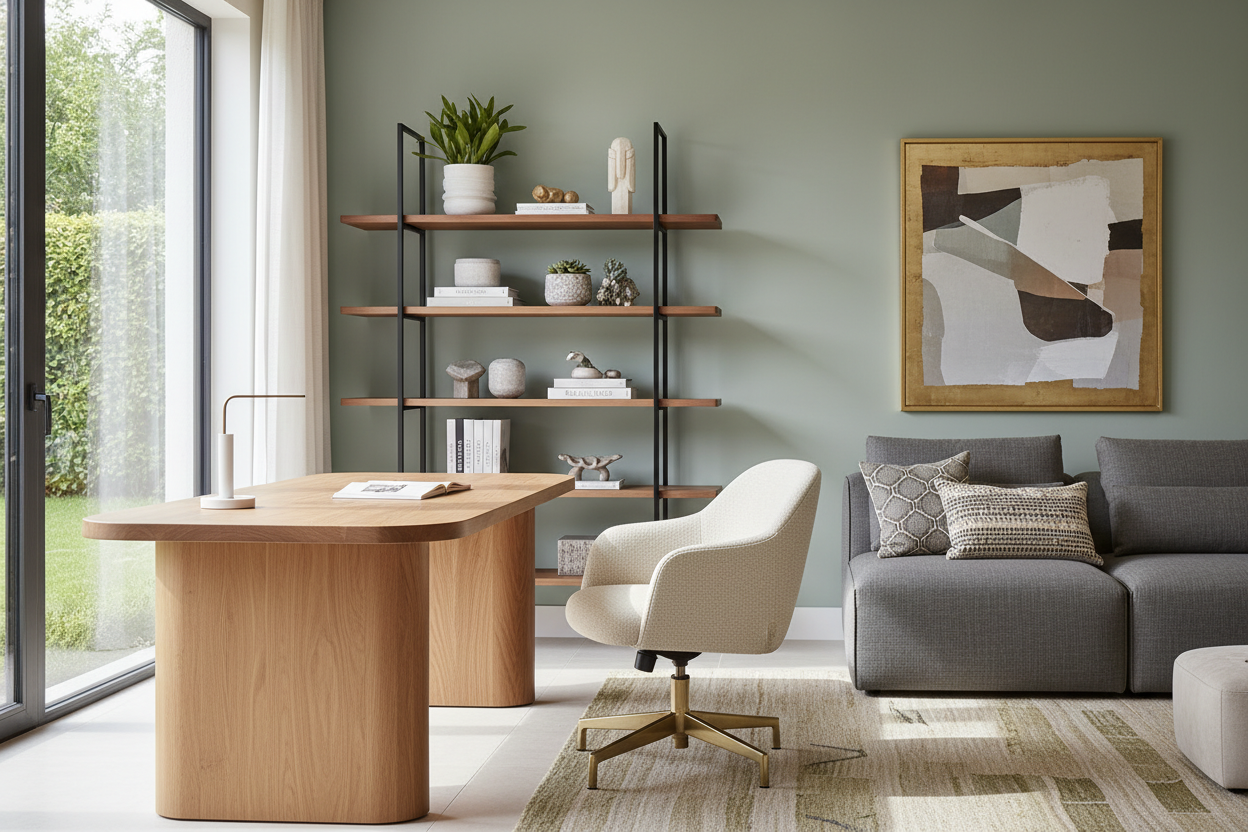
We have all been there: a dining table buried under laptops, sticky notes, and tangled charging cords. What started as a temporary setup has become a permanent eyesore in the middle of your house. If your current remote setup feels like an invasion of corporate gray plastic into your carefully curated space, it is time for a rethink.
Choosing the right work from home furniture is about striking a delicate balance. You need the physical support of a traditional office, but the visual warmth of residential design. By the end of this guide, you will know exactly how to source pieces that keep your posture aligned without making your living room look like a sterile cubicle.
Quick Decision Guide
- Prioritize the chair over the desk: Allocate at least 60% of your budget to a highly adjustable, ergonomic chair.
- Watch the desk height: Standard dining tables are 30 inches high, which is often too tall for comfortable typing; aim for a desk closer to 28 or 29 inches.
- Consider visual weight: In tight spaces, choose desks with open bases or hairpin legs to preserve negative space and keep the room feeling airy.
- Plan for wire management: Always check if a desk has built-in grommets or a modesty panel to hide the inevitable nest of cables.
Integrating a Workspace into North American Floor Plans
Most suburban homes and urban apartments were not built with dedicated home offices in mind. When you are carving out a workspace in an open-concept living area or a primary bedroom, proportion is everything.
The Living Room Corner Strategy
If your desk must live in the family room, avoid bulky, L-shaped executive monoliths. Instead, look for a writing desk with a slim silhouette. Place it behind a floating sofa to act as a console table, or tuck it into an unused alcove. You want to maintain at least 36 inches of clearance behind the desk chair so you can push back and stand up without hitting a wall or a sofa back.
Establishing Bedroom Boundaries
Putting a desk in the bedroom is tricky because it introduces active, stressful energy into a space meant for rest. If this is your only option, use a room divider or a strategically placed bookshelf to create a physical barrier. Opt for a desk with closed storage—like deep drawers—so you can physically put your laptop out of sight at the end of the day.
The Reality of Residential Ergonomics
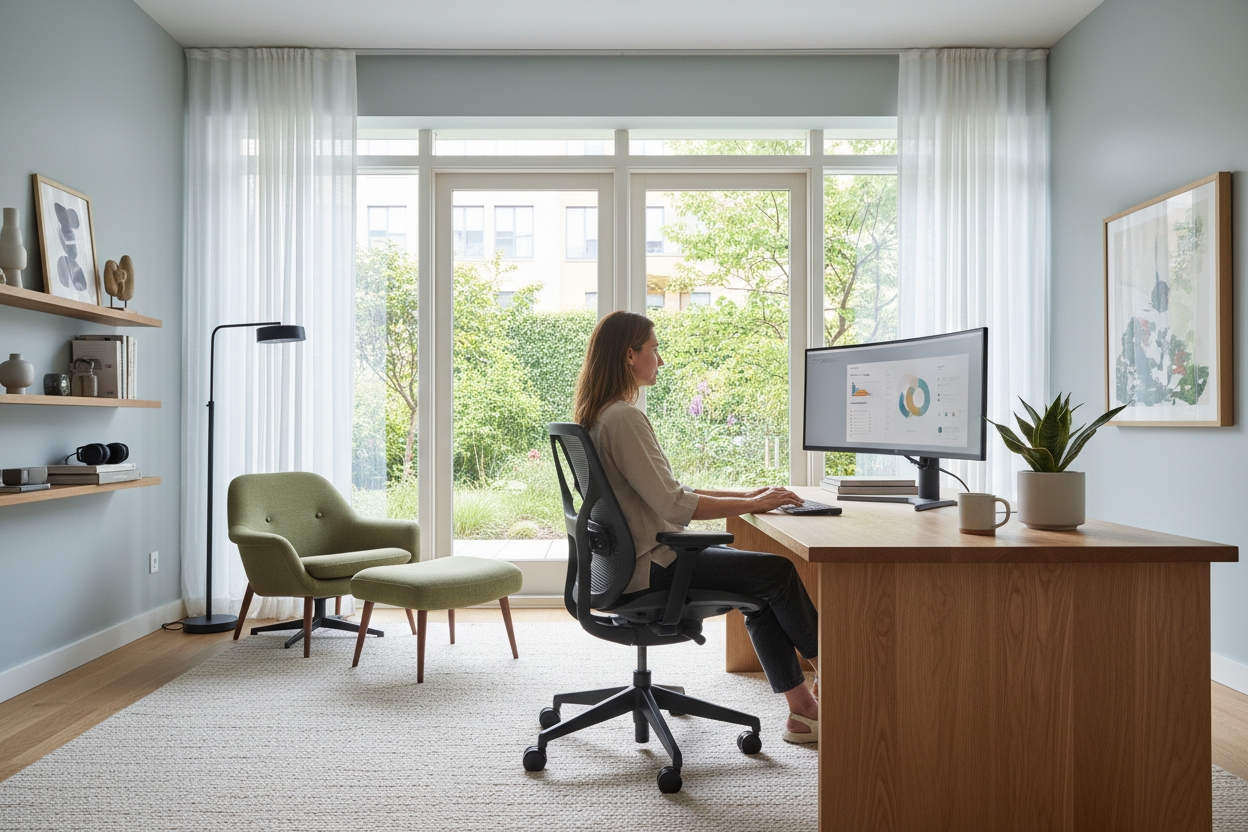
A chair might look stunning in a magazine spread, but if it leaves your lower back screaming by noon, it is completely useless. The physical details of your setup dictate how comfortably you can live and work.
Seat Depth and Cushion Density
When shopping for an office chair, pay attention to the seat pan depth. You should be able to sit all the way back with two to three fingers of space between the back of your knees and the edge of the seat. High-density foam is crucial here; standard upholstery foam will compress permanently after a few months of 40-hour work weeks.
The Standing Desk Dilemma
Motorized standing desks are fantastic for circulation, but their heavy, industrial T-frame legs often clash with residential decor. If you invest in one, opt for a solid wood top—like walnut or white oak—to add organic warmth. Be aware that dual monitors and heavy monitor arms require a desk top at least one inch thick to prevent bowing over time.
Banishing the Corporate Cubicle Look
You do not have to settle for black mesh and gray melamine. The secret to a beautiful home office is layering textures and mixing materials just as you would in a living room.
Material Mixing
Pairing a sleek, modern metal desk with a vintage, distressed leather chair creates immediate visual interest. If your room features heavily upholstered pieces, a glass or acrylic desk can minimize visual clutter. Conversely, if your space feels cold, bring in a warm wood desk with brass hardware to ground the room.
Designer's Honest Take: Lessons from My Own Office
Early in my career, I was obsessed with aesthetics. I bought a gorgeous, mid-century modern sculptural chair upholstered in a rich emerald velvet to use as my primary desk chair. It looked incredible against my matte black desk.
It took exactly three weeks for the reality of my choice to set in. The fixed back offered zero lumbar support, and the velvet trapped every speck of dust and pet hair in the house. Worse, the arms were just high enough that they banged into the desk edge every time I rolled in, chipping the veneer. I learned the hard way that a desk chair must be adjustable. I eventually swapped it for a high-end ergonomic chair, but chose a frame in a soft white rather than harsh black, which softened the corporate vibe while saving my spine.
Frequently Asked Questions
What size desk do I need for two monitors?
If you use dual monitors, you need a desk that is at least 48 inches wide and 24 inches deep. Anything shallower will place the screens too close to your eyes, causing strain, and leave you with zero room for a keyboard and notepad.
How do I hide computer cables on an open desk?
Use a cable management tray that screws into the underside of the desktop. Route all your monitor and power cables through a neoprene cable sleeve down one of the desk legs. This keeps the visual space under the desk clean and prevents accidental unplugging.
Can I use a dining chair as a desk chair?
For paying bills or checking emails for an hour, yes. For a full eight-hour workday, absolutely not. Dining chairs lack the necessary lumbar support, adjustable height, and seat padding required for long-term sitting, which will inevitably lead to back and neck pain.

Leave a comment
This site is protected by hCaptcha and the hCaptcha Privacy Policy and Terms of Service apply.