

















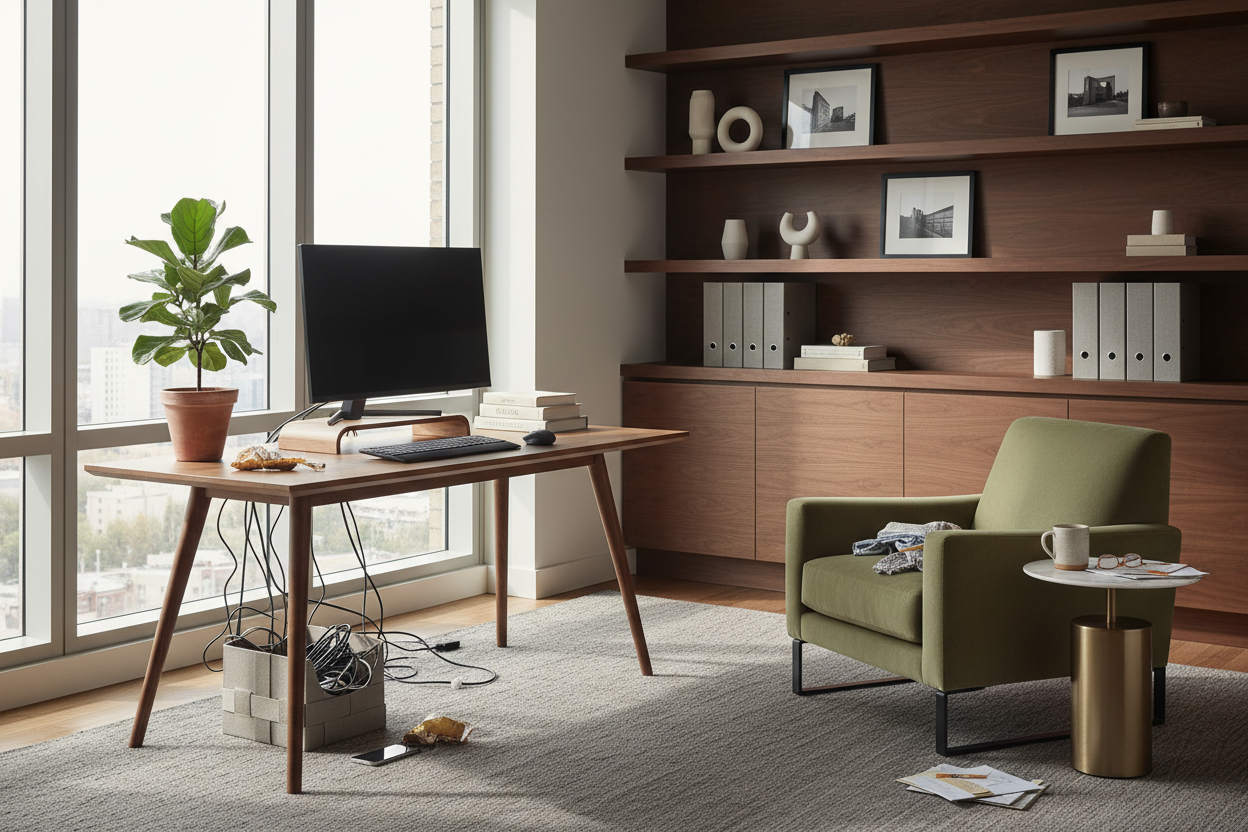
We have all been there. You stare at a spare bedroom or an empty alcove, pull out your phone, and start doom-scrolling for office inspo. Hours later, you have a board full of floating glass desks, backless linen stools, and minimalist shelves holding nothing but a single trailing pothos plant. It looks stunning on a screen, but trying to actually work eight hours a day in that setup? That is a recipe for back pain and cable clutter.
Today, I am going to show you how to bridge the gap between aesthetic inspiration and a highly functional workspace. You will walk away knowing exactly how to plan a layout, choose materials that last, and design a room that looks beautiful without sacrificing your posture or productivity.
Quick Decision Guide
- Prioritize depth over width: A standard laptop setup needs at least 24 inches of desk depth; add dual monitors, and you need 30 inches to protect your eyes and give your keyboard breathing room.
- Float the desk if space allows: Pushing a desk against a wall is the default, but floating it facing the door commands the room and hides the inevitable cable mess behind you.
- Mix open and closed storage: Hide the ugly utility items (printers, routers, tax files) behind solid doors, and reserve open shelving purely for curated decor.
- Invest in the chair, save on the desk: Your spine does not care if your desk is solid mahogany or engineered MDF, but it absolutely cares about seat density and lumbar support.
Translating Office Space Inspo into Reality
When clients bring me their favorite office space inspo, the first thing I notice is what is missing: cords, trash cans, and actual work equipment. To make a beautiful room function in a typical North American home, we have to plan for the ugly stuff first.
Mastering the Floor Plan
In a standard 10x10 suburban bedroom converted into an office, the layout dictates the entire feel of the room. If you are taking video calls, never put your back to a window. The backlighting will turn you into a dark silhouette. Instead, position your desk perpendicular to the window. This gives you soft, diffused natural light on your face and keeps the harsh glare off your monitor.
Style and Coordination
Creating cohesive work office inspo means balancing heavy, utilitarian items with softer residential textures. An office should not feel like a sterile corporate cubicle, but it also should not feel like a sleepy lounge space.
Managing Visual Weight
If you choose a heavy, solid wood executive desk, balance that visual weight with a lighter, leggy chair or airy metal shelving. Conversely, if you opt for a sleek, minimalist writing desk, anchor the room with a substantial, textured rug or dark, moody painted built-ins. Layering materials—like pairing a cool metal task lamp with warm walnut wood and a textured wool rug—keeps the space feeling collected rather than bought directly out of a single catalog.
Comfort and Ergonomics
The biggest disconnect between online photos and real life is ergonomics. A vintage dining chair might look incredibly chic tucked under a modern desk, but it will ruin your posture by Tuesday afternoon.
The Truth About Trendy Seating
Proper office chairs need adjustable height, tilt, and lumbar support. If you absolutely despise the look of traditional ergonomic mesh chairs, look for upholstered executive chairs with hidden mechanisms. Make sure the seat height allows your feet to rest flat on the floor with your knees at a 90-degree angle. Additionally, ensure your desk height (typically 29 to 30 inches) allows your forearms to rest parallel to the floor.
Designer's Honest Take
Early in my career, I designed a spectacular home office for a client in Toronto. We went with a stunning, custom-cut acrylic floating desk. It looked like a piece of modern art. It was the ultimate photo-ready moment.
Then, the client actually moved in. The acrylic showed every single fingerprint, speck of dust, and coffee cup ring within seconds. Worse, because the desk was transparent, there was literally nowhere to hide the power strips, monitor cables, and laptop chargers. It looked like a beautiful glass box filled with black spaghetti. We ended up having to retrofit a solid modesty panel just to hide the cords. I learned the hard way that a workspace has to absorb the messy reality of daily work. Now, I always specify desks with built-in cable management or solid backs.
Frequently Asked Questions
How do I hide cords in a home office?
Use cable management trays that screw into the underside of your desk. Route all cables through a single neoprene sleeve down one of the desk legs, and use adhesive clips to guide cords along the back edge of your furniture.
What size rug do I need for an office?
Your rug needs to be large enough that your chair remains fully on it, even when you roll back to stand up. For a standard desk setup, a 5x8 or 6x9 rug is usually the minimum size to prevent the chair casters from catching on the rug edge.
Is a standing desk actually worth the investment?
Yes, but only if you buy one with dual motors. Single-motor standing desks tend to burn out or wobble when loaded with heavy monitors. Pair it with an anti-fatigue mat, as standing on hardwood or thin carpet will quickly cause heel and lower back pain.

Leave a comment
This site is protected by hCaptcha and the hCaptcha Privacy Policy and Terms of Service apply.