

















I spent three weeks obsessing over the perfect shade of 'Greige' for my living room walls, only to ruin the entire vibe by slapping a 65-inch plastic rectangle on a wobbly particle-board stand I bought in a panic. It looked like a college dorm room that had accidentally grown up. We spend thousands on high-quality sofas and hand-knotted rugs, but then we treat our entertainment centre ideas like an afterthought, leaving a tangled bird's nest of HDMI cables for the world to see.
Quick Takeaways
- Stop mounting your TV too high; your neck (and your guests) will thank you.
- Invest in depth—ensure your console is at least 16-18 inches deep for modern hardware.
- Mix textures—pair sleek tech with natural wood or matte finishes to kill the 'office' look.
- Hide the clutter—if you can see the router, you've failed the design test.
Why Your TV Wall is Secretly Ruining Your Vibe
The problem is that TVs are getting bigger while our patience for bulky furniture is shrinking. You buy an 85-inch screen because, hey, movie night, right? But then you realize that giant black void completely dominates your family room entertainment wall. It’s hard to feel 'hygge' when you’re staring at a massive piece of glass that reflects every lamp in the room.
Most people try to fix this by buying the cheapest, thinnest stand they can find. If it’s made of thin particle board with a wood-grain sticker that peels off if you spill a drop of water, it’s not furniture. It’s trash with a shelf. I’ve seen $5,000 living room setups brought down by a $40 stand that sags in the middle. The visual weight is all wrong. A massive TV needs a base that feels grounded and intentional, not like it’s about to collapse under the weight of a Netflix marathon.
Worse yet are the wires. A beautiful room is instantly cheapened by a dangling black cord. It’s the interior design equivalent of wearing a tuxedo with dirty sneakers. If you aren't thinking about cable management from day one, you aren't decorating; you're just storing electronics.
Entertainment Centre Ideas That Actually Look Like Furniture
The secret to a grown-up living room is treating the media unit as a piece of actual furniture, not just a tech rack. We need entertainment center ideas modern enough to handle 4K tech but classic enough to not look dated in three years. I’m talking about solid wood, real metal hardware, and finishes that don't scream 'big box store clearance.'
I personally look for pieces that have character—think fluted wood details, mid-century tapered legs, or even a moody matte black finish. You want something that would look good even if the TV wasn't there. If you strip away the electronics and the piece looks sad and lonely, it’s the wrong piece for your home.
The 'Faux Custom' Built-In Approach
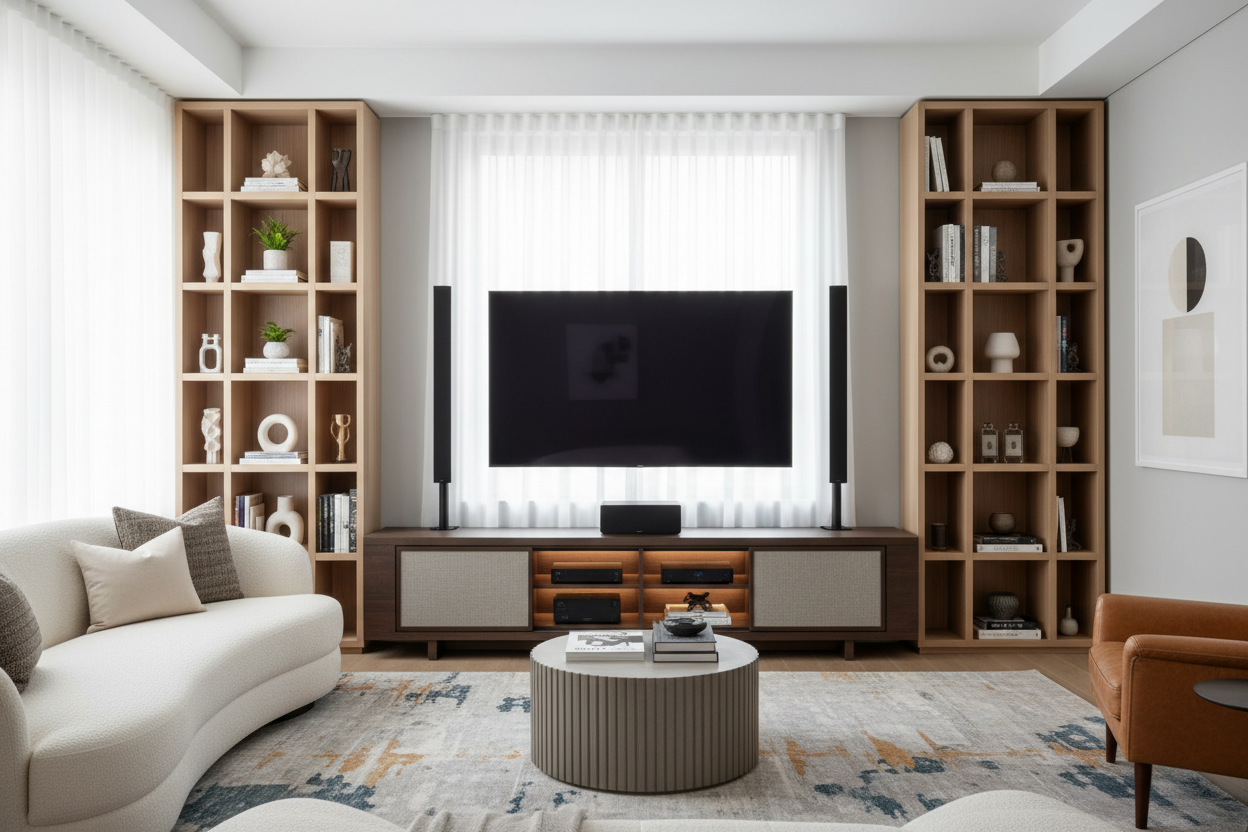
Everyone wants the look of a library, but nobody wants to pay a contractor $8,000 for custom millwork. This is where modular systems come in. You can create a high-end look by flanking a central console with matching bookshelves. When you use built in entertainment wall ideas like this, you’re essentially framing the TV. It makes the screen feel like it belongs there rather than just being stuck on the wall like a giant post-it note.
I once tried to DIY a 'built-in' look using those famous Swedish bookcases. Pro tip: if you don't secure them to the wall and add crown molding to the top, they just look like bookcases standing next to a TV. The 'custom' feel comes from the details. Fill the gaps. Add puck lighting. Use back panels that match your wall color. I spent a weekend adding a simple 1x4 piece of trim across the top of three modular units, and it looked like I spent a fortune on a carpenter. It's about creating a cohesive unit that stretches across the wall, providing both storage and a sense of permanence.
The Floating Console Hack for Tight Layouts
If you're living in a 600-square-foot box, the last thing you need is a heavy, floor-hogging cabinet. This is where apartment entertainment center ideas get clever. By using a wall-mounted media console, you keep the floor visible. This is an old designer trick: the more floor you can see, the larger the room feels. It’s physics, or magic, or both.
I’ve lived in apartments where a standard TV stand felt like a giant boulder in the middle of the path. Switching to a floating unit changed everything. It feels airy. Plus, it makes vacuuming significantly easier—no more dust bunnies living under the console for three years. Just make sure you’re hitting studs when you mount it. I once saw a floating shelf rip a chunk of drywall out because someone thought 'heavy duty' anchors were enough for a 50-pound unit plus a soundbar. Spoiler: they weren't.
The Low-Profile Moody Modern Look
Minimalism doesn't have to mean 'white and boring.' Some of the best media center design ideas involve going dark. A low-profile, black tv stand entertainment center acts like a visual anchor. When the TV is off, the black screen blends into the dark furniture, making it less of an eyesore.
I’m a huge fan of low-slung units that sit maybe 18 inches off the ground. It gives the room a loungey, mid-century vibe. Look for units with slatted doors; they allow infrared signals from your remote to pass through while keeping the ugly cable box and PlayStation hidden. It’s the ultimate 'clean' look. Just be wary of cheap veneers—dark furniture shows every scratch and dust mote, so go for a high-quality finish that can handle a little life.
The 'Distraction Method' for Styling Around the Screen
The biggest mistake people make is leaving the TV alone on a blank wall. It looks like an altar to the God of Content. To fix this, you need to use the 'distraction method.' Surround the screen with things that aren't tech. I like to use asymmetrical art—place a large framed print on one side of the TV and a stack of books or a tall vase on the other. This breaks up the hard rectangular lines of the screen.
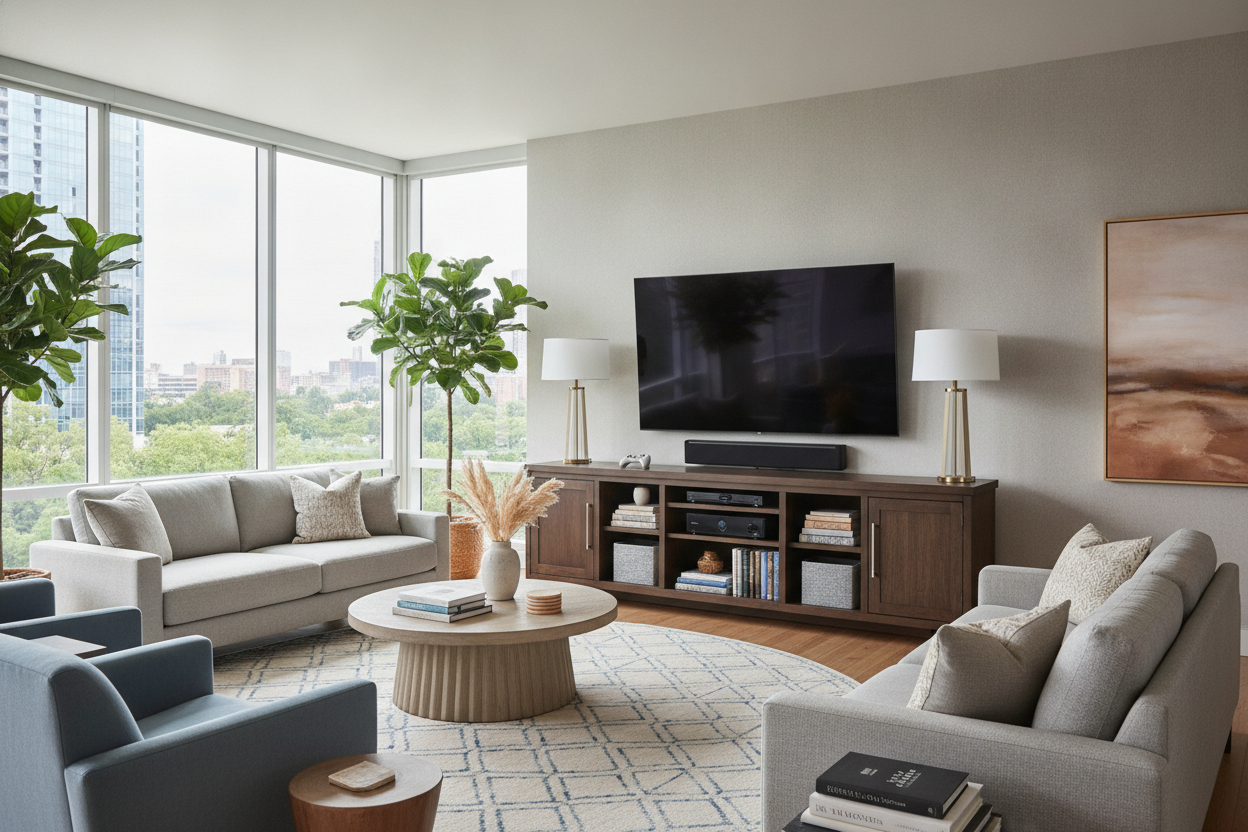
Adding a lamp to your media unit is also a game-changer. Not only does it provide soft 'bias lighting' that reduces eye strain while watching movies, but it also makes the unit feel like a styled sideboard. When you browse living room media center ideas, you’ll notice the best ones always have a mix of heights and textures. Don't be afraid to put a plant near the TV (just don't spill water on the vents). The goal is to make the technology a part of the room’s story, not the only character.
Personal Experience: The Sagging Shelf Incident
I once bought a 72-inch media console because it was a 'steal' at a big-box retailer. It was made of honeycomb-core MDF. Within six months, my heavy vintage receiver and the center channel speaker had caused a visible 2-inch bow in the middle. It looked pathetic. I had to reinforce it with a 2x4 I painted black and shoved underneath. The lesson? Check the weight capacity. Real wood or high-density furniture grade plywood is worth the extra $200. It’s the difference between a piece that lasts a decade and one that ends up on the curb before your lease is up.
FAQ
How high should I mount my TV?
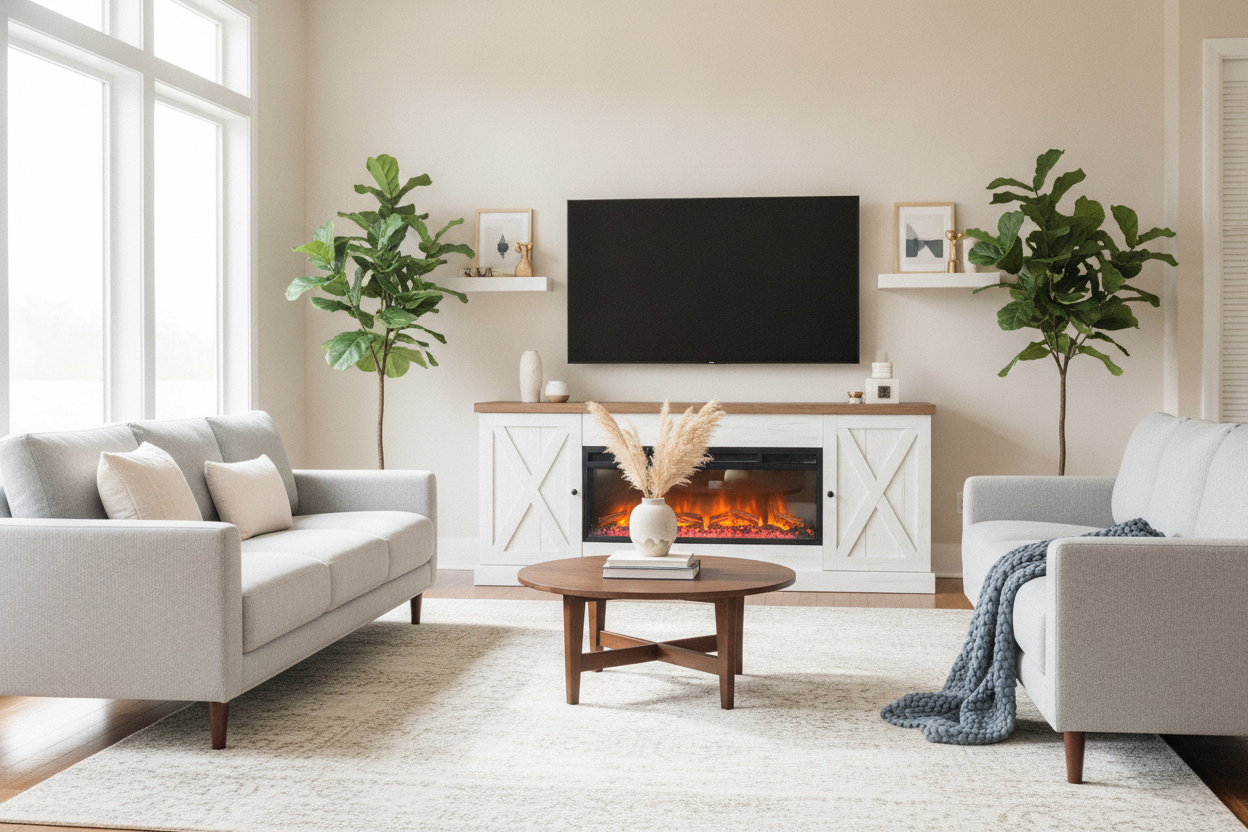
The center of the screen should be at eye level when you’re sitting on your sofa. For most people, that’s about 42 inches from the floor. Please, for the love of design, stop mounting TVs above fireplaces; it’s too high and it kills the vibe.
How do I hide my messy cables?
If you can't run them through the wall, use a D-line cable raceway that you can paint to match your wall color. Also, use Velcro ties instead of plastic zip ties—you’ll thank me the next time you need to swap out an HDMI cable.
Can I put a TV in front of a window?
Try to avoid it. The backlighting from the window will cause massive eye strain, and the glare on the screen will make daytime viewing impossible. If you must, invest in some serious blackout curtains.

Leave a comment
This site is protected by hCaptcha and the hCaptcha Privacy Policy and Terms of Service apply.