

















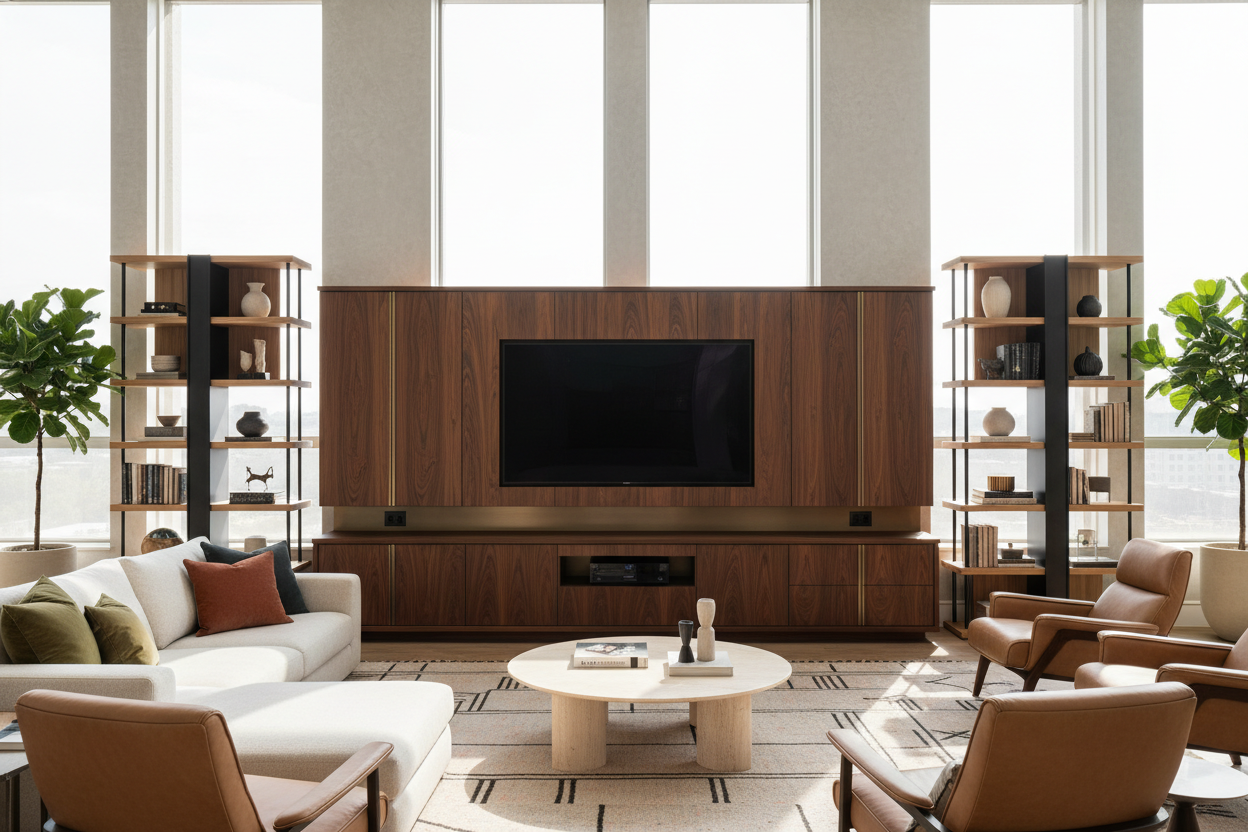
I spent three hours last Saturday staring at a hole in my drywall that was exactly four inches to the left of where it needed to be. My living room looked like a construction zone, all for a 'floating' TV that still had three ugly black cables dangling like vines from a jungle. I'm done. I’ve officially returned to the world of substantial flat screen tv cabinets.
We have been sold a lie that every TV needs to be bolted to the wall. After years of patching holes and buying plastic cable raceways that never actually stay stuck to the paint, I realized that a real piece of furniture is almost always the better choice. It’s about more than just holding the screen; it's about making a room feel like a home instead of a Best Buy showroom.
- Skip the Patching: No more drywall anchors or finding studs.
- Cable Stealth: Cabinets hide the 'spaghetti' mess of wires better than any wall mount.
- Storage Wins: You actually have a place to put your remote and PlayStation.
- Better Ergonomics: Most wall mounts are way too high (the 'TV over the fireplace' plague).
The Wall-Mounting Delusion (And Why I Fell For It)
I get the appeal. You see those glossy architectural photos where a paper-thin TV sits flush against a marble wall with zero wires in sight. It looks futuristic and clean. But unless you are hiring an electrician to drop power and HDMI behind the wall, your reality is going to involve plastic cord covers that look like industrial plumbing.
Then there is the neck strain. People have a weird tendency to mount TVs at eye level for someone standing up. Unless you watch Netflix while pacing the room, that TV is too high. I spent two years with a slight crick in my neck because I thought 'higher is more modern.' It’s not. It’s just uncomfortable.
The Drywall Dust Incident That Broke Me
The breaking point came when I tried to mount a 65-inch screen in my current rental. The 'studs' turned out to be metal, my drill bit snapped, and I ended up with a handful of crumbling plaster. It was a mess. Repairing that wall cost me more in time and spackle than a decent tv cabinet for flat screen setups would have cost in the first place.
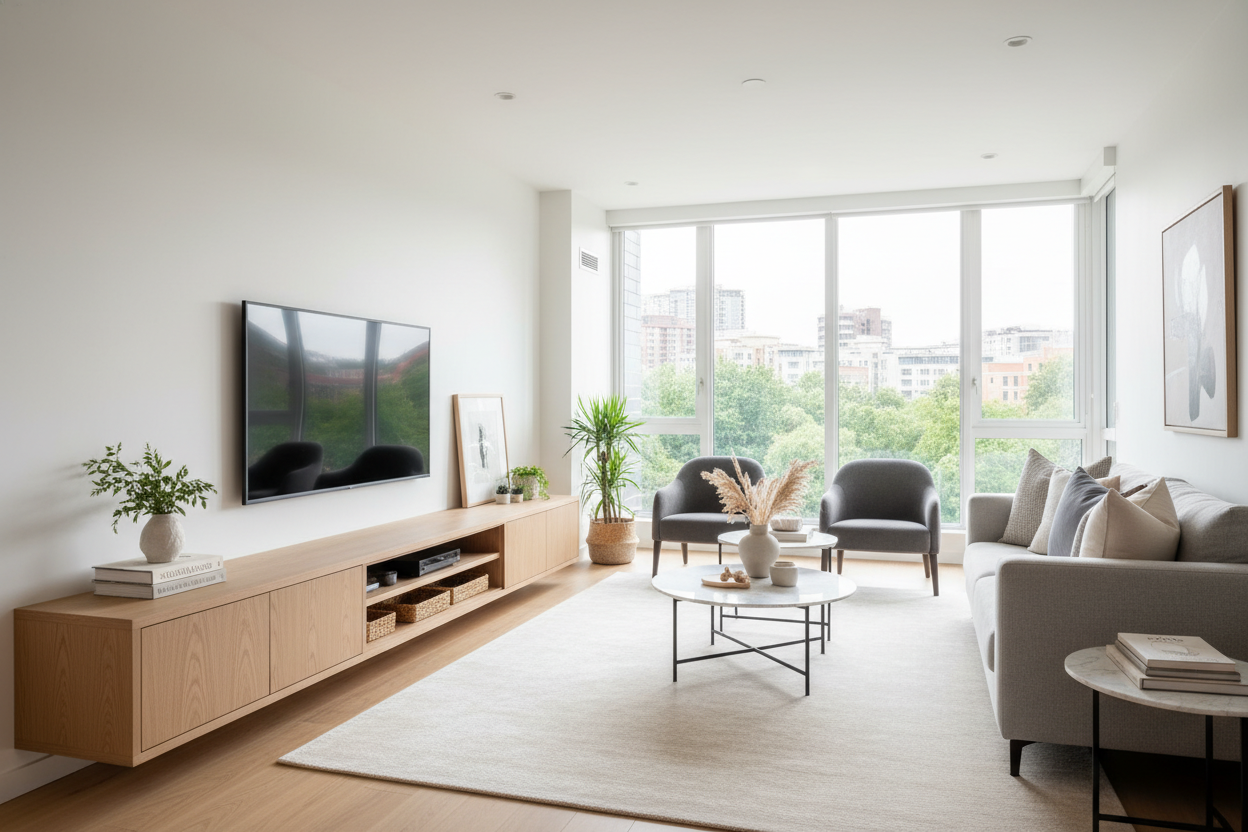
Even if you manage to get the bracket secure, a mounted TV often looks 'lost' on a large wall. It lacks a foundation. If you absolutely insist on the height of a mount, you still need to add a flat screen TV wall cabinet underneath. It anchors the visual weight of the screen so it doesn't look like a lonely black mirror floating in the void.
Why Freestanding Cabinets Actually Look Better
A TV is a giant black rectangle. It is a dead space in your design when it's turned off. A solid cabinet adds texture, wood grain, or color to balance that void. It turns a piece of technology into a curated corner of the room. I’ve found that styling the top of a cabinet with a few books or a ceramic vase makes the tech feel less intrusive.
If you're worried about the cabinet looking too bulky, look for specific finishes. For example, choosing a black cabinet with glass doors allows the piece to blend with the dark screen while the glass adds a bit of reflection and depth. It keeps the furniture from feeling like a heavy block of wood in the middle of your floor.
What I Looked For When Replacing My Setup
When I finally ditched the mount, I didn't just buy the first thing I saw. You need to measure the footprint of your TV's actual stand—not just the screen size. I also made sure to account for my soundbar. A lot of modern stands are too narrow, leaving the soundbar overhanging the edges like a diving board. Aim for at least two inches of clearance on either side.
Depth and Cable Management Are Non-Negotiable
Don't buy a cabinet that is too shallow. You need room for the plugs to stick out of the back of your devices without bending the cables at 90-degree angles. I learned this the hard way with a cheap 12-inch deep console that wouldn't actually close because the HDMI cables were in the way.
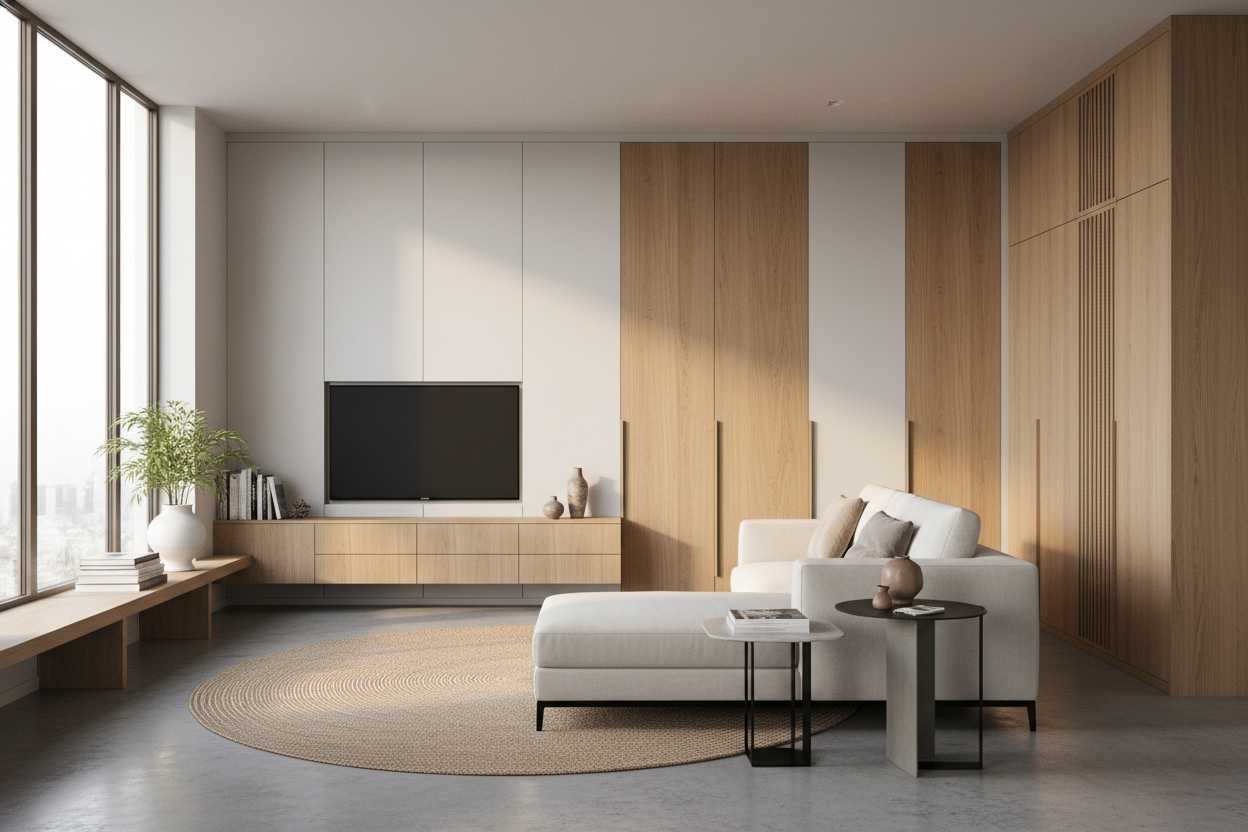
Swapping my old, flimsy open-back stand for a modern TV cabinet table with storage was a revelation. It has dedicated routing holes that keep the power strips inside the unit. My living room finally looks as clean as those Pinterest photos, but without the structural damage to my walls.
Closed Doors to Hide the Chaos
Open shelving is a trap. Unless you have the patience to dust your router and Apple TV every three days, get doors. I prefer opaque doors or tinted glass to hide the blinking lights of the modem and the tangled mess of controller chargers.
For anyone with multiple consoles or a massive 4K Blu-ray collection, I highly recommend a large TV cabinet with spacious storage. It’s much easier to shove a messy pile of cables behind a wooden door than it is to try and 'organize' them with Velcro ties on an open mount. Your sanity is worth the extra floor space.
FAQ
How high should my TV cabinet be?
For most sofas, you want a cabinet that sits between 22 and 28 inches high. This keeps the center of the screen at eye level when you are seated. If you’re sitting on the floor or a low beanbag, go even lower.
Do electronics overheat inside a closed cabinet?
They can. Look for cabinets with ventilated back panels or 'floating' shelves that allow air to circulate. If you have a high-powered gaming PC or an older receiver, you might want to leave the door cracked during heavy use.
Can a TV cabinet hold a 75-inch TV?
Yes, but check the weight rating. Most flat screen tv cabinets are built for the size, but some cheaper MDF units can sag over time under the weight of a massive screen. Look for a center support leg for anything over 65 inches.

Leave a comment
This site is protected by hCaptcha and the hCaptcha Privacy Policy and Terms of Service apply.