

















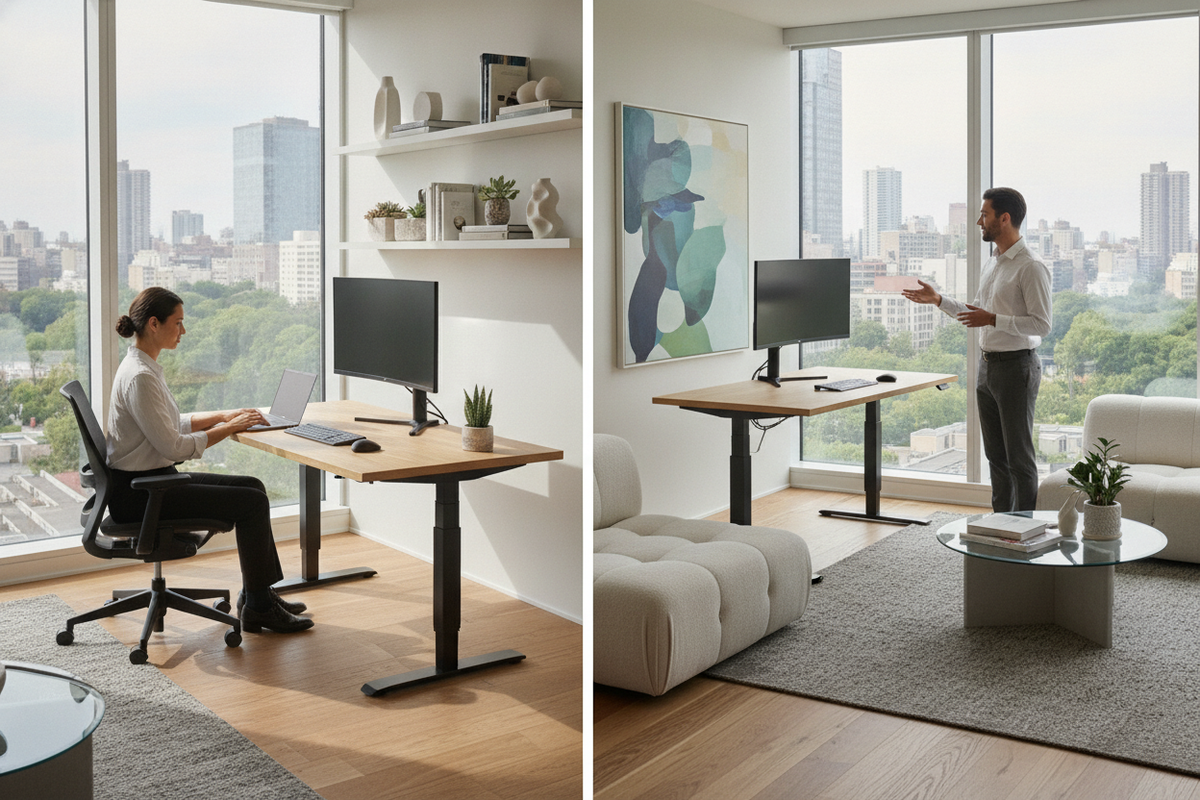
Understanding the Purpose: What Is a Sit-Stand Desk For?
A sit-stand desk is designed to provide smooth transitions between seated and standing work postures throughout the day. Rather than confining a person to a single, static posture during extended work sessions, height-adjustable furniture introduces physical versatility into the workspace. The primary concept behind this design is dynamic posture management, allowing users to alternate their working stance to reduce sustained physical stagnation.
Traditional office configurations require individuals to adapt their bodies to fixed surface heights, often leading to awkward slouching, rounded shoulders, or compromised wrist angles. A sit-stand setup shifts this dynamic by adapting the furniture directly to the user. Alternating between seated focus and standing tasks encourages subtle shifts in balance and weight distribution, promoting overall physical comfort while working on daily tasks.
Core Mechanics: What a Sit-Stand Desk Is and How It Operates
Modern sit-stand workstations operate primarily through motorized telescopic lifting columns, pneumatic counterbalance cylinders, or manual crank mechanisms. Motorized systems represent the most common category for home and corporate offices, utilizing electric drives synchronized inside the desk legs to elevate or lower the worksurface evenly.
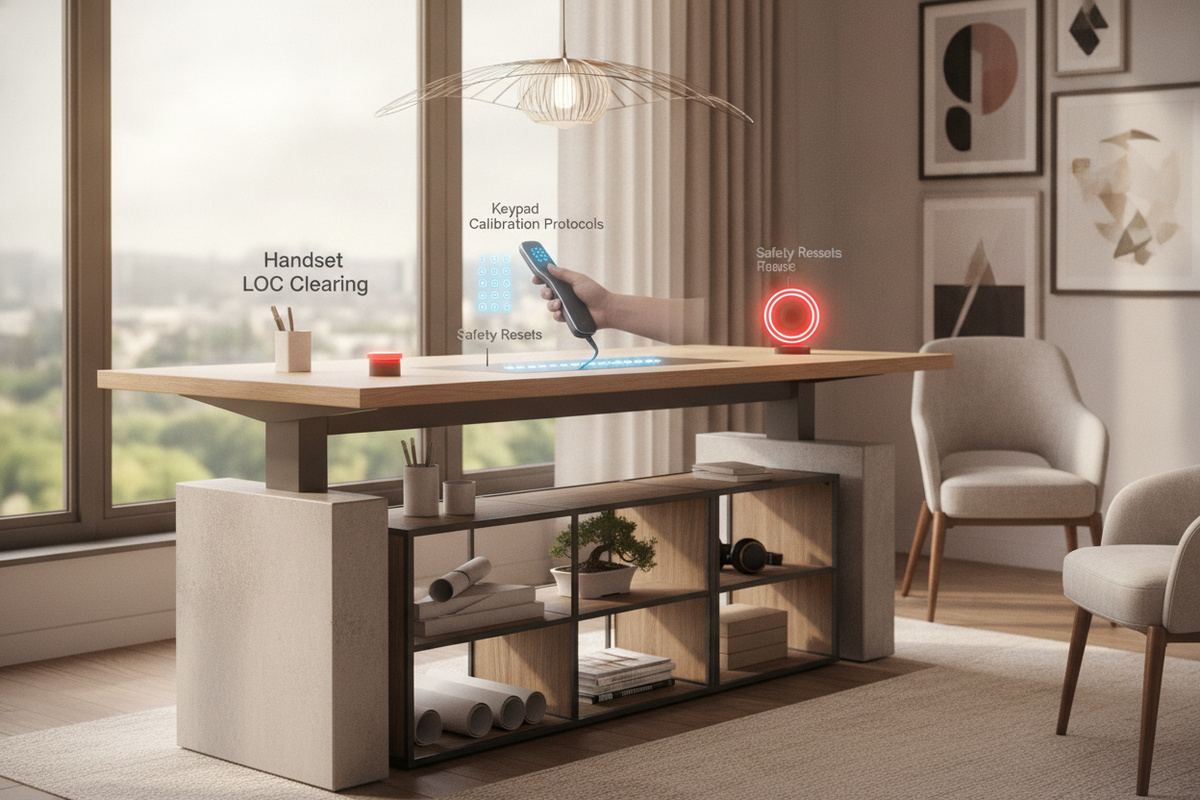
Most electric models feature intuitive digital controller pads that allow users to raise or lower the frame at will. Many advanced controllers include programmable presets, which allow multiple height positions to be stored in memory. When selecting an ergonomic sit stand desk product, these memory presets make shifting between calibrated seated and standing heights immediate and repeatable without repeated manual adjustments. Structural stability depends on heavy-gauge steel leg columns, reinforced crossbars, and broad footplates that maintain structural rigidity even at maximum vertical extension.
Daily Use Cases: Who and What Sit-Stand Workstations Are Designed For
Height-adjustable desks serve a wide range of user profiles across creative, technical, and analytical fields:
- Knowledge Workers and Remote Professionals: Individuals spending long hours at computers benefit from changing working elevations during distinct tasks, such as standing during phone calls or video conferences and sitting during deep typing sessions.
- Multi-User Households: Shared home offices require flexible furniture heights. An adaptable versatile sit stand desk product accommodates family members of varying heights, ensuring each user achieves an ergonomic desktop level without needing separate desks.
- Designers, Drafters, and Creatives: Creative tasks often involve shifting between digital tablets, physical sketchbooks, and wide-format materials. Standing height provides better overhead reach and mobility across large surface areas.
Ergonomic Calibration: Setting Proper Seated and Standing Heights
Achieving true ergonomic comfort with a sit-stand desk requires intentional height calibration tailored to individual body proportions:
1. Forearm and Elbow Geometry
When typing or navigating with a mouse, adjust the desktop height so your elbows rest at approximately a ninety-degree angle. Your shoulders should remain relaxed and dropped rather than hunched upward or reaching forward. Forearms should rest comfortably parallel to the floor without resting heavy pressure on sharp desktop edges.
2. Neutral Wrist Alignment
Your wrists should maintain a flat, neutral line relative to your forearms. Reaching upward to an excessively tall desk or angling wrists downward toward a low surface can cause localized joint strain over time.
3. Standing Stance and Foot Placement
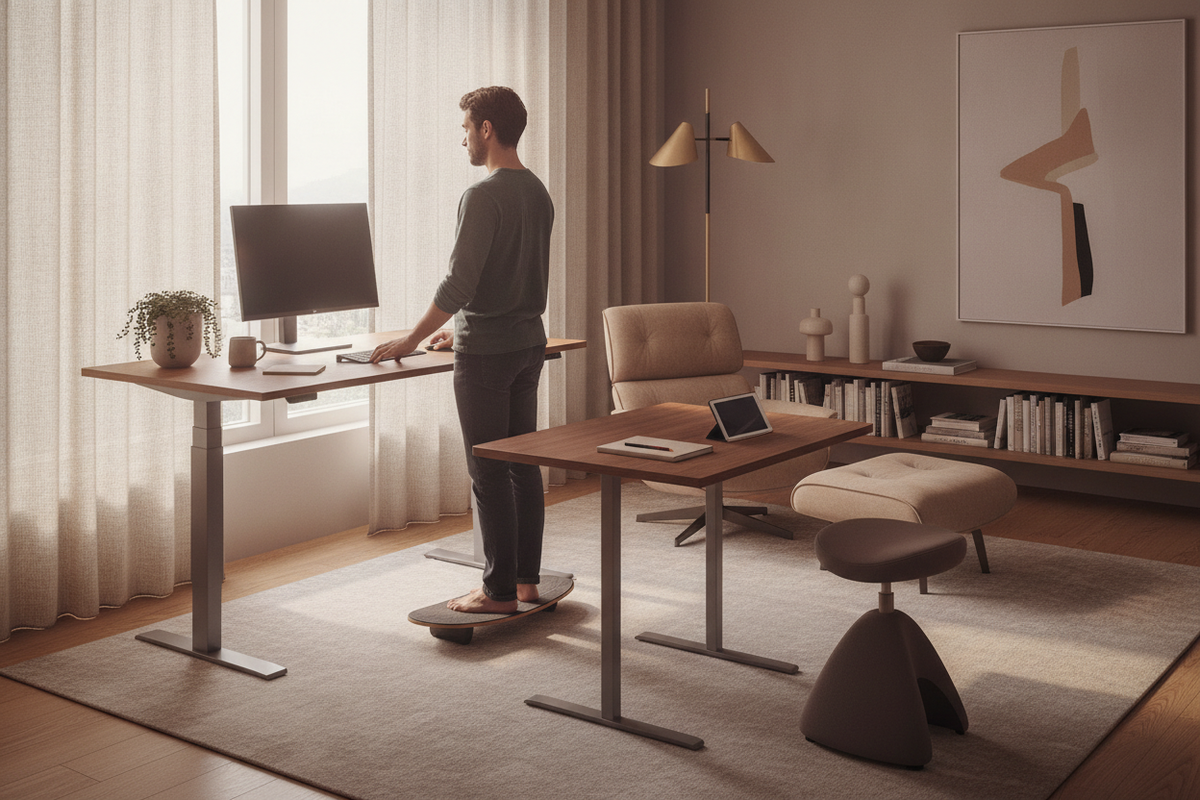
When standing, distribute your body weight evenly across both feet. Avoid locking your knees or leaning exclusively onto one hip. Incorporating an anti-fatigue floor mat can provide subtle cushioning that encourages small muscle adjustments throughout standing intervals.
Sightline Geometry and Screen Positioning Across Dynamic Heights
Maintaining proper eye level relative to your display is critical when transitioning between seating and standing. When a desk moves vertically, the relative position between the desktop surface and the user's eyes can shift slightly depending on standing posture.
Displays should be positioned so that the upper third of the screen sits at or slightly below eye level. This prevents upward neck tilting or forward head jutting. When surface space on a moving desktop is limited, consulting a helpful desk stand guide can help you decide whether monitor riser tiers, dynamic articulation arms, or external display mounts are ideal for keeping screen heights aligned during desk travel.
Storage Integration and Surface Organization for Dynamic Desks
Because sit-stand desks move vertically, integrating traditional drawers directly beneath the desktop can be challenging due to frame clearances and weight limits. Workspace planners handle this dynamic in several ways:
- Decoupled Mobile Pedestals: Independent filing cabinets and rolling drawers sit beside or under the desk without restricting upward or downward frame travel.
- Integrated Tiered Desktops: Some workstations incorporate elevated platforms or shallow upper shelving. Choosing a dedicated integrated desk stand product provides built-in peripheral tiers and compact storage pockets while maintaining clear working surfaces.
- Dynamic Cable Management: Power cords and peripheral cables must feature adequate slack to travel from the floor to the highest standing position without snagging or pulling on electrical outlets. Cable spines and under-desk cable raceways keep wiring organized and protected.
Spatial Clearance and Room Architecture for Height-Adjustable Setups
Integrating a motorized sit-stand desk into a room layout requires attention to physical clearances. The desk requires uninterrupted vertical travel zones, meaning it must not collide with wall art, floating shelves, window sills, or surrounding furniture.
Allow adequate perimeter buffer space between the desk edges and nearby walls or cabinets to prevent pinching cords or scraping wall paint during elevation. For setups supporting large display panels, some users choose to mount heavy displays independently. As outlined in another detailed desk stand guide, separating heavy screens from the moving desktop onto stationary floor mounts frees up primary desk space and reduces moving mass on the motorized lift frame.
Selecting the Right Sit-Stand Configuration for Your Home Office
When evaluating sit-stand desks, balance functional hardware needs with overall room aesthetics:
- Desktop Surface Area: Choose a surface width and depth that easily accommodates your primary display, input peripherals, and reference materials while leaving open zones for manual writing.
- Weight Capacity and Dual Motors: For setups with multiple screens, heavy desktop audio gear, or dense hardwood surfaces, dual-motor frames provide balanced power across both leg columns.
- Cohesive Finish Palettes: Coordinate desktop wood tones and steel frame colors with surrounding storage units, credenzas, and bookshelves to create an organized, inviting office interior.
By pairing height-adjustable desks with thoughtful cable routing, ergonomic monitor placement, and complementary storage furniture, you can establish an adaptable workspace tailored for long-term comfort and productivity.

Leave a comment
This site is protected by hCaptcha and the hCaptcha Privacy Policy and Terms of Service apply.